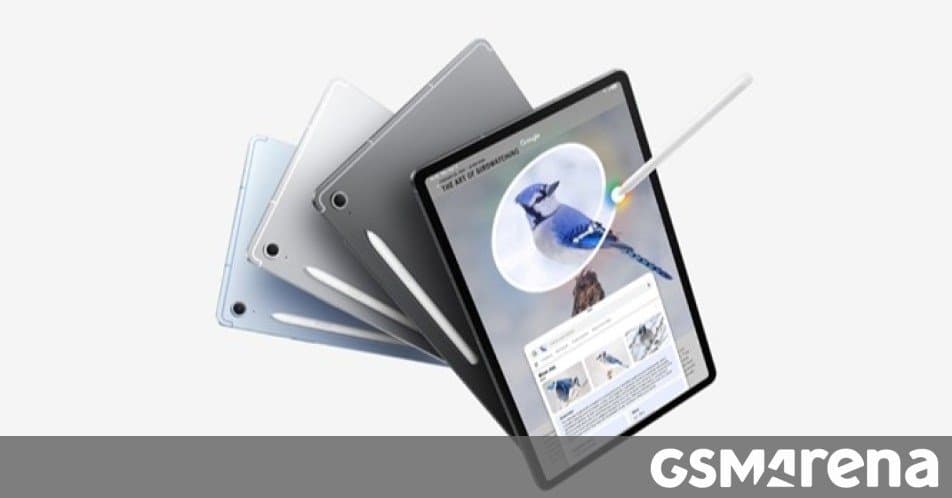
Samsung’s latest One UI 8.5 update now reaches the Galaxy Tab S10 FE and FE+ tablets, and the rollout has begun for the Galaxy S23 FE in India. The article explains the update details, firmware sizes, and what this means for users and the broader Samsung ecosystem.
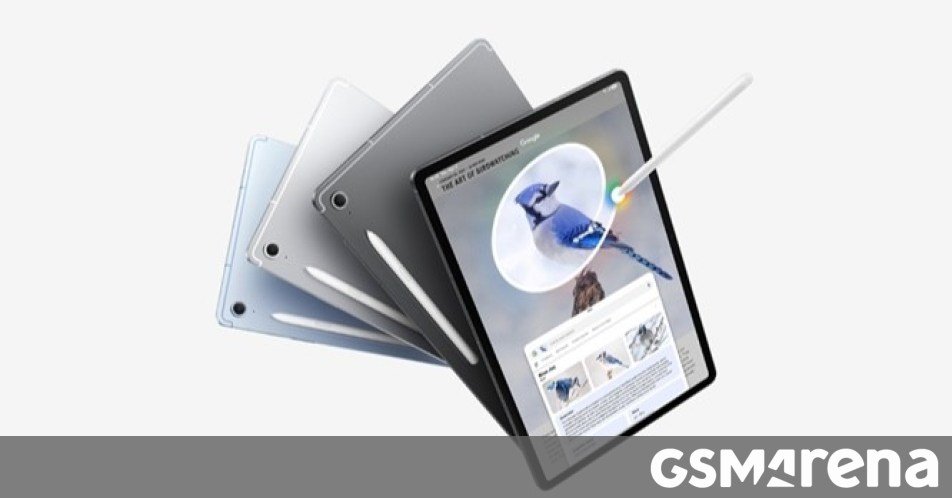
Announcement
Samsung has officially rolled out the stable One UI 8.5 update to the Galaxy Tab S10 FE and its larger‑memory sibling, the FE+. The update, which first appeared on the Galaxy Tab S11 and S11 Ultra, is now hitting these mid‑range tablets in South Korea and is expected to reach other markets shortly. At the same time, the company has begun delivering the update to the Galaxy S23 FE in India, expanding the list of devices that can enjoy the new UI enhancements.
What’s in the Update?
The One UI 8.5 release brings a handful of refinements that are typical of a stable revision: smoother animations, improved battery‑management tweaks, and a refreshed notification panel. The firmware for the Tab S10 FE series is roughly 260 MB, while the S23 FE’s binary is a bit larger at 4 GB plus. Both updates are delivered via OTA and can be checked in Settings > Software update.
Rollout Path
Samsung’s rollout strategy is incremental. The update first lands on devices enrolled in the One UI 8.5 beta program, then expands to the wider user base. For the S23 FE, beta users in South Korea received the update last month; Indian users are now seeing the same firmware version (S711BXXUFGZDP) as it rolls out.
Key Features
| Device | Storage | RAM | Update Size | Firmware ID |
|---|---|---|---|---|
| Galaxy Tab S10 FE | 256 GB | 12 GB | 260 MB | – |
| Galaxy Tab S10 FE+ | 256 GB | 12 GB | 260 MB | – |
| Galaxy S23 FE | 256 GB | 8 GB | 4 GB+ | S711BXXUFGZDP |
| Galaxy S23 | 256 GB | 8 GB | 4 GB+ | S91xUSQU7FZE2 |
Why the Update Matters
- Battery Life: The new power‑saving tweaks can shave a few minutes off daily usage, especially on the 12‑GB RAM Tab S10 FE.
- Security Patches: The update includes the latest security fixes for Android 13, closing several high‑severity vulnerabilities.
- UI Consistency: Users of the S23 FE and Tab S10 FE can now share a common visual language, which eases cross‑device workflows.
Ecosystem Context
Samsung’s device ecosystem is built around a tight integration of hardware, software, and services. Updating the mid‑range Tab S10 FE series to the same UI version as the flagship S23 line keeps the experience uniform across the product ladder.
Lock‑in Considerations
- Carrier‑Locked vs. Unlocked: The update is available for both carrier‑locked and unlocked models, but the download size for the S23 FE is larger on carriers that bundle additional firmware layers.
- One UI 8.5 Beta Program: Enrolling in the beta program can give early access, but it may also expose users to unfinished features. Samsung balances this by throttling rollout to a small percentage of devices first.
- Future Updates: One UI 9 is already in testing for the S26 FE, so users on the S23 FE and Tab S10 FE can anticipate a smooth transition to the next major release.
Practical Tips for Users
- Check Update Status: Open Settings > Software update and tap Check for updates. If Download and install appears, your device is ready.
- Backup Data: Even though the update is stable, it’s wise to back up important files to OneDrive or a local SD card.
- Keep Battery Charged: Ensure your device is above 50 % or connect to power; the OTA process can be interrupted if the battery dips too low.
- Monitor Storage: The 4 GB+ update for the S23 FE requires free space. Delete unused apps or move media to the SD card if necessary.
Final Thoughts
Samsung’s decision to push One UI 8.5 to the Tab S10 FE series and start the rollout for the S23 FE in India demonstrates a commitment to keeping its mid‑tier lineup current. For users, this means a more secure, polished experience without waiting for the next major release. As the company continues to refine its OTA strategy, keeping an eye on the update schedule and participating in the beta program can offer early access to the latest refinements.
For more details on the update process, visit the official Samsung support page: Samsung One UI 8.5 update guide.
Comments
Please log in or register to join the discussion