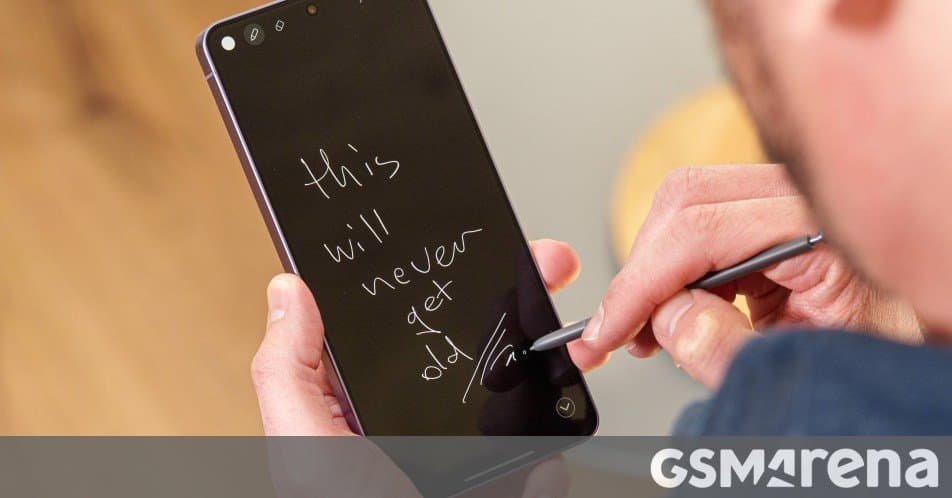
Samsung has rolled out a significant update to its Penup drawing application, introducing new brushes, dual brush support, improved export options, and expanded device compatibility, further integrating the creative tool into its Galaxy ecosystem.
Samsung has released a substantial update for its Penup drawing application, bringing version 3.9.22.23 to Galaxy smartphones globally through the Galaxy Store. This update represents Samsung's continued investment in creative software that complements its hardware offerings, particularly the S Pen stylus found in many Galaxy devices.
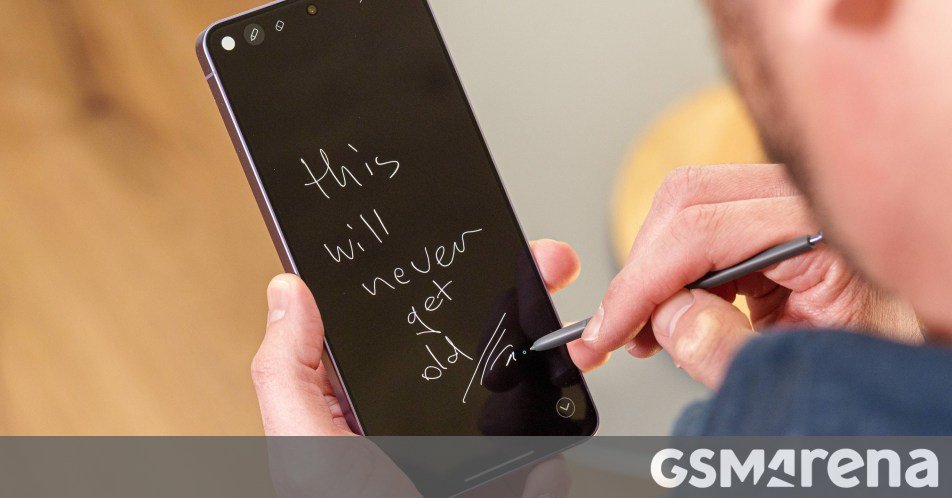
The Penup app, which serves as both a drawing platform and a community for artists, has received several notable enhancements that improve both functionality and user experience. The most significant addition is a new brush type, which expands the creative possibilities for digital artists using Samsung devices. This new brush joins the existing collection, offering different textures and behaviors that can produce varied artistic effects.
Alongside the new brush, Samsung has introduced dual brush support, a feature that allows users to combine two different brush properties simultaneously. This capability enables more complex and nuanced strokes, mimicking the experience of using traditional art tools where different media can interact on the same surface. For instance, users can blend watercolor and pencil effects in a single stroke, adding depth and realism to digital artwork.
The export functionality has been improved with the ability to save files as drafts. This change provides more flexibility for artists who may want to return to incomplete work later without losing their progress. The draft system creates a dedicated space for works in progress, separating them from completed pieces and reducing the clutter that can accumulate in an artist's gallery.
The Lasso tool, essential for selecting and manipulating elements in a drawing, has been enhanced with an auto-selection option. This feature uses intelligent algorithms to detect and select complete objects or elements within a drawing, streamlining the editing process. Previously, users needed to carefully trace around elements manually, but the auto-selection feature can recognize shapes and boundaries, making complex selections more efficient.
Perhaps one of the most requested features has finally arrived: landscape mode support. The update enables the app to rotate and utilize the full screen when a device is turned sideways, providing a more natural drawing experience for many artists. This orientation matches the traditional canvas format used in physical art and allows for wider strokes that utilize the full width of modern smartphone screens.
Samsung has also implemented account synchronization capabilities, allowing users to access their Penup creations across multiple devices. By linking the app to a Samsung account, artists can start a drawing on one device and continue it on another, ensuring a seamless workflow regardless of which Galaxy device they're using. This synchronization extends to saved drafts, brush settings, and even community posts, creating a cohesive creative experience across Samsung's ecosystem.
The update demonstrates Samsung's strategy of creating a tightly integrated ecosystem where hardware, software, and services work together to enhance user experience. By developing specialized applications like Penup that leverage the unique capabilities of the S Pen, Samsung adds value to its devices beyond the specifications sheet. This approach helps build brand loyalty and differentiates Samsung from competitors who may offer similar hardware without comparable software experiences.
For artists and casual doodlers alike, these improvements make Penup a more capable and versatile tool. The new brush options and dual brush support expand the creative possibilities, while the enhanced editing tools and export options improve workflow efficiency. The landscape mode and account synchronization features address common pain points, making the app more practical for serious digital artists.
To obtain the latest version of Penup, users can navigate to the Galaxy Store app, access the menu, and select Updates. The rollout is global, meaning Galaxy device owners worldwide should be able to access the new features regardless of region. As Samsung continues to refine its creative software offerings, updates like this one highlight the company's commitment to providing comprehensive solutions that enhance the utility and enjoyment of its devices.
For those interested in exploring the updated app, the Penup application is available through the Galaxy Store, where users can find more information about the new features and download the latest version. The app remains free to download and use, with optional in-app purchases for premium content and brushes.
Comments
Please log in or register to join the discussion