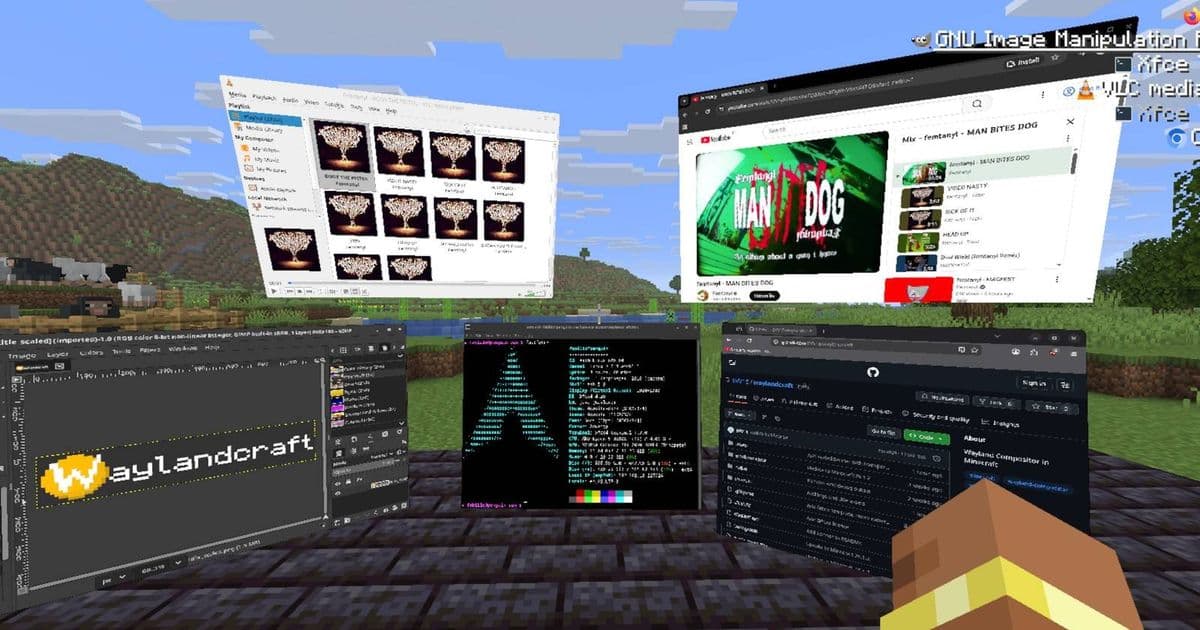
A developer has created Waylandcraft, a mod that implements a functional Wayland compositor inside Minecraft, allowing users to run Linux applications as in-game windows. While primarily a novelty project, it demonstrates creative cross-platform integration possibilities.
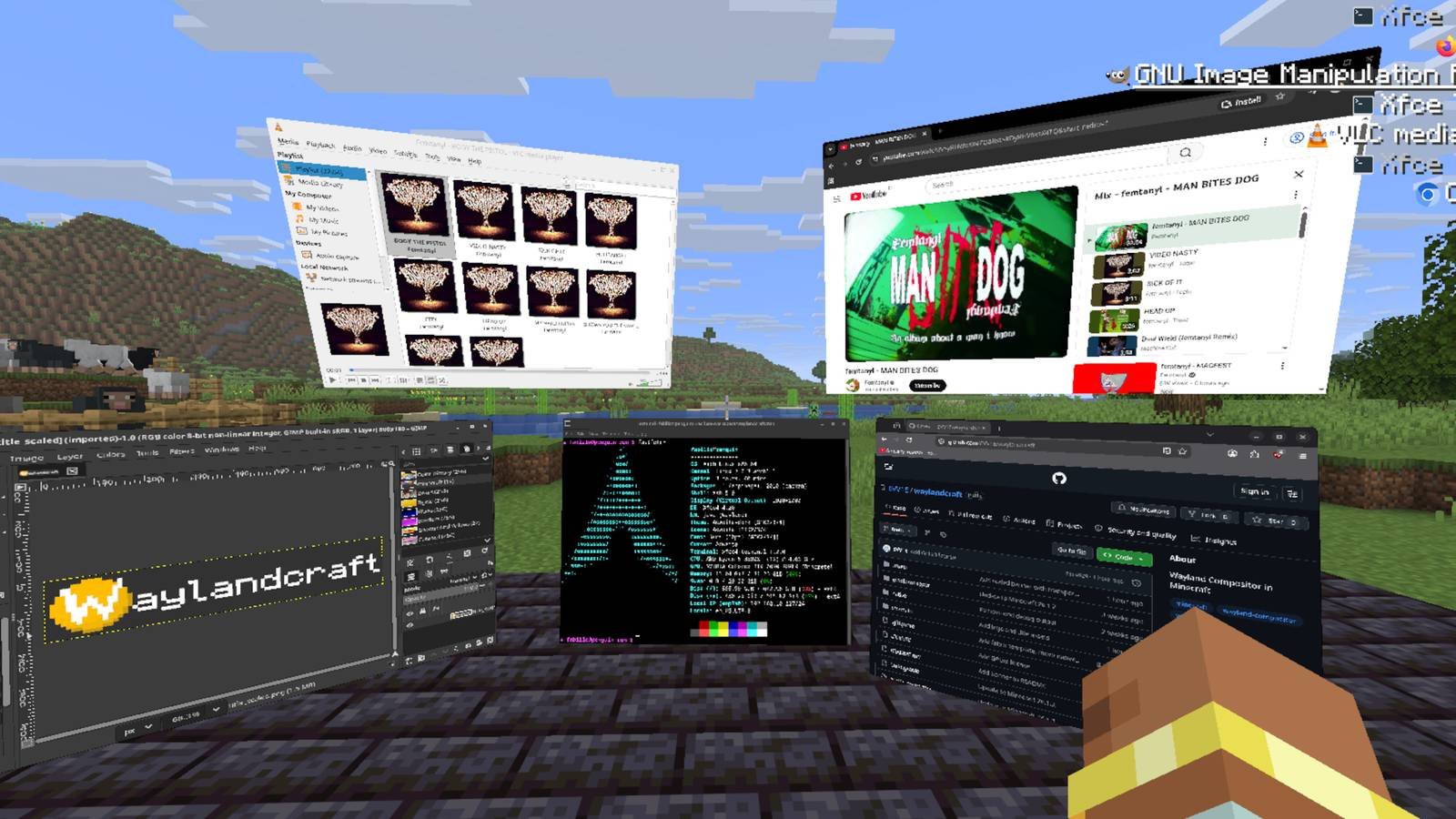
The world of modding continues to surprise us with innovative projects that push the boundaries of what we thought possible in gaming environments. Recently, developer EVV1E unveiled Waylandcraft, a remarkable mod that implements a fully functional Wayland compositor within Minecraft. This means you can actually run Linux applications as windows inside the block-based world, creating a unique nested computing environment.
What is Waylandcraft?
Waylandcraft is a Minecraft mod that brings the Wayland display protocol, commonly used in modern Linux desktop environments, directly into the game. The mod creates a virtual display surface within Minecraft where applications can be rendered as windows that appear in-game. This allows users to run various Linux applications alongside their Minecraft gameplay, all visible within the game world.
In a demonstration video, EVV1E showcases running Osu (a rhythm game), watching videos, and accessing a Linux terminal—all appearing as windows inside Minecraft. The applications function normally but are rendered within the game's 3D space, creating an interesting nested computing experience.
Technical Requirements and Setup
For those interested in trying this unconventional setup, Waylandcraft has specific technical requirements:
- Operating System: Linux only (no Windows or macOS support)
- Minecraft Version: 26.1.2 (as of the current release)
- Mod Loader: Fabric mod loader
- Dependencies:
- xkbcommon library 1.11.0
- xkbcommon tools (xkbcli)
- Recommended additions:
- Prism Launcher (for better mod management)
- Sodium (for improved performance)
The installation process involves setting up these dependencies, then installing the Fabric mod loader, and finally adding the Waylandcraft mod. While not particularly complex for experienced Linux users, it does require some technical knowledge and comfort with the command line.
Limitations and Considerations
Waylandcraft comes with several limitations that potential users should be aware of:
Single-player experience: The mod doesn't support multiplayer visibility, meaning other players won't see your in-game windows. You can use it on a server, but your applications remain private to you.
Performance impact: Running additional applications within Minecraft will naturally impact performance, especially if you're already running a resource-intensive game.
Linux-only: The project currently only works on Linux systems, limiting its audience to those comfortable with Linux environments.
Experimental nature: As a mod, it may have compatibility issues with other mods or future Minecraft updates.
Significance for Cross-Platform Development
While Waylandcraft is largely a novelty project, it demonstrates interesting possibilities for cross-platform integration and creative use of game engines as display environments. The project showcases how game engines like Minecraft can be repurposed beyond their original intent, functioning as platforms for other applications.
This kind of experimentation could inspire more practical applications in the future, such as:
- Integrated development environments within game engines
- Educational tools that combine learning environments with game elements
- Accessibility interfaces that leverage familiar game interfaces
- Novel approaches to remote computing and virtual desktops
The Future of Modding Projects
Waylandcraft joins a long line of ambitious Minecraft mods that push the boundaries of what's possible within the game. From complex redstone computers to entire operating systems, Minecraft has proven to be an incredibly flexible platform for creative technical expression.
Projects like this highlight the ongoing innovation in the modding community and demonstrate how games can serve as platforms for experimentation and learning. While Waylandcraft may not revolutionize how we use computers, it represents the kind of creative thinking that drives technological progress.
For those interested in exploring this unique project further, you can find more information and download the mod through EVV1E's channels. As with any experimental software, it's recommended to back up your Minecraft world before installation and be prepared for potential issues.
The continued development of projects like Waylandcraft reminds us that sometimes the most interesting technological advances come not from corporate research labs, but from passionate individuals asking "what if?" and then building the answer.
Comments
Please log in or register to join the discussion