
Spotify introduces playlist folders on mobile, bulk queue editing, reliable offline playback with iOS background downloads, and a one‑tap reshuffle button, all aimed at tightening the core music experience for premium users.
Spotify releases four music‑focused features, including background downloads on iOS
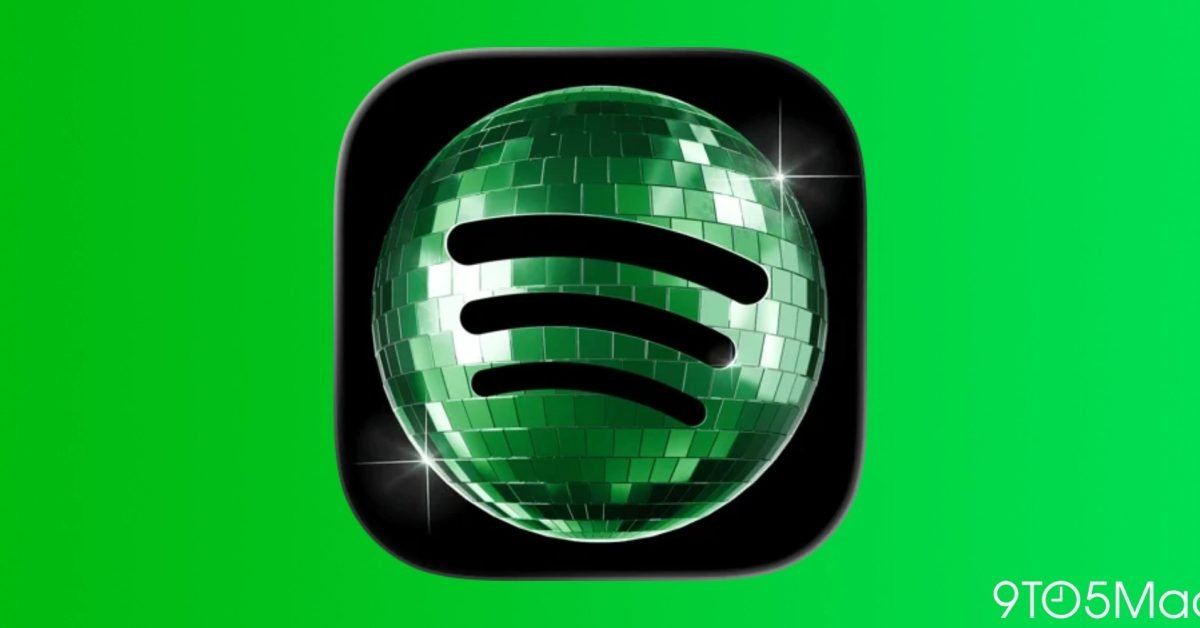
Spotify is quietly expanding the core music experience with four updates that hit both iPhone and Android users. While the company’s app icon controversy still dominates headlines, the real story is how these tweaks make everyday listening smoother and give power users more control.
1. Playlist folders finally arrive on mobile
For years desktop users have been able to group related playlists into folders, keeping large libraries tidy. The same capability is now rolling out to the iOS and Android apps for all users globally. The feature works exactly as it does on desktop: you create a folder, drag existing playlists into it, and can rename or reorder the folders themselves. This means a user with dozens of genre‑based playlists can collapse them under a single “Workout” or “Chill” folder, reducing scroll fatigue on a small screen.
2. Bulk actions for playlists and the play queue
Spotify’s new in‑playlist bulk actions let you select multiple tracks, books, or podcast episodes and apply edits in one go. Actions include:
- Removing selected items
- Adding them to another playlist
- Moving them to the bottom or top of the list
- Deleting them entirely
Premium subscribers also regain a multi‑select queue manager that was removed in an earlier version of the app. You can now tap and hold on a track in the queue, select additional items, and move or delete them together. This saves the repetitive tap‑and‑drag routine that many power users complained about.
3. Background downloads make offline listening reliable on iOS
Offline playback has always been a premium feature, but it suffered from a quirk on iOS: downloads stopped when the app was closed or the device entered low‑power mode. Spotify’s latest update adds background download support for iOS. While the app runs in the background, songs and podcasts continue to download, and a small notification shows progress. The change is especially useful on long flights, subways, or in areas with spotty connectivity, because the music is guaranteed to be ready when you open the app.
Technical note: The feature relies on iOS’s
URLSessionbackground tasks, which allow network activity to persist even when the app is suspended. Spotify’s implementation also respects the system’s power‑saving policies, pausing downloads if the battery drops below a user‑defined threshold.
4. One‑tap reshuffle button for mobile playlists
Instead of toggling shuffle off and on again, premium users now see a reshuffle button directly in the playback controls. Pressing it instantly reorders the current playlist while preserving the shuffle state. This is handy for:
- Giving a fresh listening order to a favorite album without leaving the screen
- Quickly changing the vibe of a long‑running party playlist
- Experimenting with different song sequences while on a commute
The button appears only for premium accounts, reinforcing the value‑add of the subscription tier.
Ecosystem implications
These updates illustrate Spotify’s strategy of narrowing the feature gap between its desktop and mobile clients. By bringing playlist folders and bulk queue editing to phones, the service reduces the need for users to switch devices for library management. The background download fix also addresses a long‑standing complaint from iOS users, making Spotify’s offline experience comparable to competitors that have long supported true background syncing.
From an ecosystem perspective, the changes tighten Spotify’s lock‑in. Users who invest time organizing playlists with folders and rely on offline playback are less likely to switch to a rival service that lacks comparable mobile tools. The reshuffle button, while small, adds a layer of convenience that keeps premium subscribers engaged during long listening sessions.
Overall, the four features may not be headline‑grabbing, but they collectively improve day‑to‑day usability and reinforce Spotify’s position as a mature, feature‑rich streaming platform.
Zac Hall contributed the original announcement on 28 May 2026. For the full press release, see Spotify’s official blog post.
Comments
Please log in or register to join the discussion