An exploration of macOS's sophisticated time synchronization architecture reveals how Apple balances precision, reliability, and system integrity in an often overlooked but critical system function.
At the core of every macOS operation lies an unassuming yet vital service: accurate timekeeping. While users casually glance at their menu bar clocks, Apple has built a multi-layered temporal architecture that combines internet synchronization, proprietary daemons, and fail-safe mechanisms. This system not only displays the correct time but ensures the integrity of file systems, security protocols, and network communications.
The Three Pillars of macOS Time Management
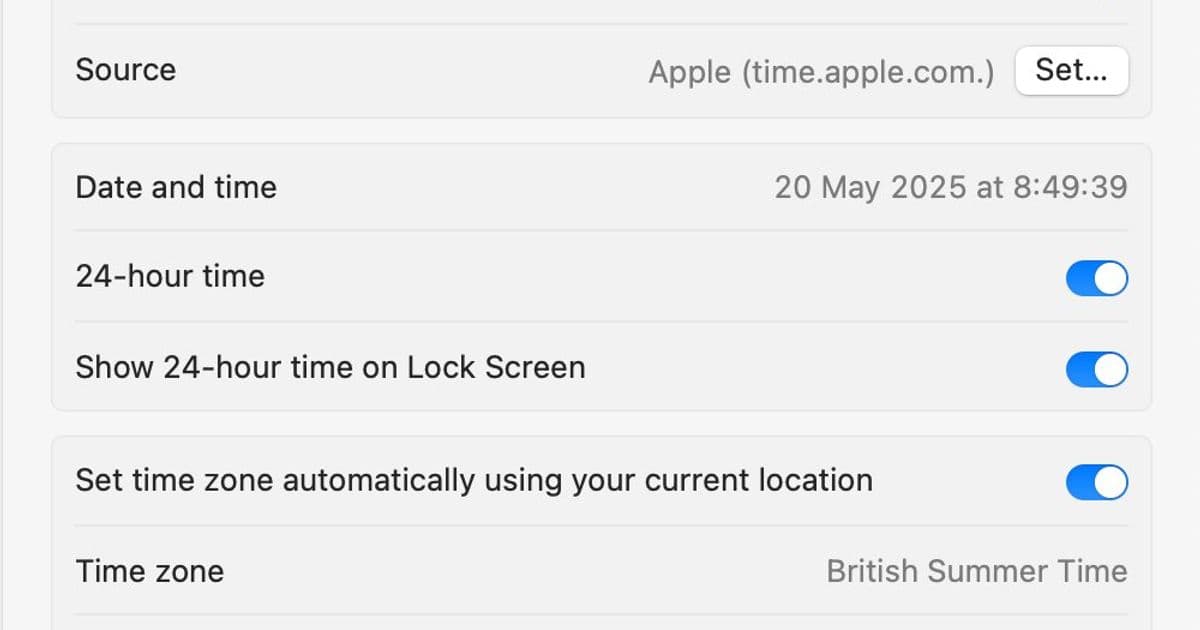
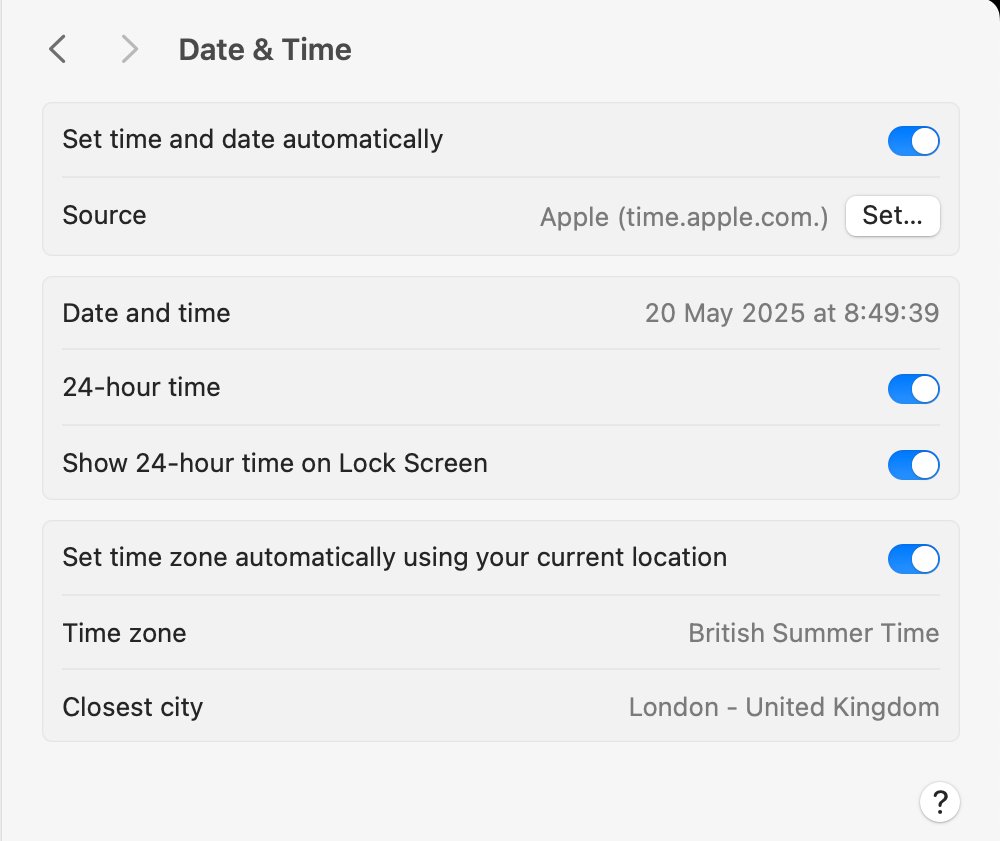
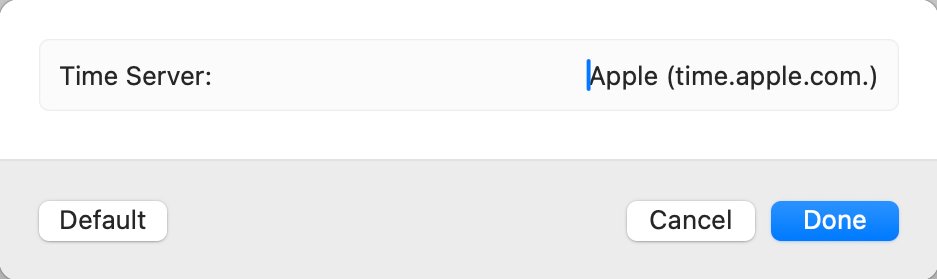
Network Time Protocol (NTP) Foundation: macOS defaults to using time.apple.com as its primary NTP server, though administrators can specify custom servers. Unlike some systems that support multiple fallback servers, macOS intentionally uses a single source to maintain consistency, prioritizing stable timekeeping over redundancy.
The timed Revolution: With macOS High Sierra (10.13), Apple introduced
timed(located at/System/Library/LaunchDaemons/com.apple.timed.plist), replacing traditional NTP clients. This proprietary service goes beyond simple synchronization:- Calculates time uncertainty margins
- Adapts to power conditions
- Merges multiple time sources
- Maintains state in
/var/db/timed/
SNTP Contingency: Big Sur added
sntpandsntpdas lightweight alternatives, though they remain secondary totimed. These tools can force time adjustments via terminal commands likesudo sntp -sS time.apple.com, but their interaction withtimedisn't fully documented.
Temporal Integrity Challenges
Accurate timekeeping faces several threats:
- VPN Interference: Encrypted tunnels often delay NTP responses, causing clock drift
- Virtual Machine Limitations: VM environments frequently lack location services, requiring manual timezone configuration
- Intentional Clock Manipulation: Users sometimes backdate systems to bypass expired certificates, risking:
- File timestamp inconsistencies
- Backup system confusion
- Security protocol failures
The Philosophy of Time Correction
Apple's approach reveals interesting design choices:
- Unidirectional Time Flow: The system prefers slow clocks that can be safely advanced, avoiding problematic backward adjustments
- APNS Mystery: Logs show time adjustments from "APNS" sources with ±35 second accuracy - possibly Apple's internal fallback system
- Boot Sequence Priority: Time synchronization occurs relatively late in startup (after network availability), with initial timestamps using unsynchronized clock values
Practical Implications
Enterprise Environments: Organizations should:
- Consider local NTP servers for better control
- Monitor VPN time sync issues
- Audit virtual machine time configurations
Developer Considerations:
- APFS transaction IDs (XIDs) provide event ordering independent of timestamps
- Applications shouldn't assume monotonic clock progression
Troubleshooting:
- Check
/var/db/timed/com.apple.timed.plistfor sync state - Search logs for
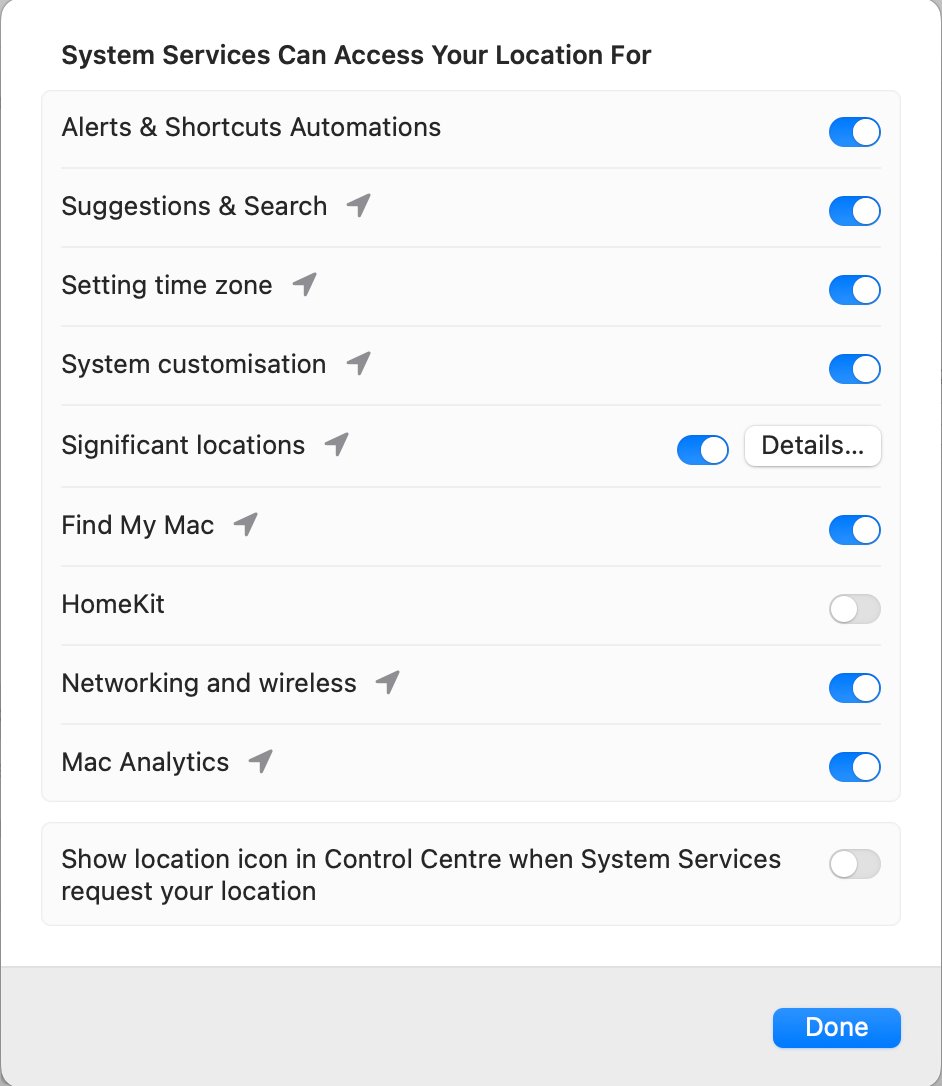
com.apple.timedsubsystem entries - Verify Location Services permissions for automatic timezone
- Check
The Bigger Picture
Apple's timekeeping system embodies a fundamental computing truth: reliable time is both essential and surprisingly difficult to maintain. By creating a layered system that combines:
- Internet time sources
- Proprietary synchronization algorithms
- Multiple fallback mechanisms
macOS achieves what most users take for granted - a clock that simply works. Yet as the article reveals, this simplicity masks an intricate dance of protocols and services that keeps our digital lives perfectly timed.
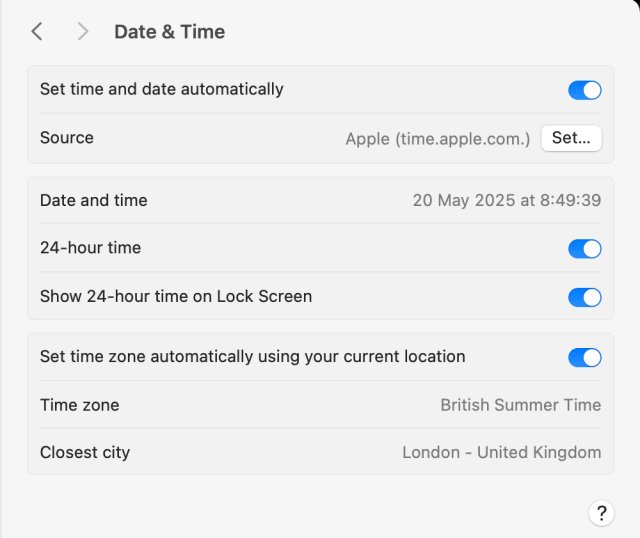
For those interested in deeper technical details, Apple's System Configuration Documentation provides some insights, though much of timed's implementation remains undocumented.
Comments
Please log in or register to join the discussion