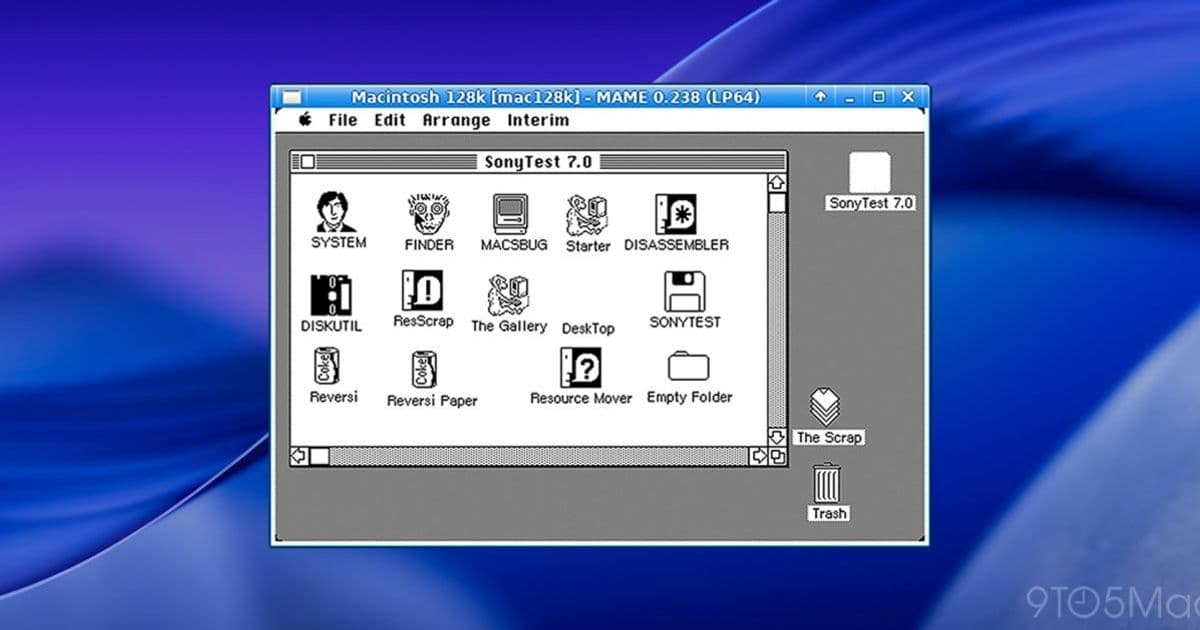
Developer Andrew Warkentin’s Virtual OS Museum offers a massive library of emulated operating systems—from early mainframes to classic Mac OS and early iOS—available in full‑offline and lightweight download options, though performance is limited on non‑x86 hardware.
The Virtual OS Museum lets you run Mac OS, A/UX, NeXTSTEP, and dozens of other historic systems
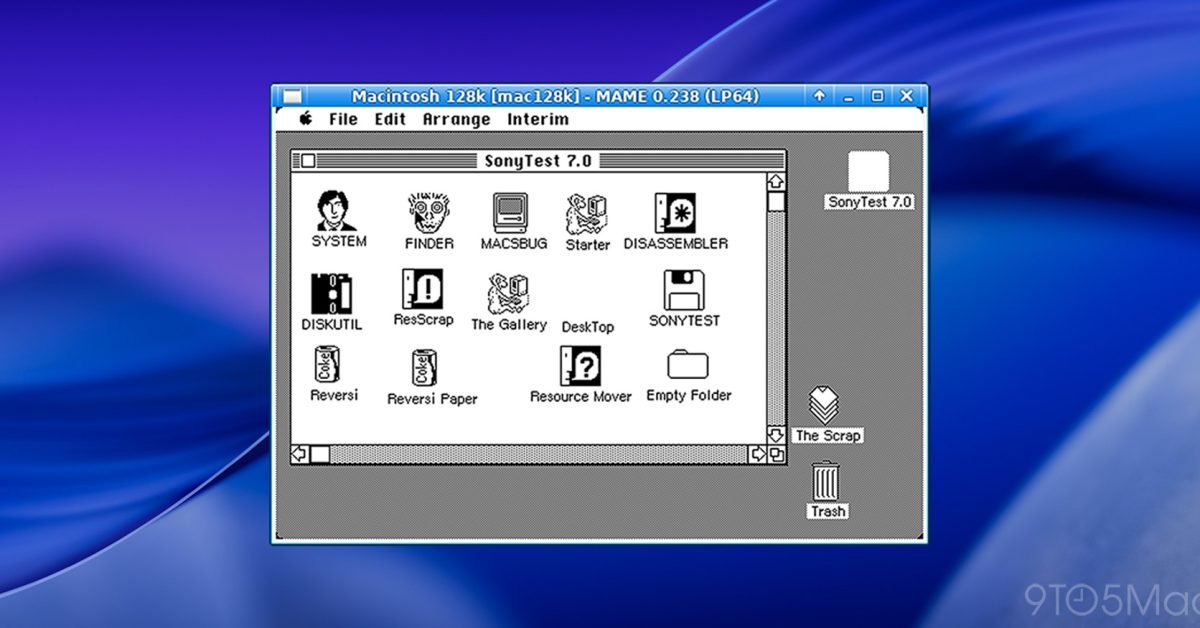
If you’ve ever been curious about what it felt like to sit at a 1970s mainframe console or fire up a classic Macintosh, the Virtual OS Museum is the most comprehensive way to experience those systems today. The project, built by long‑time emulator collector Andrew Warkentin, bundles more than 1,700 pre‑configured installations covering over 250 hardware platforms and roughly 600 distinct operating systems ranging from the Manchester Baby to early Android builds.
Two download flavors – full and lite
- Full edition – a 121 GB archive (174 GB once unzipped) that ships with every VM image pre‑downloaded. Ideal for users who want instant offline access to the entire collection.
- Lite edition – a 14 GB starter pack (21 GB unzipped). The core emulators are included, but each guest OS image is fetched the first time you launch it. This keeps the initial footprint small while still giving you the option to expand later.
Both versions support automatic and manual updates, so new OS images can be added without re‑downloading the whole bundle.
What’s inside? A quick tour of the catalog
| Category | Sample systems |
|---|---|
| Early mainframes (1948‑1960s) | Manchester Baby demo programs, MIT’s CTSS, IBM MVS, VM/370, TOPS‑10/20, Multics |
| Minicomputers & workstations | PERQ, SunOS, IRIX, OSF/1, A/UX, NeXTSTEP, Plan 9, various BSD releases |
| Home computers | Apple II, Commodore 64, Atari 800, MSX, TRS‑80, BBC Micro, ZX Spectrum, Sharp MZ |
| Personal‑computer OSes | MS‑DOS, PC‑DOS, OS/2, BeOS, Windows 1.0‑XP, Classic Mac OS through Mac OS X 10.5 (PPC) |
| Mobile & embedded | PalmOS, EPOC/Symbian, Windows CE, Newton OS, early Android and iOS (where emulation permits), QNX |
| Research/obscure | ZetaLisp, Smalltalk environments, Oberon, Plan 9, various experimental kernels |
The list is far from exhaustive; the museum’s website provides a searchable index with screenshots for many of the entries.
Technical underpinnings and performance notes
The Virtual OS Museum runs on QEMU and a handful of specialized emulators (e.g., AppleWin, MAME, Bochs). All guest VMs are launched from a single host VM that currently supports only x86 instruction sets. Consequently, users on Apple Silicon (ARM) or other non‑x86 platforms will experience slower boot times and reduced frame rates, especially for graphics‑heavy systems like classic Mac OS or early Windows.
For macOS, Windows, and Linux hosts, the museum includes a simple launcher script that:
- Detects the host architecture.
- Pulls the required disk/tape image if you’re using the lite edition.
- Starts the appropriate emulator with a pre‑configured command line.
Because the project is still labeled a preliminary release, some operating systems only run under specific emulator versions, and a few may exhibit quirks such as missing peripherals or inaccurate timing. Warkentin encourages users to report bugs via the project’s GitHub issue tracker.
Why this matters for Apple fans
Apple’s OS history is famously fragmented: from Classic Mac OS to Mac OS X, from A/UX (Apple’s Unix hybrid) to NeXTSTEP, which ultimately became the foundation for modern macOS. The Virtual OS Museum gives enthusiasts a hands‑on way to explore those transitions without hunting down rare hardware or piecemeal disk images.
For developers, the collection can serve as a testbed for retro‑compatibility work—checking how legacy file formats or old networking protocols behave on their original OS. For educators, it offers a sandbox for teaching operating‑system concepts across multiple generations of design.
Getting started
- Visit the Virtual OS Museum website and choose the Full or Lite download.
- Follow the quick‑start guide for your host OS (macOS, Windows, or Linux). The guide walks you through installing the required QEMU binaries and running the first VM.
- Browse the catalog, pick a system—say NeXTSTEP 3.3—and launch it with a single click.
- Use the built‑in update mechanism to fetch new images as the collection expands.
The bigger picture
Projects like the Virtual OS Museum highlight a growing appetite for software preservation. While the Internet Archive and similar initiatives focus on web content, emulation‑centric archives preserve the experience of using historic software. As more developers adopt open‑source emulators and as cloud‑based GPU streaming becomes mainstream, we may soon see these vintage environments run smoothly even on ARM‑based Macs.
For now, the museum is a niche but invaluable resource for anyone who wants to relive the evolution of Apple’s and NeXT’s operating systems, or simply satisfy a curiosity about computing history.
Check out the full list of supported systems and download links on the official site, and keep an eye on the GitHub repo for performance patches that improve ARM support.
Comments
Please log in or register to join the discussion