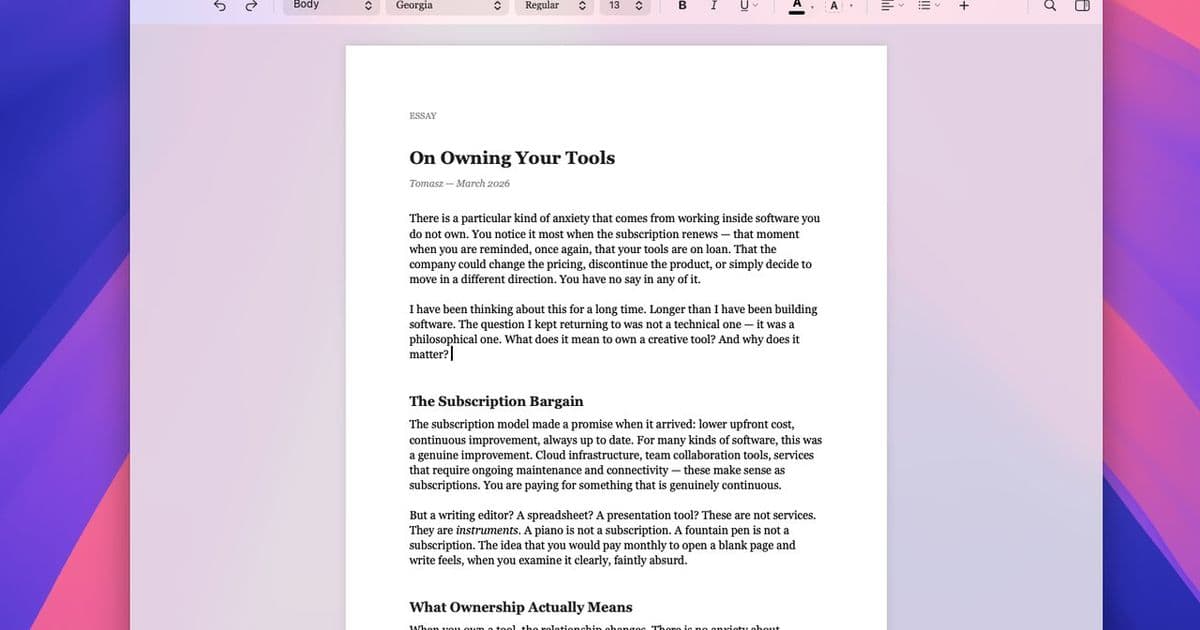
Verso’s pitch is simple: a native Mac writing app with Word file support, track changes, Markdown round-tripping, and a one-time price, but the interesting part is where it draws the line between focused writing and full document production.
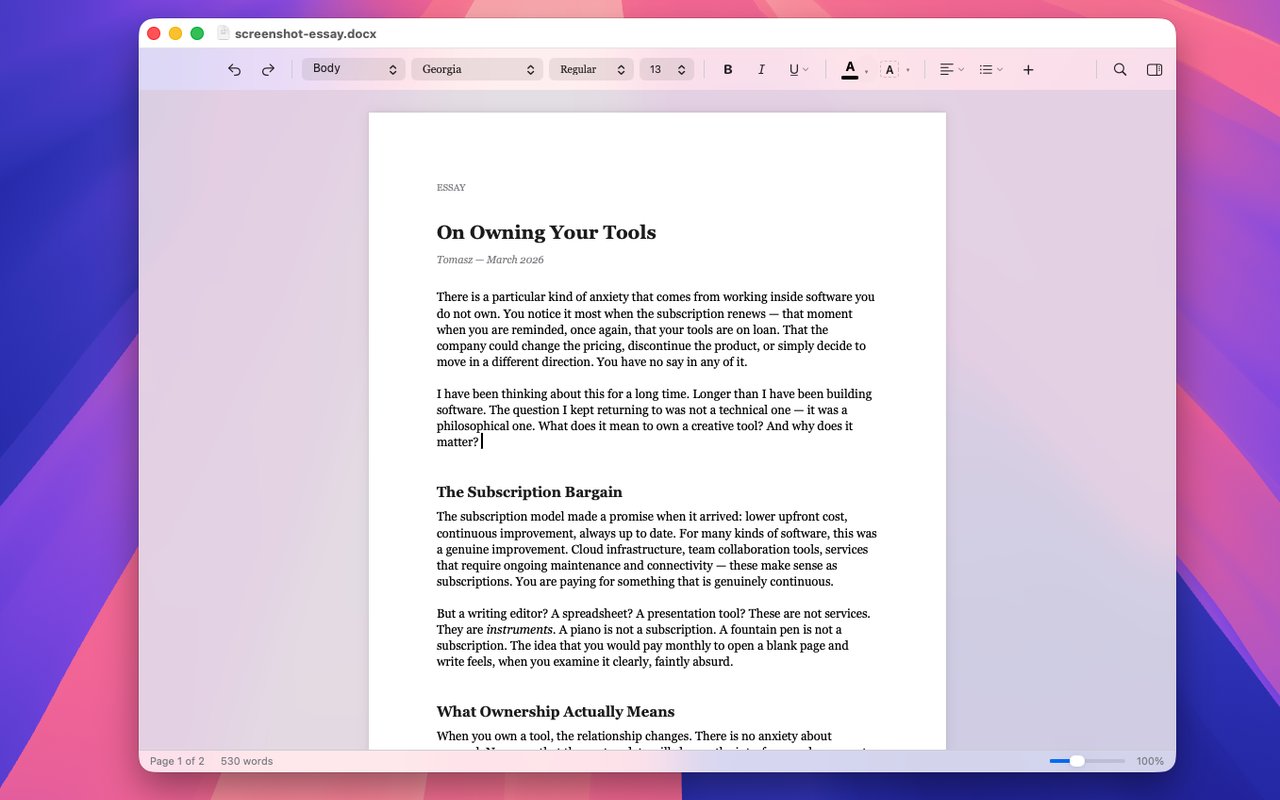
Verso is a new-ish Mac word processor with a very specific complaint behind it: modern writing tools often make users choose between heavyweight office suites, subscription writing apps, or plain text editors that stop being useful once a document needs comments, tracked edits, tables, footnotes, or Word compatibility.
The official site for Verso frames version 1.0.22 as a minimalist word processor for macOS 14 and later, sold through the Mac App Store with a 7-day trial and a $14.99 one-time purchase. That pricing is part of the product story, but the more relevant technical claim is that Verso is trying to sit in the narrow space between TextEdit and Microsoft Word: native Mac feel, offline operation, no account requirement, and enough document-format support to survive real workflows.
This is not an AI product in the usual sense. There are no model names, training claims, context-window sizes, benchmark tables, or eval scores. The only AI-adjacent feature mentioned is that Verso can handle LaTeX equations pasted from tools such as ChatGPT or Gemini. That matters for students, researchers, and technical writers, but it does not make the app an LLM system. Treat it as document software, not an AI breakthrough.
What's claimed
Verso claims to be built for the Mac rather than ported to it. In practical terms, the product emphasizes instant launch, offline use, no tracking, system appearance support, native localization across 16 languages, and a stripped-down writing interface.
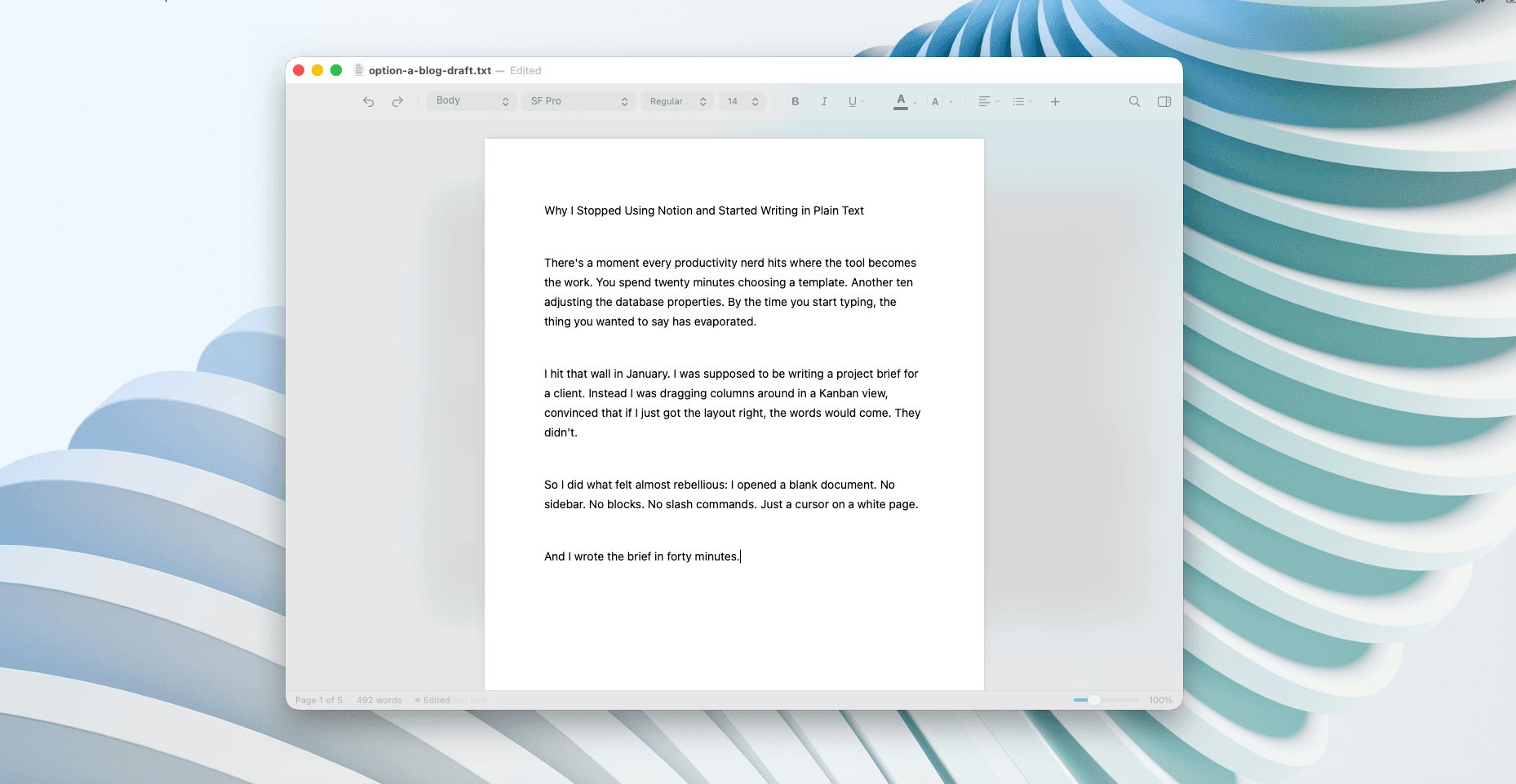
The headline features are familiar, but the combination is targeted. Focus Mode fades everything except the paragraph being edited. Track Changes underlines insertions, shows deletions, and provides accept or reject controls through a sidebar. Comments can be attached to selected text and resolved later. The app says these comments round-trip through .docx, which is the kind of claim that matters more than the marketing copy suggests. If comment metadata survives a Word exchange, Verso becomes more plausible for editors, lawyers, academics, consultants, and anyone who receives documents from people who will never install a niche writing app.
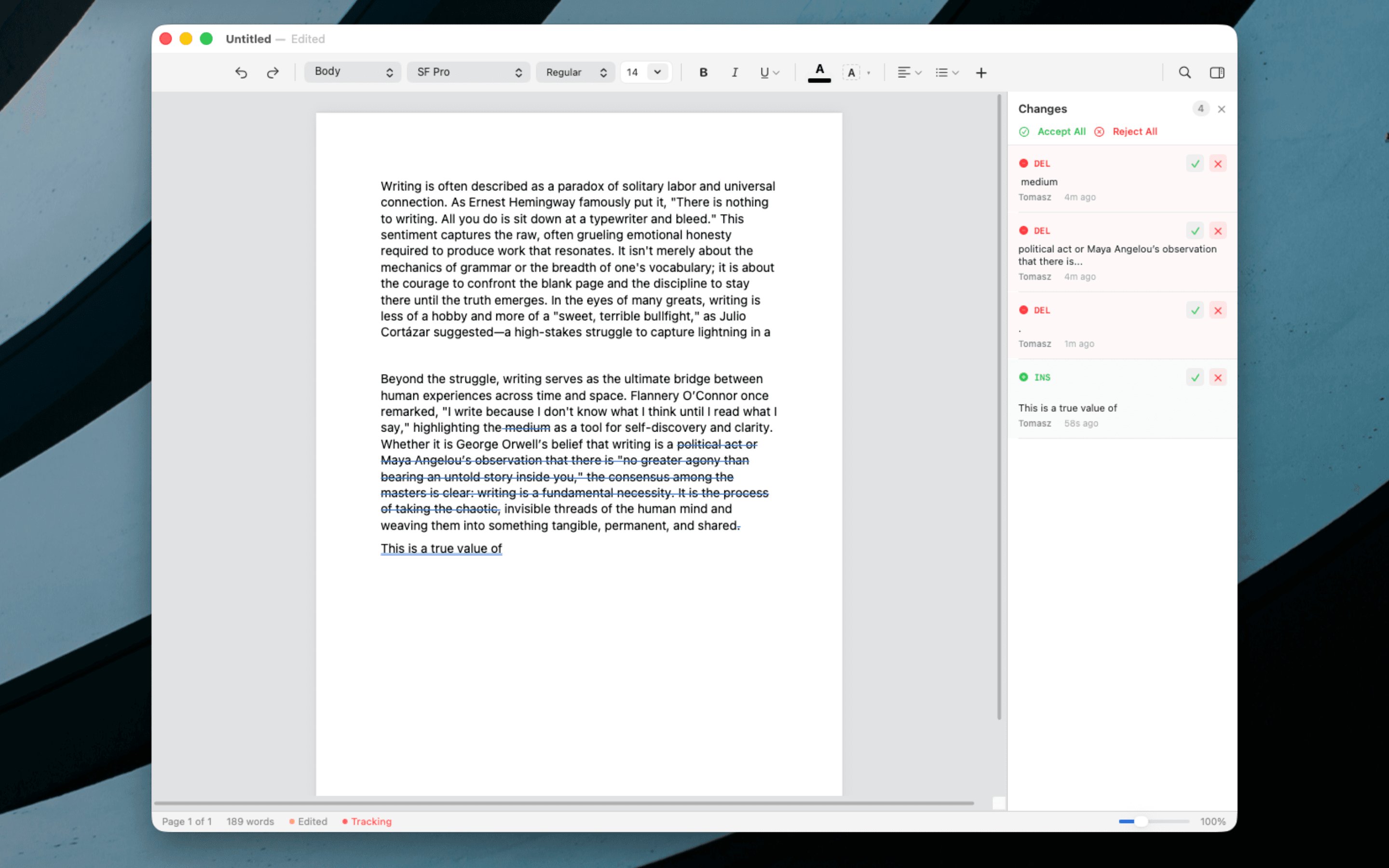
The supported file list is also broad for a minimalist tool: .docx, older .doc, .dotx, .odt, .rtf, .txt, .md, .html, and PDF export. That is the right list if the goal is to replace Word for lighter work without asking the user to rebuild their document habits.
Verso also claims Markdown round-tripping. This is more technically interesting than it sounds. Many apps can import Markdown. Fewer can open a Markdown file, show it as rich text, preserve headings, lists, tables, formatting, and code blocks, then save it back without turning the file into app-specific markup. If implemented well, that makes Verso useful for developers and technical writers who need documents readable by both humans and source-control tools.
The code-related features are modest but useful: syntax highlighting for 22 languages, including Swift, Python, TypeScript, Rust, and Go. There is no claim of semantic code understanding, linting, execution, or LLM-assisted editing. It appears to be presentation-oriented highlighting inside documents.
What's actually new
The novelty is not that Verso has invented a new document model. It has not, at least based on the supplied material. The interesting part is product positioning: it tries to remove the subscription and collaboration-platform assumptions from word processing while keeping enough compatibility features to be usable outside a personal notebook.
That matters because the Mac writing app market tends to split into camps. Microsoft Word is still the default for tracked edits, comments, templates, and institutional compatibility, but it brings the weight of Microsoft 365. Apple Pages is capable, but not everyone wants its document model or interface. Markdown editors are fast and pleasant, but they often fall apart when the document needs page layout, comments, table formatting, headers, footers, or a .docx exchange. Apps like Ulysses and iA Writer serve focused writing well, but they are not trying to be compact Word replacements.
Verso’s bet is that many writers do not need Word’s full surface area. They need a document editor that opens quickly, handles common formats, supports revision workflows, exports to PDF, and stays out of the way.
The track changes implementation is the most important feature to watch. In serious document work, tracked edits are not decoration. They are part of the contract between writer and reviewer. If insertions, deletions, comments, and accept or reject operations survive Word round-trips cleanly, Verso becomes much more credible. If they only work inside Verso, the feature is still useful for solo editing, but much less so for professional exchange.
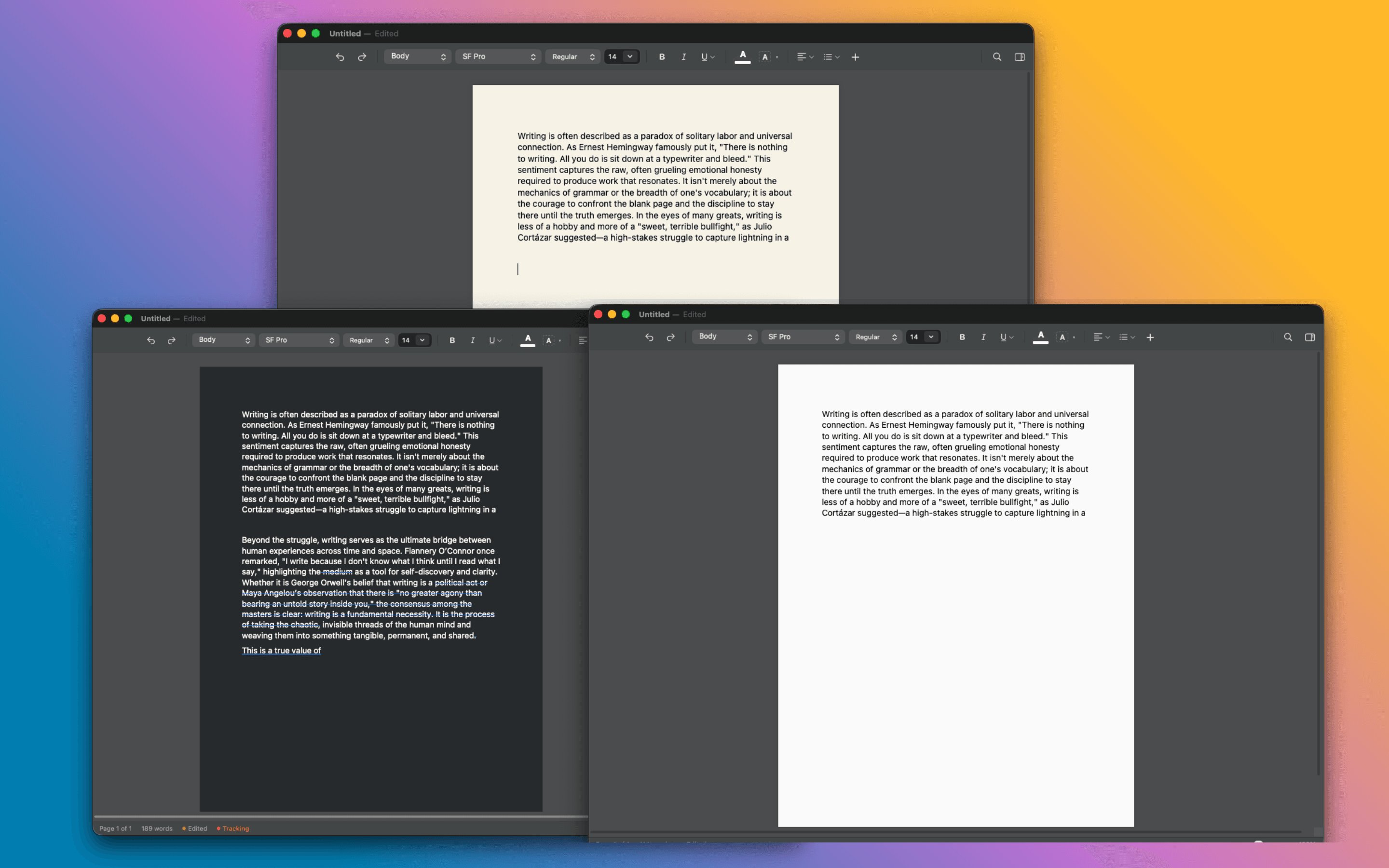
The page color controls and dark mode support are less technically significant, but they fit the product thesis. Writing tools live on screen for long sessions. Theme switching, sepia pages, off-white pages, and dark mode do not change document semantics, but they reduce friction for people who write in different lighting conditions or who work late.
The Markdown support is another place where the implementation detail matters. Rich-text Markdown editing can fail in two opposite ways. Some apps preserve visual formatting but emit messy Markdown. Others preserve Markdown purity but expose too much syntax to users who wanted a word processor. Verso appears to be aiming for the middle: edit Markdown as a formatted document, preserve code highlighting, and save back to Markdown. That is practical if the output stays predictable.
The LaTeX math feature is worth separating from AI hype. The app says users can paste equations from ChatGPT or Gemini, with inline and display math support. The model names here are not part of Verso’s architecture. They are input sources. The real feature is equation rendering inside a document. For technical writers, that can be useful even if the equation came from a textbook, a paper draft, or hand-written LaTeX.
Limitations
The supplied material does not include benchmark results. There are claims of instant launch and clean performance, but no startup timings, memory measurements, large-document tests, .docx fidelity comparisons, or stress tests with long manuscripts. That does not mean the app is slow or unreliable. It means there is no public evidence here strong enough to treat performance as proven.
The Word compatibility claims also need careful reading. Opening .docx files is one level of compatibility. Preserving complex documents is another. Real Word files can contain nested tables, tracked moves, section breaks, custom styles, fields, references, embedded media, equations, comments from multiple authors, change history, headers, footers, page-numbering rules, and corporate templates. A minimalist app can handle the common path while still failing on edge cases that matter in legal, academic, or enterprise settings.
Verso’s feature list includes tables, page layout, footnotes, table of contents generation, headers and footers, lists, regex find and replace, watermarks, PDF export, Mermaid diagrams, style redefinition, customizable toolbar controls, pinch zoom, and document outline navigation. That is a lot for an app selling itself as simple. The risk is not feature absence. The risk is depth. A table feature can mean basic insertion and resizing, or it can mean near-Word parity with merged cells, repeating headers, precise border control, pasted spreadsheet behavior, and stable export. The difference only shows up when people use the app on ugly real documents.
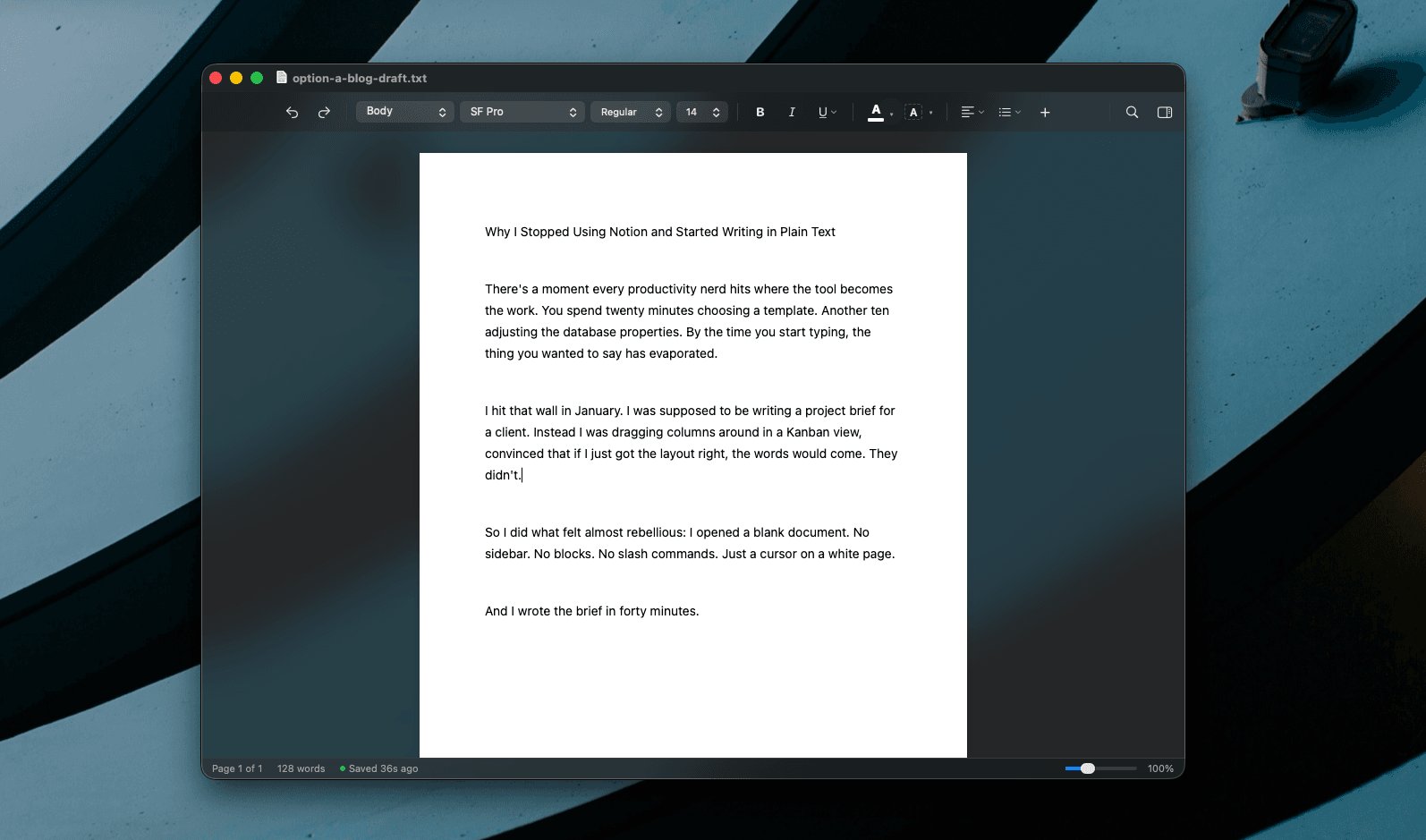
There is also a platform constraint. Verso is macOS-only and requires macOS 14 or later. That is coherent for a native Mac product, but it limits teams where collaborators are on Windows, Linux, iPadOS, or web-only environments. The app can still participate through .docx, Markdown, and PDF, but the editing experience itself is not cross-platform.
The offline and zero-tracking claims are appealing, especially for writers working with private drafts or client documents. Still, buyers should verify the privacy policy and App Store disclosures if confidentiality is part of the reason for switching. Local-first writing tools are only as private as their update, crash reporting, document storage, and sync behavior.
For practical use, the best test is not whether Verso looks calmer than Word. It does. The useful test is to take three existing documents and round-trip them: a simple essay, a tracked-edit .docx with comments, and a messy work document with tables, styles, footnotes, and headers. Open them in Verso, edit them, save them, then reopen them in Microsoft Word, Pages, and whatever system the intended recipient uses. That will reveal more than any feature grid.
Verso is most compelling for writers who want a paid-once Mac app with enough structure for serious documents and fewer interface obligations than Word. It is less compelling for teams that depend on Microsoft 365 collaboration, advanced Word automation, live co-authoring, or exact compatibility with complex institutional templates. The product claim is believable in scope: not a reinvention of writing, but a focused attempt to make document editing feel local, quiet, and owned again.
Comments
Please log in or register to join the discussion