Microsoft releases Windows Terminal 1.25 with improved search functionality, better settings UI, and performance optimizations.
Microsoft has released Windows Terminal 1.25 Preview, marking the return to its quarterly release cycle after a brief pause focused on reliability and performance improvements. This update brings several notable enhancements to the popular terminal application, including a powerful new search feature for settings, expanded configuration options, and performance optimizations.
Enhanced Settings Search
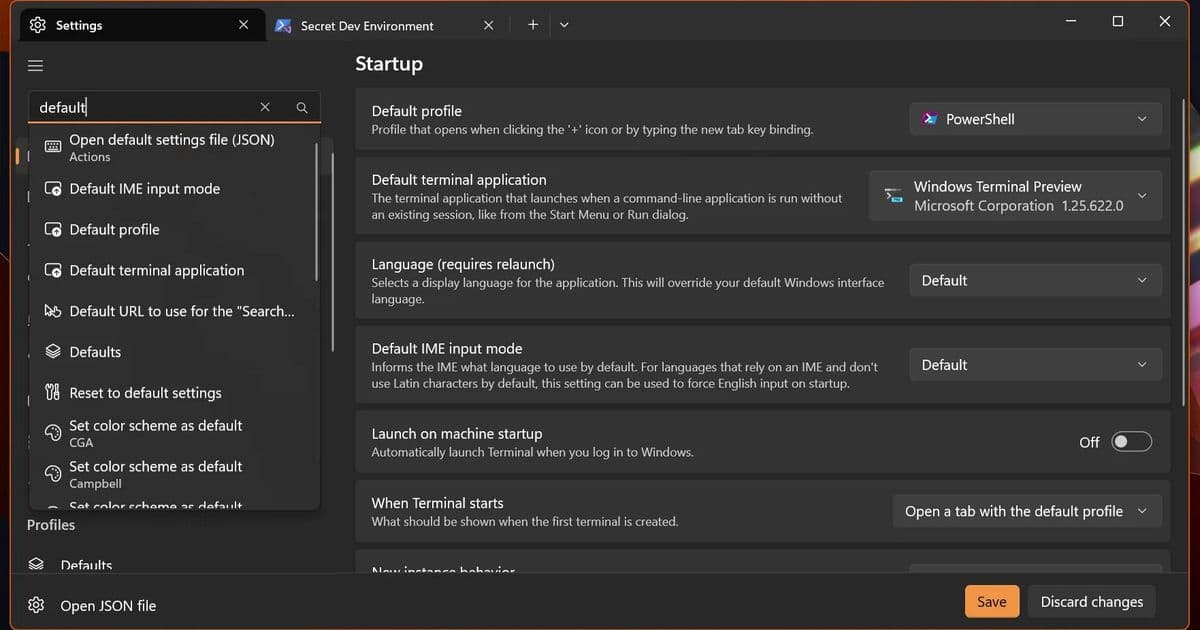
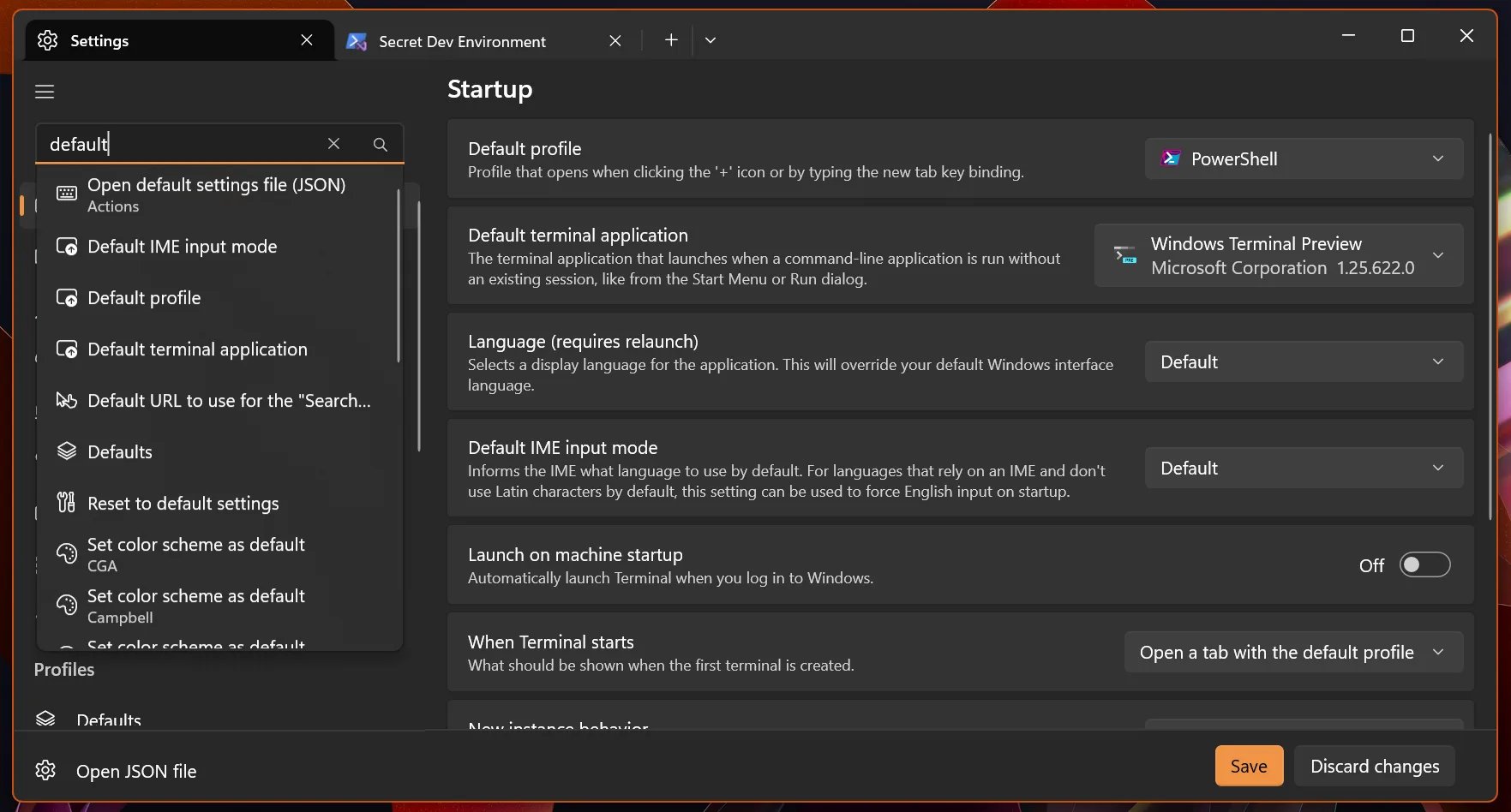
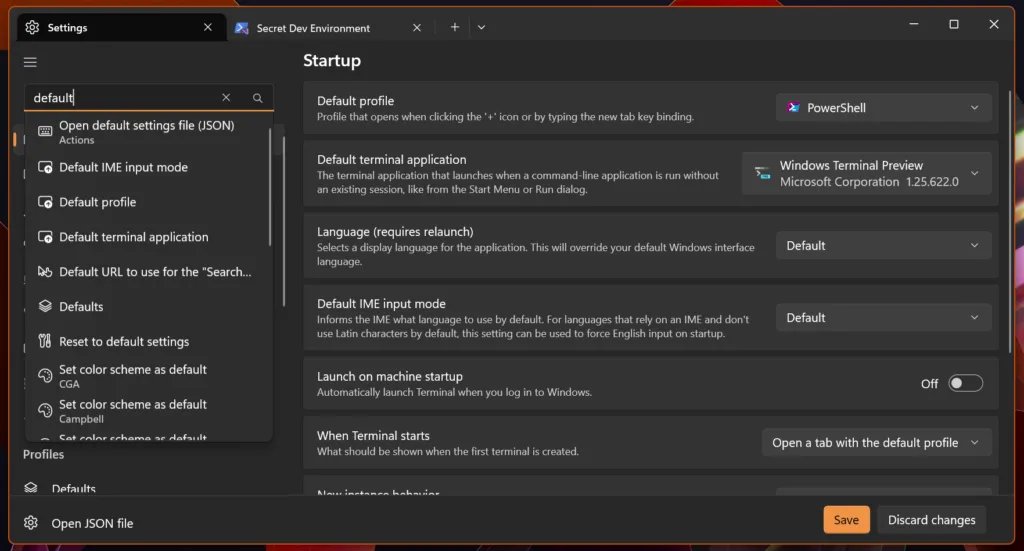
One of the most significant additions in version 1.25 is the ability to search through your Terminal settings. The new search functionality covers all built-in settings as well as color schemes, profiles, extensions, New Tab menu items, and actions. This makes it much easier to find and modify specific configurations without manually navigating through JSON files or the settings interface.
Note that some settings can apply to any profile, so they may appear multiple times in search results. This comprehensive search capability should significantly improve the user experience, especially for those who frequently customize their Terminal setup.
Improved Settings UI
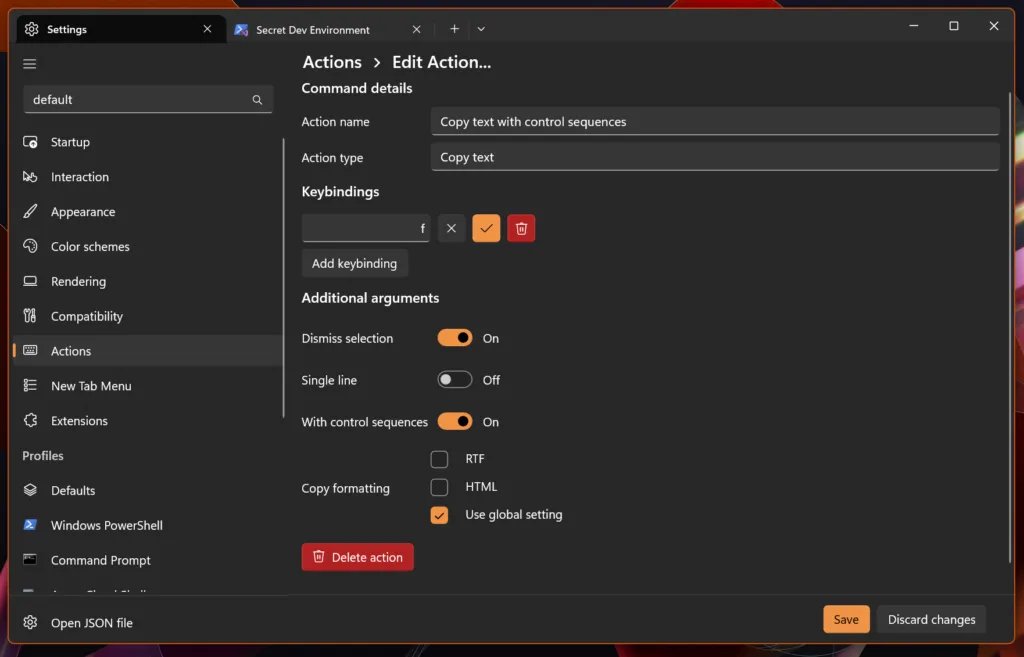
Microsoft continues its effort to move more settings out of JSON files and into the graphical interface. The 1.25 release introduces a new editor for actions, allowing users to configure exactly what "New Tab" does and create custom actions like "Split Pane: WSL, Up, Down, Left, Right." This visual approach to configuration makes Terminal more accessible to users who might be intimidated by manual JSON editing.
Better Input Handling
The update includes built-in support for Kitty's Keyboard protocol, which allows command-line applications to disambiguate keys like Esc from Ctrl+[ and receive information about which modifiers were pressed. This enhancement enables applications to receive inputs like Shift+Enter, improving interaction with modern "agentic" command-line tools that rely on complex keyboard combinations.
Performance and Compatibility Improvements
Windows Terminal 1.25 includes several performance optimizations, including the re-enabled build-time "guided" optimization, which should result in a 10-20% increase in I/O throughput. The application now ships with VS Code Modern Dark and Light color schemes, increasing consistency across Microsoft's development tools.
For users working with East Asian languages, there's a new option to configure how wide Unicode characters marked as "Ambiguous" are displayed. This compatibility setting affects applications written for Chinese, Japanese, or Korean consoles and may result in graphical artifacts for other applications.
Community Contributions
The release highlights the strong community involvement in Windows Terminal's development. Two new community translations have been added: Serbian (Cyrillic) and Ukrainian, thanks to contributors @eevan78 and @psnet. The release notes also acknowledge numerous bug fixes and improvements from community members, including fixes for issues like elevated and non-elevated Terminal windows interfering with each other's sessions.
Availability
Windows Terminal 1.25 Preview is available through multiple channels. Users can install it from the Microsoft Store, download it from the GitHub releases page, or use WinGet for installation. For those who want to be at the forefront of new features, Windows Terminal Canary is also available from the GitHub repository.
Microsoft has also updated Windows Terminal stable to version 1.24, which includes all features from the previous blog post. This ensures that even users on the stable channel have access to recent improvements.
The Windows Terminal team continues to demonstrate its commitment to both performance and user experience, making it an increasingly powerful tool for developers and power users working in Windows environments.
Comments
Please log in or register to join the discussion