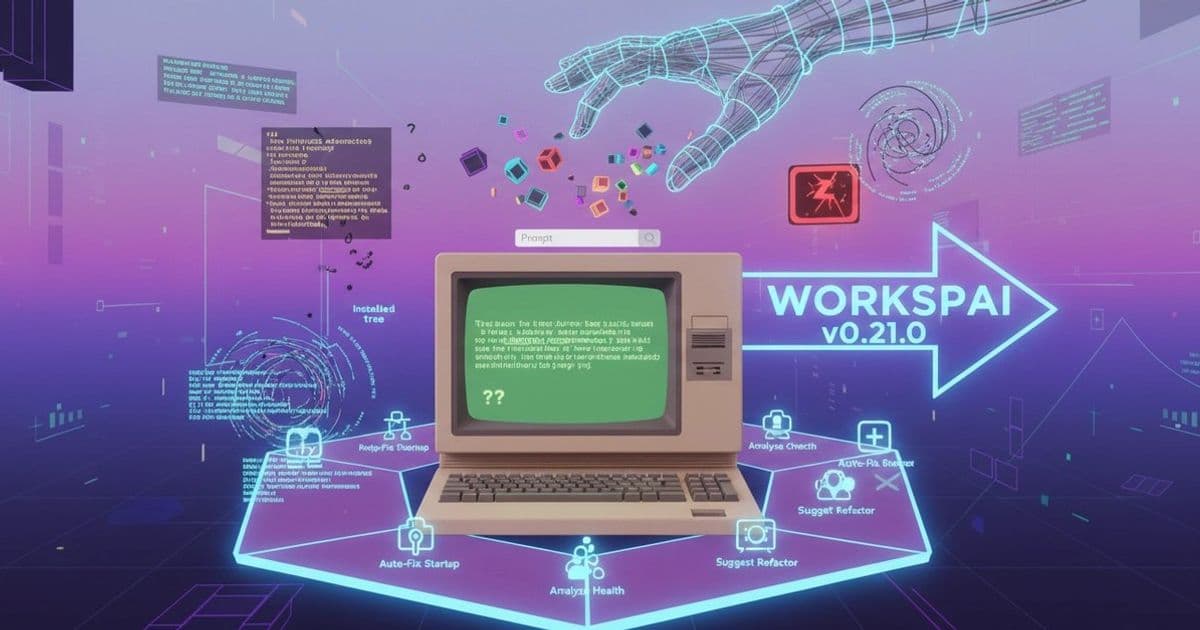
The latest Workspai release moves beyond generic AI chat interfaces by embedding context-aware actions directly into VS Code workflows where backend developers actually encounter problems - in terminal output, project structure, and runtime state. This addresses the core friction of forcing engineers to translate concrete issues like broken startups or health check failures into abstract prompts.
Most AI developer tools still treat the chat box as the primary interface. For open-ended exploration, this makes sense. For the daily grind of backend work - debugging a failing startup command, deciphering confusing project conventions, or tracing a health check regression - it creates unnecessary friction. Engineers don't begin with a blank prompt; they begin with a specific symptom in their terminal, a file they need to locate, or a team decision buried in documentation. Forcing them to route that context through a generic chat box means they become the middleware, manually extracting and re-explaining their workspace state before the AI can be useful.
Workspai v0.21.0 represents a deliberate shift away from this model. Instead of waiting for users to formulate the perfect question, the extension now surfaces AI actions where problems naturally occur: in the command palette for quick fixes, sidebar views for impact analysis, and integrated views for terminal output. This isn't just about adding more features; it's about changing the fundamental interaction pattern from "describe your problem to the AI" to "the AI meets you where the problem lives."
Consider the terminal output analysis feature. When a backend command fails, engineers typically copy-paste error logs into a separate AI tool, then spend additional turns explaining project dependencies, runtime versions, and local configuration quirks. Workspai's new approach skips this translation step. By accessing the workspace context directly, it interprets terminal output against the actual project structure - recognizing whether a "module not found" error stems from a missing dependency in package.json, a misconfigured path in a framework-specific config file, or an environment variable that hasn't been injected. The AI doesn't see isolated text; it sees the symptom within the system that produced it.
This workspace awareness extends to other critical workflows. Fix Preview Lite addresses trust concerns by treating AI as a planning layer first - showing proposed changes as a diff before any mutation occurs, which aligns with engineering practices around change review and rollback planning. Change Impact Lite tackles the reality that backend modifications rarely stay localized; editing a route handler might affect middleware chains, service dependencies, or startup sequences. By analyzing the call graph and configuration files, it surfaces potential ripple effects before code is touched.
Perhaps most interesting is the Workspace Memory Wizard. Backend teams accumulate implicit knowledge: "We use this naming convention for event handlers," "This service always requires this specific env var in dev," "The auth module was refactored last quarter to avoid X pattern." Capturing this in a reusable format reduces the cognitive load of repeatedly explaining team-specific context to AI assistants. It transforms AI from a session-based tool into one that learns organizational patterns over time.
The release also includes quieter but foundational improvements: safer metadata fetching to prevent accidental exposure of sensitive project data, bounded port probing to avoid conflicts during dev startup, and fixes for race conditions around workspace path initialization. These aren't glamorous, but they're essential for trust. Backend engineers won't adopt AI features if the underlying tool feels unstable or unpredictable - reliability work forms the trust layer that makes advanced features usable.
Telemetry receives equal attention in this update. Rather than treating it as vanity metrics, Workspai uses structured success/error/cancel data to understand which actions become habitual, where users drop off in onboarding, and which surfaces genuinely reduce friction. This shifts telemetry from growth reporting to product learning - critical when expanding an action surface because not all interactions will prove valuable. The goal isn't to maximize AI usage, but to maximize useful AI usage embedded in real workflows.
The bigger picture revealed here is significant: Workspai is evolving from "AI chat in the editor" toward a workspace-aware operating layer inside VS Code. This means more actions triggered by real workspace state (not just prompts), inspectable AI behavior so engineers can trust and verify suggestions, and runtime hardening that ensures the tool feels dependable under daily use. For backend teams, this is more valuable than simply improving the model behind a chat box. They need AI that shows up in the terminal when a command fails, in the file explorer when they're lost in a project tree, and in the settings view when they're wrestling with framework conventions - all without requiring them to become prompt engineers first.
The question for backend teams isn't whether AI can answer their questions. It's whether AI can reduce the overhead of getting to the point where they can ask the right question in the first place. By moving the action surface to where the work actually happens, Workspai v0.21.0 makes a concrete step toward answering that question affirmatively.
Comments
Please log in or register to join the discussion