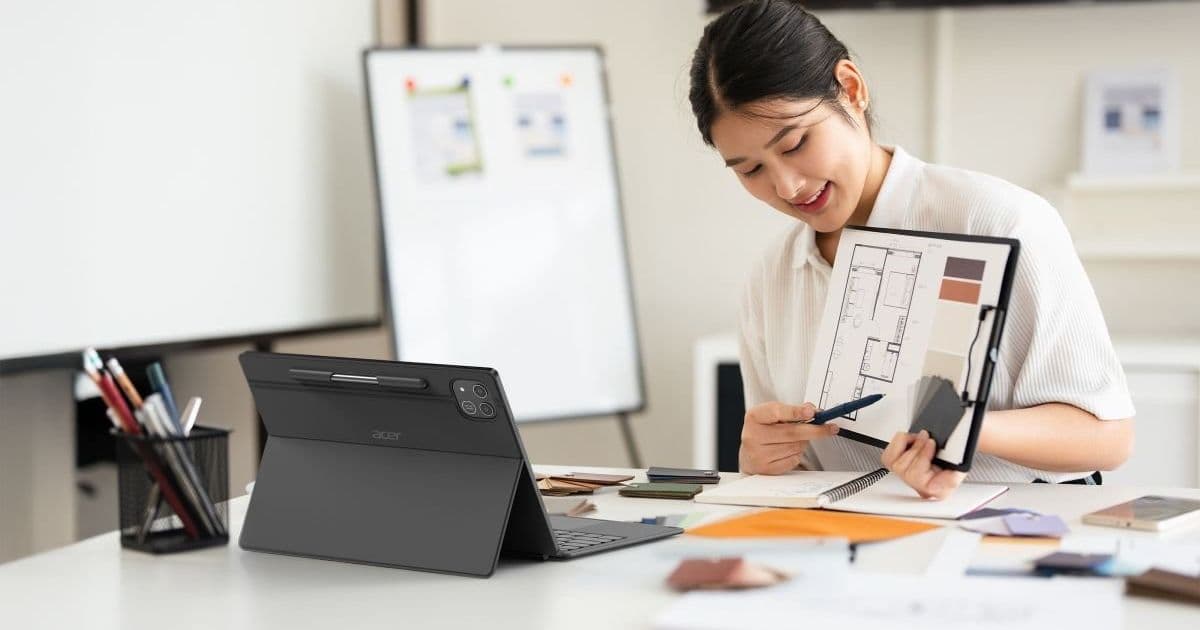
Acer introduces the Iconia Duo D12, Duo S12, and Duo S14, all featuring 3:2 displays ranging from 12.2 to 14.2 inches, MediaTek processors, and Android 16. The launch brings new hardware targets for Android developers, especially those building productivity and media apps that benefit from higher refresh rates and OLED panels.
Acer Expands Android Tablet Lineup with Three Large‑Screen Models
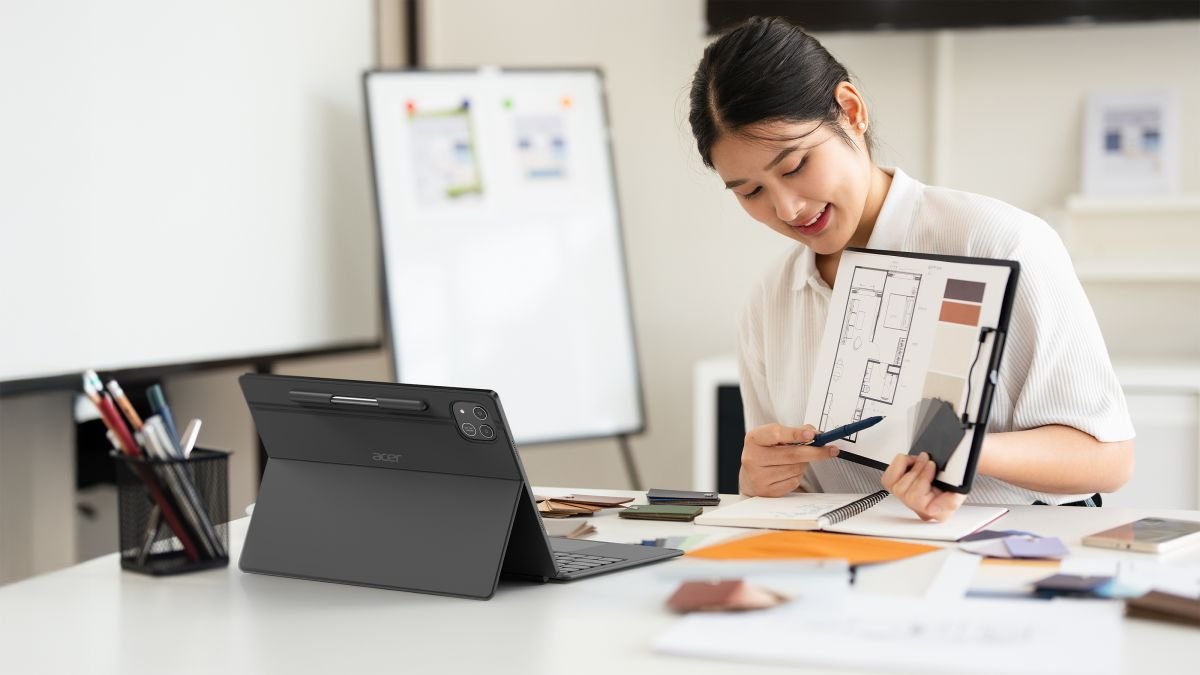
Acer’s latest press release adds three Android tablets to the Iconia Duo family. Each device uses a 3:2 aspect ratio, a size that sits between the typical 16:9 phone screen and the 4:3 tablet format favored by many productivity apps. The lineup covers three price points:
| Model | Display | Refresh Rate | Processor | RAM / Storage | Starting Price |
|---|---|---|---|---|---|
| Iconia Duo D12 | 12.2" 2400×1600 | 90 Hz | MediaTek Helio G99 | 8 GB LPDDR4 / 128 GB UFS | $399 |
| Iconia Duo S12 | 12.2" 2880×1840 | 120 Hz | MediaTek Dimensity 7400 | 8 GB LPDDR5 / up to 256 GB UFS | $549 |
| Iconia Duo S14 | 14.2" 2880×1840 OLED | 120 Hz | MediaTek Dimensity 9300 | 8 GB LPDDR5 / up to 256 GB UFS | $699 |
All three ships with Android 16 (API level 35) and will be available in North America between August and September 2026.
What the hardware means for Android developers
Larger, faster screens
The 14.2‑inch OLED panel on the Duo S14 pushes the envelope for mobile‑first UI design. At 2880×1840 pixels the screen density is roughly 240 dpi, which is higher than most 12‑inch tablets. Apps that rely on crisp typography or detailed graphics (e.g., drawing, CAD, or data‑visualization tools) will benefit from the extra pixel real‑estate without needing to switch to a separate desktop layout.
The 120 Hz refresh rate on the S12 and S14 also changes the performance baseline. Android 16 introduces SurfaceControl improvements that make it easier to drive high‑refresh displays with less battery drain. Developers should test animations, scrolling, and game loops on a 120 Hz panel to ensure they stay smooth and avoid frame‑skipping.
MediaTek’s Dimensity line
Both the S12 and S14 use Dimensity 7400 and 9300 SoCs, which support AV1 hardware decoding, Wi‑Fi 6E, and Bluetooth 5.2. The newer chips also expose the Neural Processing Unit (NPU) via the Android NNAPI. Machine‑learning‑heavy apps—such as real‑time translation, image enhancement, or on‑device inference—can now run more efficiently without pulling the CPU.
The entry‑level D12’s Helio G99 is less powerful but still offers a decent GPU for casual gaming. It supports Vulkan 1.3, so developers targeting a wide performance spectrum can keep a single rendering path.
Connectivity and accessories
All three tablets include at least one USB‑C port; the S14 adds a second port and DisplayPort input. This makes the device a viable secondary monitor for laptops or phones that support USB‑C video input. From a development perspective, the android.hardware.usb.host and android.hardware.display permissions are required to enable peripheral mode and external display handling.
The optional active stylus (pressure‑sensitive) on the D12 and S12 uses the android.hardware.touchscreen.stylus feature flag. Apps that already handle stylus input on the Samsung Galaxy Tab series will work out of the box, but developers should verify the pressure range and tilt support on MediaTek’s implementation.
Migration checklist for existing Android tablet apps
- Update
compileSdkVersionandtargetSdkVersionto 35 (Android 16). This unlocks the latest permission model and the newWindowInsetsControllerAPIs for better cut‑out handling on the 3:2 screens. - Test UI scaling on a 3:2 layout. Use the
android:layout_marginStartandandroid:layout_marginEndattributes rather than hard‑coded widths. The Android 16 emulator now includes a 14.2‑inch configuration that mirrors the Duo S14’s DPI and aspect ratio. - Enable high‑refresh rendering. Add
android:requiresHighRefreshRate="true"to the manifest for activities that benefit from 120 Hz. Verify that the app falls back gracefully on the 90 Hz D12. - Leverage the NPU if your app uses on‑device ML. Update your TensorFlow Lite models to the latest
nnapi_1_2delegate and test on a Dimensity 7400 device. - Validate external display support. If your app can output video (e.g., a presentation or media player), implement the
PresentationAPI and request theandroid.permission.DISPLAY_OUTPUTpermission. - Check stylus compatibility. Register for
MotionEvent.TOOL_TYPE_STYLUSevents and confirm that pressure values map correctly on the Helio G99 and Dimensity 7400. - Plan for update cadence. Acer’s announcement does not include a software‑update schedule, so consider bundling critical security patches within your own app updates rather than relying on OS updates.
How the new tablets fit into the broader Android tablet market
The 12‑inch segment has been dominated by Samsung’s Galaxy Tab S series and the Lenovo Tab P12. Acer’s pricing—$399 for a base model with a 90 Hz panel—places the Duo D12 slightly below the entry‑level Galaxy Tab A8, but with a higher refresh rate and a more professional‑grade accessory ecosystem.
The Duo S14’s OLED screen competes directly with the high‑end Galaxy Tab S9+ and the Apple iPad Pro’s Liquid Retina XDR. While the iPad still leads in raw performance, the Android tablets now offer a comparable visual experience for developers who need a large, color‑accurate canvas without switching platforms.
Bottom line for developers
Acer’s three new tablets give Android developers a fresh set of hardware targets that emphasize larger, higher‑refresh displays and on‑device AI capabilities. By updating the SDK version, testing on the 3:2 aspect ratio, and taking advantage of the Dimensity NPU, you can deliver smoother UI, better media playback, and smarter features across the entire Iconia Duo lineup.
For the full specifications, see Acer’s official product pages and the accompanying press release.
Comments
Please log in or register to join the discussion