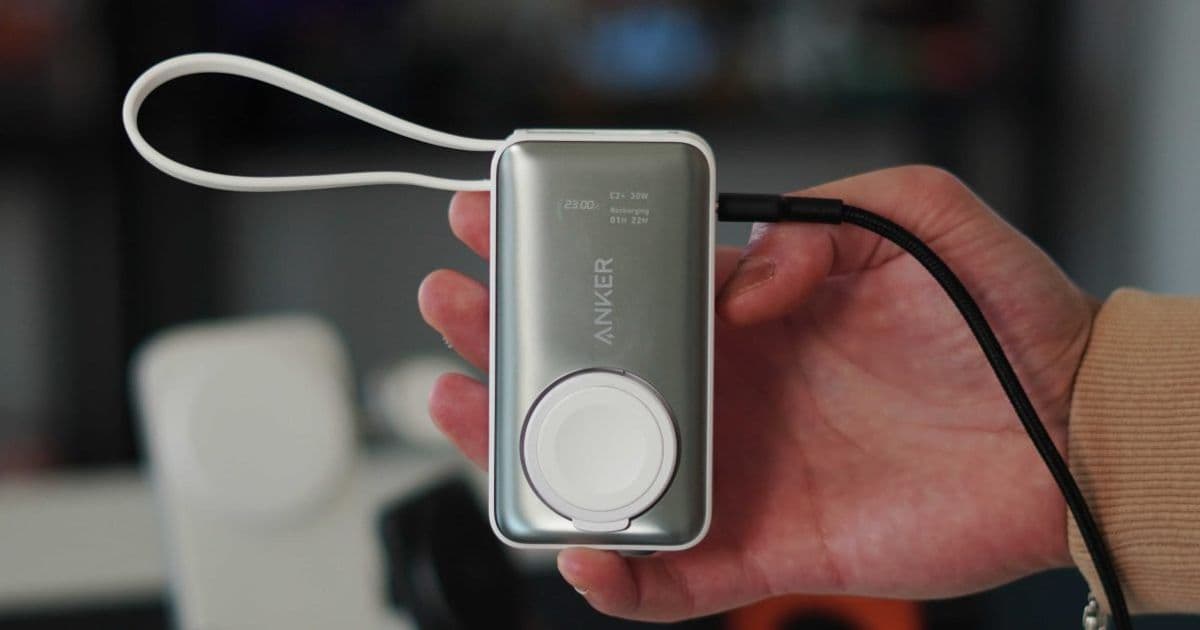
The Anker MagGo 35W power bank stands out in a crowded market of portable chargers with its built-in Apple Watch charger, real-time LED diagnostics, and thoughtful design. This review explores why its practical features make it a reliable choice for iOS users on the go.
I have been lucky enough to test a variety of different portable power solutions. There are endless options for different scenarios and different customers. You have high-capacity chargers, ultra-slim magnetic chargers, and I even recently reviewed a MagSafe charger with a built-in fan for heat dissipation. But sometimes the chargers that are the most practical and just work are the ones that are the easiest to recommend. The portable power bank I have used most in the last year is the Anker MagGo with Apple Watch charger. While it’s not the flashiest, it excels at a few things that other chargers just don’t. Let me explain.
Anker MagGo 35W: Specs and Capabilities
Before I get into any real-world review, I like to go over the specs. It is a great way to set expectations on what the charger is supposed to do. You get:
- 10,000mAh capacity – Enough to charge an iPhone 17 Pro nearly twice, or an Apple Watch Series 11 up to 11 times.
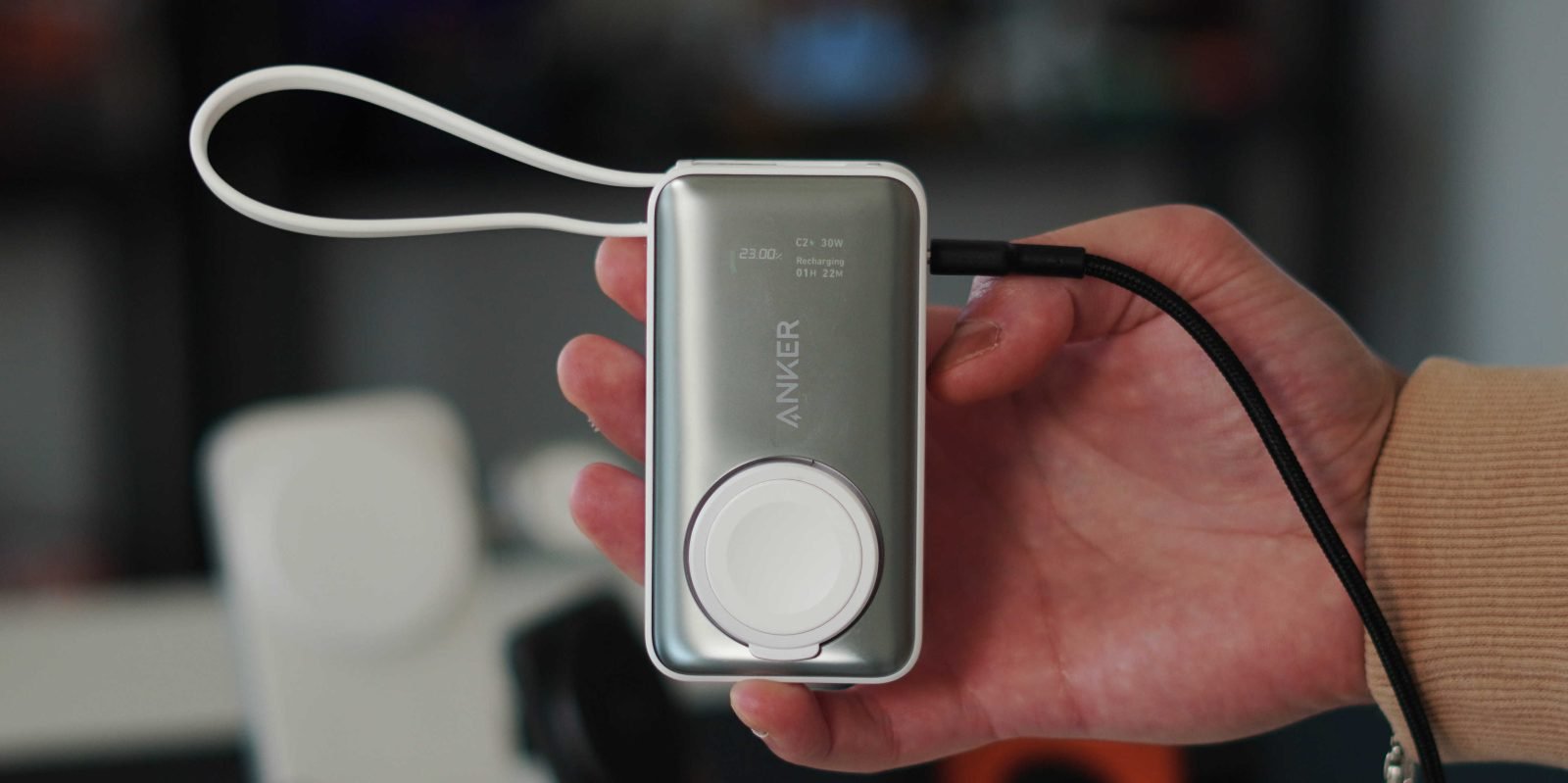
- LED diagnostics screen – A real-time power analytics display that shows battery percentage, charging speed, and port usage.
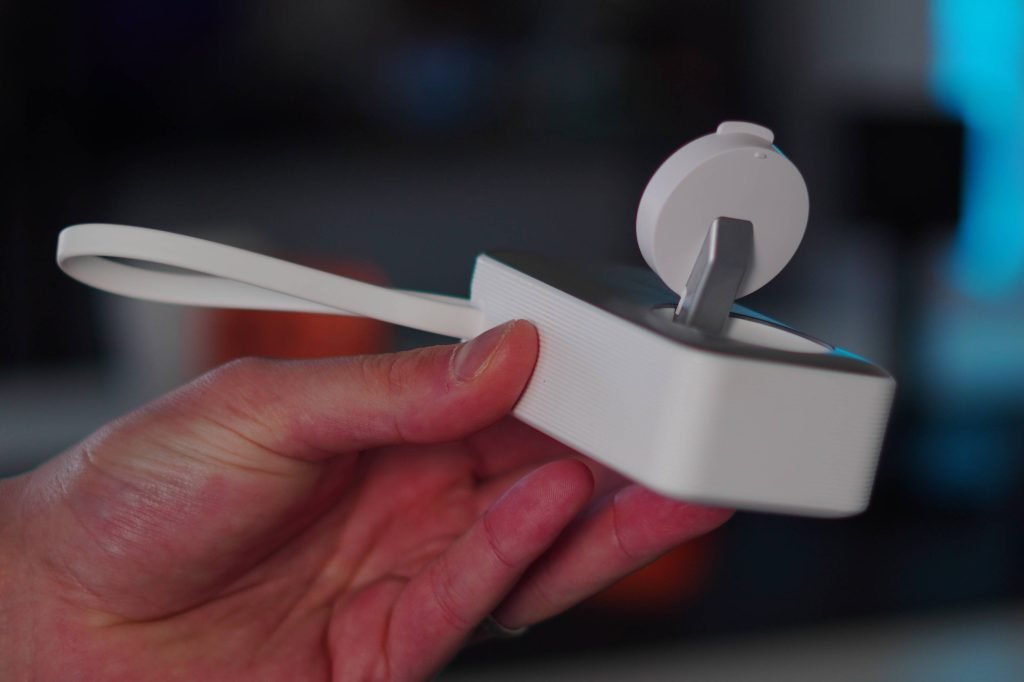
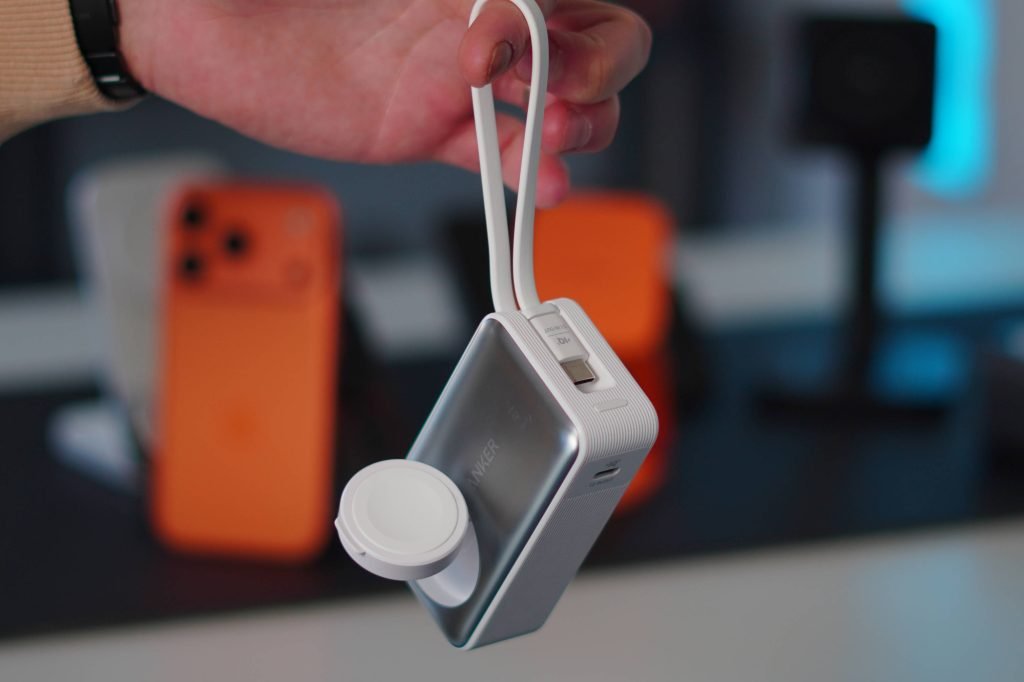
- Built-in Apple Watch charger – Officially Apple-certified, with an adjustable puck that props up to 90 degrees.
- Built-in USB-C cable – Doubles as a lanyard loop, eliminating the need to carry a separate cable.
- 35W max output – Supports up to 30W USB-C charging for iPhones and iPads, plus 5W for Apple Watch.
- Simultaneous charging – Can charge multiple devices at once.
- Fast recharging – Full recharge in approximately 1.5 hours with a 30W input.
This combination of features makes it versatile for travel, daily carry, or emergency use. The compact size means it fits easily into a bag, fanny pack, or even a pocket.
Real-World Experience: Why the LED Display Matters
There is one feature that sets this power bank apart from the rest, especially at this size and price point: the LED display. This diagnostic display is the main reason I recommend this to everyone who needs a power bank. Every time I plug it in to charge something, the display lights up and shows me everything I would want to know. It, of course, shows the power bank’s battery percentage, but it also shows in real time which port or cable is in use and how quickly it is supplying power to the device being charged. The geek in me loves to see this. Then, when you charge the power bank itself, it will tell you the same thing, and on top of that, you can see the battery percentage increase by the hundredth of a percent in real time. If you care about the finer details, you are going to love this.
This level of transparency is rare in portable chargers. Most power banks offer a simple LED indicator (e.g., four dots representing 25% increments), which leaves you guessing about exact charge levels or charging speeds. The Anker MagGo’s display provides precise data, which is especially useful when you’re managing multiple devices or need to know exactly how much power is left for a long trip.
Design and Practicality
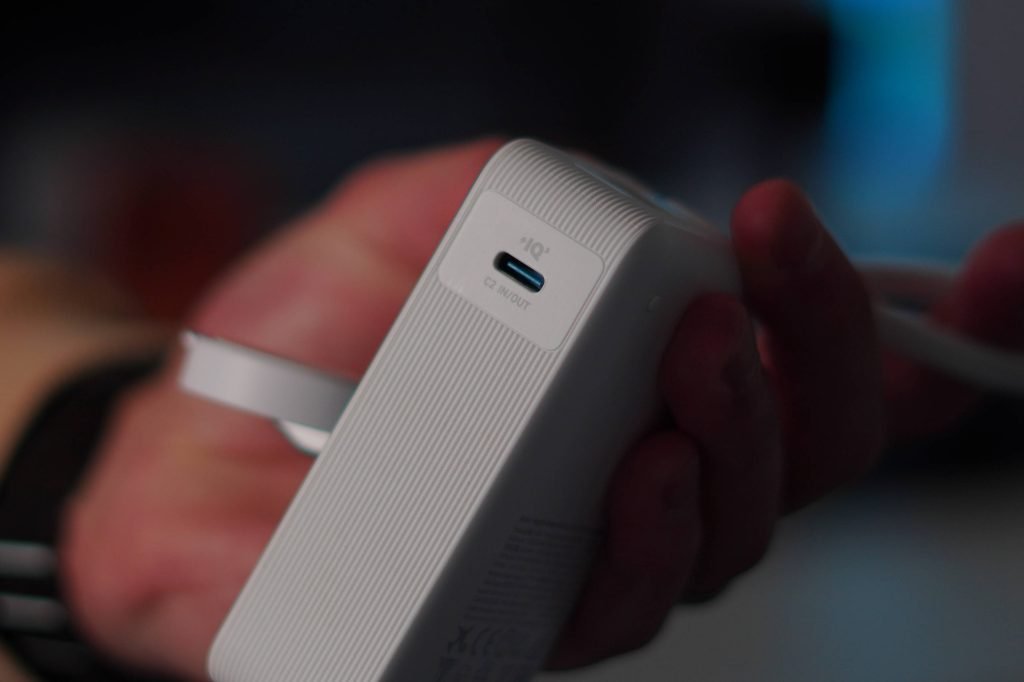
Beyond the display, the MagGo excels in everyday usability. The built-in USB-C lanyard cable is a thoughtful touch—you don’t need to worry about forgetting a cable. You can also use this same cable to recharge the power bank itself. There’s a secondary USB-C port for charging another device simultaneously, which is handy for powering up an iPad or MacBook Air alongside your iPhone.
The Apple Watch charger is another standout. It’s officially Apple-certified, ensuring compatibility and safety. The adjustable puck can be angled up to 90 degrees, making it easy to use while the watch is on your wrist or placed on a table. This is far more convenient than carrying a separate Apple Watch charger.
I’ve used this power bank to charge my iPhone Air, iPhone 17 Pro, Apple Watch Ultra, iPad Pro, and even a MacBook Air when we were in a pinch. It handled all these devices without issue, delivering consistent power and maintaining stable connections. The 35W output is sufficient for fast charging iPhones and iPads, though it won’t charge a MacBook Pro at full speed—but for a portable backup, it’s more than adequate.
Pricing and Availability
The Anker MagGo Power Bank for Apple Watch is available now on Amazon in four colors: Black, White, Green, and Pink. Normally retailing for $90, it’s currently on sale for $62. This price point makes it an excellent value, considering the built-in Apple Watch charger and diagnostic display alone. For comparison, a standalone Apple Watch charger costs around $29, and a basic 10,000mAh power bank is typically $30–$40. The MagGo combines both with added features, making the sale price particularly compelling.
Final Thoughts
If you’re looking for a new power bank, the Anker MagGo is a no-brainer for iOS users. Its combination of real-time diagnostics, built-in Apple Watch charging, and compact design addresses common pain points in portable power. While it may not be the highest-capacity option available, its practicality and feature set make it a reliable companion for daily use and travel.
For those who value transparency in charging and want to minimize cable clutter, this power bank delivers. It’s a reminder that sometimes the most useful technology isn’t the flashiest—it’s the one that works consistently and gives you the information you need.
Pricing & availability: Anker MagGo Power Bank on Amazon (currently $62, down from $90).
What do you think? Have you tried a power bank with a built-in Apple Watch charger or a diagnostic display? Let’s discuss in the comments below.
Comments
Please log in or register to join the discussion