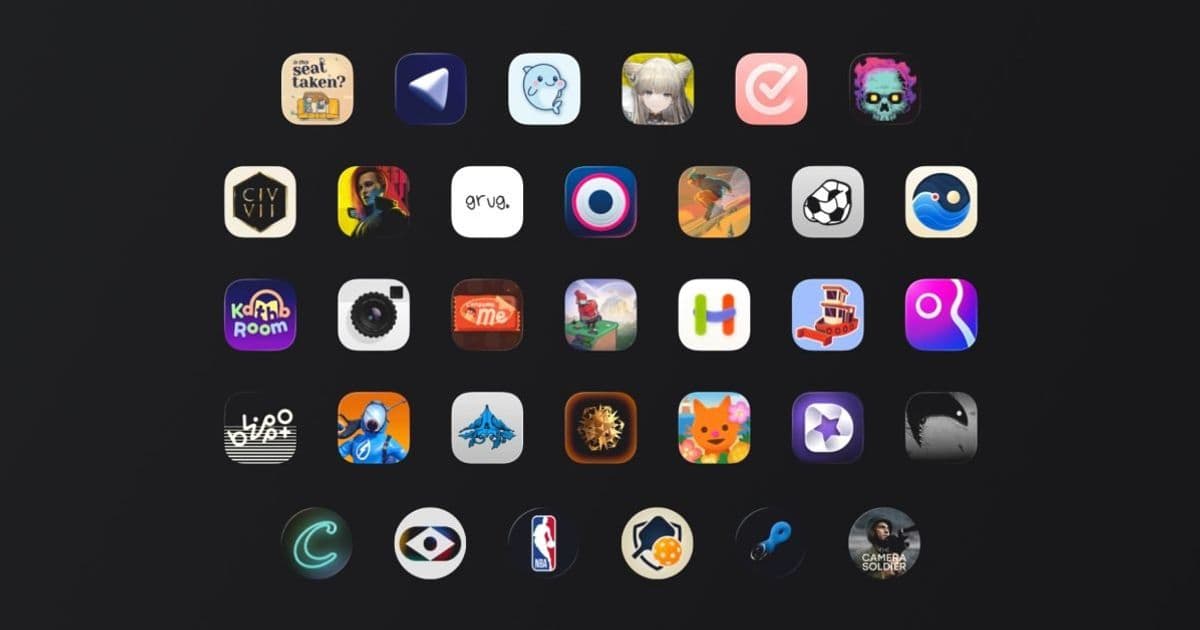
Apple has announced 36 finalists across six categories for the 2026 Apple Design Awards. The list highlights new iOS 17 and iPadOS 17 features, showcases innovative uses of Vision, Core ML, and SwiftUI, and offers clear signals for developers building native or cross‑platform apps.
Apple Design Awards 2026 – finalists revealed
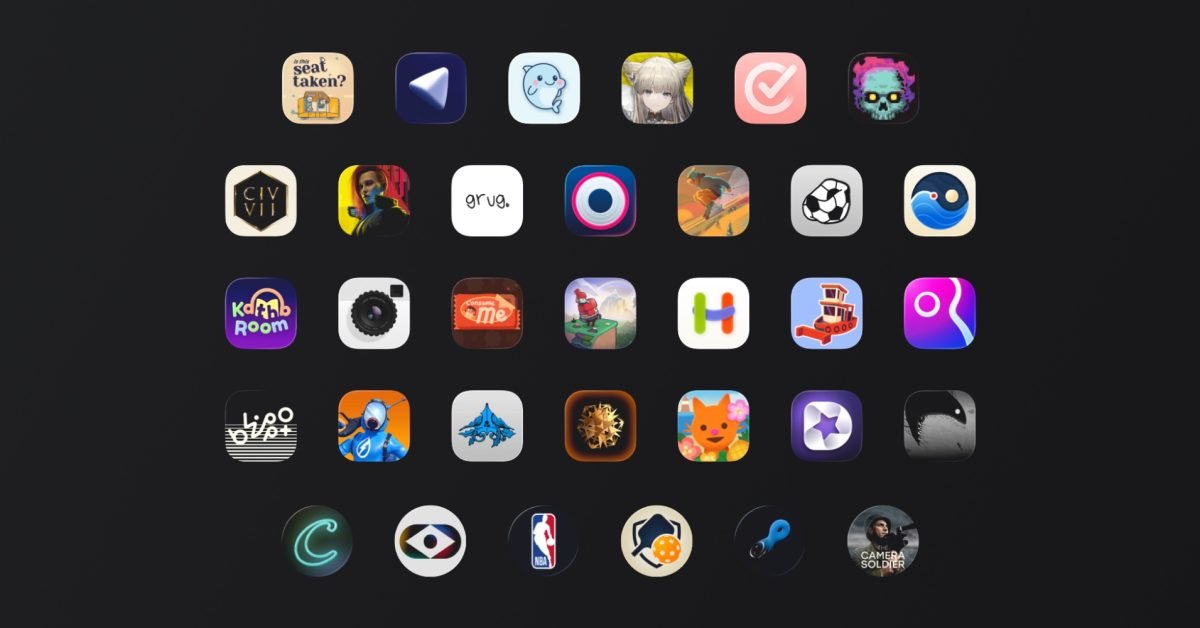 Apple just sent press invites for the WWDC 2026 keynote and, as tradition dictates, unveiled the 36 finalists that will compete for the coveted Apple Design Awards. The list is split into six categories, each with three apps and three games, although a handful of titles appear in multiple categories, so the total number of unique apps is slightly under 36.
Quick rundown of the finalists
| Category | Notable finalists |
|---|---|
| Delight & Fun | Blippo+ Metaballs, PowerWash Simulator, Is This Seat Taken? |
| Inclusivity | Guitar Wiz, Hearing Buddy, Structured, Sago Mini Jinja’s Garden |
| Innovation | Detail: AI Video Editor, NBA: Live Games & Scores, D‑Day: The Camera Soldier |
| Interaction | The Outsiders: Athlete Tracker, Moonlitt: Moon Phase Tracker, Tide Guide: Charts & Tables |
| Social Impact | Primary: News in Depth, Katha Room, Harvee |
| Visuals & Graphics | Tide Guide: Charts & Tables, Caradise (Not Boring), Camera Cyberpunk 2077 Ultimate Edition |
The full list can be seen on the official Apple press release.
Why the finalists matter to developers
iOS 17 / iPadOS 17 SDK features on display
Many of the highlighted apps are built around the newest SDK capabilities that debuted with iOS 17 and iPadOS 17:
- Vision Pro integration – D‑Day: The Camera Soldier uses the Vision Pro’s spatial camera APIs to let players frame shots with their hands, a clear example of how
ARKitandRealityKitnow support mixed‑reality input without a separate framework. - Live Activities 2.0 – NBA: Live Games & Scores pushes the updated Live Activities API, showing real‑time scores on the lock screen while offering a widget‑style interaction that can be tapped to launch the full app.
- Core ML 5 – Detail: AI Video Editor demonstrates on‑device video enhancement using the latest
MLModelConfigurationthat allows developers to specify GPU‑only execution for low‑latency processing. - SwiftUI 5 – Sago Mini Jinja’s Garden and Tide Guide: Charts & Tables both rely heavily on the new
Canvasview andChartsframework, proving that complex, data‑driven UI can be built without falling back to UIKit.
Seeing these features in award‑level apps gives developers a concrete benchmark for what is possible when you adopt the latest SDKs.
Impact on native iOS/macOS development
- Design language expectations – Apple continues to reward apps that follow the Human Interface Guidelines (HIG) to the letter. The Interaction category, for example, highlights apps with “intuitive interfaces and effortless controls.” Expect Apple to tighten HIG compliance checks for App Store review in the months leading up to WWDC.
- Accessibility as a first‑class concern – The Inclusivity finalists demonstrate that VoiceOver, Dynamic Type, and multilingual support are no longer optional. Projects that still treat accessibility as an after‑thought may face longer review cycles.
- Performance baselines – Apps like PowerWash Simulator run at 60 fps on both iPhone 15 Pro and the new iPad Pro M4. Their success signals that Apple expects smooth frame rates even for graphically intensive games, pushing developers toward Metal 3 and the new
MTLDevice‑level power‑management APIs.
Cross‑platform considerations (Flutter, React Native, Unity)
While the awards focus on native iOS/macOS experiences, the finalists indirectly set a bar for cross‑platform frameworks:
- Flutter 3.22 now supports the latest
UIKitgestures andSwiftUIinterop layers. To compete with Moonlitt or Camera Cyberpunk 2077, Flutter apps will need to expose the same Vision Pro and Live Activities APIs via platform channels. - React Native 0.74 introduced a new
VisionKitbridge. Developers should evaluate whether the performance of Detail: AI Video Editor can be approximated with JavaScript‑driven pipelines, or if a native module is required. - Unity 2023.2 has added first‑class support for RealityKit. Games like Blippo+ Metaballs show that Unity can now deliver the same spatial‑audio and hand‑tracking fidelity that Apple expects from native titles.
In short, if you’re targeting iOS 17 devices, plan to write thin native wrappers for any feature that relies on Vision Pro, Live Activities, or the newest Core ML models. The effort pays off in App Store visibility and, potentially, an award.
Migration roadmap for teams already in production
- Audit your dependencies – Identify any third‑party SDKs that haven’t been updated for iOS 17. Replace them with versions that declare
minimumOSVersion = 17.0in theirInfo.plist. - Add SwiftUI previews – Even if your app is UIKit‑based, integrating SwiftUI previews helps you iterate on UI that will be judged on visual polish, as seen in the Visuals & Graphics finalists.
- Implement accessibility testing – Use Xcode’s Accessibility Inspector to verify VoiceOver, Switch Control, and Dynamic Type support. Automate these checks in your CI pipeline.
- Prototype Vision Pro features – Create a small “sandbox” target that uses
RealityKitandARKitto experiment with spatial interactions. Apple’s sample code for D‑Day is a good starting point. - Benchmark performance – Run your app on an iPhone 15 Pro and an iPad Pro M4 using Xcode’s GPU Frame Capture. Aim for sub‑16 ms frame times for any animation that appears in the App Store screenshots.
What to watch at WWDC 2026
Apple will announce the winners during the keynote, but the real takeaway for developers will be the technical deep‑dives that follow. Expect sessions on:
- Vision Pro development – new APIs for hand‑tracking and spatial audio.
- Core ML on device – model compression techniques demonstrated by Detail: AI Video Editor.
- Advanced SwiftUI –
Canvas,Charts, andNavigationStackenhancements. - Accessibility best practices – a walkthrough of the Inclusivity finalists.
Preparing your codebase now puts you in a strong position to adopt those updates as soon as they ship.
Bottom line
The 2026 Apple Design Award finalists are more than a showcase of beautiful apps; they are a roadmap for the features and quality standards Apple will reward in the coming months. Native iOS developers should prioritize the latest SDKs, accessibility, and performance, while cross‑platform teams must plan for native shims to stay competitive. Aligning your roadmap with the technologies highlighted here will not only improve your app’s chances at an award but also future‑proof it for the next wave of Apple hardware.
Comments
Please log in or register to join the discussion