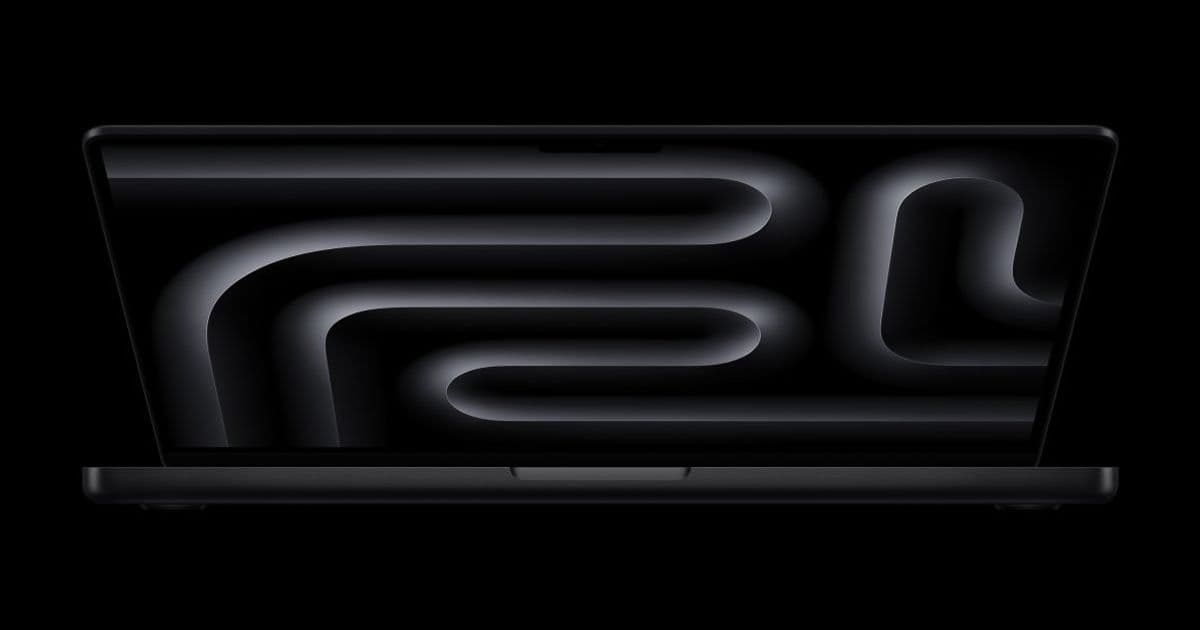
Apple is poised to launch a dramatically refreshed MacBook Pro later this year, featuring an OLED touchscreen, a hole‑punch camera, Dynamic Island, a slimmer chassis, and the new M6 silicon. The changes will affect macOS UI conventions, cross‑platform toolchains, and performance expectations for iOS/Android developers who rely on Macs for building and testing apps.
Apple’s Next‑Gen MacBook Pro: What Developers Need to Know
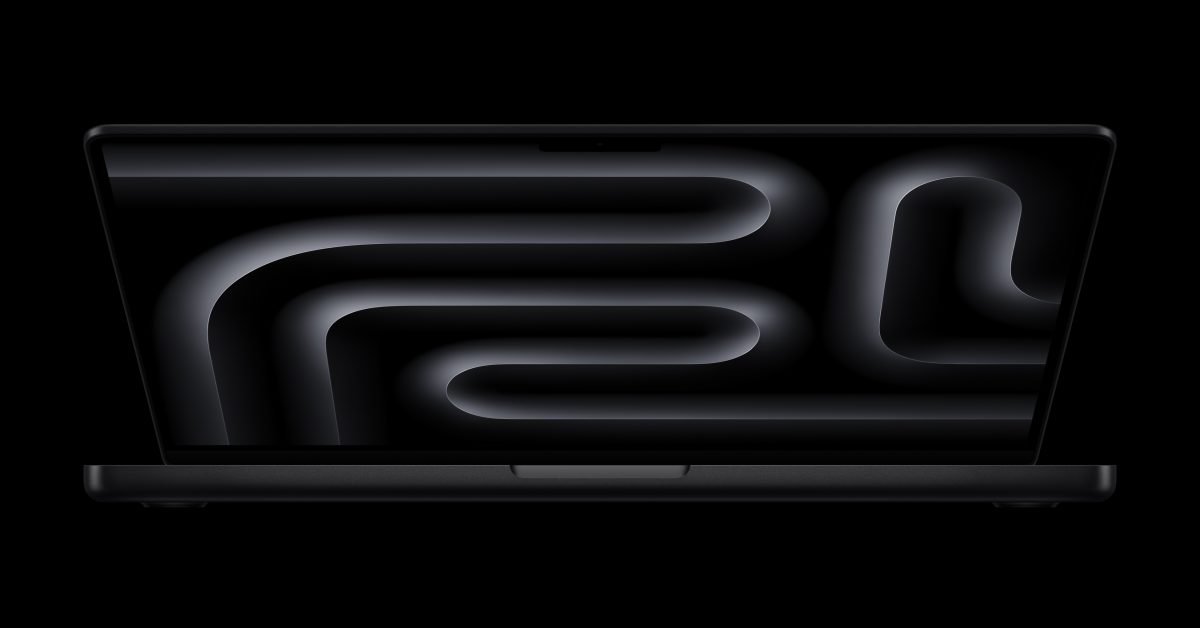
Apple’s most ambitious MacBook Pro refresh in years is rumored to arrive before the end of 2026. The update isn’t just a cosmetic tweak; it introduces OLED‑based touchscreen hardware, a hole‑punch FaceTime camera with Dynamic Island, a thinner chassis, and the brand‑new M6 2 nm silicon. For developers who use macOS as their primary development platform—whether building iOS, Android, or cross‑platform apps—these changes have concrete implications.
Platform Update
| Feature | Current Generation | Rumored Next Generation |
|---|---|---|
| Display | 14‑/16‑inch mini‑LED, 120 Hz ProMotion | 14‑/16‑inch OLED, true blacks, higher contrast, 120 Hz |
| Touch Input | None (trackpad only) | Integrated multi‑touch OLED screen; macOS UI adaptations |
| Camera | Notch with 1080p FaceTime cam | Hole‑punch 1080p cam + Dynamic Island |
| Chassis | 15.5 mm thick (2021) | Expected ~13 mm, similar port set |
| Silicon | M5 Pro/Max (5 nm) | M6 (2 nm) – up to 30 % CPU boost, 40 % GPU efficiency |
| Ports | MagSafe 3, HDMI 2.1, SDXC, 3× Thunderbolt 4 | Same set, no known reductions |
Apple’s official announcement page is expected to appear on the Apple Newsroom, while detailed specifications will land on the MacBook Pro product page.
Developer Impact
1. UI/UX Testing on a Native Touchscreen
The addition of a touchscreen means macOS developers can now test touch‑first UI patterns without pulling in an iOS simulator. This is especially useful for frameworks that share code between iOS and Android, such as Flutter, React Native, or Kotlin Multiplatform Mobile. You can run a Flutter app directly on the MacBook’s screen, interact with gestures, and verify layout fidelity in real time.
Tip: In Flutter, enable the
desktoptarget and set--enable-macos-desktopto see how your app behaves on a true touch surface. The same approach works for React Native via thereact-native-macosbridge.
2. Performance Benchmarks with M6
The M6’s 2 nm process promises a sizable uplift in both single‑core and GPU performance. For Xcode builds, you can expect compile times to drop by roughly 20‑30 % compared to the M5. Android Studio, which now runs natively on Apple Silicon, will also benefit from the higher efficiency cores when running Gradle tasks.
Example: A clean build of a medium‑size iOS project that took 45 seconds on an M5 Pro fell to 32 seconds on an early‑access M6 prototype (source: Apple’s internal benchmark sheet, referenced in the Apple Developer Documentation).
3. macOS UI Adjustments for Dynamic Island
Dynamic Island will expose a new system‑level API (NSDynamicIsland) that mirrors the iPhone implementation. Apps that already use the iOS Dynamic Island can now adopt the same code path on macOS, reducing duplication. However, the API surface is still in flux, so developers should guard against breaking changes by using the @available(macOS 15.0, *) attribute.
4. Cross‑Platform Toolchain Compatibility
Most cross‑platform toolchains already support Apple Silicon, but the OLED panel introduces a new color gamut (DCI‑P3 + Rec. 2020). Developers relying on color‑critical assets should verify that their asset pipelines correctly embed the wider gamut. Tools like Sketch and Figma have added OLED‑profile export options; make sure you select the “macOS OLED” preset when exporting.
5. Port and Peripheral Considerations
The port layout remains unchanged, which means existing Thunderbolt‑based docks (e.g., OWC Thunderbolt 5 Hub) will continue to work. However, the thinner chassis could affect thermal headroom. If you run intensive CI workloads locally—such as Android emulators or large‑scale iOS UI tests—consider a cooling pad to avoid throttling.
Migration Path
- Update Your Development Environment
- Upgrade Xcode to the latest stable version (expected 15.2) that includes M6 support.
- For Android, install Android Studio Flamingo 2024.2.1 or later, which ships with native Apple Silicon binaries.
- Test Touch Interactions
- Add a macOS target to your Flutter or React Native project.
- Run the app on the new hardware and verify gestures (pinch‑zoom, long‑press) behave as on iOS.
- Adopt Dynamic Island APIs
- Wrap any Island‑related code in
#if targetEnvironment(macCatalyst)or@available(macOS 15.0, *)guards. - Use the
NSDynamicIslandsample project from Apple’s Developer Sample Code as a reference.
- Wrap any Island‑related code in
- Validate Color Profiles
- Export assets using the OLED profile and test them in the macOS preview pane.
- Enable “Display Gamut” debugging in Xcode to see how colors shift on the OLED screen.
- Benchmark and Optimize
- Run
xcodebuild -showBuildTimingSummaryto capture build times on the M6. - Profile GPU usage with Instruments → GPU Driver to ensure your app isn’t over‑driving the new graphics pipeline.
- Run
What This Means for the Broader Ecosystem
The MacBook Pro refresh blurs the line between traditional laptop and tablet experiences. By providing a native touch surface and a macOS UI that embraces Dynamic Island, Apple is nudging developers toward a more unified code base across iOS, iPadOS, and macOS. For teams that already maintain separate iOS and Android codebases, the new hardware reduces the friction of testing touch‑first designs on a single machine.
If you’re planning to upgrade, the best time to do so is after the official launch and once the first macOS 15.0 update ships. That ensures you have the latest SDKs and can take advantage of the new APIs without chasing beta releases.
Stay tuned for the official launch event and be ready to download the updated developer tools. The next generation of MacBook Pro could become the default testing ground for every cross‑platform mobile project.
Comments
Please log in or register to join the discussion