
Azure App Service Managed Instances combine PaaS simplicity with IaaS control, offering IT/Ops teams new deployment flexibility, troubleshooting capabilities, and customization options.
Azure App Service has been a cornerstone of cloud application deployment for years, offering teams a fully managed platform with built-in scaling, deployment integration, and enterprise-grade security. But for organizations that need more control, expanded flexibility, or the ability to run apps with additional dependencies, Microsoft has introduced a powerful new option: Azure App Service Managed Instance (preview).
What Are Managed Instances?
Managed Instances deliver the familiar App Service experience you know with added flexibility for scenarios that previously required more infrastructure control. You get the same PaaS benefits—patching, scaling, deployment workflows—but with the control typically associated with IaaS.
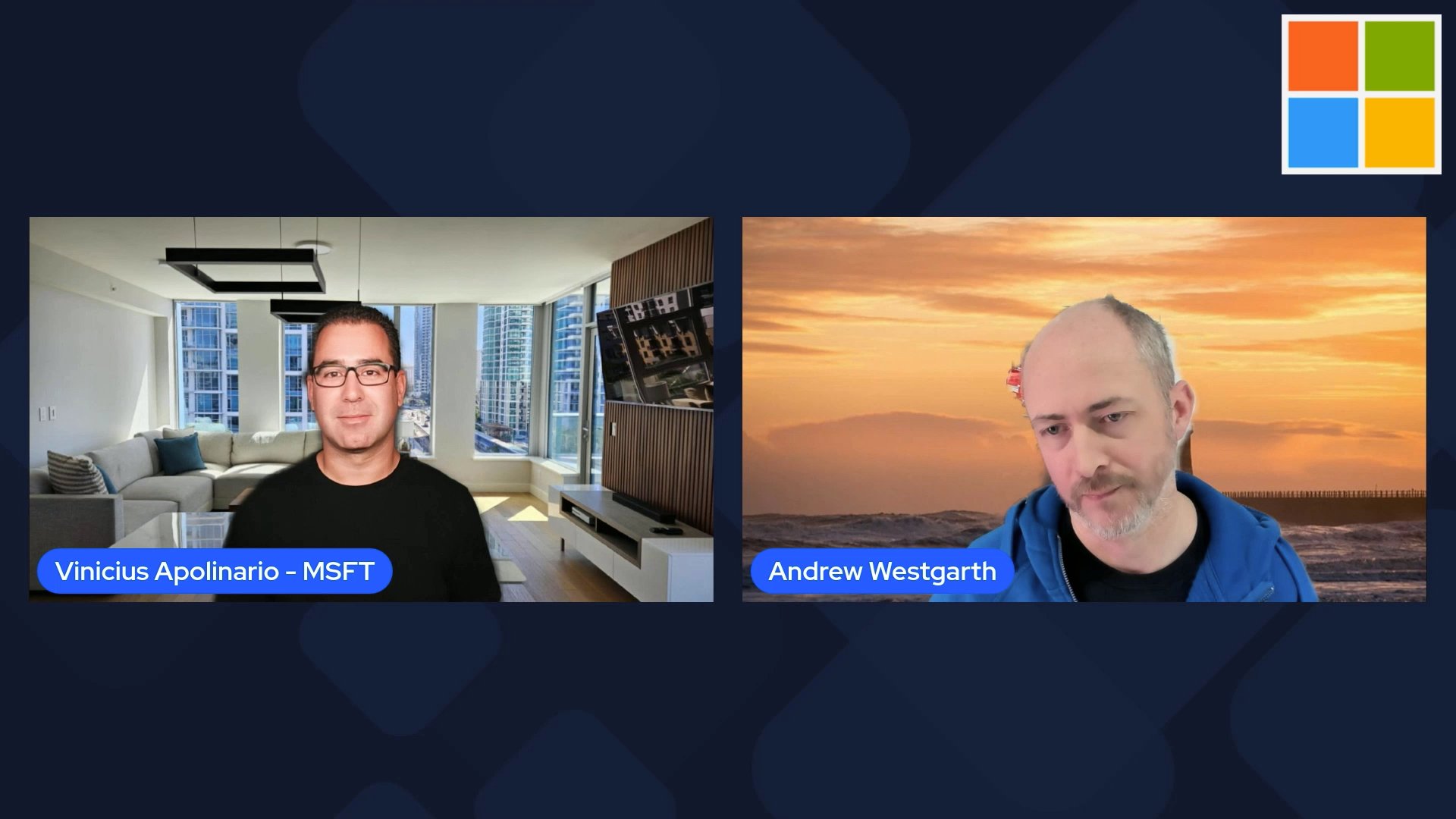
As Andrew Westgarth, Product Manager for Azure App Service, explains in a recent discussion with Vinicius Apolinario, this new offering bridges the gap between fully managed services and infrastructure control.
Key Capabilities for IT/Ops Teams
Configuration Script for Environment Customization
One of the most significant additions is the Configuration (Install) Script feature. This allows teams to customize the underlying environment with scripts that run during provisioning. This is especially useful for:
- Installing dependencies that aren't available in the standard runtime
- Configuring app and OS settings specific to your workload
- Installing fonts or other specialized components
- Preparing the environment for complex application requirements
The ability to run custom scripts during provisioning means you can maintain the PaaS benefits while accommodating applications that need specific environmental configurations.
RDP Access for Troubleshooting
A long-requested feature that many IT/Ops teams will appreciate is secure RDP access to the instance. This gives operators a way to RDP into the instance for deep troubleshooting when issues require OS-level visibility.
This capability is particularly valuable for:
- Diagnosing complex application issues that manifest at the OS level
- Investigating performance bottlenecks that might be related to system resources
- Troubleshooting deployment failures that don't provide clear error messages
- Verifying security configurations and compliance requirements
Consistent Experience, Expanded Possibilities
Managed Instances maintain the same deployment model, runtime options, and operational model as standard App Service. This consistency means your development teams can continue using familiar tools and processes while IT/Ops gains the additional control they need.
Getting Started with Managed Instances
For teams interested in exploring this new capability, Microsoft has provided several resources:
- Documentation - Comprehensive technical documentation
- Hands-On Lab - Practical experience with the technology
- Blog - Detailed announcements and use cases
- Ignite Session - In-depth technical presentation
The preview status means this is an evolving service, but the core capabilities are already providing value to organizations that need the flexibility of infrastructure control without abandoning the benefits of a managed platform.
Strategic Implications
For IT strategy, Managed Instances represent an important evolution in the PaaS/IaaS spectrum. They allow organizations to standardize on App Service for most workloads while accommodating edge cases that previously required more complex infrastructure decisions.
This capability is particularly relevant for:
- Organizations migrating legacy applications that have specific OS dependencies
- Teams running specialized workloads like machine learning inference or data processing
- Enterprises with strict compliance requirements that need OS-level access
- Organizations looking to standardize their application platform while maintaining flexibility
As cloud architectures continue to evolve, solutions like Managed Instances demonstrate how providers are finding ways to offer both simplicity and control, recognizing that real-world workloads often have complex requirements that don't fit neatly into predefined categories.
Comments
Please log in or register to join the discussion