
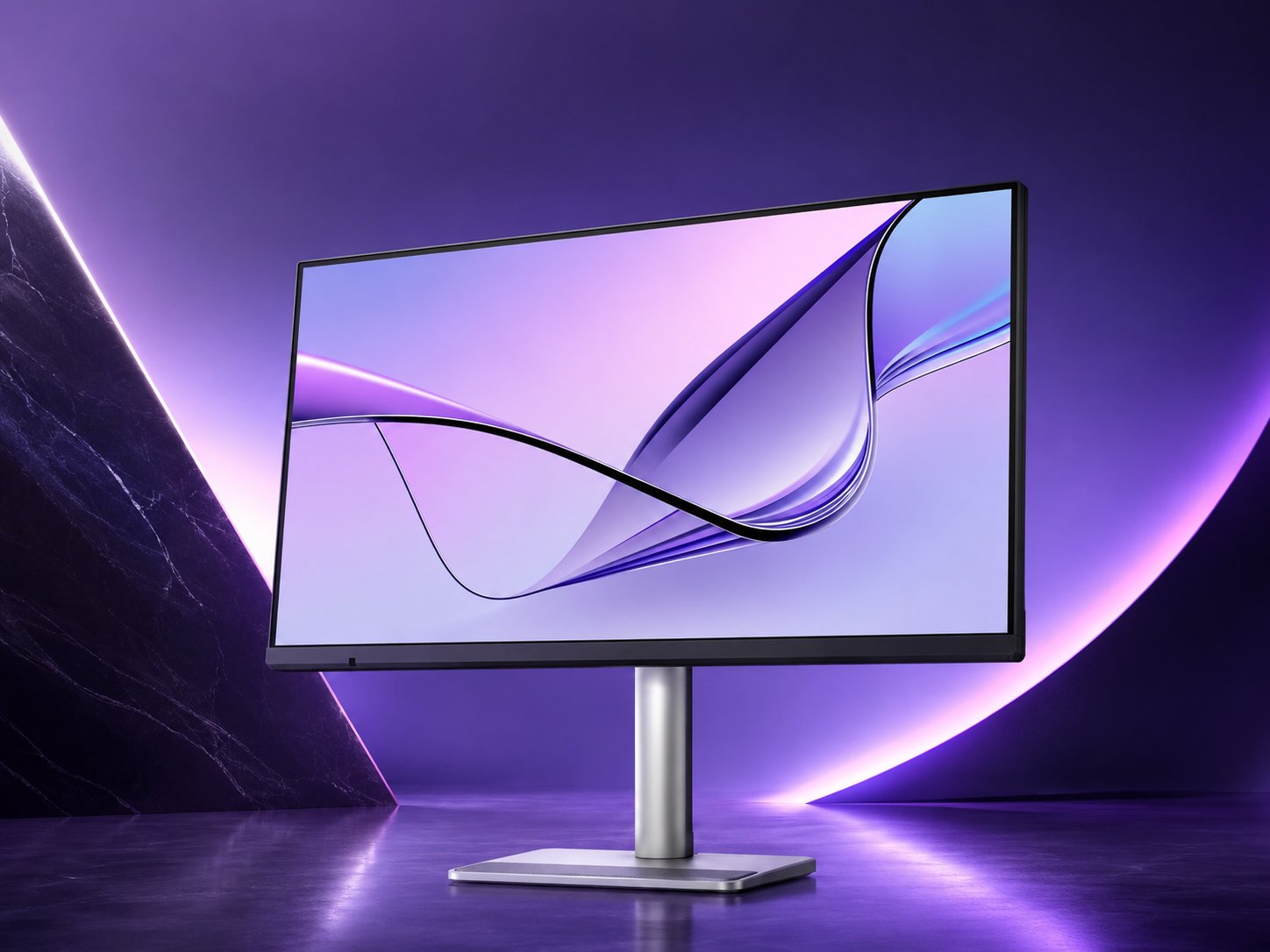
BenQ's 32-inch MA320UG is now selling for $829.99, pitched squarely at MacBook owners who want Apple Studio Display polish without the Apple price. The spec sheet, Nano Gloss coating, and dual Thunderbolt 4 ports tell most of the story.
BenQ has officially put the MA320UG on sale in the US, closing the gap between its early-year announcement and actual availability. The 32-inch monitor now lists at $829.99 through BenQ's website, Amazon, and authorized retailers, with no launch discount attached. That price matters, because the entire pitch here is positioning against Apple's $1,599 Studio Display.
What's new
The headline feature is BenQ's Nano Gloss coating on a 32-inch IPS panel. Glossy versus matte is one of the oldest arguments in display design, and BenQ is betting that Mac users who are accustomed to the reflective glass of a MacBook or Studio Display will prefer the punchier, deeper look of gloss over the slightly washed-out appearance of traditional anti-glare matte finishes. Nano Gloss is meant to keep the vividness of glass while cutting down on the mirror-like reflections that make pure glossy panels frustrating in bright rooms.
Under that coating sits a 4K (3840 x 2160) panel running at 120 Hz, with 500 nits of brightness, 98% DCI-P3 coverage, and a 2000:1 contrast ratio. At 32 inches, 4K works out to roughly 138 pixels per inch, which is sharp without quite reaching the Retina density of Apple's 5K Studio Display (218 PPI). For text-critical work at close range, that difference is visible. For most desktop use at a normal viewing distance, it is a reasonable trade for the lower price and the higher refresh rate.
The 120 Hz refresh is the spec that separates this from the Studio Display, which is locked at 60 Hz. Scrolling, window animations, and general macOS navigation feel noticeably smoother at 120 Hz, and BenQ is clearly courting buyers who notice that the Apple panel feels dated in motion despite its resolution advantage.
How it compares
BenQ leans hard on Mac integration. There is an exclusive Mac color-tuning mode meant to match the color rendering between a MacBook's internal display and the external panel, so your images do not shift hue when you drag a window from laptop to monitor. You can also adjust brightness and volume from the MacBook keyboard thanks to macOS integration, a convenience the Studio Display offers natively and that most third-party monitors do not replicate well.
{{IMAGE:2}}
Connectivity is where the MA320UG pulls ahead of most rivals in this class. The monitor carries two Thunderbolt 4 ports with up to 96 W power delivery, two USB-C, two HDMI, and two USB-A. The 96 W of power delivery is enough to charge a 14-inch MacBook Pro at close to full speed and to keep a 16-inch model topped up under moderate load, though heavy workloads on the larger MacBook Pro can still outpace it. Dual Thunderbolt 4 also enables daisy chaining, so you can run a second display off the same connection and keep cable clutter down.
The feature list rounds out with smart KVM for switching a single keyboard and mouse between two connected machines, picture-by-picture for showing two sources side by side, brightness sync, iKeyboard control, and FocuSync. The stand offers 150 mm of height adjustment along with tilt, pivot, and swivel, which is more ergonomic flexibility than the Studio Display provides without paying extra for its adjustable-stand option.
Against the Studio Display, the math is straightforward. Apple gives you higher resolution, a built-in camera, and a speaker system tuned for spatial audio. BenQ gives you double the refresh rate, far more ports, KVM switching, a proper adjustable stand, and roughly $770 back in your pocket. The Studio Display also still relies on a Thunderbolt 3 connection, so BenQ's Thunderbolt 4 is the more current standard.
Who it's for
The MA320UG is aimed at MacBook owners who want a clean, color-consistent desktop setup and care more about smooth motion, connectivity, and price than about squeezing out the absolute sharpest text. If you spend your day in design tools, code editors, and browser windows, the 120 Hz panel and the laptop-charging Thunderbolt connection make for a tidy single-cable workspace.
Buyers who do pixel-level retouching or who sit very close to a 32-inch panel may still find the Studio Display's higher density worth the premium, and anyone who wants a built-in webcam and speakers will have to add those separately here. For everyone else shopping for a large Mac-friendly display, the MA320UG arrives as a credible alternative that undercuts Apple on price while beating it on refresh rate and ports. The lack of a launch discount is the only sting, and given how quickly third-party monitors tend to see price movement, patient buyers may want to watch for one.
Comments
Please log in or register to join the discussion