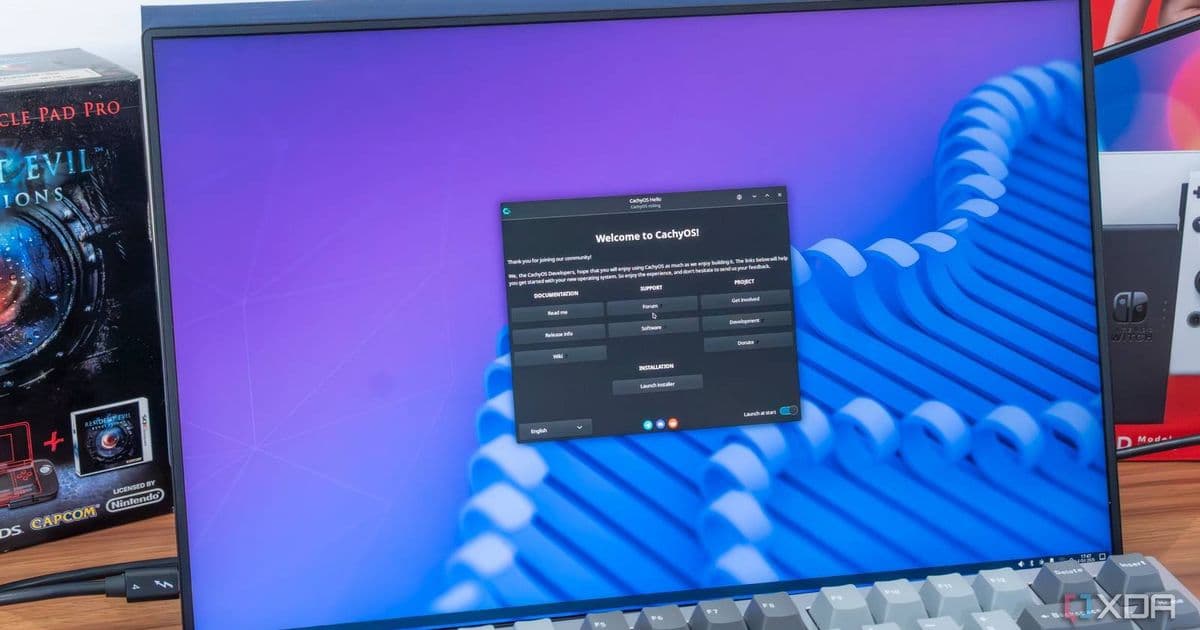
Arch-based Linux distro CachyOS adds animated desktop previews to its installer, making it simpler for users to choose their preferred environment before installation.
CachyOS, one of the most popular Arch-based Linux distributions, has just made its installation process significantly more user-friendly with a clever new feature that helps users visualize their desktop environment choices before committing to the installation.
Animated Previews for Better Decision Making
The March 2026 update brings a standout addition to the CachyOS installer: animated GIF and WebP previews that showcase each desktop environment in action. This visual approach gives prospective users a much clearer picture of what they're getting into before they make their selection.
Currently, the preview feature is available for four major desktop environments:
- Plasma
- GNOME
- Niri
- COSMIC
As shown in the demonstration GIF, users can click on any desktop environment during the setup process and instantly see an animation of how that environment will look and function once installed. This eliminates much of the guesswork that typically comes with choosing a desktop environment, especially for newcomers to Linux.
Smart Organization of Desktop Environments
Beyond the visual previews, CachyOS has reorganized how desktop environments are presented in the installer. The environments are now ordered from easiest and most accessible at the top to more advanced options toward the bottom.
This thoughtful arrangement helps users who may be unfamiliar with the differences between desktop environments make quicker, more informed decisions. Someone new to Linux can confidently select from the top options without feeling overwhelmed by more complex alternatives.
Additional Improvements in the March 2026 Update
The desktop preview feature isn't the only enhancement in this release. The update also includes several other notable changes:
- Cachy-Update enabled by default for GNOME and KDE users, streamlining the update process
- Winboat button added to the welcome menu, providing quick access to Windows Docker VM functionality
- Various under-the-hood improvements that continue CachyOS's tradition of balancing cutting-edge Arch Linux features with user-friendly design
Why This Matters for Linux Adoption
One of the biggest barriers to Linux adoption has always been the perceived complexity of choosing and configuring a desktop environment. By providing visual previews and smart organization, CachyOS is removing a significant friction point in the installation process.
This approach demonstrates how Arch-based distributions can maintain their reputation for customization and power while becoming more accessible to a broader audience. It's a smart middle ground that respects both new users and experienced Linux enthusiasts.
Getting Started with CachyOS
If you've been considering trying CachyOS but were hesitant about navigating the desktop environment selection, this update removes that obstacle. The combination of visual previews and logical organization makes the installation process more intuitive than ever.
You can download the latest CachyOS ISO from the official CachyOS website and experience the new installer for yourself. Whether you're a Linux veteran looking for a fresh Arch-based experience or a newcomer curious about what Linux has to offer, CachyOS's latest improvements make it an even more compelling choice.
The March 2026 update represents CachyOS's continued commitment to making Arch Linux more approachable without sacrificing the power and flexibility that makes Arch-based distributions so appealing to experienced users. It's a win-win that should help more people discover the benefits of this excellent Linux distribution.
Comments
Please log in or register to join the discussion