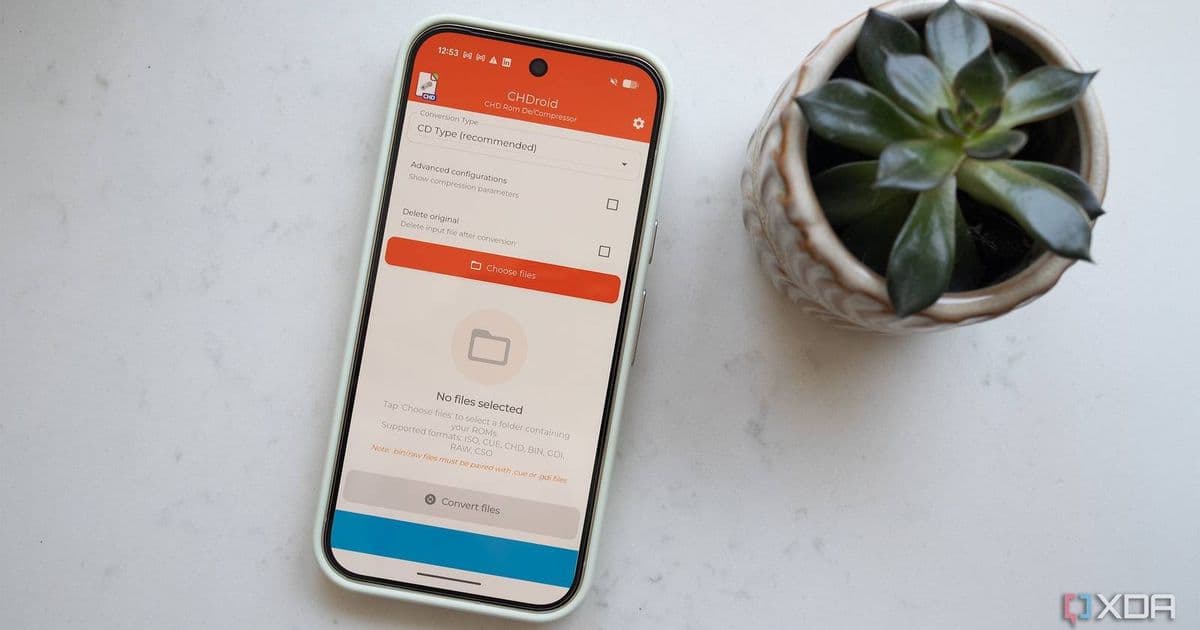
CHDroid v1.1.0 lets Android users shrink 700 MB ISO disc images into lightweight CHD files directly on their phones, freeing storage for more ROMs while keeping compatibility with popular emulators such as DuckStation, Flycast and PPPSPP.
CHDroid Brings On‑Device ISO Compression to Android Emulators
Android gamers have long struggled with the sheer size of disc‑based ROMs. A single PlayStation 1 title can occupy an entire 700 MB ISO, and many classic games span multiple discs. When you add a library of Dreamcast, PSP or even arcade titles, the storage hit quickly becomes a blocker on phones with 64 GB or less of internal space.
What CHDroid Does
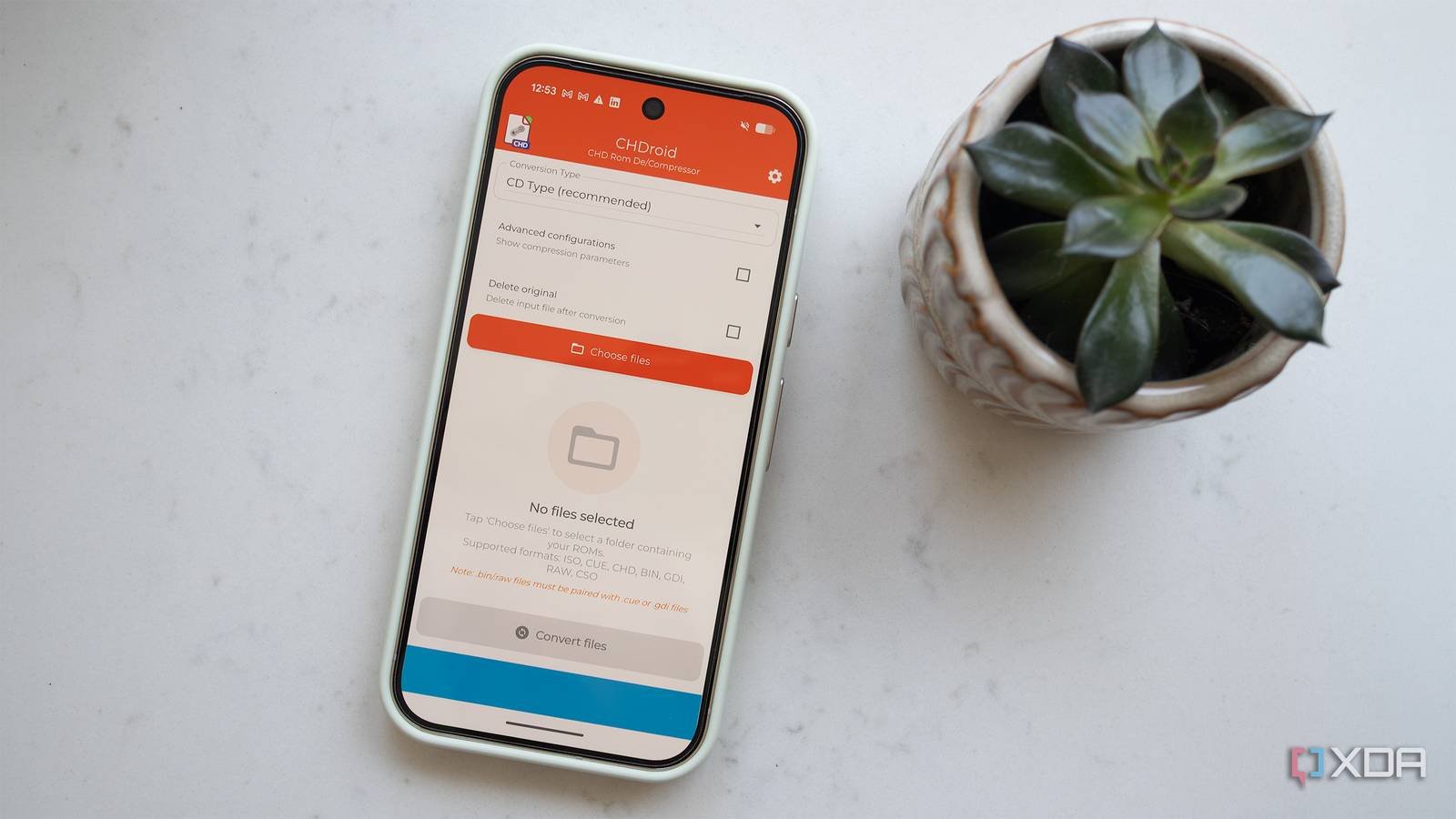
CHDroid is an Android‑only utility that converts ISO images into CHD (Compressed Hunks of Data) files. The latest stable build, v1.1.0, moves the conversion step off the PC and onto the device itself. The workflow is straightforward:
- Select an ISO from any folder you can access via Android’s file picker.
- Tap “Convert to CHD.” The app shows a progress bar and estimates the final size (typically a 50‑70 % reduction).
- Save the CHD in the same directory or a dedicated “CHDs” folder.
- Load the CHD directly into a compatible emulator – no unpacking required.
The reverse operation—CHD back to ISO—is also supported, which can be handy when you need a raw disc image for a tool that does not yet understand CHD.
Why CHD Matters for Emulation
CHD originated as a format for compressing hard‑drive dumps of arcade boards, but its design (block‑level compression with optional checksums) makes it a natural fit for CD‑based media. Several mainstream emulators already ship with CHD support:
- DuckStation (PlayStation 1) – loads CHDs as if they were ISO discs.
- Flycast (Dreamcast) – reads CHDs for both CD and GD‑ROM titles.
- PPSSPP (PlayStation Portable) – accepts CHDs for game data and even for memory‑card images.
- MAME – continues to use CHD for arcade ROM sets.
Because the format is understood natively, the emulator can stream data directly from the compressed file, avoiding the temporary storage overhead of an extracted ISO. This translates to lower RAM usage and faster load times on modest Android hardware.
Developer Impact: SDK Versions and Permissions
CHDroid targets Android 8.0 (API 26) and above, which covers roughly 95 % of active devices. The app requests the following permissions:
- READ_EXTERNAL_STORAGE – to locate ISO files.
- WRITE_EXTERNAL_STORAGE – to write the resulting CHD.
- FOREGROUND_SERVICE – for long conversions that may exceed the normal background execution limits.
The conversion engine is built with the NDK using a native C++ library that wraps the original CHD tools from the MAME project. This means the heavy lifting stays off the Java heap, keeping the UI responsive even on low‑end CPUs. The app bundles libchdr compiled for armeabi‑v7a and arm64‑v8a, ensuring compatibility across the majority of Android smartphones and tablets.
Developers who maintain their own emulators can take a cue from CHDroid’s approach: expose a simple file‑path API that accepts either .iso or .chd. By delegating compression to the user’s device, you reduce the need for a separate desktop workflow and keep the entire game library portable.
Migration Guide for Existing Users
If you already have a collection of ISO files, here’s a step‑by‑step plan to transition to CHD without breaking your emulator setup:
- Backup your ISO folder to cloud storage or a PC. This protects against accidental data loss during conversion.
- Install CHDroid from the Google Play Store (or sideload the APK from the official GitHub releases).
- Create a “CHDs” directory alongside your existing ISOs – e.g.,
/storage/emulated/0/Emulation/CHDs/. - Batch convert: open CHDroid, tap the folder icon, select the ISO directory, then press the “Convert All” button. The app will process files sequentially, showing an estimated time for each.
- Update emulator library paths: most front‑ends let you point to a folder for each console. Switch the path from
…/ISO/to…/CHDs/. If the emulator caches file lists, force a rescan. - Test a few titles to verify that the emulator loads the CHD correctly. If you encounter a missing feature (e.g., a specific BIOS check that expects an ISO), you can temporarily revert that game back to ISO using CHDroid’s “Convert to ISO” function.
- Delete the original ISOs once you’re satisfied the CHDs work. You’ll typically reclaim 40‑60 % of space per title.
Cross‑Platform Considerations
While CHDroid fills a gap on Android, the same workflow exists on iOS via tools like iMAME or Filza, but those require jailbreaking. On desktop, the original chdman utility (part of the MAME source) remains the reference implementation. If you maintain a cross‑platform emulator, consider bundling chdman for Windows/macOS/Linux and exposing it through a simple CLI wrapper. That way, power users can script bulk conversions on a PC, while mobile‑first users rely on CHDroid.
Looking Ahead
Future updates are already on the roadmap:
- GPU‑accelerated compression using Android’s Vulkan compute shaders, which could cut conversion time in half on newer devices.
- Batch queue management with priority tagging, allowing you to convert high‑value titles first.
- Integration with popular library managers such as RetroArch and EmulationStation‑Android, so CHD conversion can be triggered automatically when a new ISO is added.
For developers, the open‑source nature of CHDroid (MIT‑licensed) means you can fork the repo, add custom metadata handling, or embed the library directly into your own app. The project’s GitHub page includes a Gradle module that can be imported into any Android Studio project.
CHDroid demonstrates that storage‑constrained Android gamers no longer need a PC to keep their retro libraries lean. By turning a 700 MB ISO into a 250 MB CHD on the device itself, you free up space for more titles, reduce load‑time overhead, and keep the entire workflow within the mobile ecosystem.
Read more about CHDroid on its GitHub releases page and check the compatibility list on the official documentation site.
Comments
Please log in or register to join the discussion