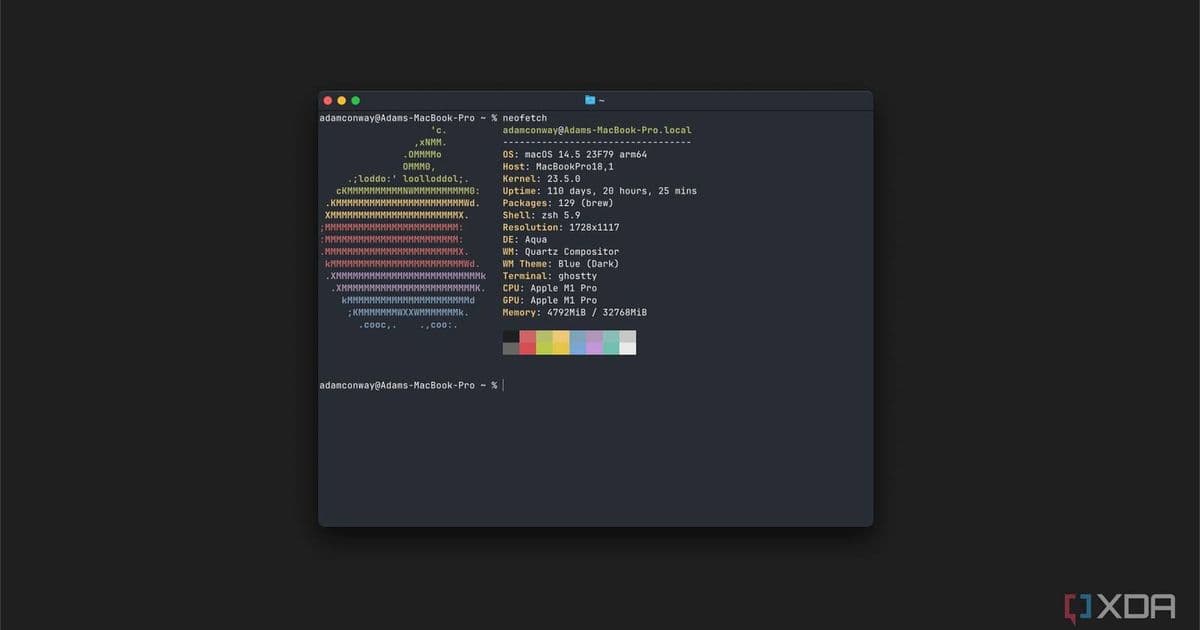
Ghostty 1.3.0 adds a Find feature for searching terminal scrollback (cmd+f on macOS, ctrl+shift+f on GTK), plus a toggleable scrollbar that respects OS settings.
Ghostty, the modern terminal emulator that launched in December 2024, has just received a major usability upgrade with version 1.3.0. The update introduces a long-awaited Find feature that lets you search through your terminal scrollback history—a capability that many terminal users have been requesting since the app's initial release.
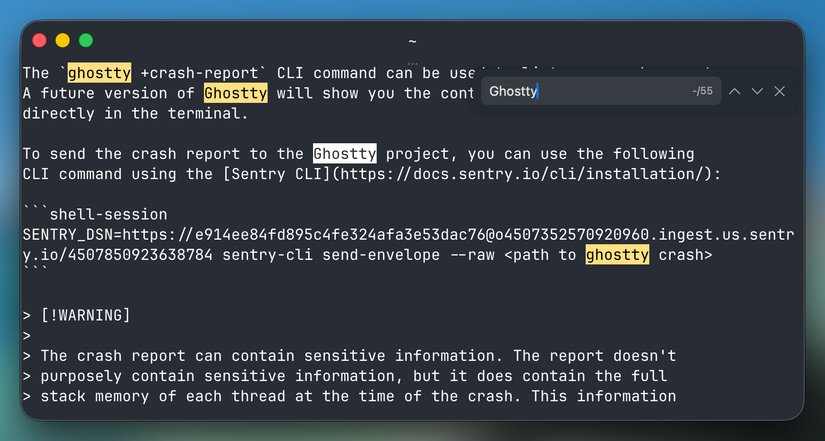
The search functionality works similarly across platforms: on macOS, you can trigger it with cmd+f, while GTK-based systems use ctrl+shift+f. Once activated, the search tool highlights all matching results in your current viewport and provides navigation controls to move between matches. You can use arrow buttons or keyboard shortcuts like cmd+g and shift+cmd+g on macOS, or enter and shift+enter on GTK to jump between results. All keybindings are configurable through Ghostty's settings, allowing you to customize the experience to your workflow.
This feature addresses a common pain point for terminal users. As Simon Batt notes in his review, many of us have experienced the frustration of trying to find a specific command or output from earlier in our session, only to spend minutes scrolling through potentially hundreds of lines of text. The Find command eliminates this tedious process, making it easy to locate exactly what you need from your terminal history.
Beyond the search functionality, Ghostty 1.3.0 also introduces a scrollbar to the terminal interface. This addition might seem minor, but it's significant for users who prefer visual navigation cues. The scrollbar respects your operating system's settings by default, using a 'system' configuration that lets your OS decide whether to display it. If you prefer a cleaner, more minimalist interface, you can disable the scrollbar entirely through the settings.
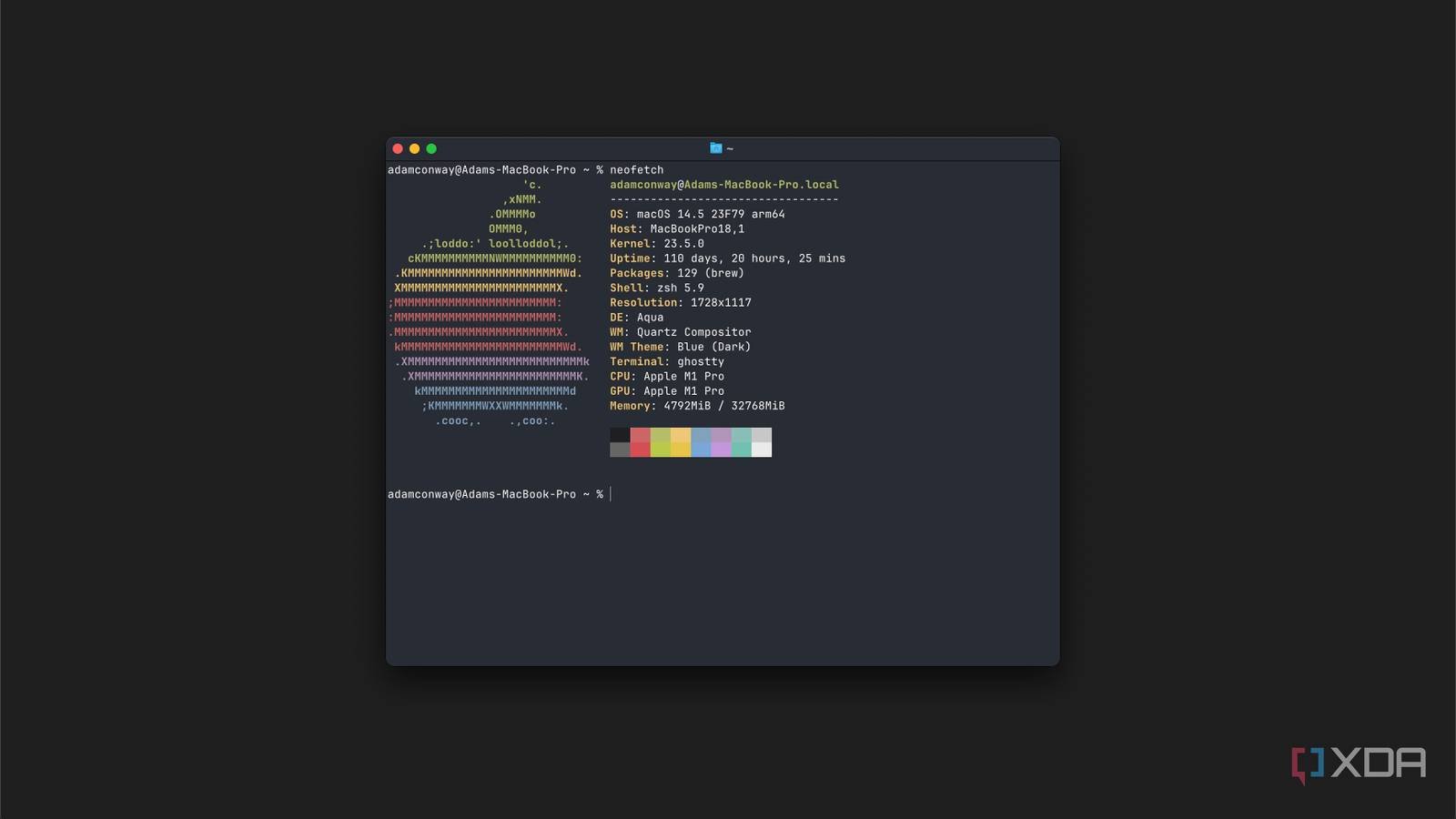
The update maintains Ghostty's commitment to cross-platform compatibility, working seamlessly on both macOS and Linux. The terminal continues to use native UI components on each platform, ensuring it feels at home whether you're on a Mac or running it through a Linux distribution.
For developers and power users who rely heavily on their terminal, these additions might seem incremental but represent meaningful quality-of-life improvements. The ability to quickly search through terminal output can save considerable time during debugging sessions or when reviewing command history. Combined with Ghostty's existing features like its beautiful native interface, GPU-accelerated rendering, and support for modern terminal standards, version 1.3.0 solidifies its position as a compelling alternative to traditional terminal emulators.
You can download Ghostty 1.3.0 from the official Ghostty website or check out the detailed release notes on GitHub for a complete list of changes and improvements in this update.
Comments
Please log in or register to join the discussion