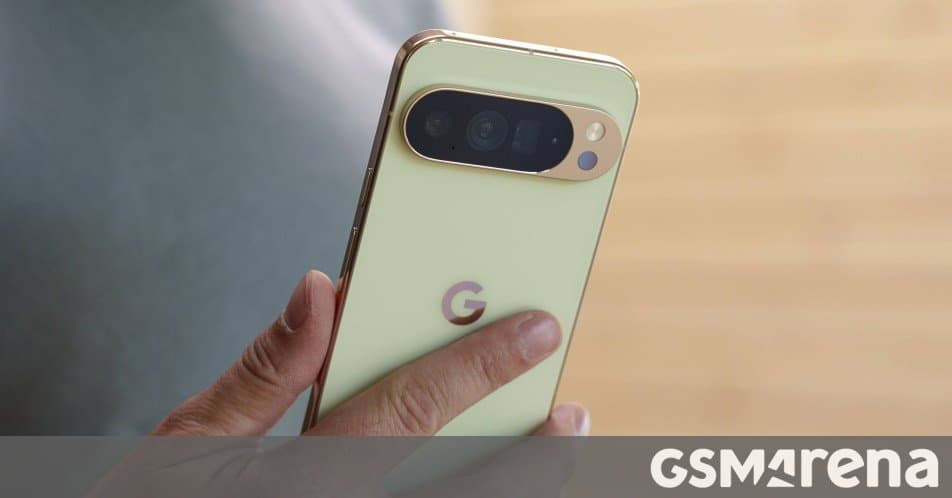
Google’s new “Calling accounts” feature lets the native Phone app list and dial contacts from third‑party VoIP services such as WhatsApp, Telegram and Messenger, starting with Android 16.1 on Pixel devices and other supported phones.
Google brings a long‑awaited dialer update to Android
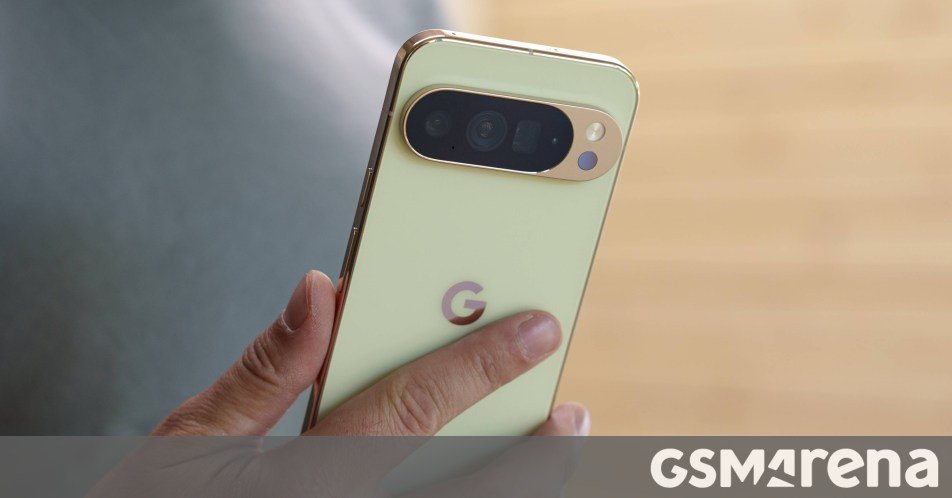
If you spend a lot of time calling friends on WhatsApp, Telegram or Messenger, you’ll soon be able to start those conversations directly from the stock Phone app. After months of internal testing, Google has enabled the Calling accounts feature in the Phone by Google dialer and is beginning a broader rollout on devices running Android 16.1 and newer.
How the new dialer works
The update adds a toggle inside Settings → Phone → Calling accounts that lets third‑party communication apps register their calls with Android’s telecom framework. Once enabled, calls made through those apps appear in the native call log alongside regular cellular calls, and you can tap a contact to launch the VoIP app automatically. In practice, this means:
- Unified call history – No more flipping between the Phone app and a separate chat app to see who called you.
- One‑tap dialing – Selecting a contact in the dialer opens the appropriate VoIP service without extra steps.
- Consistent UI – Call details (duration, timestamp, call type) are displayed using the same layout the system already provides.
Android’s telecom stack has always allowed carrier‑provided dialers to interact with the system, but third‑party apps lacked a standard way to surface their calls. The new API, introduced in Android 16.1, lets any app that implements the ConnectionService interface expose its calls as “calling accounts.” Google’s own Pixel dialer is the first to ship the UI for managing those accounts.
Early testing on Pixel 9
Android Authority managed to enable the feature on a Pixel 9 running the Android Canary 2605 build. In the Phone app’s settings they found a new Calling accounts section with a list of installed VoIP apps that support the API. After toggling WhatsApp on, incoming WhatsApp calls started showing up in the native call log, and outgoing calls could be placed directly from the dialer.
“It feels like the dialer finally caught up with how we actually communicate,” the reviewer wrote, noting that the experience is smooth and that the UI falls back gracefully when an app does not support the feature.
Ecosystem impact and lock‑in considerations
For users, the biggest benefit is convenience: the native dialer becomes a true hub for all voice interactions, regardless of carrier or app. From a platform perspective, the change nudges developers of VoIP services to adopt the new ConnectionService API if they want to stay visible in the call history. Apps that ignore the API will still work, but they will miss out on the integrated experience and may appear less polished compared to competitors that do.
The move also tightens the Android ecosystem around Google’s own Phone app. While the API is open, the UI for managing calling accounts lives only in the Pixel‑branded dialer at the moment. Third‑party dialer makers will need to add their own settings screens if they want to give users the same level of control, which could slow adoption on non‑Pixel devices.
What devices will get it?
- Pixel 9 and newer – Already receiving the feature via the Canary channel and expected in the stable release of Android 16.1.
- Other Android 16.1+ phones – Manufacturers that ship the stock Android framework can enable the toggle in their own dialer builds. Early reports suggest Samsung’s One UI and Xiaomi’s MIUI are evaluating the change for upcoming updates.
Developers should consult the official Android documentation for the Calling accounts API to ensure compatibility:
What this means for you
If you already run Android 16.1 on a Pixel or a supported OEM device, open the Phone app, go to Settings → Calling accounts, and enable the VoIP apps you use most. Your call log will start populating with entries from those services, and you’ll be able to place calls without leaving the dialer. For everyone else, keep an eye on upcoming OTA updates from your device maker – the feature is expected to roll out throughout the second half of 2026.
Image credit: GSMArena
Comments
Please log in or register to join the discussion