Learn how to eliminate AI hallucinations by connecting ChatGPT to Microsoft Learn's live documentation via Model Context Protocol, ensuring up-to-date Azure answers with source citations.
The Problem: Your AI is Working from Old Notes
If you've ever asked ChatGPT or another tool a question about Azure, chances are you got an answer that was almost right. Maybe it referenced a portal menu that moved, a CLI command that changed, or a feature name that was retired. You go to test it, and nothing works.
This isn't a bug, it's how an LLM works. They are trained on a snapshot of the internet up to a certain date, then frozen. They have no idea what Microsoft changed last month, last quarter, or even last year. And Microsoft moves fast.
The result are hallucinations. Outdated steps. Invented SDK methods. Time wasted debugging answers that were never correct to begin with.
The Fix: Model Context Protocol (MCP)
Model Context Protocol (MCP) is an open standard, originally introduced by Anthropic in November 2024 and quickly adopted by OpenAI, Microsoft, and others, that lets AI assistants connect to live, external data sources at query time. Think of it like this: instead of an AI answering from memory, it can now look things up in a trusted, real-time source before responding.
No guessing, no outdated snapshots. Microsoft has built and published an MCP server specifically for Microsoft Learn, the official home of Azure documentation, tutorials, and code samples. When connected, your AI assistant queries the actual Microsoft Learn knowledge base to ground its answers before responding to you.
What is the Microsoft Learn MCP Server?
Launched in June 2025, the Microsoft Learn MCP Server is a remote server hosted by Microsoft at https://learn.microsoft.com/api/mcp. It exposes two core tools to any connected AI agent:
- Search: finds the most relevant Microsoft Learn content for your question
- Fetch: retrieves the full page content so the AI can read it, not just the title
The server is backed by the same knowledge engine that powers the "Ask Learn" chat feature on the Microsoft Learn website. This means it has the same freshness, relevance ranking, and index coverage, covering Azure, Microsoft 365, Windows, .NET, Power Platform, and more.
It requires no API key, no authentication, and no sign-up. It is completely free to use.
How ChatGPT Connects to It
ChatGPT supports MCP through a feature called Apps (previously called "Connectors", renamed in December 2025). When you add an MCP server as an App in ChatGPT, it becomes a tool that ChatGPT can call during a conversation.
When you ask a Microsoft-related question, ChatGPT will:
- Send your query to the Microsoft Learn MCP server
- Receive back a ranked list of relevant documentation results
- Fetch the full content of the best matches
- Use that content to build its answer — and cite the source
The result is accurate, up-to-date, and referenced. You get a link you can follow to verify.
This feature requires a paid ChatGPT plan (Plus, Pro, Team, or Enterprise). It is not available on the free tier.
Add the Microsoft Learn MCP Server to ChatGPT
Step 1: Enable Developer Mode Click your account icon (top right) → Apps & connectors → Advanced settings → Toggle Developer mode on.
Step 2: Create the App Go back to Apps & connectors → click Create. Fill in the following:
- Name: Microsoft Learn (or any name you prefer)
- URL: https://learn.microsoft.com/api/mcp
- Authentication: No authentication
- Trust: Accept / trust the application
Click Create.
Step 3: Use It in a Chat Start a new chat. Click the + icon next to the message box. Select your newly created Microsoft Learn app to activate it for that session.
Before vs. After: An Example
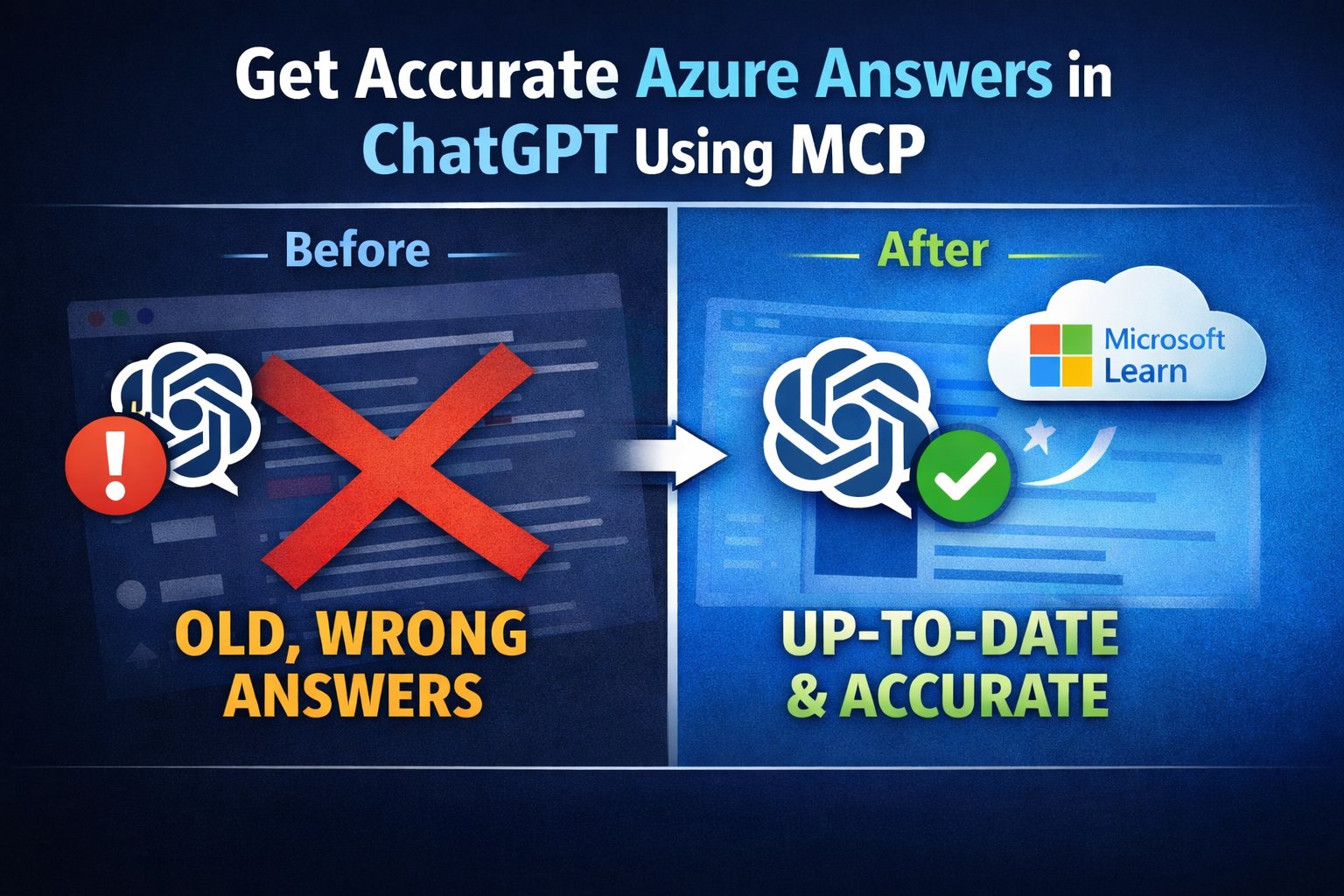
Same question, asked twice. The difference is most visible for anything that changes frequently: new services, updated CLI syntax, portal navigation, preview features, deprecations.
Without MCP: Generic answer based on training data, potentially outdated
With MCP: Specific, current answer with direct citations from Microsoft Learn
Conclusion
MCP is a small setup change with a real impact on quality. If you work with Azure daily, writing Bicep, debugging CLI commands, designing architecture, this removes one of the most frustrating parts of using AI tooling: not knowing whether to trust the answer.
For developers and IT professionals who rely on accurate Azure information, this connection to live documentation transforms ChatGPT from a potentially unreliable source into a trustworthy assistant that always knows the latest Azure changes.
Comments
Please log in or register to join the discussion