
Hybrid work models have dramatically increased password reset demands for IT teams, with remote connectivity issues and security policies amplifying lockouts. New data reveals these incidents cost organizations $70 per reset while crippling productivity.

When employees worked exclusively in offices, forgotten Active Directory passwords were a quick fix—a brief walk to the IT desk solved the problem. Today's hybrid work reality has transformed these minor interruptions into costly productivity drains. With 51% of remote-capable U.S. employees now working hybrid schedules (averaging 2.3 office days weekly), outdated technical approaches to credential management are exposing organizations to six-figure annual costs and security risks.
The Hybrid Password Reset Crisis Password resets already accounted for 40% of IT helpdesk tickets pre-pandemic, according to Gartner. Hybrid work amplified this through two technical pressure points:
Cached Credential Conflicts: Remote workers frequently trigger lockouts when locally cached passwords on laptops conflict with updated Active Directory credentials. For example, an employee changing their password via VPN may find their device's cached version rejects the new credentials upon next login.
Accelerated Rotation Requirements: With 49% of CISOs identifying remote workers as top security risks, many organizations enforce stricter password rotation policies. Each mandatory change creates failure points across personal devices and inconsistent networks.
The $70-Per-Reset Problem Forrester estimates each password reset costs $70 in IT resources. Data from over 700 organizations using Specops' tools reveals the average company handles 923 resets annually—totaling $65,000 in direct costs. The hidden impact is worse:
- Employees locked out during peak hours lose 20 minutes to 2+ hours of productivity per incident
- Chronic cases exist: Specops found individuals causing 500+ annual resets each
- Verizon notes credentials are involved in 44.7% of breaches, compounding security urgency
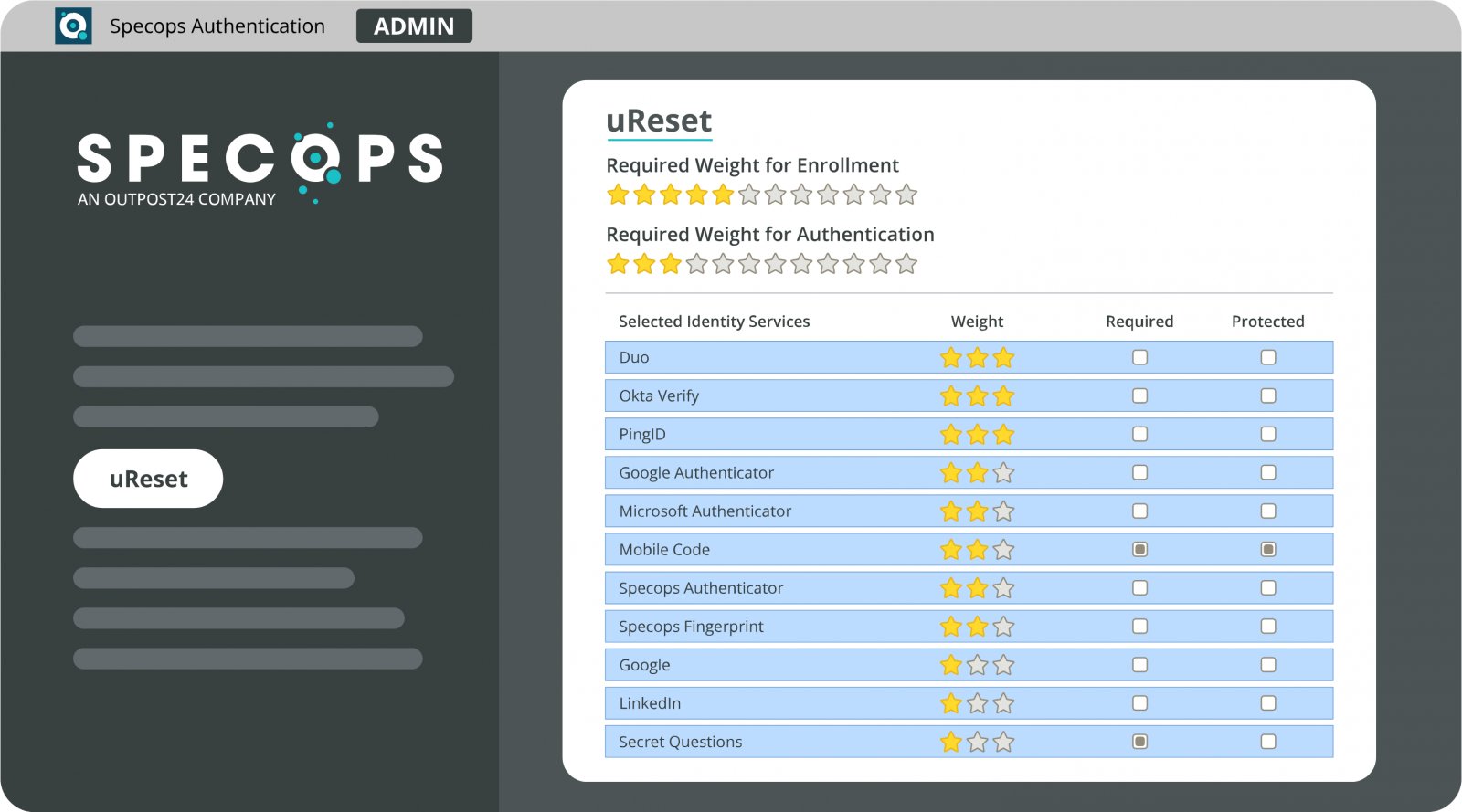 Specops uReset interface for self-service credential management
Implementing Self-Service Solutions Removing IT from routine password workflows is essential. Effective self-service tools like Specops uReset allow users to:
- Verify identity via SMS, authenticator apps, or security questions
- Reset passwords and instantly sync changes across devices
- Resolve cached credential conflicts automatically
Organizations using these systems report $48,000 annual savings on account unlocks alongside 80%+ reductions in ticket volume.
Key Implementation Criteria When evaluating solutions, prioritize:
- Hybrid-Specific Credential Sync: Ensures password updates propagate to cached credentials on remote devices
- Active Directory Integration: Avoids infrastructure overhauls; tools should plug into existing AD environments
- Multi-Factor Verification: Supports SMS, TOTP, or biometrics without compromising security
"The reset surge isn't slowing," notes Darren James, Senior Product Manager at Specops. "Treating this as a solvable workflow failure—not an inevitability—is how teams reclaim productivity." Organizations refusing to adapt risk escalating costs and persistent vulnerabilities as hybrid work solidifies as the dominant operational model.
Comments
Please log in or register to join the discussion