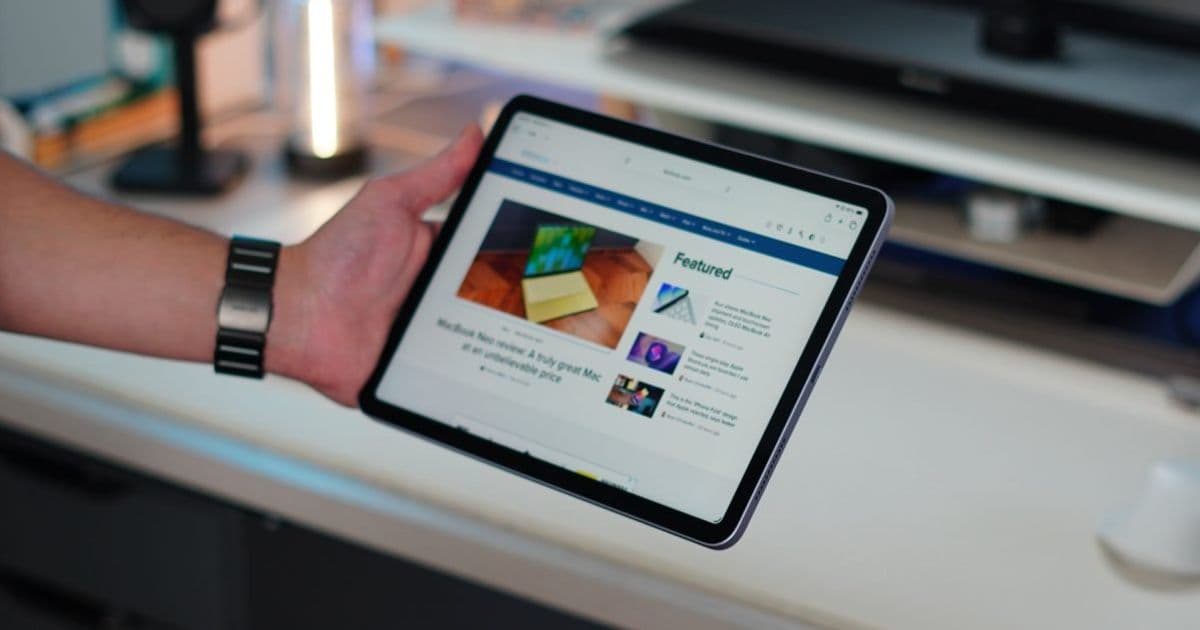
iPadOS 26.5 now creates a persistent Bluetooth link to Magic Keyboard, Magic Trackpad, and Magic Mouse when they are first connected via USB‑C, letting the accessory stay paired after the cable is removed. The change mirrors macOS behavior and simplifies workflows for iPad power users, though it may cause occasional cross‑device pairing conflicts.
iPadOS 26.5 Adds Automatic Bluetooth Pairing for Magic Keyboard and Other Accessories
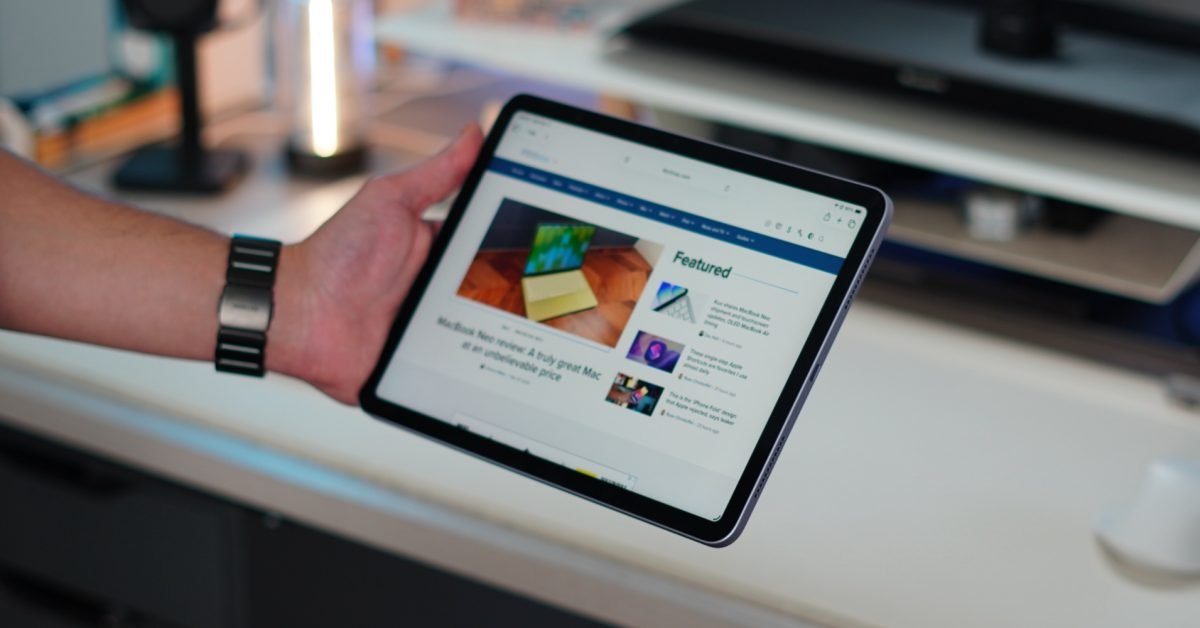
Apple’s latest minor release, iPadOS 26.5 (and the companion iOS 26.5), includes a subtle but handy improvement for anyone who plugs a first‑party Magic accessory into an iPhone or iPad. When you connect a Magic Keyboard, Magic Trackpad, or Magic Mouse with a USB‑C cable, the system now creates a Bluetooth pairing automatically. The pairing survives the removal of the cable, so the accessory stays connected wirelessly without any extra steps.
What changed?
In previous releases, the workflow looked like this:
- Plug the accessory into the device’s USB‑C port.
- Use the accessory while the cable remained attached.
- Unplug the cable → the accessory lost its connection and had to be re‑paired over Bluetooth if you wanted to keep using it wirelessly.
iPadOS 26.5 collapses steps 2 and 3. As soon as the USB‑C link is established, the OS initiates a Bluetooth pairing in the background. When you later disconnect the cable, the accessory remains paired and instantly usable.
The behavior matches what macOS does when you connect a Magic accessory via USB‑C: a wired connection automatically seeds a Bluetooth link that persists after you unplug.
Why it matters for developers and power users
Faster setup for shared accessories
If your workflow involves moving a Magic Keyboard between a MacBook and an iPad, the new logic removes the need to manually re‑pair each time you switch devices. The first‑time wired connection on the iPad does the pairing work for you, meaning the keyboard is ready for wireless use the moment you detach the cable.
Consistent user experience across platforms
Developers building iPad‑focused apps can now assume that a Magic Keyboard will stay connected after a brief wired session. This opens up possibilities for apps that trigger a temporary wired connection to guarantee low‑latency input (for example, a music‑production app that wants to ensure the keyboard is recognized instantly) and then let the user continue wirelessly.
Potential for cross‑device confusion
Because the Bluetooth link is created automatically, a keyboard that is already paired with a Mac could be “hijacked” by an iPad if you plug it in there first. The iPad will become the active host for that Bluetooth session, and the Mac will lose the connection until you re‑pair it. Users who keep a single Magic Keyboard for both a Mac and an iPad should be aware of this ordering effect.
Migration checklist for existing iPad users
- Test the new behavior – Connect your Magic Keyboard, Trackpad, or Mouse via USB‑C and then unplug it. Verify that the accessory stays paired in Settings → Bluetooth.
- Update any custom Bluetooth handling – If your app manually manages Bluetooth connections to these accessories (e.g., using CoreBluetooth), ensure you respect the system‑initiated pairing and do not attempt to force a new connection while the accessory is already paired.
- Communicate to users – If you ship an app that relies on a specific accessory configuration, add a short note in the release notes explaining that iPadOS 26.5 now retains Bluetooth pairing after a wired connection.
- Watch for unexpected switches – Advise users that plugging the accessory into an iPad first will cause it to pair with the iPad, potentially disconnecting it from a Mac. A simple unplug‑and‑replug on the Mac will restore the original pairing.
How to try it now
The feature landed in the public iOS 26.5 and iPadOS 26.5 builds released on May 15, 2026. If you are on an older version, update through Settings → General → Software Update. After updating, grab a USB‑C to USB‑C cable, connect your Magic Keyboard, and watch the Bluetooth indicator turn green once the cable is removed.
For a deeper look at the discovery process, see Aaron Perris’s beta‑testing notes on the MacRumors forums.
Looking ahead
Apple has not announced any further changes to Magic accessory handling in the upcoming iPadOS 27 beta, but the move suggests a broader effort to smooth the transition between wired and wireless workflows. Developers should keep an eye on the UIKit and AppKit release notes for any new APIs that expose the pairing state, which could make it easier to surface connection status inside apps.
If you rely on Magic accessories for your daily iPad workflow, iPadOS 26.5 should feel like a small but welcome quality‑of‑life boost. Just remember the pairing order if you share the same keyboard between a Mac and an iPad.
Comments
Please log in or register to join the discussion