
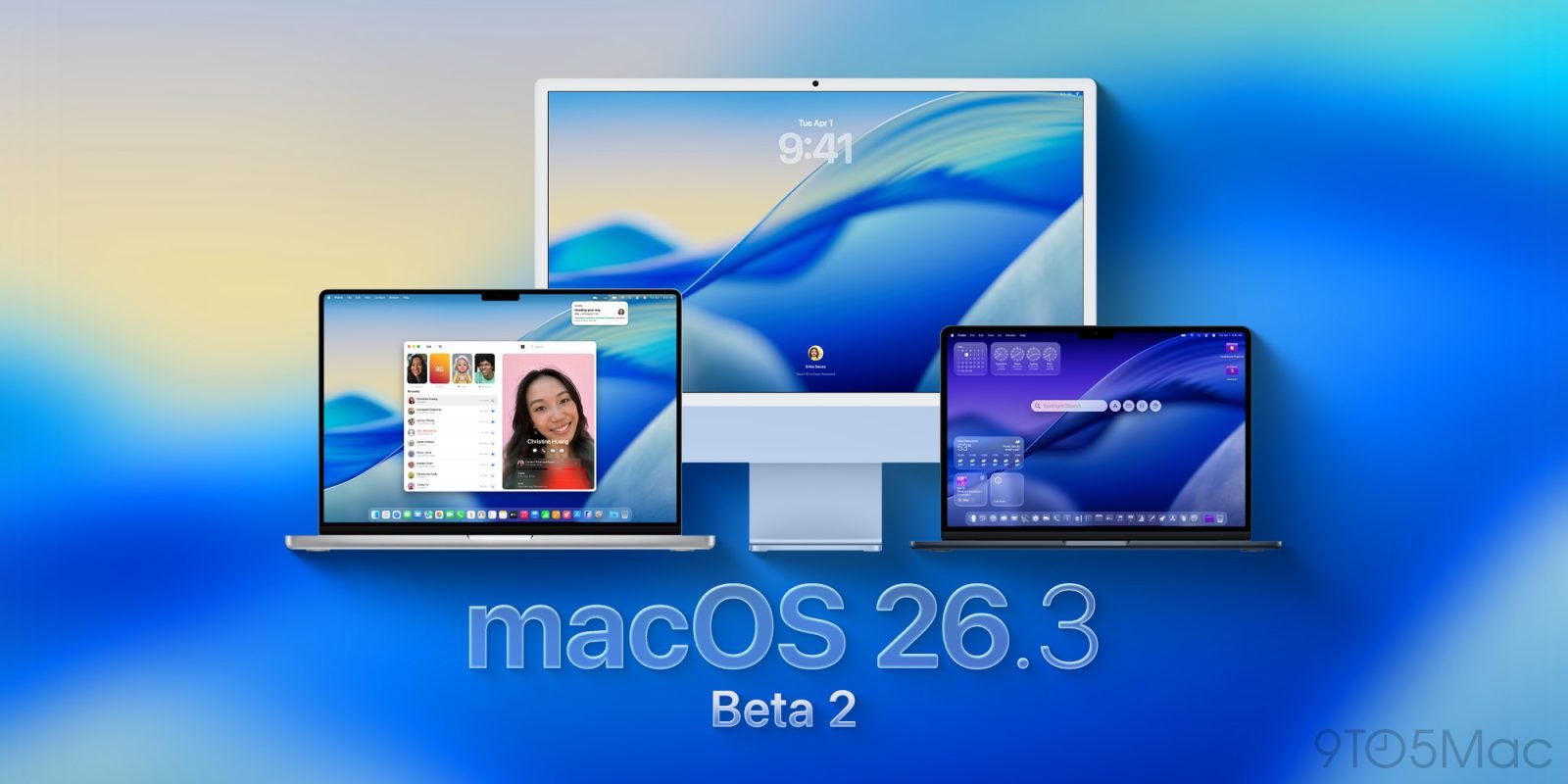
Apple has released the second developer beta of macOS Tahoe 26.3, continuing what appears to be a quiet update cycle focused on stability rather than major new features.
Apple has officially kicked off its 2026 beta cycle with the release of macOS Tahoe 26.3 beta 2 for developers, arriving alongside corresponding updates for iOS 26.3, iPadOS 26.3, and other Apple platforms. The new build, identified as 25D5101c, represents the second iteration of what's shaping up to be a relatively modest update for Mac users.
A Quiet Beta Cycle for macOS
The initial macOS Tahoe 26.3 beta signaled that Apple is taking a conservative approach with this update. Rather than introducing sweeping new features, the company appears focused on refining the existing Tahoe interface and addressing underlying system improvements. This stands in contrast to the iOS 26.3 beta, which is already laying groundwork for EU-mandated third-party notification forwarding and includes cosmetic additions like new iPhone wallpapers and a dedicated wallpaper section.
For Mac users, this approach makes sense. macOS Tahoe introduced significant visual changes and new features in its initial release, so a maintenance-focused update allows Apple to polish the experience without rushing unfinished innovations to market. Beta 2 continues this pattern, with no major feature additions reported in early testing.
What This Means for Developers and Users
While "0 New Features" might sound disappointing, a quiet beta cycle often benefits the ecosystem in several ways:
Stability and Performance: Resources directed toward bug fixes and optimization typically result in a more reliable experience for everyday users. Memory management, app launch times, and battery efficiency often see measurable improvements during these refinement cycles.
Developer Preparation: The 26.3 beta period gives developers time to ensure their applications remain fully compatible with Tahoe's underlying changes without having to adapt to major new APIs or frameworks. This stability allows for more focused testing of existing features.
Foundation for Future Updates: Apple sometimes uses minor updates to lay technical groundwork for major releases. Changes in system frameworks, security architecture, or developer tools may not be visible to users but enable future innovations.
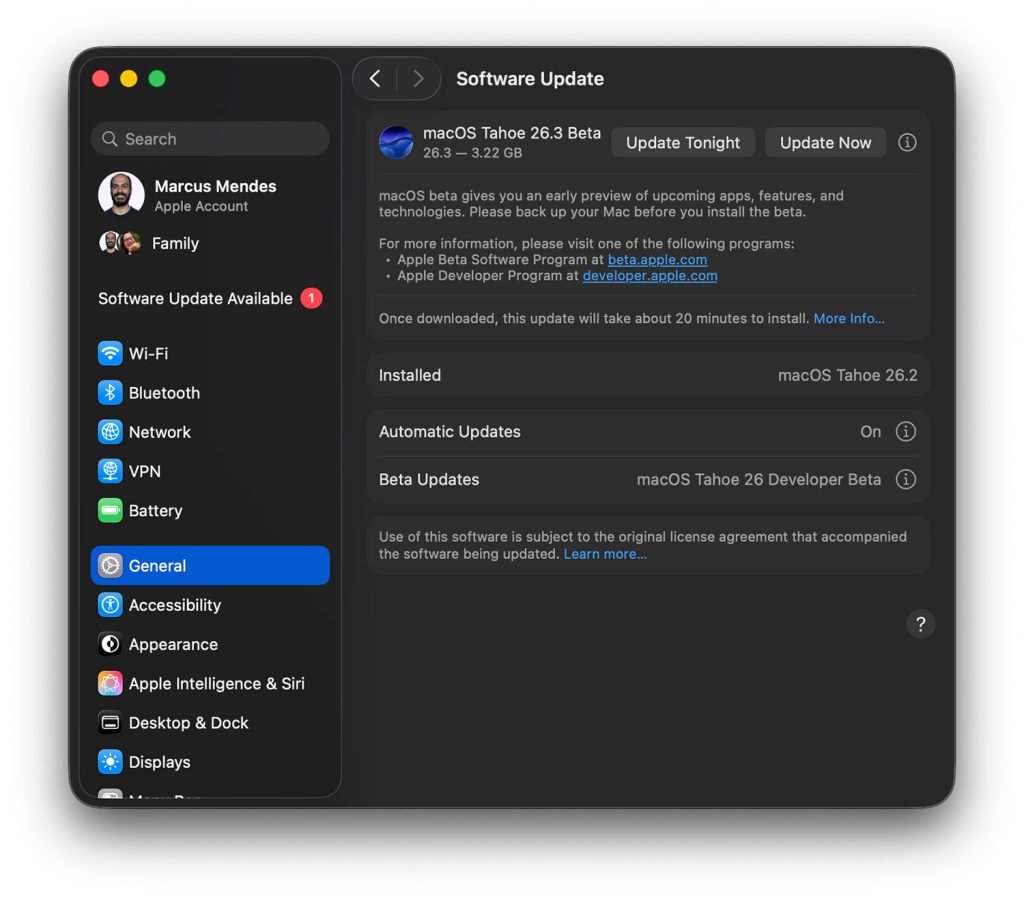
How to Install macOS Tahoe 26.3 Beta 2
For developers who want to test the latest build, the installation process remains straightforward:
- Backup your Mac using Time Machine or your preferred backup solution before installing any beta software
- Open System Settings from the Apple menu or Dock
- Navigate to General → Software Update
- Click the information icon ("i") next to "Beta Updates"
- From the dropdown menu in the top-right corner, select "macOS Developer Tahoe Beta"
- Click "Done" to save your selection
- The update should appear for download
Looking Ahead: The 2026 Beta Timeline
Apple's release of macOS 26.3 beta 2 alongside iOS and iPadOS updates suggests the company is maintaining synchronized development across its platforms. This coordination typically continues through the beta cycle, with public beta releases expected in the coming weeks followed by a stable release likely in late Q1 or early Q2 2026.
Historically, Apple has followed a predictable pattern for macOS point releases:
- Developer Beta: Weekly or bi-weekly updates focused on bug fixes and incremental improvements
- Public Beta: Released a few days after developer betas once initial stability is confirmed
- Release Candidate: Final testing build shortly before public release
- General Availability: Stable release for all users
What to Expect in Future Betas
Even if macOS 26.3 remains a maintenance update, future betas may still introduce refinements worth watching:
- System Settings improvements: Apple has been iterating on the redesigned System Settings interface since Ventura, and 26.3 could bring further usability enhancements
- Continuity updates: Changes to Handoff, Universal Clipboard, or iPhone integration
- Security enhancements: Under-the-hood improvements to Gatekeeper, FileVault, or privacy protections
- Developer APIs: New or updated frameworks for app developers

The Broader Context
The relatively quiet nature of macOS 26.3 aligns with Apple's typical release cadence. Major macOS versions usually arrive in the fall with significant feature additions, while spring updates focus on stability and polish. This pattern serves both users and developers by providing a predictable rhythm for planning and adoption.
For Mac users running macOS Tahoe, the 26.3 update will likely be a recommended installation once it reaches stable release, offering the usual mix of bug fixes and performance improvements. For those not already running Tahoe, this update cycle reinforces that the current platform has matured to a point where major new features are no longer the priority.
Developers can continue testing their applications against the 26.3 beta builds to ensure compatibility, though the lack of major API changes means most apps should work without modification. The primary focus should be on testing existing functionality rather than preparing for new platform capabilities.
As the beta cycle progresses, we'll be watching for any unexpected additions that might emerge in later builds. While the initial signs point to a quiet update, Apple sometimes introduces features mid-cycle that weren't ready for the first beta. The company's approach to macOS development continues to balance innovation with reliability, and 26.3 appears to be firmly in the stability camp.
For now, developers can install beta 2 with confidence that it represents a solid foundation for the update cycle ahead, while everyday users can look forward to a smooth, refinement-focused update when it eventually reaches general availability.
Comments
Please log in or register to join the discussion