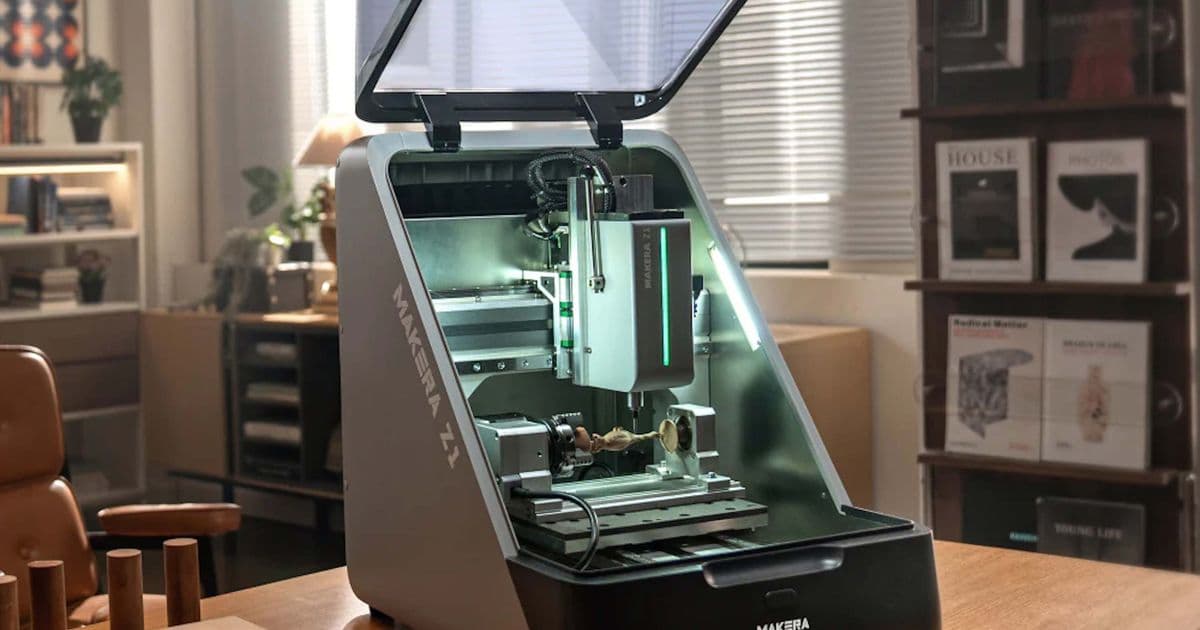
The desktop CNC promises beginner-friendly metal cutting, but the simplifying Makera Studio software is still in closed beta. Here's what the $1,099 base machine actually gets you, and where it sits between a 3D printer and a laser cutter.
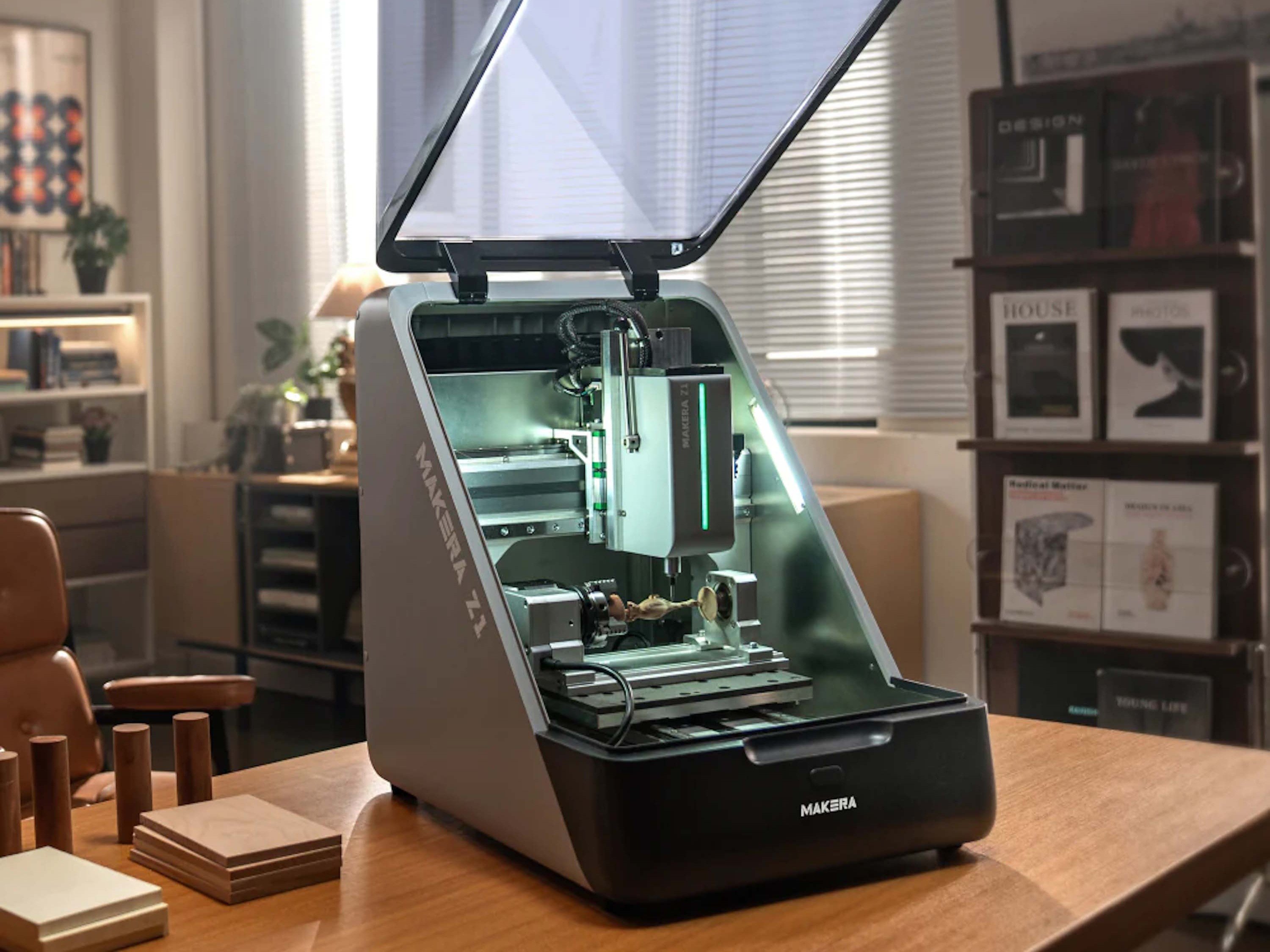
The Makera Z1 has moved from teaser to checkout page. Pre-orders are open now at a starting price of $1,099, with units shipping in July and a handful of small extras tossed in for anyone who commits before June 30. That $1,099 figure buys the basic configuration, not the Pro version, and two of the parts that make this machine interesting on paper, the laser module and the dust extraction system, cost extra.
We have the Z1 on the bench already, so this is a first-impressions look rather than a verdict. The short version: the machine is real, the build quality holds up to a close inspection, and the control system runs as intended. The longer version depends on software that isn't finished yet.
What's new
The Z1 is a compact desktop CNC built around a 200 x 200 x 100 millimeter working area. The spindle is rated at 150 watts and tops out at 13,000 RPM, and Makera lists aluminum among the supported materials alongside plastic, carbon fiber, and wood. That metal capability is the headline. Plenty of hobby CNC routers will happily chew through wood and soft plastics, but cutting aluminum cleanly asks more of the frame rigidity, spindle, and feeds than balsa and acrylic ever will.
A rotary axis is available as an option for anyone who wants to turn cylindrical stock or machine around a part rather than just down into it. The optional laser module turns the same chassis into an engraver and cutter, and the optional dust extraction system addresses the reality that subtractive machining produces chips and dust by the handful.
The piece that is supposed to tie this together is Makera Studio, the company's control software, pitched as a particularly simple way to drive the machine. It is the reason the Z1 is being marketed to beginners. The catch is that Makera Studio is still in closed beta. Right now you operate the Z1 the traditional way, with separate CAM software to generate toolpaths and controller software to run them. Until the integrated experience ships and we can test it, the beginner-friendly claim is a promise rather than a feature, so we're holding judgment on the part of the pitch that matters most for the intended audience.
Makera is also building out Makerables, a project-sharing platform where users can post design files, collaborate, and download ready-to-cut templates. A healthy library of vetted projects would lower the barrier for newcomers considerably, since a working file you can run as-is sidesteps the CAM learning curve entirely.
How it compares
The more useful comparison isn't against other CNC machines but against the two desktop fabrication tools most buyers already understand: the 3D printer and the laser cutter.
Against a 3D printer, the Z1's advantage is material strength. A milled aluminum or hardwood part can shrug off loads that would delaminate or crack an FDM print, because it starts as solid stock rather than fused layers. The trade-off is cost per part. A 3D printer extrudes roughly as much filament as the model needs and little more, while CNC work is subtractive. You start with a billet and cut material away, and when you're machining from semi-finished metal stock, the offcuts and chips pile up fast depending on how much smaller your part is than the blank. Filament is cheap; wasted aluminum is not.
Against a laser cutter, the Z1 wins on depth. A laser is fundamentally a 2D process that struggles past a certain material thickness, whereas the Z1's 100 millimeters of Z travel lets it carve genuine three-dimensional geometry. Add the optional laser module and you get both processes from one footprint, which is a reasonable argument for the machine if your bench space is limited.
The consumables math is the recurring theme. CNC machining is the most capable of the three processes for strong, dimensionally accurate parts, and also the one most likely to generate material waste and require ongoing spending on end mills and stock.
Who it's for
Right now, the Z1 makes the most sense for someone who already knows their way around CAM and controller software and wants a compact machine that can reach into aluminum, with the option to add laser and rotary capability later. Makera's stated goal is to bring those capabilities to beginners, and the hardware seems positioned for it, but the software story that's supposed to make that real is still behind a closed beta. {{IMAGE:2}}
If you're an experienced maker, the $1,099 base price for an aluminum-capable desktop CNC with a clear upgrade path is worth a look, just budget for the add-ons you actually need rather than the headline number. If you're a true beginner drawn in by the promise of simple control, the more cautious move is to wait until Makera Studio leaves beta and the Makerables library fills out, so the easy on-ramp exists before you buy the ticket. We'll have more once the software is testable and the spindle has spent real hours cutting metal. Full details and pre-order options are on the Makera site.
Comments
Please log in or register to join the discussion