Linux Lite 8.0 dropped Chrome for Firefox, shrank its download, and kept Snap and Flatpak out the door. The headline isn't the diet, though. It's a default local-AI helper showing up in a project that prides itself on lightweight, no-nonsense computing, and that decision is exactly the kind of thing the lightweight-distro crowd argues about.
Linux Lite has spent fourteen years promising one thing: a small, friendly desktop for people leaving Windows who don't want to fight their computer. Version 8.0, rebuilt on Ubuntu 26.04 and rewired around GTK4, mostly delivers on that promise while quietly testing how far a "lite" project can stretch before the label stops applying.
The release lands almost exactly two years after Linux Lite 7, which itself followed 6.0 by two years. That metronome cadence is worth pausing on. In a corner of open source where projects routinely flame out or pivot every few months, a distro that ships a major version every two LTS cycles, with point releases in between like Linux Mint, is signaling stability more loudly than any feature list could. Maturity here looks like predictability.
The diet is real, and the absences are the point
The download is 410 MB smaller than the previous version, which runs against the grain of nearly every mainstream desktop trending heavier each cycle. More telling than the size is what stays excluded: neither Snap nor Flatpak ships by default. That's a deliberate stance, not an oversight. Both packaging systems trade disk and memory for convenience and sandboxing, and Linux Lite's continued refusal to bundle them reads as a vote for the older idea that a base system should stay lean and let users add weight only when they choose to.
The browser swap tells a similar story. Google Chrome is out, Mozilla Firefox is in. The project doesn't fully spell out why, but the timing invites speculation: Chrome's silent embedding of a multi-gigabyte local model, and the Manifest V3 changes that hobbled uBlock Origin starting in 2024, gave plenty of distro maintainers reasons to reconsider a default that arrives pre-loaded with Google's priorities. Several lightweight projects have made the same move, and the pattern suggests the calculus around shipping Chrome by default has shifted across the community, not just here.
GTK4 arrives, and so do the GNOME-isms
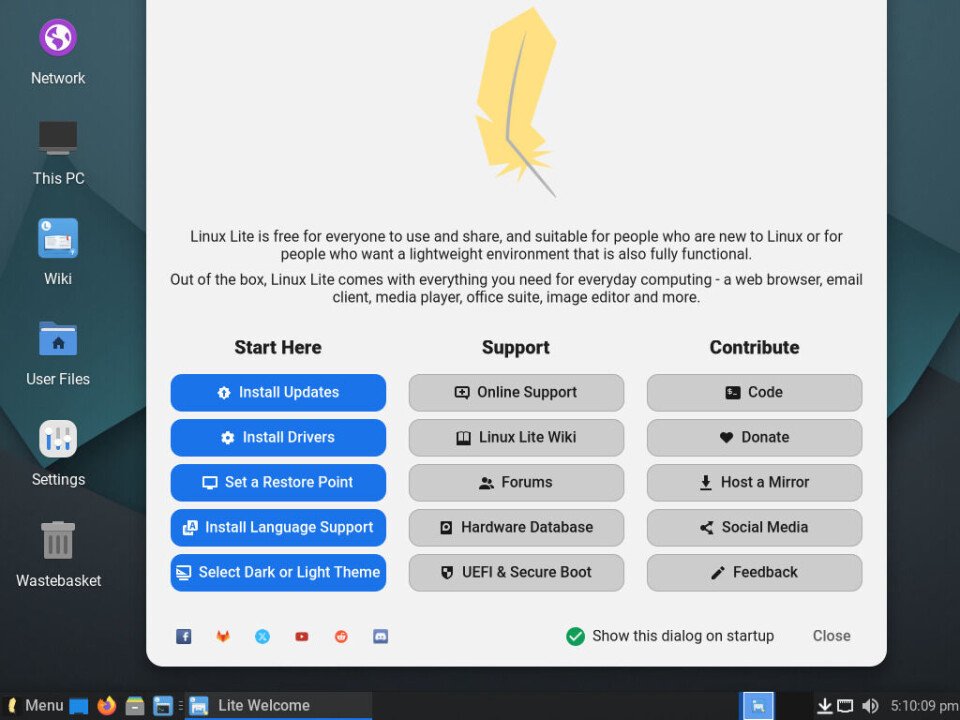
Fifteen of the project's custom helper apps have been rewritten for GTK4, complete with what the announcement calls end-to-end GTK4 theming. These helpers are genuinely part of why people recommend Linux Lite to newcomers: point-and-click driver installers borrowed from Linux Mint, a software updater, an About applet that lets a confused user copy and paste their config into a forum post.
The rewrite comes with a cost that's becoming a familiar complaint. GTK4 dropped support for UI patterns the GNOME developers consider outdated, including traditional menu bars. So the new Lite apps now carry hamburger menus and primary buttons parked in the title bar, conventions imported from a touch-first design language into a desktop that otherwise leans on Xfce's classic menu-and-toolbar layout. The result is an inconsistency: shiny new apps that don't behave like the rest of the system around them.
This is where reasonable people diverge. One camp values the modern look, the font rendering, and features like a terminal title bar that turns red under sudo, a nice safety cue that the new GNOME terminal Ptyxis also adopted. The other camp argues, with some force, that a distro aimed at Windows migrants should prize a consistent, keyboard-drivable interface over visual freshness, and that swapping out battle-tested tools like Xfce Terminal and Synaptic for newer in-house replacements trades reliability for novelty. The new Lite Software package manager, for instance, can only sort by name, where Synaptic could sort by installed status or version. For a power user, that's a regression dressed as progress.
The AI question the lightweight crowd was always going to fight about
The most contested addition is MyAI, a new function built into Firefox rather than shipped as a standalone app, offering a choice of local LLM tools. The project clearly anticipated friction. Its announcement spends over a hundred words and eight screenshots framing the decision, noting that with an estimated 1.2 billion people using AI, it felt a responsibility to offer the option without forcing it.
That framing earns partial credit. Offering a local, open-weights model respects privacy in a way that a cloud assistant phoning home never could, and the team included a one-line removal path: sudo apt purge myai. Giving users a clean exit is the kind of consent-aware design more projects should copy.
But the deeper objection doesn't dissolve with a purge command. Critics within the free-software community argue that generative AI carries ethical baggage no install toggle can offset: even privacy-respecting local models consumed enormous compute during training, built on material scraped from people who were never asked. For a project living adjacent to FOSS values, shipping any AI by default sits uneasily with that crowd, and the debate playing out around Linux Lite 8 is a smaller version of the argument running through the entire open-source world right now. There's no consensus to defer to here, only a genuine split between "it's a tool, make it optional" and "defaults are endorsements."
Secure Boot, and a principled refusal
Linux Lite 8 doesn't support Secure Boot. The docs are blunt: disable it in firmware before installing. The reasoning is pragmatic, no MOK enrolment, no shim quirks, no surprise breakage after a kernel update, and prioritizing reliability for non-technical users is defensible. It also echoes Richard Stallman's long-standing position that truly secure boot means the owner decides what runs on their machine, not a vendor. The weak spot is execution: telling a Windows migrant to disable Secure Boot without walking them through the firmware steps asks a lot of exactly the audience the distro courts.
The practical wins that don't make headlines
Underneath the debates, version 8 ships changes long-time users actually asked for. In-place upgrades from 7.x to 8.x now work, closing a gap that previously forced clean reinstalls. The Calamares installer replaces Canonical's Ubiquity and Subiquity, though the release notes candidly warn it may struggle on "potato computers." There's a one-click Game Center that pulls in Steam, Lutris, Proton, Wine, and controller support together, an OEM install mode, remastering tools, a junk-file cleaner, and a lower-latency kernel option.
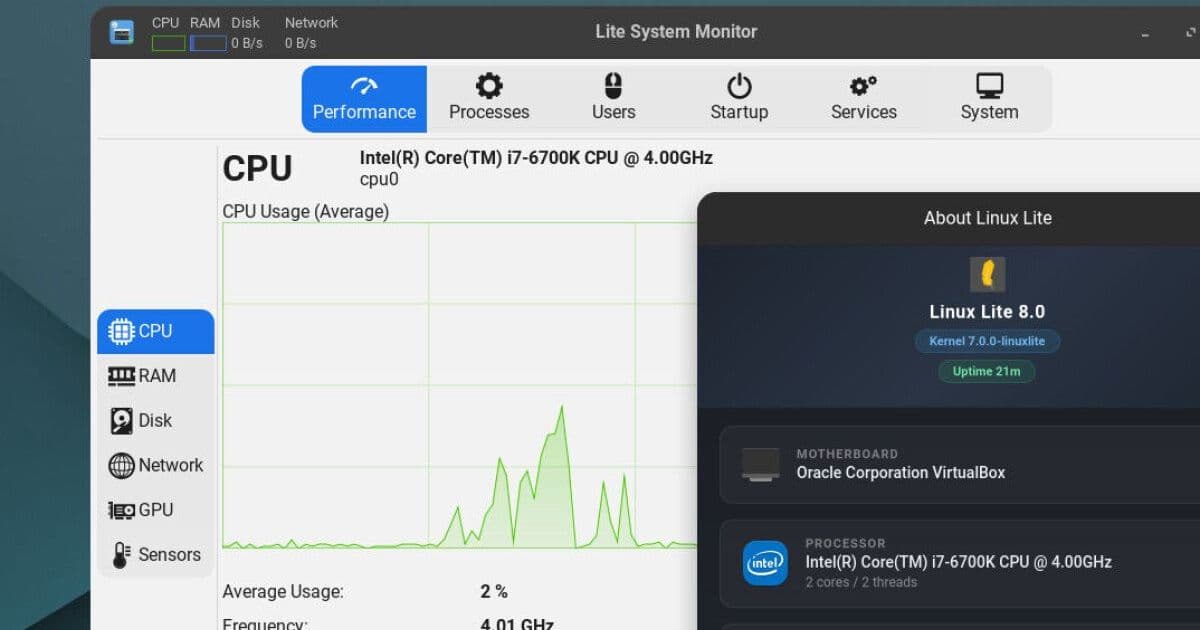
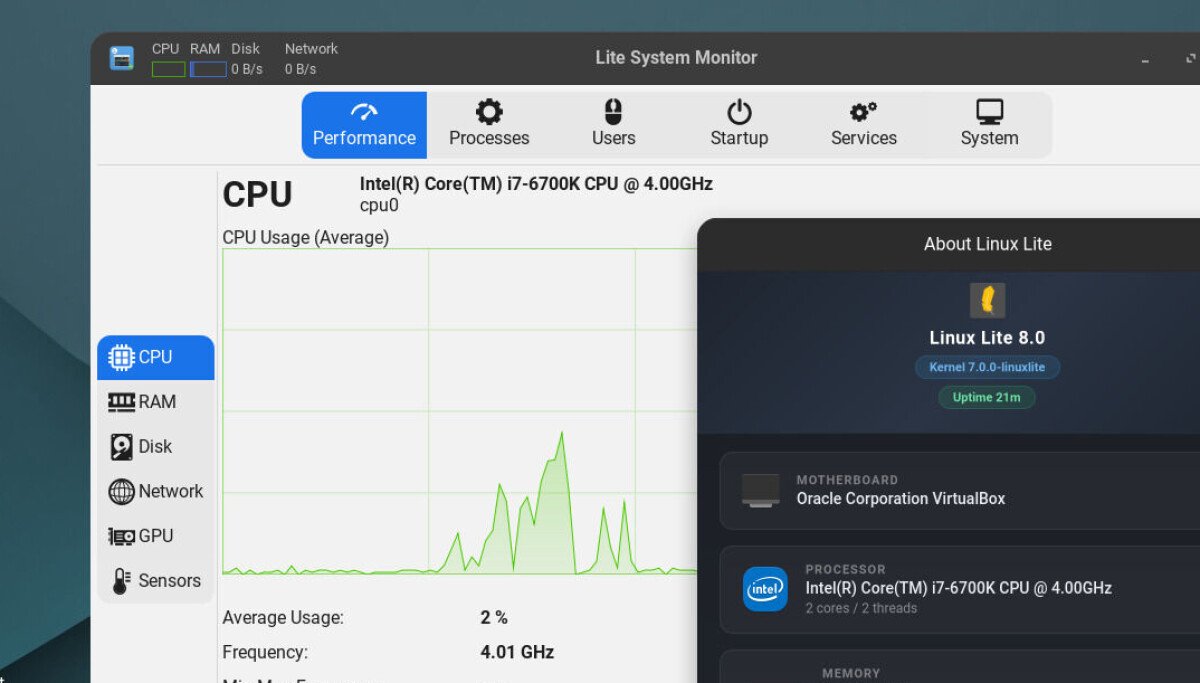
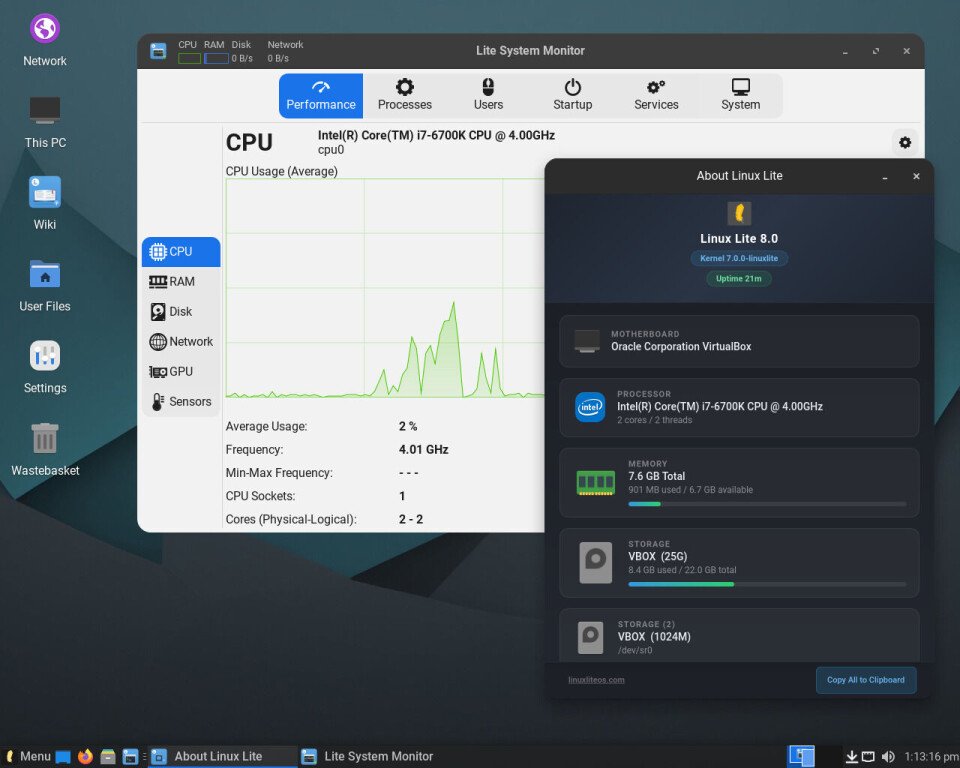
The defaults reveal taste. The Starship prompt for bash, btop replacing htop in the shell, and a search engine pointed at the project's own SearXNG instance rather than Google all suggest maintainers who use their own product. A full install settled at 7.8 GB on disk and idled around 897 MB of RAM, roughly matching Xubuntu while bundling far more guidance and helper tooling.
That last comparison is the real measure. By the standards of modern full-fat desktops, Linux Lite 8 is genuinely lightweight, and yet it offers more hand-holding for Windows refugees than Zorin OS, Linux Mint, or Ubuntu itself. The GTK4 inconsistencies and the AI inclusion are fair targets for criticism, and the community will keep arguing about both. But on the metric the project named itself after, version 8 finally fits. The harder question it raises, whether a lightweight, user-respecting distro can absorb an AI default without compromising what made it appealing, is one the whole ecosystem is now being forced to answer.
Comments
Please log in or register to join the discussion