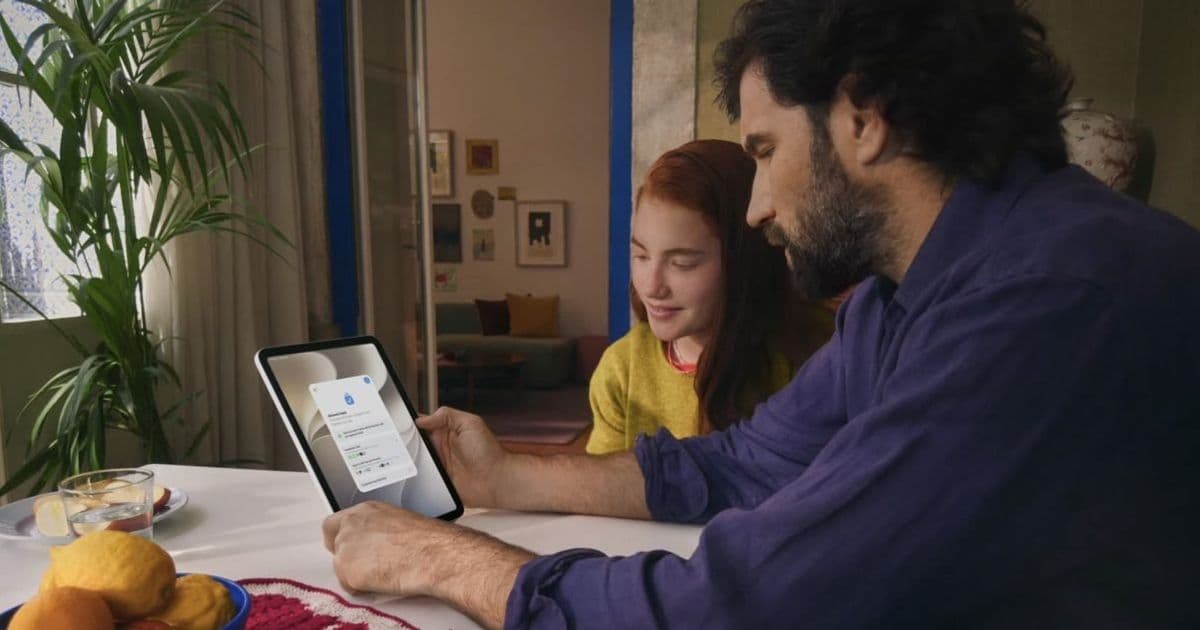
Apple is overhauling parental controls in iOS 27 with a redesigned Screen Time, per-category time limits, app schedules, and an Ask to Browse system that makes kids request permission before visiting new websites.
Apple's parental control tools have long felt like an afterthought, a tangle of menus that worked well enough to set a bedtime limit but fell apart the moment a parent wanted real granularity. With iOS 27, the company is rebuilding Screen Time from the ground up and pairing it with a set of new features that extend supervision into the web browser, group chats, and the calendar of a child's day. The changes ship as part of Apple's wider OS 27 rollout across iPhone, iPad, Mac, Apple Watch, and Vision Pro.
A redesigned Screen Time, with one big requirement
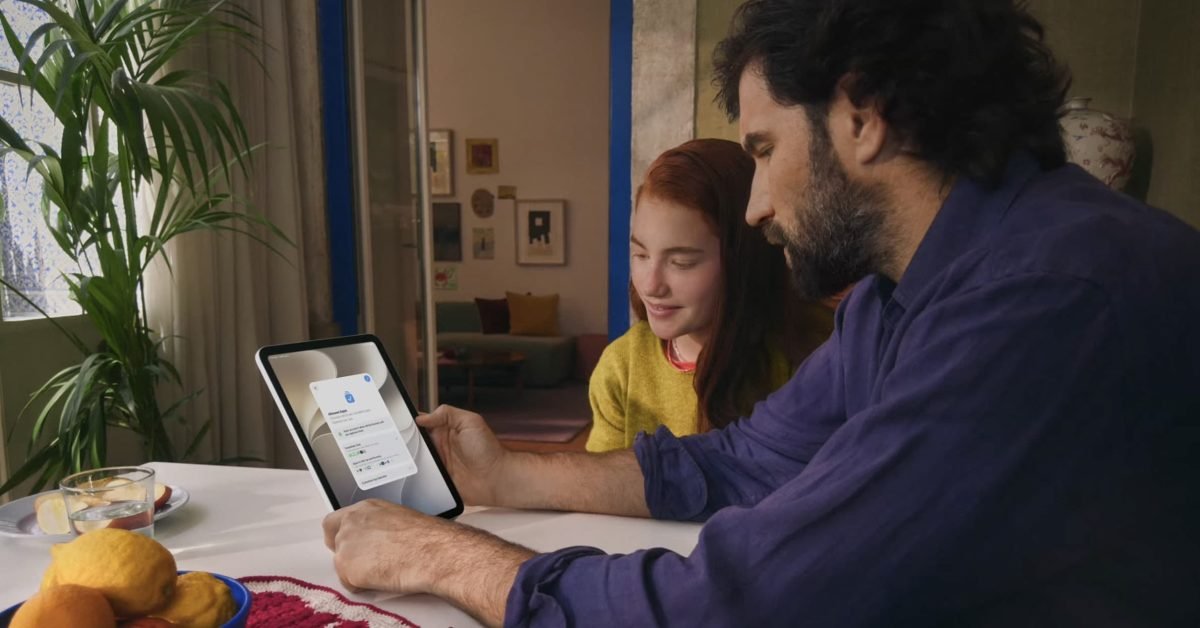
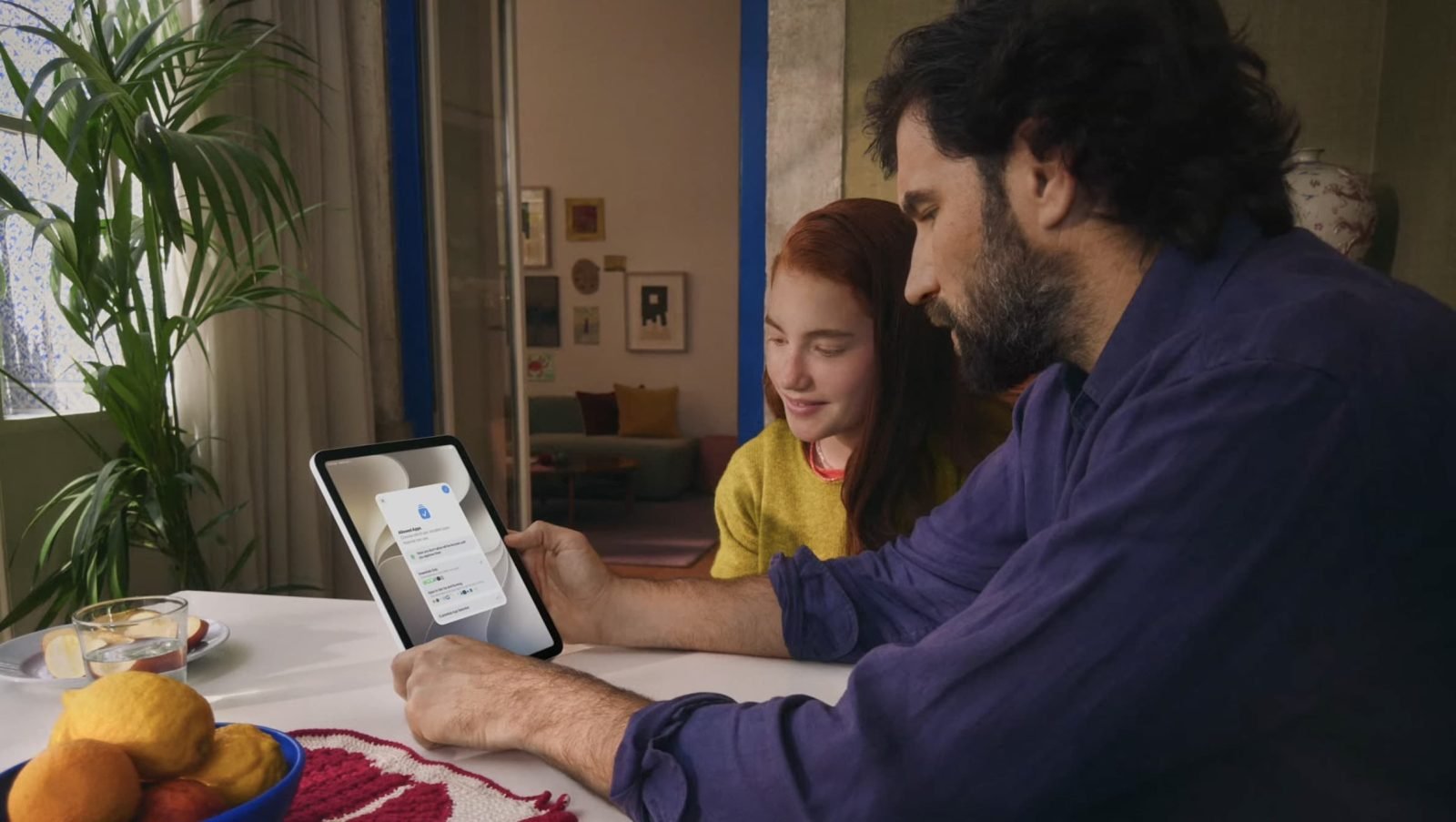
The headline change is a reworked Screen Time interface aimed squarely at parents who found the old version confusing. The new design leads with an at-a-glance summary of a child's device usage, including weekly rollups and the apps used most on a given day. Instead of digging through settings, parents can make changes on the spot: temporarily pausing a child's device access, or opening up access for a defined window. Apps and contacts marked Always Allowed stay reachable even while everything else is paused, which keeps phone and messaging access to a parent intact during a timeout.
There is a meaningful catch. The redesigned Screen Time experience only works when every device in the Family Sharing group is running the 2026 software, meaning iOS 27, iPadOS 27, macOS 27, watchOS 27, or visionOS 27. A single holdout device on older software, an aging iPad or a hand-me-down Mac, will keep a family from using the new system. That is a steeper requirement than most Apple features carry, and it reflects how deeply the new controls are wired across the ecosystem rather than living on a single device.
Time Allowances put limits on categories, not just apps
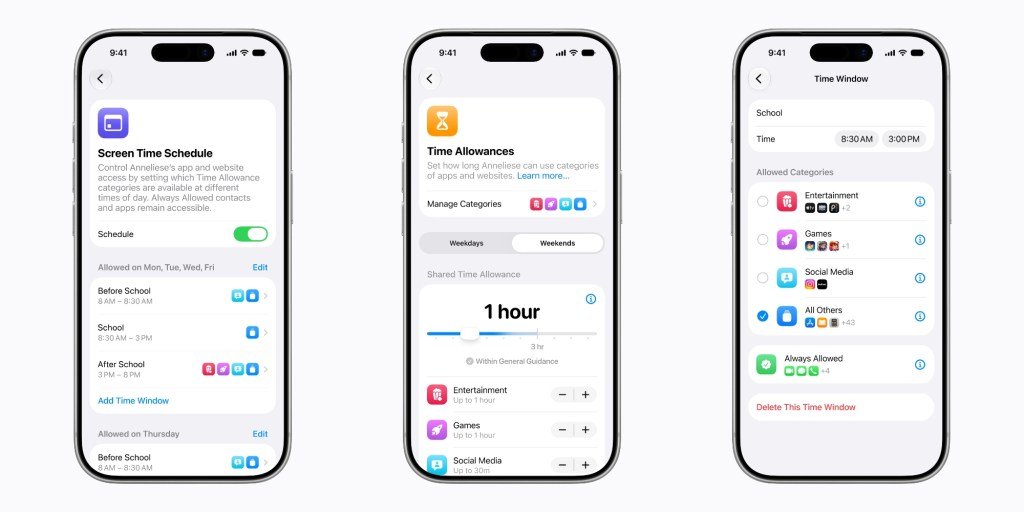
A new feature called Time Allowances lets parents set daily limits by app category, including Entertainment, Games, and Social Media, rather than configuring each app individually. Apple is layering in suggested allowances based on a child's age, drawing on guidance from child development experts and the American Academy of Pediatrics. Those suggestions are starting points, not mandates. Parents can adjust the numbers, build custom categories, and shuffle apps between them.
The integration with Ask to Buy is the practical touch here. When a parent approves a new app purchase or download, they can drop it straight into a Time Allowance category in the same step, so a newly installed game inherits the daily games budget without a separate trip into settings later.
Schedules map app access to the shape of a day
Where Time Allowances govern how much, the new Schedules feature governs when. Parents can define which apps are available during different parts of the day, setting up distinct windows for before school, school hours, after school, evening, and nighttime. A messaging app might be open after school but locked during class, while educational apps stay available throughout.
Apple supports weekday, weekend, and custom schedules, the last of which covers the irregular days that break a normal routine, holidays, early school release, or a sick day at home. It is a more honest model of how kids actually use devices than a single blanket limit, and it gives parents room to loosen things on a Saturday without rewriting the rules every week.
Ask to Browse brings approval to the open web
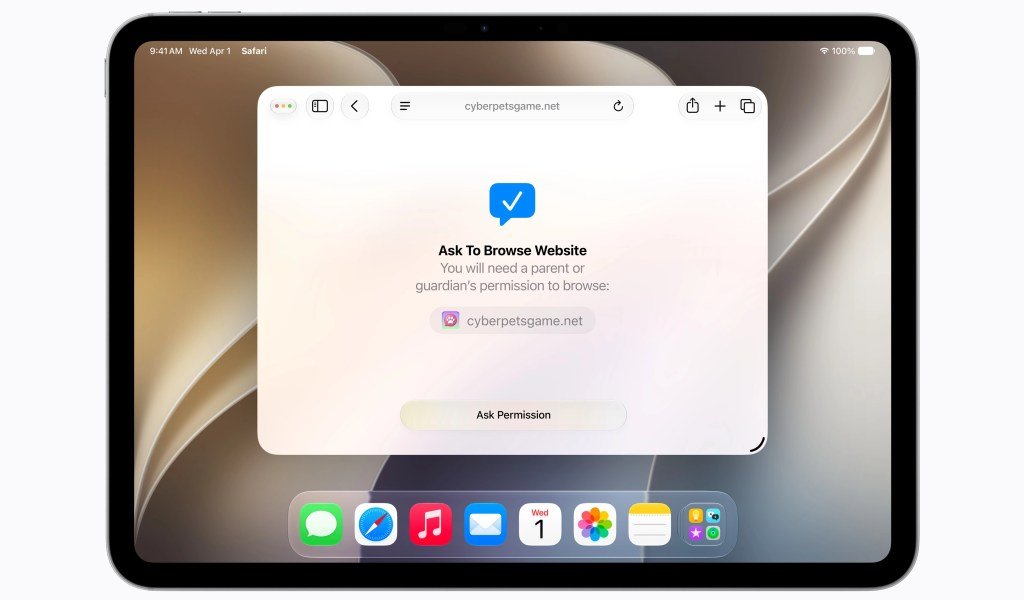
The most ambitious addition extends Apple's familiar Ask to Buy model to the web itself. With Ask to Browse enabled, a child has to request permission before visiting a new website. The request lands in Messages on the parent's device, where they can review the site and approve or deny it. Once approved, the site stays accessible. Ask to Browse works in Safari across iPhone, iPad, and Mac.
The defaults reveal Apple's thinking. Ask to Browse is on by default for children under 13, with the option to extend it to teens. Separately, Apple says it will block known adult websites by default for anyone under 18. Parents can also work proactively, pre-approving individual sites or importing full lists of allowed sites rather than fielding requests one at a time.
The feature reaches into embedded content too, which is where blunter web filters usually fail. If YouTube is not on the approved list, an embedded YouTube player will not load on an otherwise approved page. That closes a common loophole where blocked services slip through as embeds on permitted sites.
Tighter control over who kids can reach
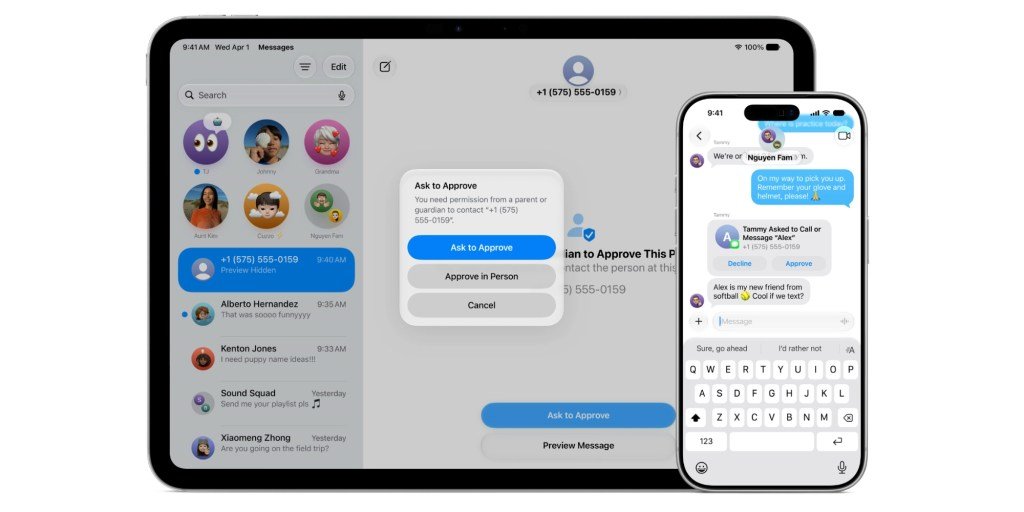
iOS 27 also lets parents gate communication. They can require approval before a child connects with a new person in Messages, FaceTime, or Phone. If an unapproved contact messages a child, the content stays hidden until a parent signs off on the request. Approved contacts carry over to third-party apps that adopt Apple's PermissionKit framework, so the approval list is not locked inside Apple's own apps.
Group chats get specific handling. Rather than forcing parents to vet every participant in a busy group thread, an already approved contact can pull the whole group chat through, letting it function without individual approval for each member. It is a reasonable compromise between safety and the reality of how group messaging works.
Communication Safety widens its net
Apple's Communication Safety feature, which warns children before they view or send images and videos that may contain nudity, is expanding what it looks for. In iOS 27, it will also step in when it detects gore or violent content in shared images and videos. The detection runs on device, consistent with how the nudity warning already works, and it is enabled by default for children under 18.
Availability
iOS 27 is in developer beta now, with a public beta due in July and the final release expected this fall alongside the rest of Apple's 2026 software. Apple has published details on its new Child Safety website. The collective effect of these changes is a parental control system that finally matches the rest of iOS in polish, though the requirement that every family device run the new software means the full picture will only come into focus once a household has updated across the board.
Comments
Please log in or register to join the discussion