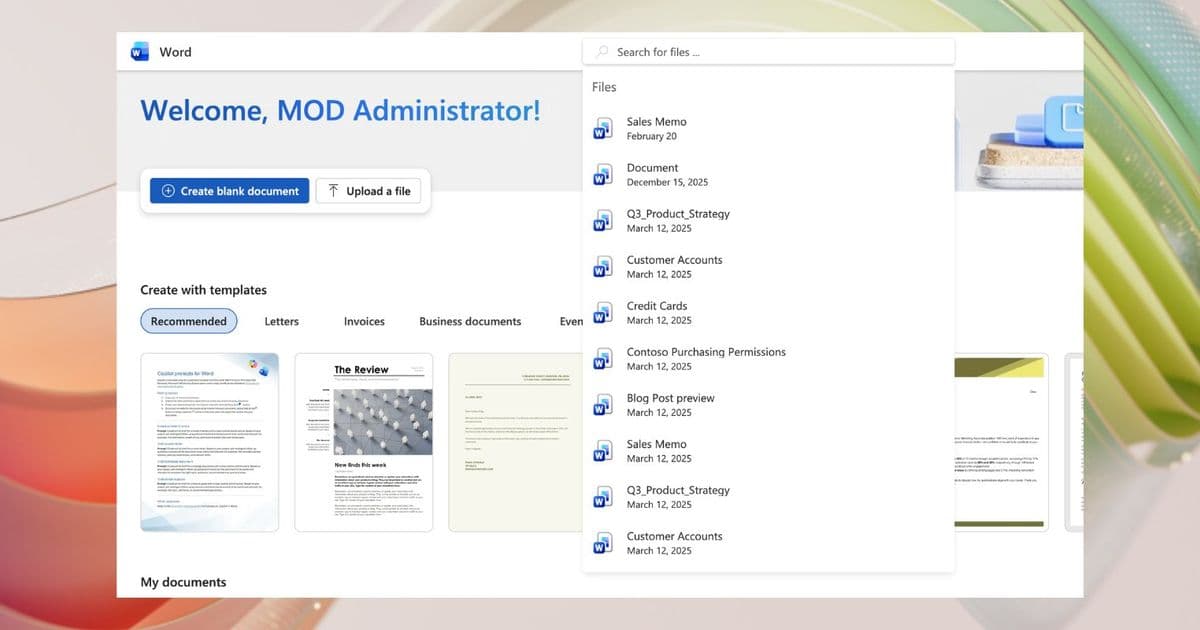
Microsoft is rolling out a new search feature across Word, Excel, and PowerPoint web apps that allows users to quickly find files by typing in the header search bar.
Microsoft is rolling out a new search feature across Word, Excel, and PowerPoint web apps that allows users to quickly find files by typing in the header search bar.
Enhanced Search Experience
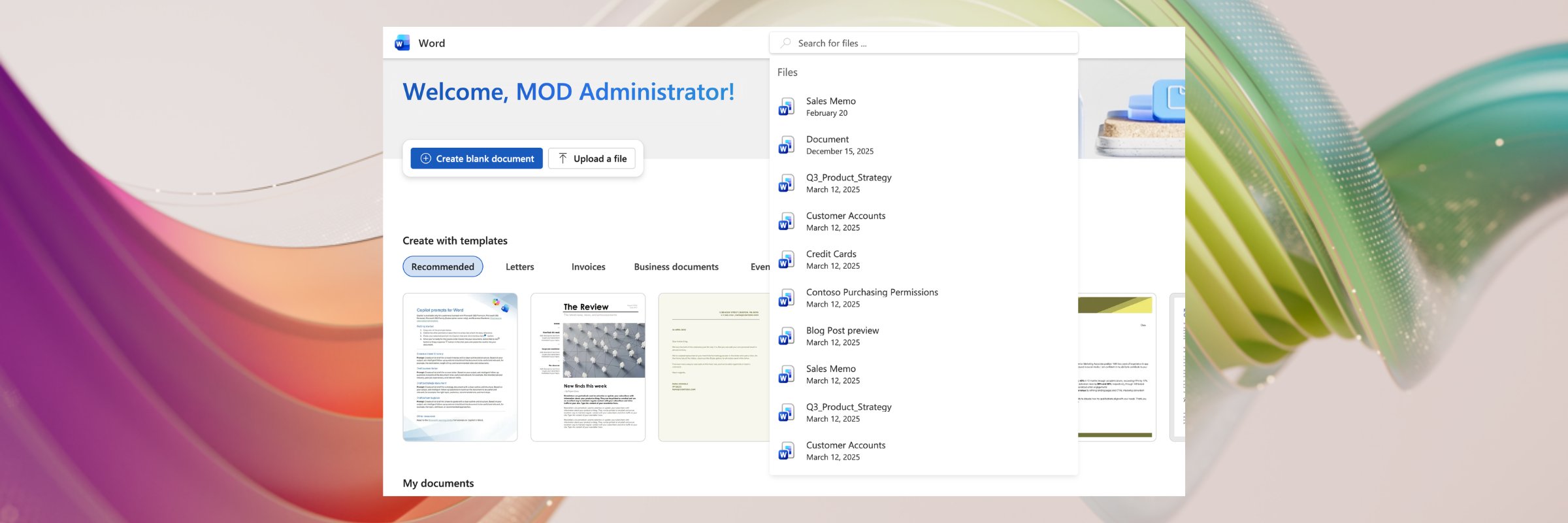
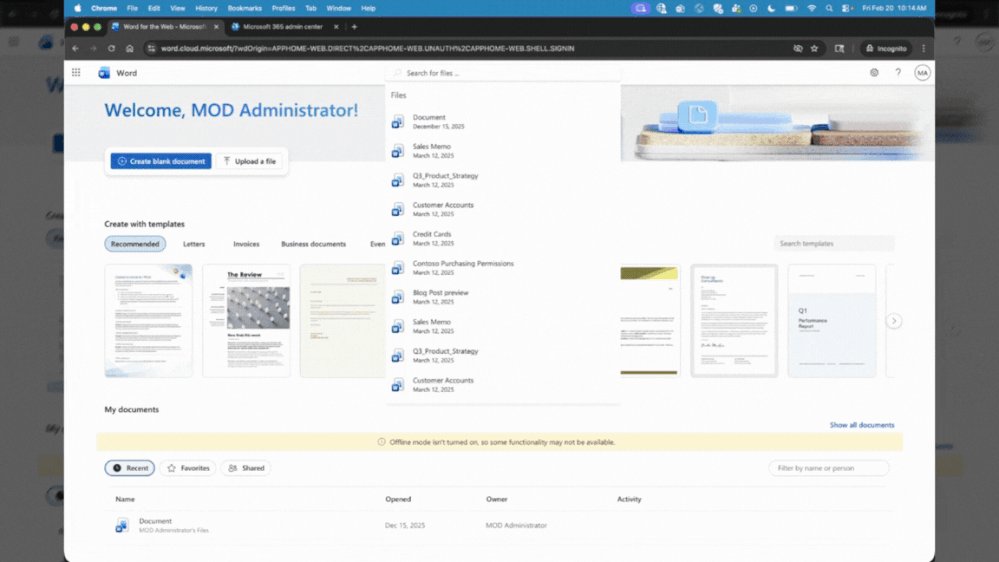
The new functionality enables users to search for their Word, Excel, and PowerPoint files directly from the web app homepage without having to navigate through folders or browse the entire interface. When users begin typing a filename in the search box located in the header, relevant file suggestions appear in a dropdown list beneath the search bar.
How It Works
To use the new search feature:
- Navigate to your preferred web app homepage (PowerPoint.cloud.microsoft, Word.cloud.microsoft, or Excel.cloud.microsoft)
- Click in the search box in the header
- Begin typing your filename
- Select the desired file from the dropdown suggestions
Practical Tips
For users who don't immediately see file suggestions, Microsoft recommends:
- Opening an existing file in the respective application
- Refreshing the page
- Typing in file metadata such as author name if the exact filename is forgotten
This feature is particularly useful for users who work with numerous documents and need quick access to specific files without navigating through multiple folders or remembering exact file locations.
Availability
The enhanced search functionality is currently rolling out to all commercial Microsoft 365 users across Word for the web, PowerPoint for the web, and Excel for the web. The phased rollout ensures stable deployment across Microsoft's global user base.
User Feedback
Microsoft is actively seeking user feedback on this new feature. Users can provide input by:
- Scrolling to the bottom of the app homepage
- Clicking the "Provide feedback" button
- Mentioning "Search" in their comments
This feedback mechanism allows Microsoft to refine and improve the search experience based on real-world usage patterns and user needs.
Context and Impact
The addition of enhanced search capabilities represents Microsoft's ongoing efforts to improve productivity and streamline workflows within its Office suite. By reducing the time spent locating files, users can focus more on content creation and collaboration rather than navigation.
This feature aligns with broader trends in cloud-based productivity tools, where search functionality has become increasingly sophisticated and integral to user experience. Similar enhancements have been seen across other major productivity platforms as organizations continue to digitize their workflows.
Related Resources
For more information about Microsoft 365 features and updates:
The feature demonstrates Microsoft's commitment to continuous improvement of its web-based applications, making them more intuitive and efficient for users who rely on cloud-based document creation and collaboration tools.
Comments
Please log in or register to join the discussion