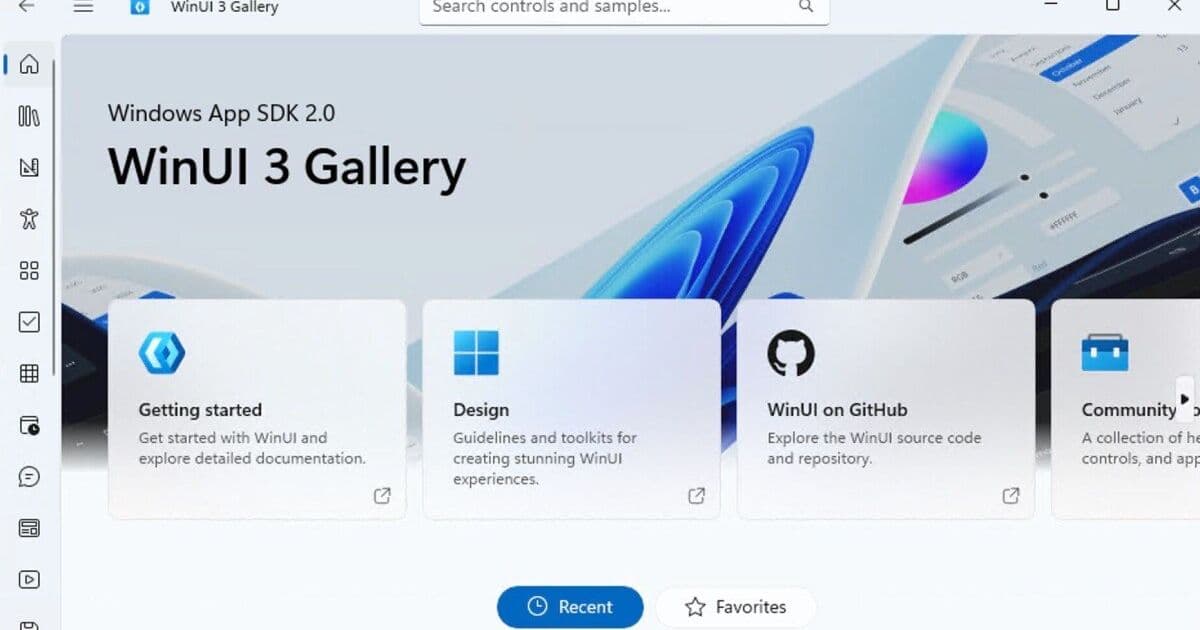
Microsoft announces significant performance improvements for WinUI 3, addressing years of developer complaints about sluggish application performance, though skeptics question whether the changes will be consistently implemented across the company.
Microsoft has announced what it calls a "leap forward" in performance for WinUI 3, the framework intended to power modern Windows applications, claiming a 25% improvement in the File Explorer components built with this technology. The announcement comes as Microsoft faces increasing pressure to improve Windows performance and user experience, with Windows boss Pavan Davuluri having previously committed to making the operating system "faster and more dependable."
Software engineer lead Beth Pan shared performance metrics showing that the optimized WinUI portion of File Explorer now features 41% fewer memory allocations and 45% fewer function calls. These improvements, while significant, represent addressing issues that developers have long known about. "WinUI 3 is currently measurably slower than both WPF [Windows Presentation Foundation] and UWP [Universal Windows Platform]… this is NOT OK," one developer commented in response to Pan's announcement.
The technical details reveal that some optimizations "involve small or large breaking changes," meaning they won't be automatically applied to all existing applications. Instead, Microsoft is implementing these as opt-in features initially, with plans to make them the default in future versions of WinUI 3 and the Windows App SDK while still allowing developers to opt-out when necessary. This approach acknowledges the real-world challenges of framework changes while attempting to move the platform forward.
Understanding the Performance Challenge
WinUI 3's performance issues stem from its architecture. Despite being marketed as a "native framework," it's built atop WinRT (Windows Runtime), a component interface first introduced with Windows 8 that sits between application code and the underlying Win32 API. This additional layer, while providing valuable abstraction and cross-platform capabilities, introduces overhead that impacts performance.
Component vendor DevExpress has previously highlighted this issue, noting that WinUI's component architecture "has the potential for fast rendering and animation, but that unfortunately, each action within a component requires WinRT interop, which is slow." This interop layer—essentially the translation between different parts of the system—creates performance bottlenecks that become increasingly noticeable in complex applications.
The performance improvements appear to focus on reducing these interop calls and optimizing memory usage patterns. Fewer memory allocations mean less work for the garbage collector, while reduced function calls decrease the overhead of the WinRT layer. These changes, while seemingly small, can dramatically impact how responsive an application feels to end users.
Developer Skepticism Runs Deep
The developer community's reaction to Microsoft's announcement ranges from cautiously optimistic to deeply skeptical. Many have expressed frustration that performance issues with WinUI 3 have been well-documented for years, yet only now is Microsoft addressing them.
"You can't build a WinUI app and call it smooth at the same time," commented one developer, reflecting a common sentiment that the framework's visual design capabilities come at too high a performance cost. Others pointed out that Microsoft has a history of making similar promises about performance improvements that never fully materialize.
The skepticism isn't without basis. Microsoft's internal track record with UI frameworks has been inconsistent. The company has created numerous frameworks over the years—including WinForms, WPF, UWP, and now WinUI 3—that different teams within the company haven't always adopted consistently. This fragmentation has created a complex ecosystem for developers and has sometimes resulted in different parts of Windows feeling like they were built with different technologies.
Historical Context: A Pattern of Framework Challenges
The current situation echoes challenges from Microsoft's past. The most notable example occurred during development of "Longhorn" (Windows Vista), when performance issues with .NET forced significant rework before Vista's eventual release in 2007. This incident created lasting distrust of .NET within the Windows team and established a pattern of internal tension between Microsoft's developer division and the teams responsible for the core operating system.
"What you need to do is actually use your framework across the company," one developer advised in response to Pan's announcement. Pan replied, insisting "that's the push." While this is encouraging, the long and tangled history of Windows UI frameworks suggests that a consistent and enduring company-wide approach remains challenging for Microsoft.
The Bigger Picture: Windows Performance and User Experience
Microsoft's focus on WinUI 3 performance is part of a broader effort to address user complaints about Windows. In March, Davuluri specifically mentioned improving File Explorer's responsiveness as a priority, and the company has acknowledged that Windows has become a "cesspool" in need of improvement. The goal is to make Windows more responsive and reliable, with WinUI 3 playing a central role in this vision.
The performance improvements come at a critical time for Microsoft, as the company faces increasing competition from other operating systems and must demonstrate that Windows remains a viable platform for modern applications. For end users, these improvements could translate to a more fluid and responsive experience when navigating the operating system and using applications built with Microsoft's latest technologies.
Looking Forward: Implementation and Adoption Challenges
The path forward for these performance improvements faces several challenges. First, the opt-in nature of the optimizations means that not all applications will immediately benefit, potentially creating a fragmented experience where some apps feel faster than others.
Second, Microsoft must ensure that these improvements are consistently applied across its own applications. The company has previously struggled to get all its teams to adopt new frameworks simultaneously, leading to inconsistent user experiences. For WinUI 3's performance improvements to matter, they need to be implemented in core Windows components like File Explorer, Settings, and other first-party applications.
Finally, Microsoft must address the underlying architectural decisions that led to WinUI 3's performance issues in the first place. While the current optimizations are welcome, they represent incremental improvements to a fundamentally problematic architecture. The long-term solution may require more significant changes to how Windows applications are built and how the operating system manages UI rendering.
For developers following these changes, Microsoft's WinUI documentation and the Windows App SDK documentation provide technical details about the new optimizations and how to implement them. The company's developer forums offer additional insights and discussion points for those working with these technologies.
As Microsoft continues to refine WinUI 3, the developer community will be watching closely to see whether these performance improvements represent a genuine turning point or simply another in a long line of promises that fall short of addressing Windows' fundamental challenges.
Comments
Please log in or register to join the discussion