
New findings indicate Microsoft provides BitLocker encryption keys to authorities upon request without requiring a court order, raising significant privacy concerns for Windows users.
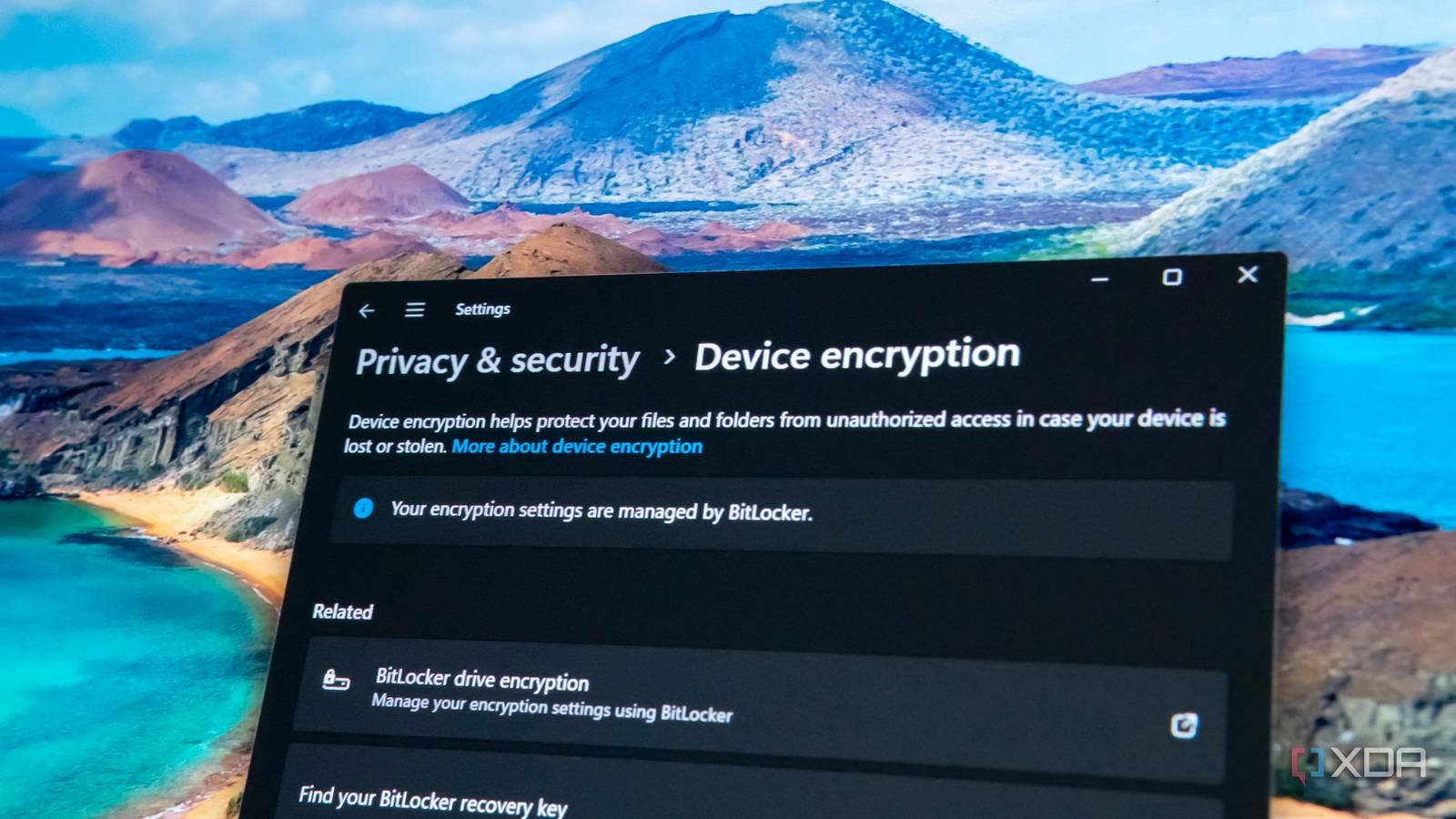
Recent investigative reports reveal Microsoft has been providing BitLocker Drive Encryption recovery keys to law enforcement agencies without mandating a warrant or judicial oversight. This practice directly impacts Windows device security, particularly for enterprise and professional users relying on Microsoft's native encryption for data protection.
BitLocker, Microsoft's full-disk encryption solution integrated into Windows Pro and Enterprise editions, utilizes 128-bit or 256-bit AES encryption. Recovery keys – essentially backup decryption codes – are automatically uploaded to Microsoft accounts when users sign in with Microsoft credentials during device setup. While designed as a safety measure against forgotten passwords, this cloud backup creates a potential access point.
According to legal documents and insider accounts, Microsoft complies with law enforcement requests for these recovery keys through its legal processes department. Crucially, these disclosures reportedly occur under subpoenas rather than search warrants – a lower legal threshold that doesn't require judicial approval of probable cause. This distinction means authorities can obtain decryption keys without convincing a judge that a crime has occurred.
The implications extend beyond individual cases. Enterprises using Azure Active Directory or Microsoft accounts for device management automatically synchronize BitLocker recovery keys to Microsoft's servers. While convenient for IT departments managing thousands of devices, this centralized storage creates a single point of access that authorities can target through legal requests.
Security experts highlight the contradiction in Microsoft's approach: While the company markets BitLocker as a security solution, its key retention practices create potential vulnerabilities. Unlike Apple's FileVault encryption that keeps recovery keys exclusively user-controlled unless deliberately backed up to iCloud, Microsoft's default cloud synchronization happens transparently during device setup.
For users concerned about this exposure, solutions exist:
- Local key management: During BitLocker setup, manually disable automatic Microsoft account backup and store recovery keys offline
- Group Policy modification: Enterprise administrators can disable cloud key backup via "Computer Configuration > Administrative Templates > Windows Components > BitLocker Drive Encryption"
- Alternative encryption tools: Consider third-party solutions like VeraCrypt that provide complete local key control
Microsoft has not publicly detailed its key disclosure policies, but this report underscores fundamental tensions between user privacy, corporate cloud services, and law enforcement access. As encryption becomes standard across devices, the processes governing key disclosure increasingly define practical security boundaries.
This development arrives amid global debates about encryption backdoors, with tech companies facing pressure from governments for exceptional access. Microsoft's apparent compliance with key requests without judicial review suggests a significant erosion of the privacy protections users expect from full-disk encryption systems.
Comments
Please log in or register to join the discussion