
Microsoft introduces a simplified hyperlinking workflow in Word that lets users paste URLs directly onto selected text, reducing friction in document creation.
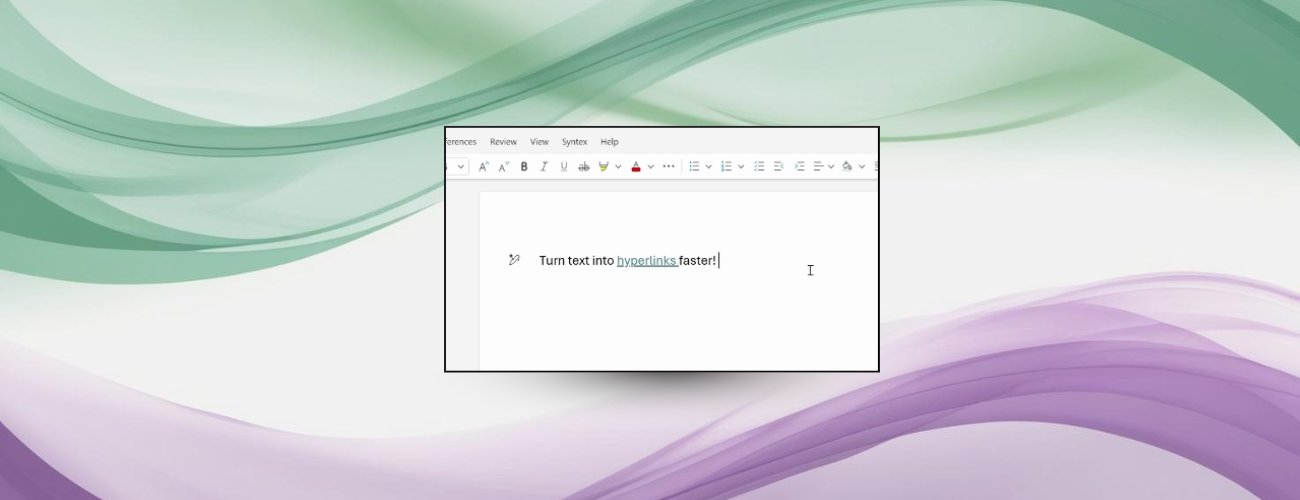
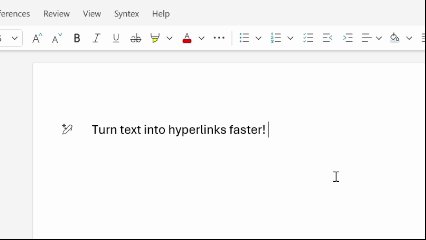
Microsoft has overhauled hyperlink creation across its Word ecosystem, eliminating multiple steps in a core document workflow. The update enables users to paste URLs directly onto highlighted text in Word for web, Windows, and Mac versions, automatically converting it into a clickable link without dialog boxes or formatting menus.
Previously, inserting hyperlinks required either navigating through the Insert menu or using keyboard shortcuts to open the hyperlink dialog. The new "overpaste" method reduces this multi-step process to two actions: text selection and paste. This workflow optimization reflects Microsoft's ongoing effort to minimize friction in high-frequency document tasks.
Technical Implementation and Workflow Comparison
| Method | Steps Required | User Actions |
|---|---|---|
| Traditional | 3-4 steps | 1. Select text 2. Open hyperlink dialog 3. Paste URL 4. Confirm |
| New Overpaste | 2 steps | 1. Select text 2. Paste URL |
This efficiency gain becomes significant in document-heavy workflows. For enterprise users creating technical documentation, business reports, or academic papers, eliminating repetitive actions could save hundreds of clicks daily. The feature operates identically across platforms, maintaining workflow consistency whether users switch between web and desktop applications.
Business Impact Analysis
- Productivity Gains: Technical writers and compliance teams maintaining documentation repositories could see measurable time savings when inserting reference links
- Reduced Context Switching: By keeping users focused in the editing pane instead of dialog boxes, the workflow supports deeper concentration
- Collaboration Efficiency: Teams sharing draft documents can more quickly embed reference materials and shared resources
- Cross-Platform Consistency: Uniform behavior across macOS, Windows, and web versions simplifies training and support
The update requires specific builds for desktop applications:
- Windows: Build 19530.20006+
- macOS: Build 25120915+
While currently available to all Word for web users, Microsoft encourages feedback via the Help > Feedback mechanism using #overpaste hashtag. This continuous improvement approach demonstrates Microsoft's commitment to refining core productivity workflows based on user behavior patterns.
For organizations evaluating document productivity suites, this hyperlinking optimization provides a tangible differentiator in daily workflow efficiency. The Microsoft 365 Insider Program offers early access to similar productivity enhancements across the Office ecosystem.
Comments
Please log in or register to join the discussion