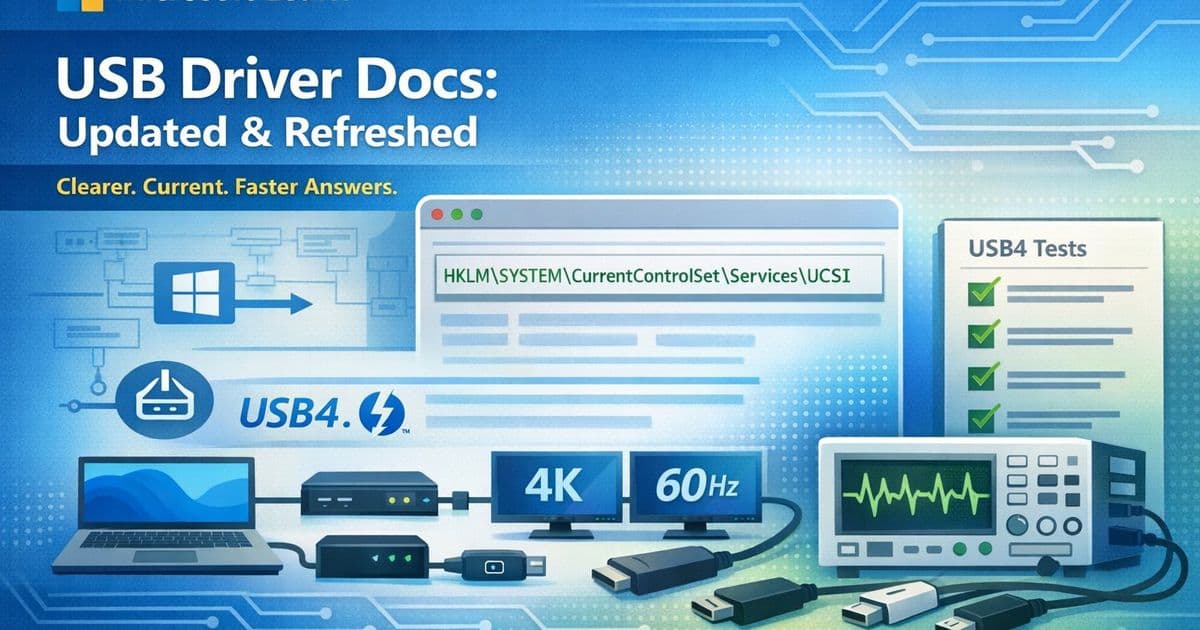
Microsoft has released new Basic Validation Tests for USB4 certification and refreshed key USB driver documentation to align with Windows 11, addressing critical gaps in testing methodology and improving clarity for developers.
Microsoft has significantly updated its USB driver documentation and testing requirements, marking a crucial step in standardizing USB4 implementation across the ecosystem. These changes, part of a broader freshness initiative across Windows Hardware driver documentation, address both practical testing needs and documentation clarity for developers working with USB4 and related technologies.
New USB4 Basic Validation Tests Fill Critical Gap
The most substantial update is the addition of Basic Validation Tests to the USB4 Required Testing page. As USB4 router implementations proliferate, Microsoft recognized the need for a concise, repeatable validation baseline that OEMs and IHVs can use to catch regressions in incremental firmware and driver updates without requiring a full test pass.
The new section provides nine concrete test scenarios designed as smoke tests for quick confidence checks:
- USB4 HLK Tests: Run all System.Fundamentals.SystemUSB.USB4.* and Device.BusController.USB4.* tests
- Basic Enumeration: Test USB4 and Thunderbolt 3 docks with displays, storage, and input devices
- Display: Verify dual 4K displays at 60Hz through USB4 and DisplayPort Alt Mode
- Camera Streaming: Test isochronous streaming for at least one minute without glitches
- System Standby: Cycle standby five times with 30-second to 2-minute waits
- System Reboot: Full reboot verification with complete dock topology
- System Hibernate: Hibernate cycle testing with the same topology
- Minimal Compatibility and Interoperability: Test across multiple silicon vendors including Intel Thunderbolt 4/5, Via USB4, Asmedia USB4, Realtek USB4, and Intel Thunderbolt 3 variants
- Basic Plug/Unplug with USB4 Switch: Run ConnExUtil.exe /cxstress for 15+ minutes (24+ hours for stability)
Each test includes explicit pass criteria such as no yellow bangs in Device Manager, no visual glitches, and expected resolution and refresh rates confirmed in Advanced Display settings. The interoperability test is particularly noteworthy as it ensures platforms work across the full range of silicon vendors, not just the one on the developer's bench.
UCSI Driver Documentation Gets Windows 11 Focus
The UCSI (USB Type-C Connector System Software Interface) driver article received a comprehensive refresh. Updates include an improved architecture diagram, clearer UCSI 2.0 _DSM backward-compatibility guidance, reformatted UCSIControl.exe test instructions with proper inline code for registry paths, and consistent code-style formatting across DRP role detection and charger mismatch example flows.
Notably, the article now focuses exclusively on Windows 10 desktop and Windows 11, with outdated Windows 10 Mobile references removed. This streamlining ensures developers working with current platforms have relevant, targeted information without legacy cruft.
Usbccgp.sys Documentation Rewritten for Clarity
The USB generic parent driver (Usbccgp.sys) article, essential for anyone building composite USB devices, underwent a complete rewrite. The team simplified jargon-heavy sentences, expanded abbreviations on first use (such as "information (INF) file"), updated cross-references to sentence case per Microsoft Learn style guidelines, and added customer-intent metadata for better search discoverability.
This plain language approach makes the documentation more accessible to developers who may not be USB protocol experts but need to implement composite devices correctly.
Community Contribution Highlights Documentation Quality
A small but significant fix demonstrates the value of community involvement in documentation quality. In the "How to send a USB interrupt transfer (UWP app)" article, the Interrupt IN transfers section incorrectly stated that HID devices like keyboards "support interrupt OUT endpoints."
Endpoint direction is fundamental to USB protocol understanding—IN means device-to-host, OUT means host-to-device. This error could send developers down entirely wrong debugging paths. A community contributor spotted and corrected this mistake, now reading "interrupt IN endpoints" correctly.
This correction underscores how community contributions directly improve the developer experience and prevent costly debugging errors.
Strategic Implications for USB4 Ecosystem
These updates reflect Microsoft's commitment to maturing the USB4 ecosystem by providing clear, actionable testing guidance and accessible documentation. The Basic Validation Tests address a real pain point: the need for quick regression testing without the overhead of full certification passes.
The emphasis on interoperability testing across multiple silicon vendors is particularly strategic. As USB4 becomes more prevalent, ensuring compatibility across Intel Thunderbolt 4, Intel Thunderbolt 5, Via USB4, Asmedia USB4, Realtek USB4, and Intel Thunderbolt 3 implementations will be crucial for market adoption.
For developers and hardware manufacturers, these changes mean:
- Faster iteration cycles with reliable smoke tests
- Clearer guidance on Windows 11-specific implementations
- Better documentation accessibility for composite device development
- Community-validated accuracy in technical details
The documentation updates also align with Microsoft's broader strategy of open-source collaboration, inviting developers to submit pull requests on the windows-driver-docs GitHub repository when they spot issues or have improvements.
These changes position Microsoft as a leader in standardizing USB4 implementation while supporting the developer community with practical tools and clear guidance. As USB4 continues to evolve from a specification to a widely adopted standard, such foundational work in testing methodology and documentation quality will be essential for ecosystem growth.
For teams working on USB4 implementations, the new Basic Validation Tests provide an immediate, practical tool for ensuring quality and compatibility. The refreshed documentation ensures that developers have access to current, accurate information aligned with Windows 11's capabilities and requirements.
Comments
Please log in or register to join the discussion