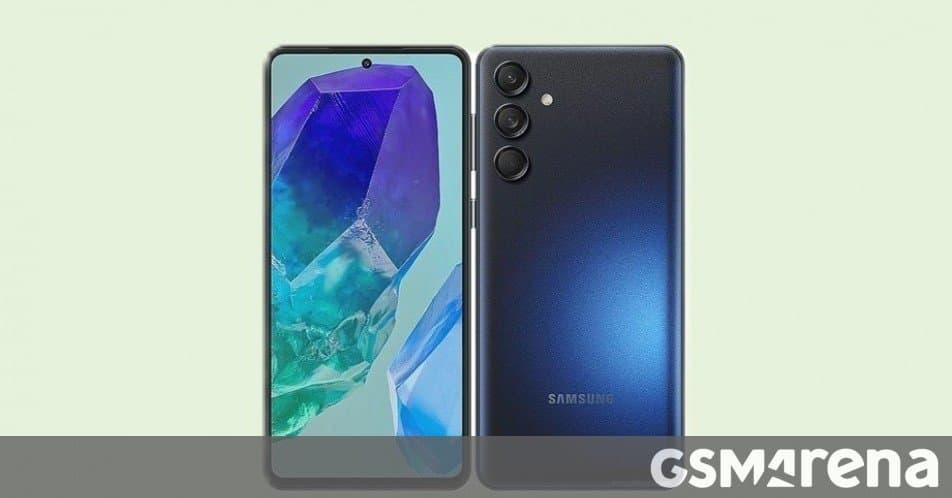
Samsung has begun delivering the One UI 8.5 stable firmware to three mid‑range devices – the Galaxy M55, Galaxy A16 5G and Galaxy A17 5G – bringing the May 2026 Android security patch, UI refinements and modest performance tweaks. The rollout starts in India and expands to several Asian and European markets.
Samsung pushes One UI 8.5 to three more mid‑range phones
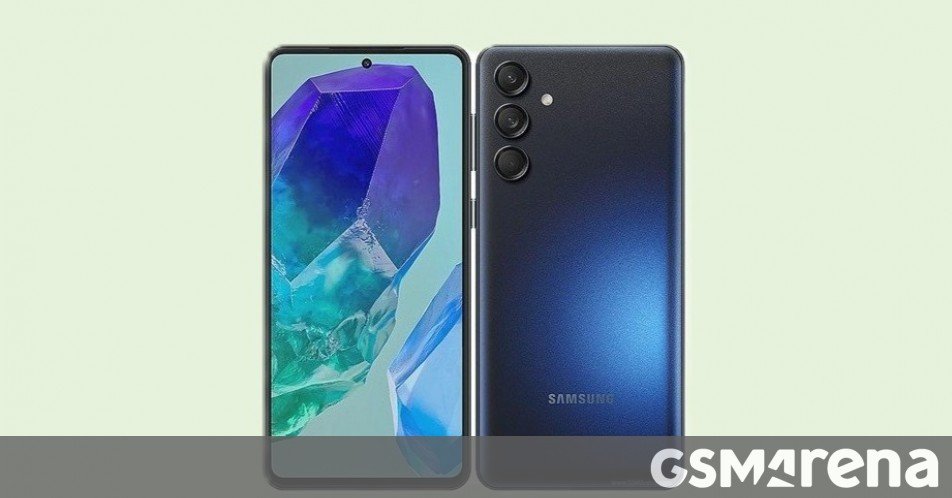
Samsung’s latest stable software wave adds One UI 8.5 to the Galaxy M55, Galaxy A16 5G and Galaxy A17 5G. All three models receive the May 2026 Android security patch, a refreshed UI theme, and a handful of under‑the‑hood adjustments aimed at smoother daily use.
What the update contains
| Device | Firmware build | Download size | Security patch level | Initial rollout regions |
|---|---|---|---|---|
| Galaxy M55 | M556BXXU5DZE3 |
~3 GB | May 2026 | India |
| Galaxy A16 5G | A166PXXU7DZE2 |
~2.3 GB | May 2026 | India, Indonesia |
| Galaxy A17 5G | A176BXXU5CZE9 |
~2.4 GB | May 2026 | India, Nepal, France, Bulgaria, Vietnam |
Core changes
- Security hardening – The May 2026 patch addresses over 150 CVEs, including fixes for the Stagefright media‑framework vulnerability and a set of privilege‑escalation bugs that affected Android 13 devices.
- One UI 8.5 visual refresh – Updated accent colors, a new lock‑screen clock style and refined notification shade animations give the UI a slightly more modern feel without demanding extra RAM.
- Battery‑life tweaks – Samsung’s Power‑saving engine now applies a tighter background‑app throttling policy for apps that haven’t been opened in the last 48 hours. Early reports from users of the M55 show a modest 5‑7 % increase in screen‑on time.
- Camera firmware updates – The M55’s 108 MP main sensor receives a revised auto‑focus algorithm that improves low‑light capture, while the A16 5G and A17 5G get a minor HDR‑processing improvement.
- Connectivity polish – Wi‑Fi 6E support on the A17 5G is now fully enabled, and the M55’s Bluetooth stack has been updated to improve stability with wireless earbuds.
How to install the update
If the OTA hasn’t appeared automatically, you can trigger it manually:
- Open Settings → Software update.
- Tap Download and install.
- Follow the on‑screen prompts; the device will reboot once the package is applied.
Make sure the phone is connected to Wi‑Fi and has at least 30 % battery (or is plugged in) before starting, as the download can exceed 2 GB.
Ecosystem implications
Samsung’s decision to push One UI 8.5 to these mid‑range models highlights a broader strategy: keep the majority of its Android lineup on a relatively recent UI version while reserving the newer One UI 9 beta for flagship devices. For users, the practical impact is twofold:
- Security parity – Even budget‑oriented phones now receive the same monthly patch cadence as the S‑series, reducing the attack surface for the massive user base in emerging markets.
- Lock‑in considerations – By tying new UI features (such as the refreshed quick‑settings layout and the enhanced Knox Security Platform) to One UI 8.5, Samsung makes the transition to its own ecosystem smoother. Users who rely on Samsung‑specific services—SmartThings, Samsung Pay, or the Galaxy Store—will notice incremental improvements without a forced upgrade to a newer hardware tier.
What’s next?
The next wave of One UI 8.5 rollouts is expected to target the Galaxy M54 and A15 5G later this month, followed by a handful of regional variants in Southeast Asia. Meanwhile, the One UI 9 beta continues to be limited to the Galaxy S26 line and the newest Fold/Flip devices, keeping the development pipeline split between stable maintenance and next‑gen experimentation.
Bottom line: The One UI 8.5 stable update brings essential security fixes and modest UI polish to three popular mid‑range Samsung phones. For owners in the listed regions, the update is a straightforward way to keep the device safe and a little bit snappier without waiting for a major OS jump.
Comments
Please log in or register to join the discussion