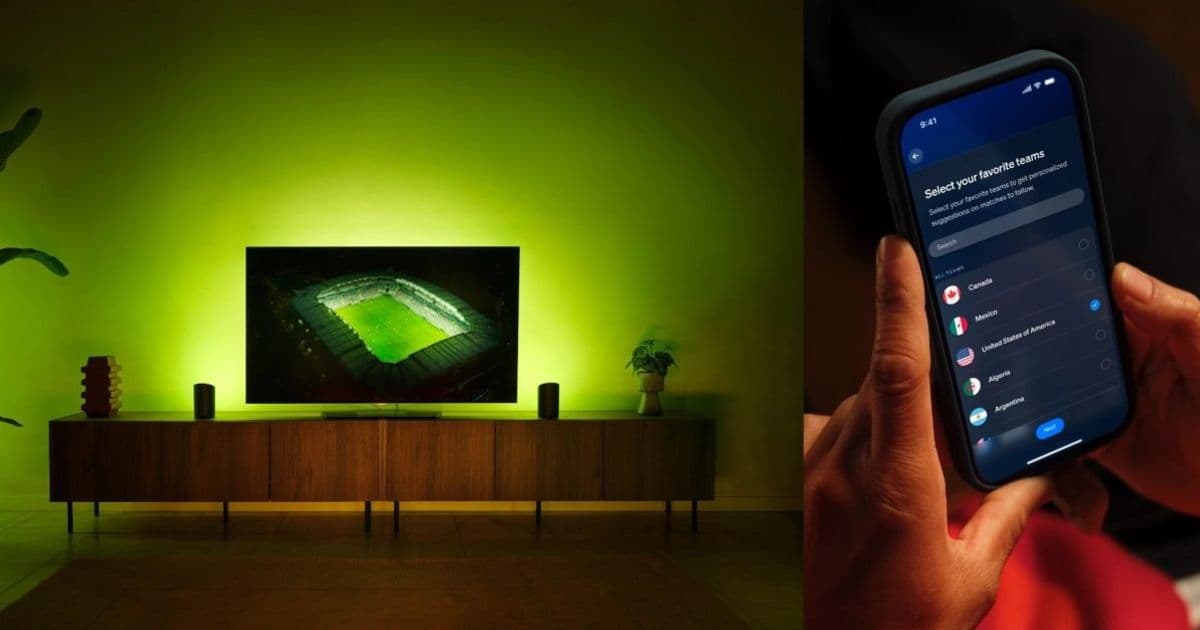
Signify rolled out Sports Live across the Philips Hue iPhone app this month, tying real-time match data to lighting effects ahead of the 2026 FIFA World Cup. The update also reorganizes the app around a new Bridge group in the Home dashboard.
Signify has shipped its Sports Live feature to everyone through a Philips Hue app update on June 9, 2026, turning smart bulbs into a second screen that flashes your team's colors when a goal goes in. The timing is deliberate. The 2026 FIFA World Cup is about to kick off, and the feature reads live match data to fire lighting effects for goals, yellow cards, and red cards without any extra hardware.
For anyone who works on mobile apps, the more interesting part of this release is what changed inside the Hue app itself, and how the same update reached both platforms.
What actually shipped in the app
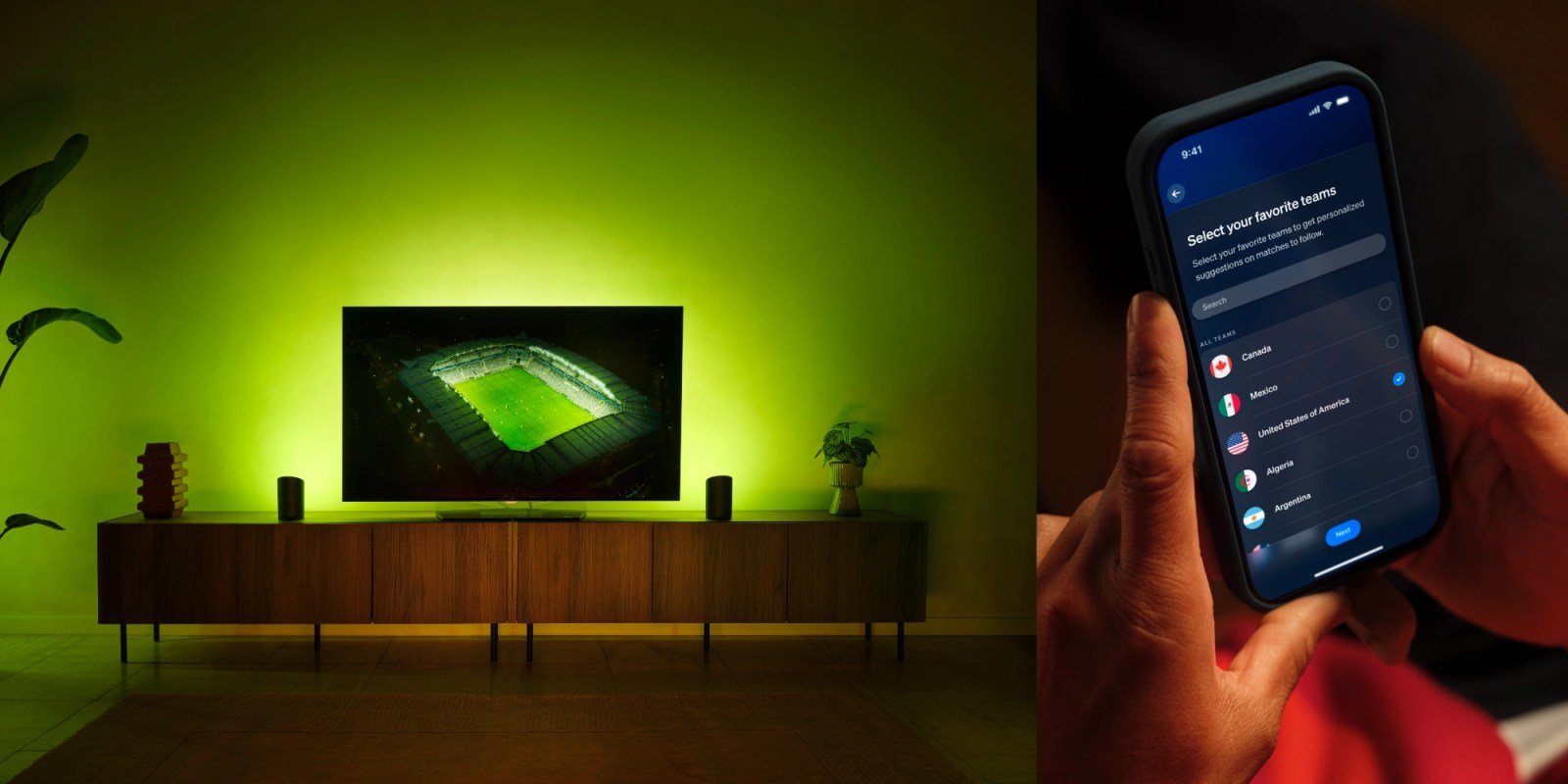
The iOS release notes describe two distinct additions. Sports Live is the headline, but the update also introduces a new Bridge group in the Home dashboard. That group collects every device and automation tied to a bridge into one place, lets you build scenes that span the entire bridge, and adds edit controls to hide or reorder groups. It is a navigation and information-architecture change, the kind of work that rarely gets a press release but tends to generate the most support tickets when it lands wrong.
Sports Live works by letting a user pick a favorite team and assign color-changing lights to the feature. After that, it runs on its own. During slow stretches of play the lights settle into the favorite team's color, the leading team's color, or a warm white when the score is level. The app handles the state machine here: it has to map a continuous stream of match events onto a small set of light states and decide what to show when nothing is happening.
The broadcast delay problem
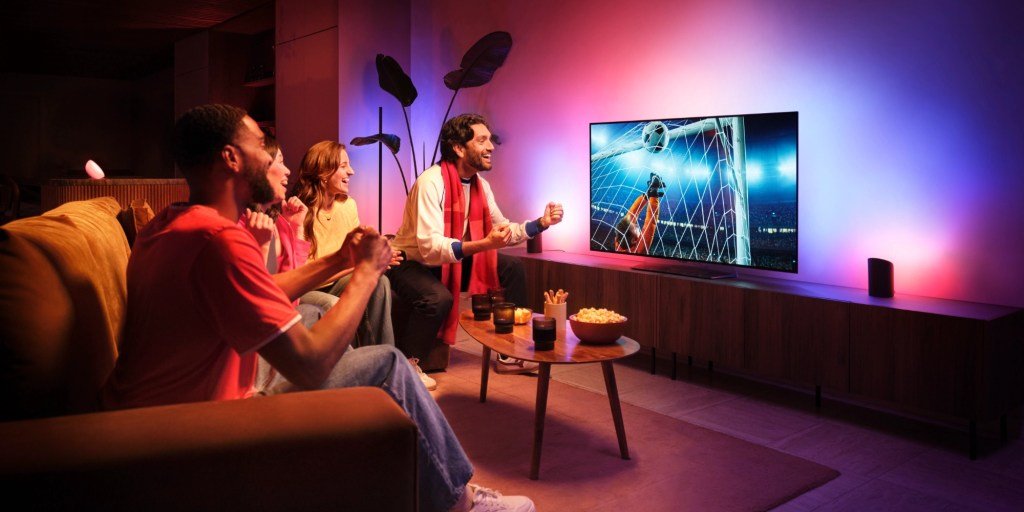
The detail worth singling out for developers is broadcast delay handling. Live sports data arrives over the network close to real time, but the video a person is watching at home can trail the actual match by anywhere from a few seconds to half a minute depending on the streaming provider, the region, and the device. If the lights flash for a goal before the ball hits the net on screen, the effect is ruined and arguably spoils the moment.
Signify addresses this by letting users time the lighting effects to their broadcast and by automatically pausing and resuming the sync. That is a real synchronization design problem. The app is reconciling two clocks, the data feed and the viewer's video, with a user-adjustable offset between them. Anyone who has built a feature that aligns events to media playback will recognize the shape of it: you cannot trust either source to be authoritative, so you expose an offset control and try to make the defaults sane.
Platform requirements
Sports Live started rolling out in May before this month's full release. On iOS the new features require downloading the current Philips Hue app from the App Store. The feature does not need specialized hardware or third-party service connections, though a Hue Bridge and color-capable bulbs are the practical baseline since the effects rely on assigning color-changing lights to teams.
Signify has been moving quickly on the platform lately. In April it added an immersive feature called SpatialAware, and it recently launched an upgraded Philips Hue Bridge Pro with expanded capabilities. The Bridge group reorganization in this release reads partly as housekeeping to support that growing set of devices and automations.
Why it matters for cross-platform teams
Hue ships a single product across iOS and Android, and features like Sports Live have to behave consistently regardless of which phone is in someone's hand. The hard parts here, ingesting a live data feed, running the event-to-light state machine, and applying a broadcast offset, all live in logic that ideally stays shared between platforms rather than reimplemented twice. The thin layer that differs is the UI for picking teams, assigning lights, and nudging the delay slider.
That split is the pragmatic lesson for mobile developers watching this launch. Real-time features built on external data feeds reward putting the synchronization and state logic somewhere platform-neutral, then keeping the native layers focused on presentation and the controls users actually touch. The World Cup gives Signify a hard deadline and a large simultaneous audience to prove the approach works.
Comments
Please log in or register to join the discussion