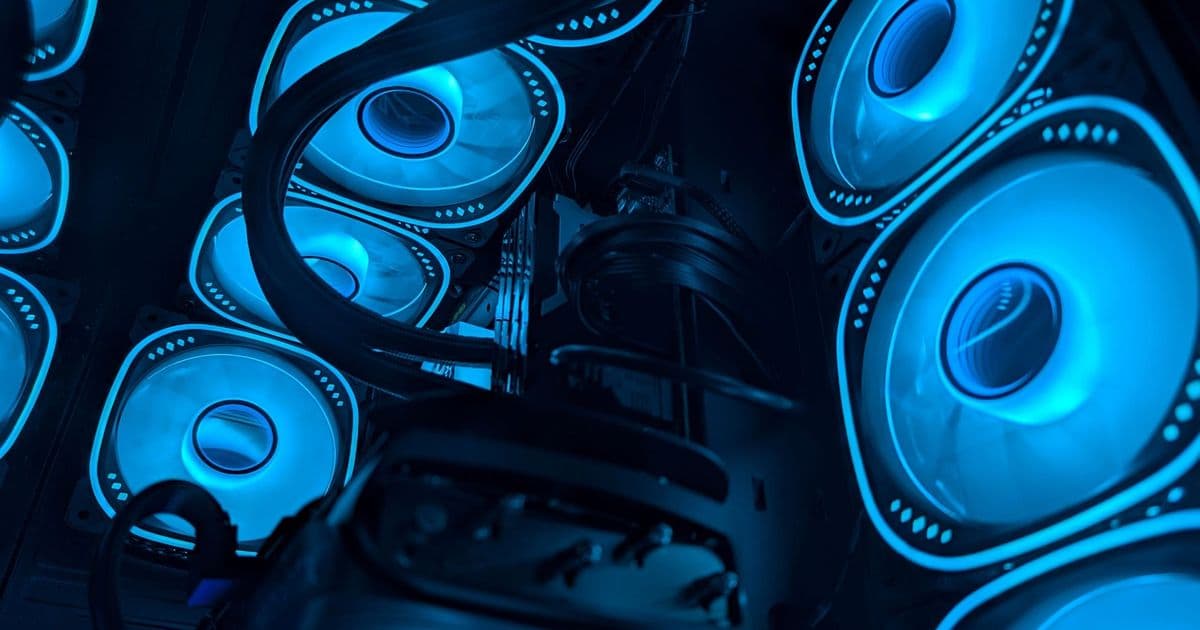
Understanding positive and negative pressure airflow configurations can dramatically improve your PC's cooling performance and longevity. This guide breaks down when to use each setup, how to achieve optimal airflow, and why more fans isn't always better.
Optimizing your PC's airflow isn't just about slapping on more fans—it's about understanding how air moves through your case and creating the right pressure balance. Whether you're chasing those last few degrees of cooling or trying to keep dust at bay, choosing between positive and negative pressure setups can make a significant difference in your system's performance and longevity.
The Basics: Why Airflow Matters
Your PC components generate heat, and that heat needs somewhere to go. Without proper airflow, you're risking thermal throttling, reduced component lifespan, and potentially system instability. Modern CPUs and GPUs are smart enough to slow themselves down when they get too hot, but that means sacrificing performance when you need it most.
Good airflow does more than just cool your components—it prevents hotspots, manages dust, and ensures your expensive hardware operates at peak efficiency. The configuration of your case fans determines whether you're creating positive pressure (pushing more air in than out) or negative pressure (pulling more air out than in).
Positive Pressure: The Popular Choice
Positive pressure is the most common airflow configuration, and for good reason. By having more intake fans than exhaust fans—or intake fans with higher CFM ratings—you create a system where air is constantly being pushed out through every available opening. This setup typically looks like 2-3 intake fans at the front with 1-2 exhaust fans at the rear or top.
Here's a practical example: three 120mm front intake fans running at 1200 RPM paired with a single 120mm rear exhaust at 900 RPM creates net positive pressure. Even with two exhaust fans, if your total intake CFM exceeds your exhaust CFM, you're in positive territory.
When Positive Pressure Makes Sense
Dust Control: The biggest advantage of positive pressure is dust prevention. Since air is constantly being pushed out through vents and openings, dust has a much harder time entering your system. This is especially important if you have pets or live in a dusty environment.
High-Airflow Cases: Modern cases like the Fractal Torrent, Lian Li Lancool III, and Corsair 4000D Airflow are designed with front mesh panels that excel at positive pressure setups. These cases are built to move large volumes of air efficiently.
Tower Air Coolers: If you're using a large CPU air cooler, positive pressure helps create a direct airflow path from front to back, efficiently removing heat from both your CPU and the case.
Blower-Style GPUs: While less common now, older blower-style graphics cards benefit greatly from positive pressure setups that provide consistent airflow across the GPU.
Negative Pressure: The Underdog That Works
Negative pressure gets a bad reputation, primarily due to dust concerns, but it's far from useless. In this configuration, more air is exhausted than drawn in, creating a vacuum effect that pulls air through every available opening. This can actually be beneficial in certain scenarios.
When Negative Pressure Shines
Restrictive Front Panels: If your case has a solid front panel or limited front ventilation, negative pressure can be more effective than trying to force air through restrictive openings. The vacuum effect pulls air in through the case's natural vents and PCIe slots.
Better GPU Cooling: In some cases, negative pressure can actually provide superior GPU temperatures. The air movement near the graphics card is more turbulent, which can help scrub away hot boundary layers and improve heat transfer.
Hotspot Prevention: The turbulent airflow in negative pressure setups can help prevent heat buildup in areas that might be missed by more laminar positive pressure airflow.
Small Form Factor Builds: In compact cases where space is limited, negative pressure can sometimes provide better overall cooling by utilizing all available ventilation points.
The Fan Count Myth
Here's where many enthusiasts go wrong: more fans doesn't automatically mean better cooling. The law of diminishing returns applies strongly to PC airflow. Once you've established adequate intake and exhaust to handle your components' thermal load, adding more fans provides minimal benefit while increasing noise and complexity.
For most mid-tower builds with mid-range components, three well-placed fans often outperform six mediocre ones. A quality 120mm intake fan and a good 120mm exhaust fan can handle the thermal load of many systems more effectively than a cluttered array of budget fans.
Practical Implementation Tips
Fan Placement: For positive pressure, front intakes and rear/top exhausts create the most efficient airflow path. For negative pressure, rear/top exhausts with minimal or no front intakes work best.
Radiator Considerations: A 360mm radiator in the front acts as a significant intake, even if you're running exhaust fans. The radiator's restriction on airflow means you need to account for its impact on your pressure balance.
Dust Filters: If you're going positive pressure, invest in good dust filters and clean them regularly. If you're doing negative pressure, accept that you'll need more frequent deep cleaning sessions.
Cable Management: Proper cable routing isn't just about aesthetics—it ensures unobstructed airflow paths throughout your case.
Making the Right Choice
The best pressure configuration depends on your specific case, components, and environment. If you're building in a mesh-front case and want minimal maintenance, positive pressure is your friend. If you're dealing with a restrictive case design or need maximum GPU cooling, negative pressure might surprise you with its effectiveness.
Don't be afraid to experiment. Many builders find that their initial setup isn't optimal and benefit from testing different configurations. Use monitoring software to track temperatures, and consider running smoke tests (with safe materials) to visualize your airflow patterns.
Remember: the goal isn't to achieve perfect pressure balance—it's to create an airflow configuration that keeps your components cool, your system quiet, and your maintenance manageable. Sometimes that means going against conventional wisdom and trying something that others might dismiss.
And one final tip: keep your PC off the carpet. It's not just about airflow—it's about preventing dust, hair, and other debris from being drawn directly into your system's intake.
The right airflow setup isn't about following rigid rules—it's about understanding the principles and applying them to your specific situation. Whether you choose positive or negative pressure, the key is creating a system that works for your build, your environment, and your maintenance preferences.
Comments
Please log in or register to join the discussion