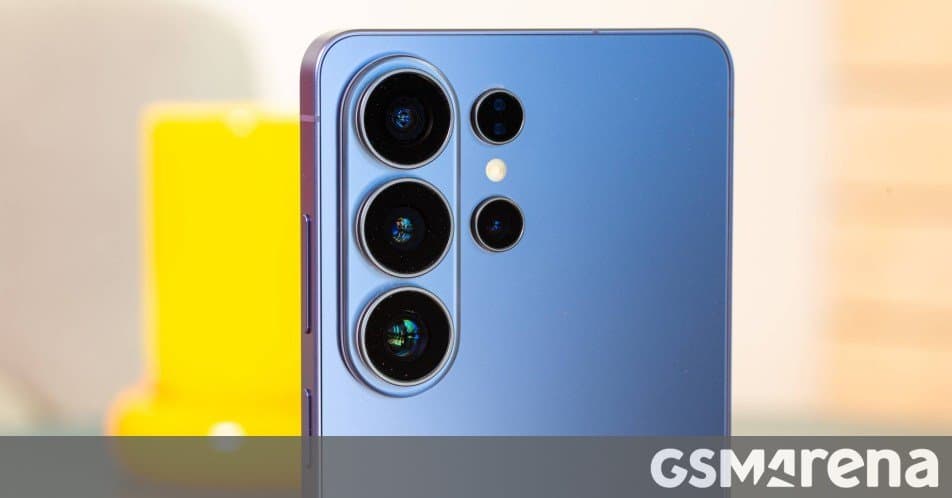
Samsung's improved document scanning functionality, introduced with the Galaxy S26 series, will soon be available to select older flagship devices through the One UI 8.5 update, offering a more streamlined document digitization experience.
Samsung is expanding the functionality of its document scanning capabilities beyond the newly launched Galaxy S26 series. The company's enhanced Document Scan feature, which allows users to combine multiple photos of documents into a single PDF file, will soon be available to several older flagship smartphones through the upcoming One UI 8.5 update.
The Document Scan feature represents a significant improvement over Samsung's previous document scanning implementation. Before this enhancement, when users captured multiple images of documents, they were saved as separate files rather than being consolidated into a single, cohesive document. This new functionality addresses a common pain point for professionals, students, and anyone who regularly needs to digitize physical documents.
To access the Document Scan feature, users can navigate through the default Camera app by going to Camera settings > Scan > Document Scan. Samsung has also made it more convenient by allowing users to add a direct shortcut to the feature on their phone's homescreen. This is enabled through an "Add Document Scan to Apps screen" toggle in the settings menu, making it much more accessible for frequent users.
From a technical perspective, the Document Scan feature employs advanced image processing algorithms to ensure that the final PDF maintains high quality while properly aligning and enhancing the scanned documents. This likely includes automatic edge detection, perspective correction, and possibly even OCR (Optical Character Recognition) capabilities, though Samsung hasn't explicitly confirmed OCR integration in this initial release.
The ecosystem benefits of this feature are noteworthy. By making document scanning more accessible and functional across multiple devices, Samsung is strengthening its productivity offerings within its mobile ecosystem. This aligns with Samsung's broader strategy of enhancing its software capabilities to differentiate its hardware in a competitive market.
According to Samsung's update plans, the following devices will receive the Document Scan feature with the One UI 8.5 update:
- Galaxy S25
- Galaxy S25+
- Galaxy S25 Ultra
- Galaxy S25 Edge
- Galaxy Z Fold7
- Galaxy Z Flip7
While these are the confirmed devices receiving the feature, Samsung has indicated that more devices may be eligible for One UI 8.5. However, whether those additional devices will also receive the Document Scan functionality remains to be seen. This selective rollout suggests Samsung may be prioritizing the feature for its premium and flagship models first.
The timing of this feature rollout is particularly interesting, coming shortly after the Galaxy S26 launch. This approach allows Samsung to create a perception of continuous value for its premium devices while also encouraging upgrades to the latest models. However, extending the feature to older devices also demonstrates Samsung's commitment to maintaining software support across its product lineup.
For users who frequently scan documents, this feature could prove to be a significant productivity enhancement. The ability to quickly capture multiple pages and have them automatically combined into a single PDF file streamlines the document digitization process, saving time and reducing the need for third-party applications.
Samsung's move to bring this feature to older devices also reflects the increasing importance of software differentiation in the smartphone market. As hardware innovations become more incremental, software features and ongoing support are becoming key differentiators for manufacturers. By enhancing the document scanning capabilities across its flagship lineup, Samsung is providing tangible value to users beyond the initial purchase.
As with many software features, the actual implementation and user experience will become clearer once the One UI 8.5 update begins rolling out to these devices. Early adopters of the update will likely provide valuable feedback on the feature's real-world performance and usefulness.
Comments
Please log in or register to join the discussion