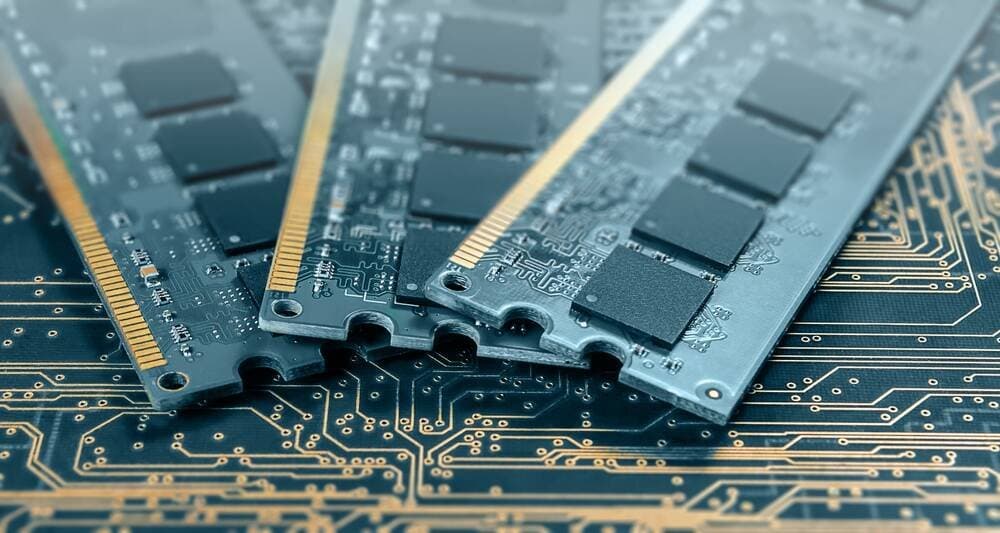
Linux offers two memory compression tools - zram and zswap - to help users maximize limited RAM capacity as prices rise.
RAM prices are climbing, and they're expected to keep rising. Apple has already quietly dropped the 512 GB RAM option from its Mac Studio lineup. This isn't a great time to buy computers with lots of RAM or to add more memory to existing machines. Instead, it's worth learning how to make the most of what you already have.
Linux offers two ways to compress memory: zram and zswap. Both work with the operating system's existing swapping mechanism, but they function differently and serve different purposes.
Understanding Swap Space
Before diving into memory compression, it's important to understand swap space. Swapping (called paging in Windows) is how the kernel handles running low on available RAM. It copies inactive pages of memory to disk, freeing up RAM for other tasks.
There are two main options for swap: a swap file or a swap partition. Since Ubuntu 17.04, the default has been a swap file, though there's been little performance difference between the two for over a decade. The main consideration is disk space - a swap file needs room in your root partition.
How much swap should you use? Perlod's guidelines suggest:
- Under 2 GB RAM: Set swap to 2× your RAM
- 2 GB to 8 GB RAM: Set swap equal to your RAM
- Over 8 GB RAM: 4 GB is usually enough
One important exception: if you use hibernation, your swap must be larger than your total RAM.
Why You Need Swap
Some people believe they don't need swap if their computer has enough RAM. This is a misconception. Having some swap is like having an elastic waistband in your trousers - you might not need it most days, but when you do, you'll be glad it's there.
Zram: Compressed RAM Disks
Zram creates compressed dynamic RAM disks using LZ4 compression, which is fast. These RAM disks can be used for swapping, which might sound counterintuitive - swapping from memory to memory? But it works surprisingly well.
The idea is simple: instead of writing data to slow disk swap space, compress it and keep it in memory. A 500 MB program that would normally take up half a gigabyte of disk space might only need 250-300 MB when compressed. When you need it back, decompressing from RAM is relatively quick.
Zram is particularly useful for:
- Machines with enough RAM that rarely run low
- Systems with slow storage like microSD cards or eMMC drives
- Raspberry Pi and other single-board computers
Some distributions enable zram by default, including Fedora and its derivatives. macOS has used memory compression since version 10.9, and Windows 10 gained the feature in 2015.
Zswap: A Different Approach
Zswap works differently from zram. It's not an alternative to or complement for having swap on disk - it requires swap on disk but tries to reduce how much your OS uses that swap by compressing data before it gets to the swap space.
Enabling zswap is relatively simple. On systems that use GRUB, it's as simple as editing one line in a config file. For systemd-boot systems, it's a bit more complicated but still straightforward.
However, there's a catch with some distributions. For example, Pop!_OS enables zram by default and encrypts its swap file. Since encryption and decryption reduce performance, and zswap is a performance optimization, you need to disable both zram and cryptswap before enabling zswap.
Choosing Between Zram and Zswap
You can use zram alongside a normal swap file, but you cannot use both zram and zswap at the same time. They're trying to do the same thing, and using both would eliminate any performance improvement by duplicating work.
For general desktop and laptop use, many find zswap works better than zram. For specialized use cases like Raspberry Pi or systems with very limited storage, zram might be the better choice.
A Third Option: Zcache
There's also zcache, a more ambitious effort than either zram or zswap. However, it's still quite experimental and not something you can simply turn on or off, so it's not covered in detail here.
The Bottom Line
As RAM prices continue to rise, learning to use memory compression tools like zram and zswap becomes increasingly valuable. Whether you choose zram for its ability to work without disk swap or zswap for its performance benefits alongside traditional swap, both can help you get more out of your existing memory.
Remember: always configure some swap, even if you think you have enough RAM. One day, you'll be glad you did.
Comments
Please log in or register to join the discussion