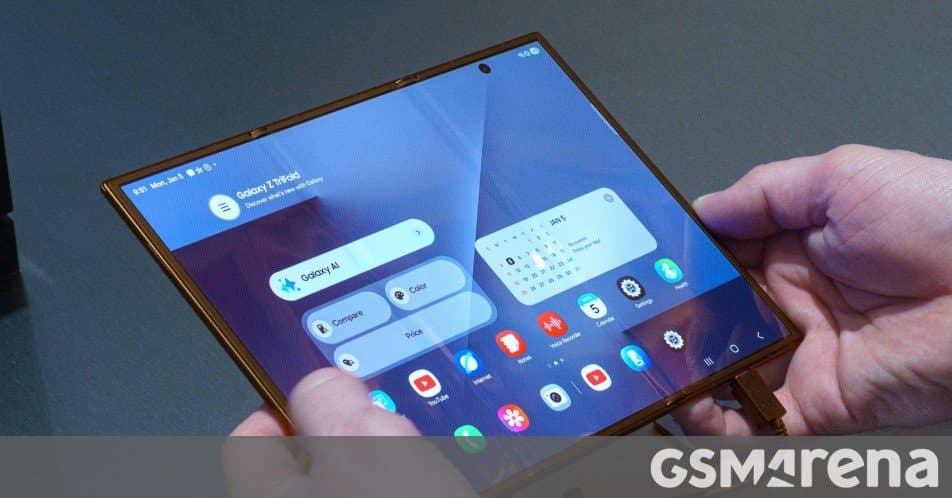
Samsung's One UI 8.5 update for the Galaxy Z Fold 5 has expanded beyond South Korea to Singapore, Taiwan, and the UAE, bringing new features and UI improvements to the premium foldable device.
Samsung continues its global rollout of the One UI 8.5 update, with the Galaxy Z Fold 5 now receiving the stable version in several new markets. The update, which initially launched exclusively in South Korea last week, has expanded to Singapore, Taiwan, and the United Arab Emirates, marking an important step in Samsung's commitment to keeping its premium foldable devices up to date with the latest software enhancements.
For users in these regions, the update carries firmware version F968BXXU4BZDP and introduces a refined user experience alongside several new features designed specifically for the foldable form factor. The Galaxy Z Fold 5, Samsung's flagship foldable smartphone, benefits particularly from these updates as they optimize the unique dual-screen experience that defines the device.
One UI 8.5 represents Samsung's adaptation of Android 14 with its custom interface layer, bringing improvements to multitasking capabilities, which are especially valuable on a device with a large, foldable display. The update likely includes enhanced split-screen functionality, improved taskbar management, and possibly new ways to utilize the cover screen for quick interactions when the device is folded.
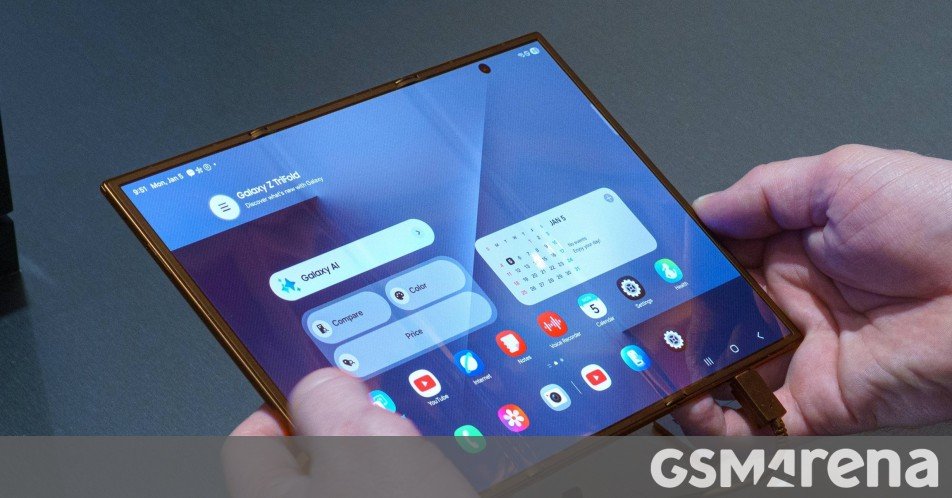
The regional rollout strategy employed by Samsung allows the company to monitor feedback and address any potential issues before a wider global release. This phased approach has become increasingly important as software complexity grows, particularly with devices as technologically advanced as the Galaxy Z Fold 5. The inclusion of Singapore, Taiwan, and the UAE in this expansion suggests Samsung is targeting key Asian markets and the Middle East, regions where foldable devices have seen strong adoption.
For users who haven't received the update automatically, Samsung provides the option to check manually by navigating to Settings > Software update. This manual check is particularly useful for those who want to access the new features immediately after Samsung makes the update available in their region.
The Galaxy Z Fold 5 itself represents Samsung's continued refinement of the foldable smartphone concept. With its 7.6-inch main display and 6.2-inch cover screen, the device offers a unique form factor that bridges the gap between traditional smartphones and tablets. The One UI 8.5 update builds on this foundation by optimizing the software experience specifically for the foldable form factor, addressing challenges like app continuity between screens and improved multitasking capabilities.
Samsung's ecosystem approach becomes particularly evident with updates like One UI 8.5. The company has been working to create a more cohesive experience across its devices, and this update likely includes features that work better in conjunction with other Samsung products such as tablets, watches, and the Galaxy Buds lineup. This ecosystem integration is increasingly important as consumers own multiple devices from the same manufacturer.
Looking ahead, users in other regions can expect the One UI 8.5 update to continue its gradual rollout over the coming weeks. Samsung typically follows a pattern of expanding updates to more countries gradually, allowing for careful monitoring of each rollout phase. The company has committed to providing major OS updates for its flagship devices for at least four years, and this update represents an important milestone in that timeline.
The inclusion of new features and UI improvements in One UI 8.5 suggests Samsung is continuing to invest in the unique capabilities of foldable devices. As this form factor matures, software becomes increasingly important in differentiating the user experience, and Samsung's approach with One UI demonstrates the company's understanding that the hardware innovation must be matched by thoughtful software design.
For more information about the One UI 8.5 update, users can check Samsung's official support page or the Samsung Members community, where users often share their experiences with new software versions and provide helpful tips for others.
Comments
Please log in or register to join the discussion