
Apple's overhauled Siri AI launches this fall with iOS 27 and its companion updates, but it only runs on a specific slice of recent hardware. For anyone shipping apps on iPhone, iPad, Mac, Apple Watch, and Vision Pro, the cutoff line tells you a lot about where Apple thinks on-device AI baselines are heading.
Apple confirmed the hardware support list for Siri AI, the major assistant overhaul arriving with iOS 27, macOS Golden Gate, watchOS 27, and the rest of this fall's platform releases. The feature is in beta now and ships publicly in the fall. The headline detail for developers is not the assistant itself, it's where Apple drew the compatibility line. That line is a useful signal for anyone planning App Intents work, Siri integrations, or on-device model features over the next year.

The supported hardware, platform by platform
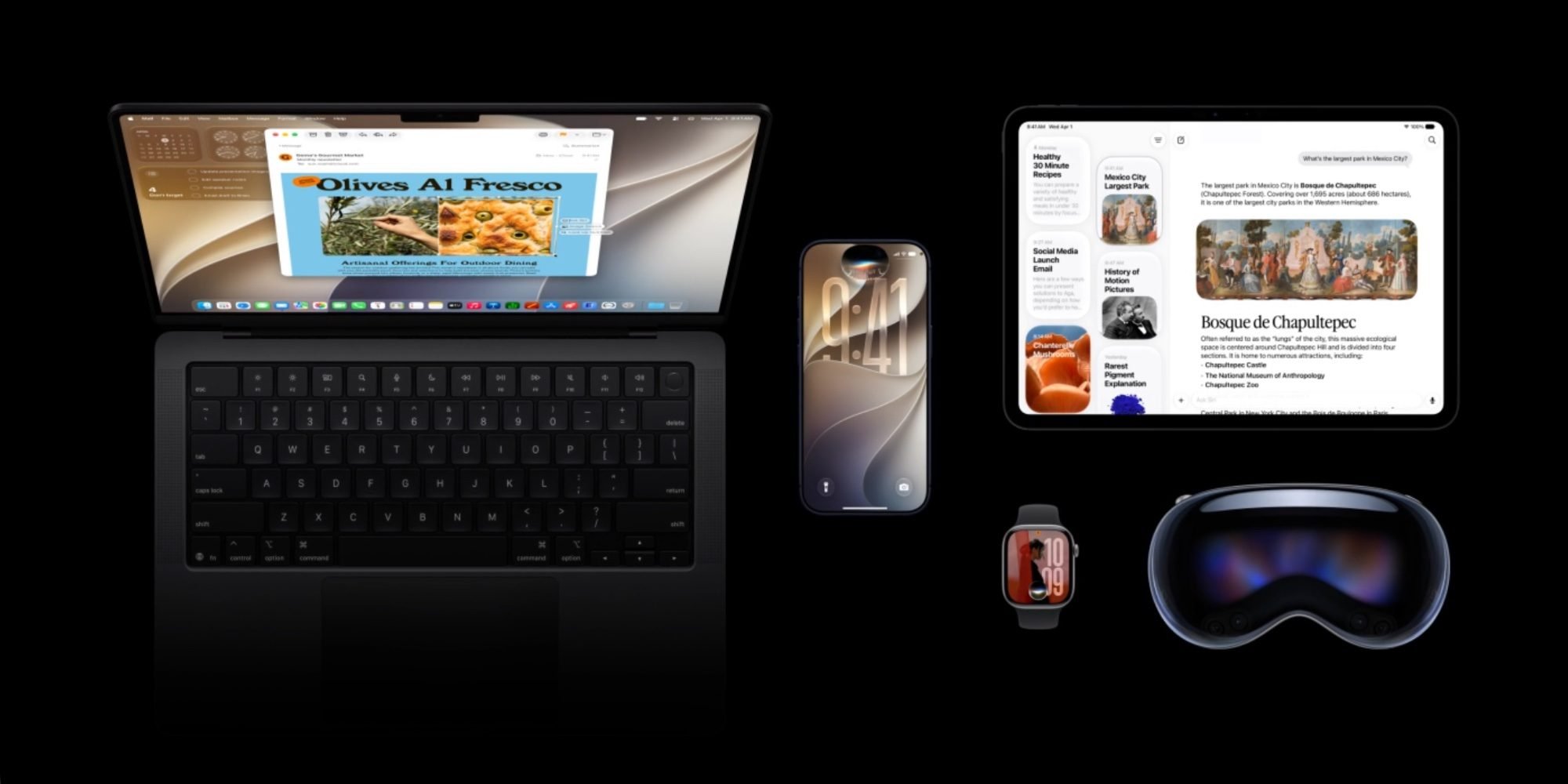
Here is the full compatibility list as Apple has published it.
iPhone: iPhone 17 Pro and Pro Max, iPhone Air, iPhone 17, iPhone 17e, iPhone 16 Pro and Pro Max, iPhone 16 and 16 Plus, iPhone 16e, and iPhone 15 Pro and Pro Max. Notably, the standard iPhone 15 and 15 Plus do not make the cut, only the 15 Pro line carries forward.
iPad: iPad Pro with the M1 chip and later, iPad Air with M1 and later, and iPad mini with the A17 Pro.
Mac: All Apple silicon models, meaning M1 and later, plus the A18 Pro chip.
Apple Watch: Series 9 and later, Ultra 2 and later, and the SE 3, but only when paired with an iPhone that itself supports Siri AI. The Watch is leaning on the phone here rather than running the experience independently.
Apple Vision Pro: All models.
Why the cutoff looks the way it does
The common thread across these devices is on-device AI capability. On the iPhone side, the floor is the A17 Pro generation and the Neural Engine and memory configurations that came with it. The iPhone 15 Pro and 15 Pro Max use the A17 Pro, which is why they survive the cut while their non-Pro siblings from the same year do not. On iPad and Mac, the M1 is the baseline, which lines up with the existing Apple Intelligence requirements developers have already been targeting.
This matters because it gives you a consistent mental model. If a device runs Apple Intelligence today, it almost certainly runs Siri AI. The two share the same hardware philosophy: enough Neural Engine throughput and unified memory to run language models locally without falling back to the cloud for every request.
The second tier: features gated behind newer silicon
Supporting Siri AI and getting the full Siri AI experience are two different things, and this is where the list gets more granular. Apple is reserving certain capabilities for a narrower set of devices.
The ability to fully customize the pace and expressivity of Siri's voice is limited to iPhone 17 Pro, iPhone 17 Pro Max, iPhone Air, iPad models with M4 and later plus at least 12GB of unified memory, Mac models with M3 and later plus at least 12GB of unified memory, and Apple Vision Pro on M5.
The 12GB unified memory threshold is the detail worth circling. Apple is explicitly tying a feature not just to a chip generation but to a memory floor. That is the clearest public signal yet that the larger on-device models need headroom that base-configuration machines don't have. Apple's most powerful on-device AI model is restricted to a similar list of newer products, though the company has not spelled out exactly how that affects Siri's behavior for users on lower tiers.
For developers, the practical takeaway is that you cannot assume a uniform AI experience even among supported devices. If your app builds on system-level Siri or model capabilities, you may be designing for two or three capability tiers within the same compatibility list.
Developer impact and migration considerations
If you maintain apps across iOS and other Apple platforms, a few things follow from this.
First, audit your minimum deployment target against your AI ambitions. Supporting iOS 27 broadly is one thing, but if a feature depends on Siri AI it effectively raises your hardware floor to the A17 Pro and M1 generations regardless of what OS version a device can install. An older iPhone might happily run iOS 27 while being excluded from the Siri features you want to build around.
Second, plan for graceful degradation. The split between "supported" and "full experience" devices means you should detect capability at runtime rather than assuming feature availability from the OS version alone. Apple's frameworks typically expose availability checks for this, and you'll want to branch your UX so that voice customization or advanced model features fall back cleanly on devices that lack the memory or silicon.
Third, this is a stable baseline to build against. Because the Siri AI line mirrors the existing Apple Intelligence requirements, teams that already invested in App Intents and Apple Intelligence integrations are not starting over. The migration path is incremental: extend what you've built for Apple Intelligence into the new Siri AI surfaces as the APIs solidify through the beta.
The cross-platform angle is also worth keeping in view. The Apple Watch dependency on a paired supported iPhone means watchOS features inherit the phone's eligibility, so a single unsupported handset can silently disable Siri AI behavior on an otherwise capable watch. If you ship a companion Watch app, account for that pairing dependency in your capability checks.
Siri AI is in beta through the summer and reaches the public this fall alongside iOS 27 and the companion releases. The compatibility list is unlikely to change much before launch, which makes now a reasonable time to settle your minimum targets and capability-detection strategy rather than scrambling in the fall.
Comments
Please log in or register to join the discussion