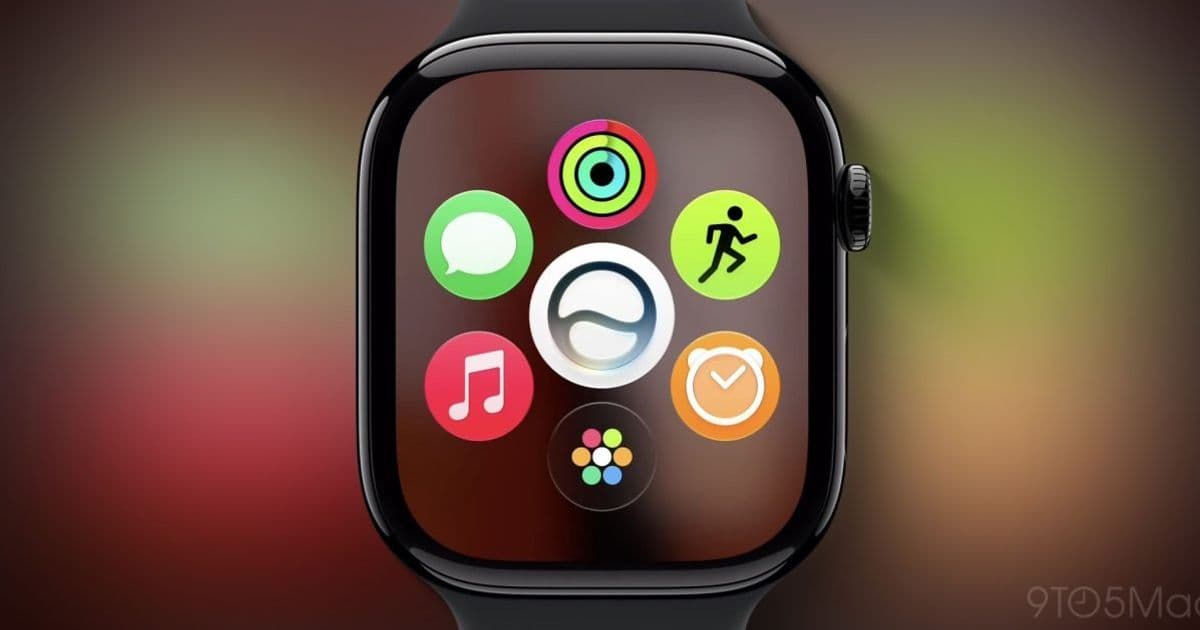
Apple is shipping two new built-in apps with watchOS 27: a standalone Siri app tied to its cross-device AI overhaul, and a single Find My app that collapses the three separate finding apps into one. For developers maintaining wearable companions, both changes shift how users discover and interact with system features on the wrist.
Apple's watchOS 27 introduces two new system apps to Apple Watch, and both reflect bigger platform shifts that mobile developers should track across iOS and watchOS together. The first is a dedicated Siri app tied to Apple's conversational AI overhaul. The second is a unified Find My app that replaces the three separate finding apps that currently ship on the Watch.
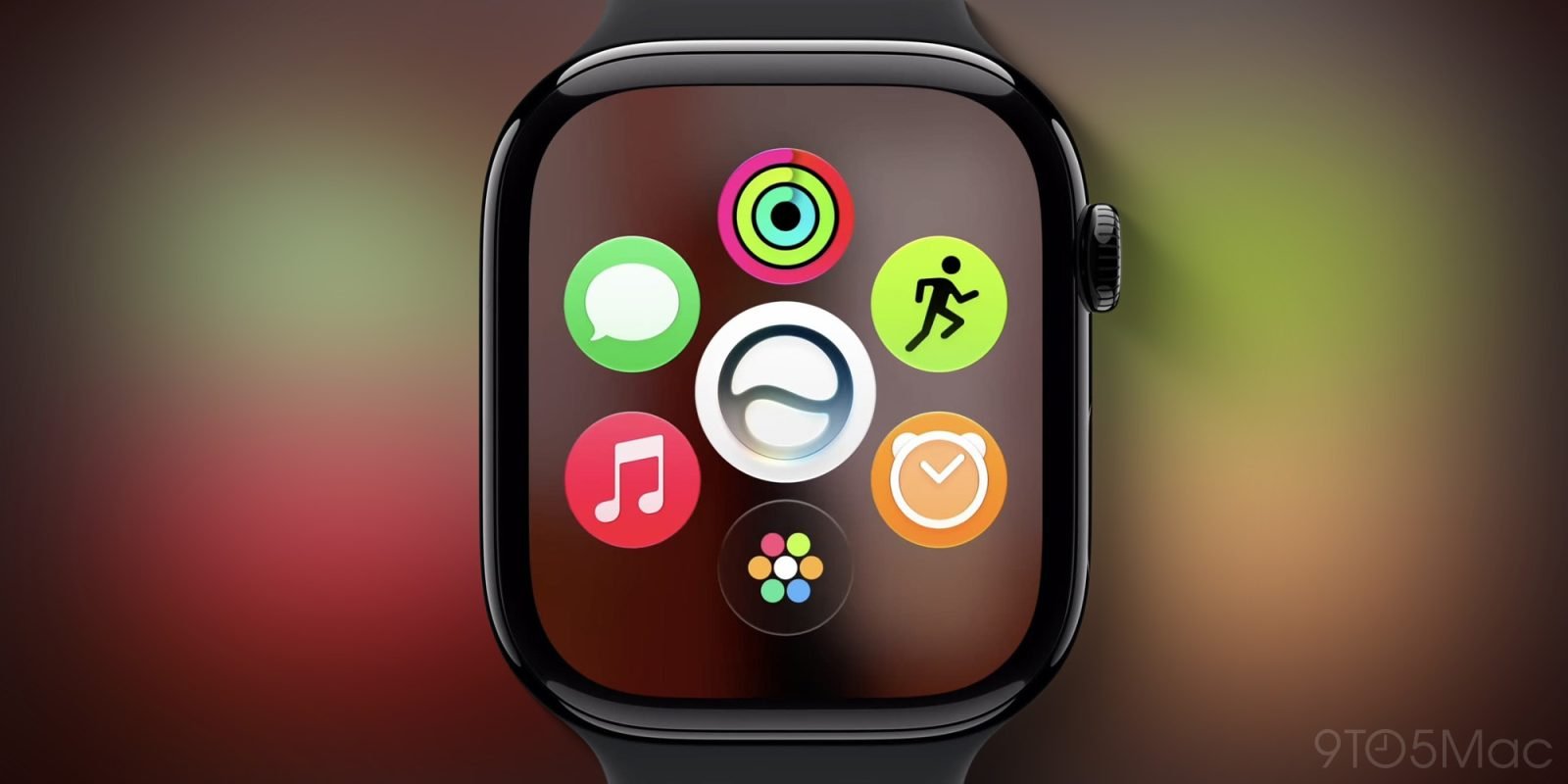
The new Siri app
Siri is getting a substantial AI rework in watchOS 27, and a standalone Siri app is one visible result of that work. The app spans the full Apple lineup: iPhone, iPad, Mac, Apple Vision Pro, and now Apple Watch. On the Watch you can still trigger Siri the way you always have, including a long press of the Digital Crown, but the app gives you a second entry point to start a conversation.
The more interesting part for users is history. Siri's new conversational model keeps a record of past queries, and that record syncs across devices. Open the Siri app on your Watch and you will see conversations that started on your iPhone or Mac, not just the ones you spoke into your wrist. That cross-device continuity is the kind of behavior that, until now, third-party apps had to build themselves with CloudKit or a custom backend.
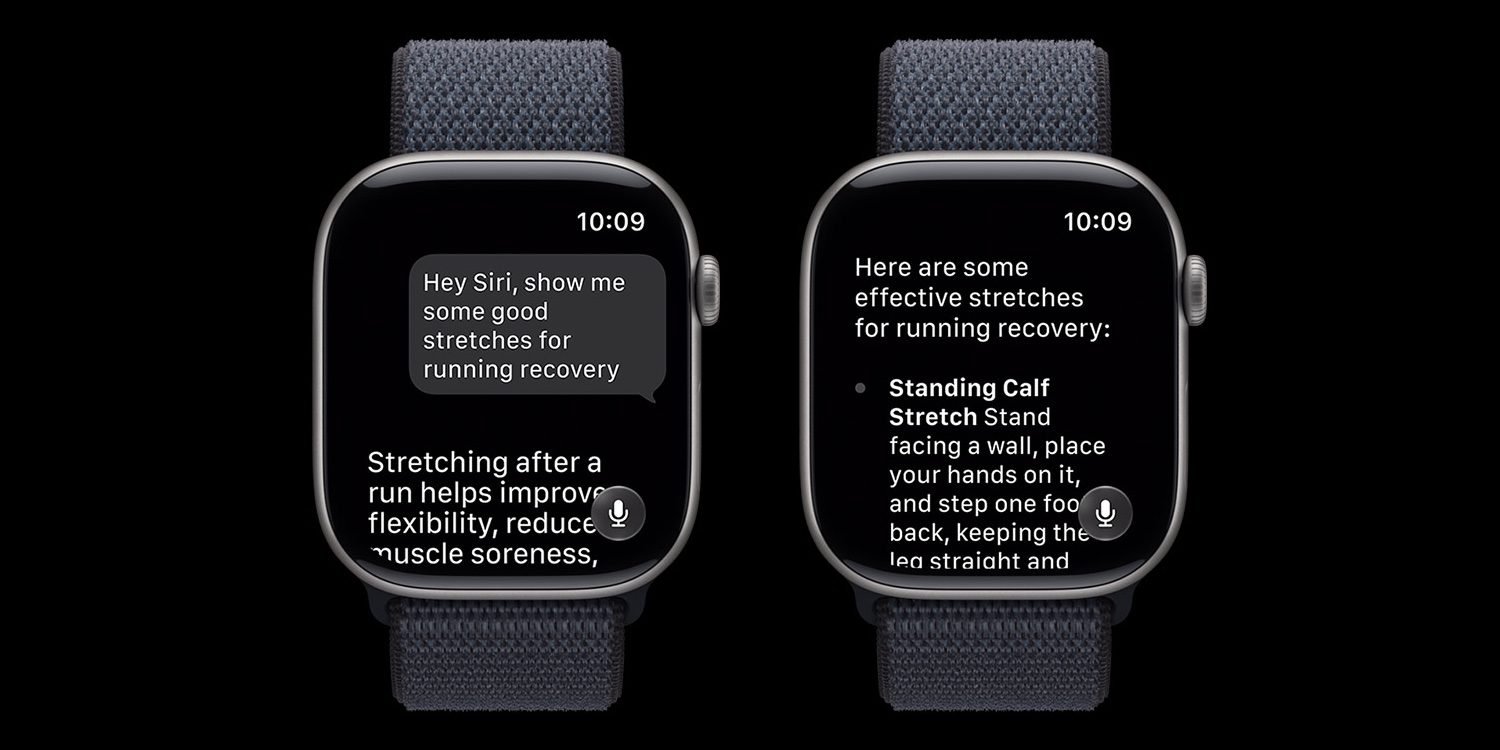
Siri AI carries hardware requirements, so not every Apple Watch in the wild will run the new experience. Apple has published the full list of compatible Apple Watch models, and if you maintain an app that integrates with Siri through App Intents, this is the time to audit which of your users actually land on the supported tier. Older watches will keep classic Siri behavior, which means you are once again shipping for two populations on the same OS version.
Find My becomes one app
The second change is a cleanup that has been a long time coming. In watchOS 26, finding is split across three apps: Find Devices, Find Items, and Find People. watchOS 27 folds all three into a single Find My app, matching the consolidation Apple is also doing in iOS 27.
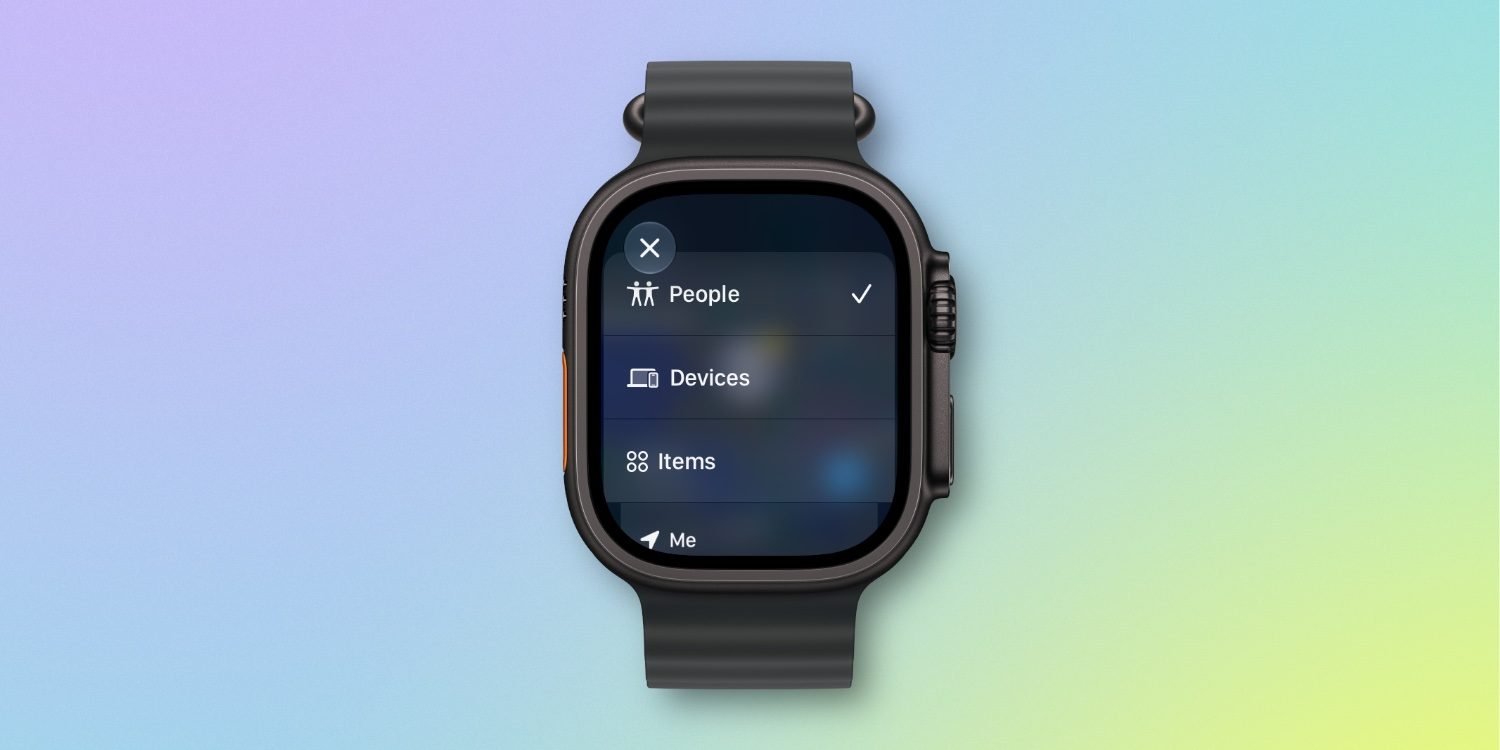
Functionally nothing disappears. You still locate devices, items, and people. The difference is presentation. The new app is map-centric, with a menu in the top-left corner to switch between what you are tracking. Instead of backing out of one app and launching another, you change a filter and stay in the same interface. On a screen the size of an Apple Watch, fewer app launches and a consistent layout is a real usability win.
For developers shipping accessories that participate in the Find My network, the underlying APIs are not changing here, but the surface your users interact with is. If your documentation or onboarding tells customers to "open Find Items" on their Watch, that instruction breaks in watchOS 27. Screenshots and support articles referencing the three-app layout will need updating before the fall release.
What it means for cross-platform work
Both additions follow the same pattern Apple is repeating this cycle: take features that were fragmented or device-bound and make them unified and cross-device. The Siri app brings conversation history to every screen including the Watch. The Find My consolidation mirrors iOS exactly, so a user moving from phone to wrist sees the same model.
If you build for both Apple and Android, the practical takeaway is that wearable companions on the Apple side are getting more capable system primitives to hook into, while the Android Wear OS side continues on its own track. There is no shared abstraction here. Plan your watch features per platform, test the Siri AI gating on real supported hardware, and refresh any user-facing copy that names the old Find Devices, Find Items, and Find People apps. The watchOS 27 betas are the place to verify all of this before customers upgrade. You can follow Apple's developer release notes through the Apple Developer site as the betas progress toward a general release.
Comments
Please log in or register to join the discussion