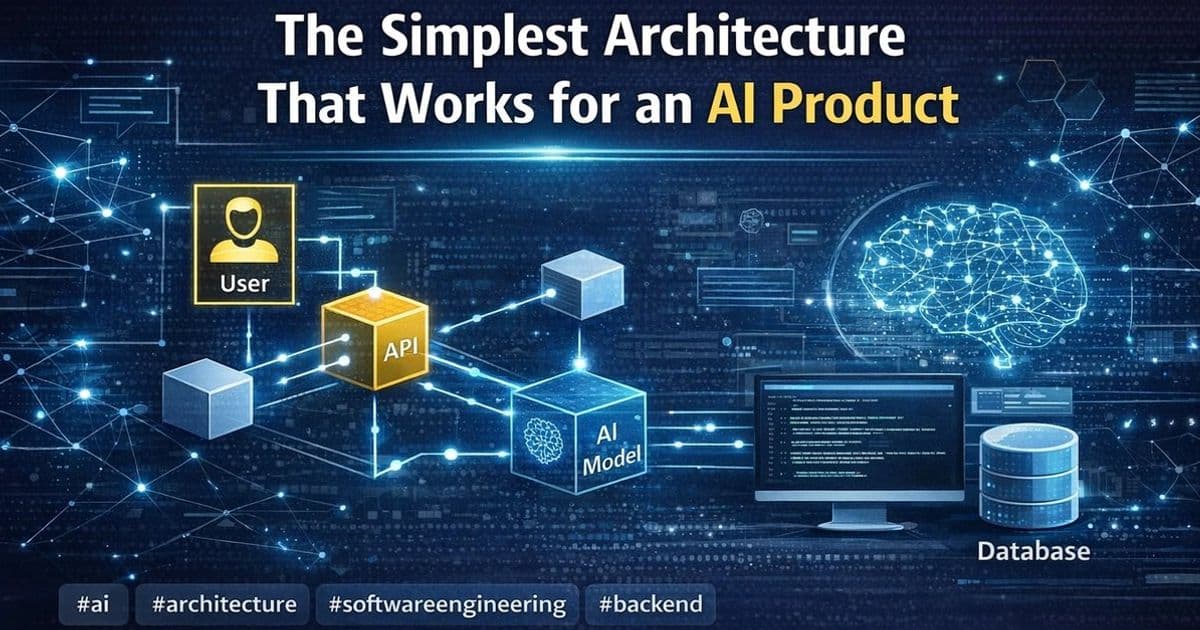
A practical guide to building AI products that focuses on simple, reliable workflows over complex multi-agent systems, emphasizing clear inputs, context assembly, validation, and observability.
The best AI product architecture is usually not the most advanced one. In my experience, the strongest systems start simple: clear inputs, reliable context, one model step, validation, and good observability.
When AI products are still in the idea stage, architecture conversations often get complicated very fast. People start talking about: multiple agents, planner/executor patterns, dynamic tool selection, memory layers, orchestration frameworks, autonomous workflows, self-improving loops.
Some of those patterns are useful. Many of them are premature.
One of the biggest lessons I've learned is this: The best architecture for an AI product is usually the simplest one that reliably solves the user's problem. Not the most impressive. Not the most flexible on paper. Not the one with the most boxes in the diagram. Just the simplest version that works, can be evaluated, and can be trusted in production.
Here's the architecture I keep coming back to.
Start with the workflow, not the model
A lot of teams design AI systems backwards. They start with the model and ask: What can we build with this? What tools should it call? How many steps should the agent take? How smart can we make it look?
I try to start somewhere else: What is the actual user workflow?
That question usually leads to much better architecture decisions. For example, maybe the real workflow is:
- draft a support reply
- extract fields from a form
- answer a question using internal docs
- classify an inbound request
- summarize a long thread
- assist with a review step before a human approves something
Once the workflow is clear, the architecture often becomes much less mysterious. You stop designing for "general intelligence" and start designing for a task. That shift removes a lot of unnecessary complexity.
The simplest architecture I trust
For many AI product features, I've found that a simple production-ready architecture looks something like this:
- User input or system trigger
- Application/API layer
- Context assembly layer
- Single model call or small fixed sequence
- Validation and guardrails
- Output rendering or action handoff
- Logging, metrics, and feedback capture
That's it. Not always, but surprisingly often, that is enough.
Let's break it down.
1. User input or system trigger
Every workflow starts with a clear trigger. That trigger might come from:
- a user typing a question
- a document upload
- an email event
- a support ticket
- a scheduled workflow
- a button click inside a product
- a backend process reaching a decision point
This sounds basic, but it matters because a lot of fragile AI features begin with ambiguous inputs. If the trigger is unclear, the system has to guess too much too early.
So I try to define: what starts the workflow, what data is available at that point, what the user is actually asking for, what downstream outcome the system is supposed to produce.
If the trigger is messy, the rest of the architecture inherits that mess.
2. Application/API layer
This is the normal software layer around the model. It handles things like: authentication, permissions, routing, request formatting, rate limiting, retries, state management, integration with databases or internal services.
One mistake I see often is treating the AI layer like a separate magic system. I prefer to treat it like one capability inside a normal product architecture. That keeps responsibilities clean.
The model should not be deciding permissions. It should not own business rules. It should not directly control critical state changes without checks.
The application layer should still do what application layers do best: manage structure, safety, and predictable system behavior.
3. Context assembly layer
This is where a lot of AI product quality is really won or lost. If the model gets weak context, it will produce weak output. So I think of context assembly as its own architectural layer, not just part of the prompt.
This layer may gather: user input, conversation history, relevant documents, retrieved chunks from a knowledge base, structured product data, account metadata, workflow state, examples or templates, tool results from earlier fixed steps.
This part deserves real design attention. Questions I care about here include: What information does the model truly need? What information is helpful but noisy? Should retrieval be semantic, keyword-based, or hybrid? How fresh must the data be? Should the system filter context by permissions? How much context is too much?
A lot of poor AI architecture is actually poor context architecture. Teams over-focus on the model and under-design the information layer feeding it.
4. Single model call or a small fixed sequence
This is where I usually resist complexity the hardest. Many teams jump too quickly into agent-like designs with loops, branching logic, and open-ended tool use. In many real product cases, you do not need that.
You need one of these: one well-scoped model call, retrieval plus one model call, extraction followed by validation, classification followed by a deterministic downstream action, summarization followed by human review.
That is very different from building a system that can continuously reason, re-plan, and act on its own.
I'm not against agents. I just think too many teams use them before earning the complexity. A single well-designed model step is easier to: test, monitor, explain, debug, cost-control, improve over time.
If I can solve the task with one model call and good context, I almost always prefer that over a more dynamic architecture.
5. Validation and guardrails
This is the layer that turns a model output into something a product can depend on. Depending on the use case, this might include: JSON schema validation, format checks, required field checks, confidence thresholds, source citation requirements, content safety rules, permission-aware action checks, fallback logic, human review for sensitive cases.
This is one reason I prefer simpler model workflows. When the model produces a clear, bounded type of output, validation becomes much easier.
For example: a classified label, a structured JSON object, a draft response, a ranked list, a grounded answer with sources.
The more open-ended the output, the harder it is to validate well. And the harder it is to validate, the harder it is to trust in production.
This is why I often say guardrails are not "extra architecture." They are part of the core architecture.
6. Output rendering or action handoff
Once the output passes checks, the system still has to do something useful with it. That might mean: showing an answer in the UI, pre-filling a form, generating a suggested reply, sending the result to a review queue, attaching structured data to a record, triggering a downstream workflow, storing an annotated result for later use.
This step sounds obvious, but it matters because the architecture should reflect the product experience.
For example: Is this a suggestion or an automatic action? Can the user edit it? Can the user see the source? Can the user override it? Should the system explain uncertainty? Does the workflow stop if validation fails?
A lot of AI features fail not because the model output is terrible, but because the handoff into the real product is poorly designed. Good architecture includes the last mile.
7. Logging, metrics, and feedback capture
This is the part people skip when they're rushing. Then later they wonder why improvement is slow.
If an AI feature is live, I want to know: what inputs it received, what context was selected, what prompt path was used, what model was called, whether the output passed validation, whether fallback logic ran, whether a human edited or rejected the output, how often users reran the feature, where latency or failure spikes appear.
Without this, the system becomes hard to improve. You can still make changes, but you're mostly guessing.
In a simple architecture, observability is easier because the workflow is easier to follow. That's another hidden advantage of avoiding unnecessary complexity.
Why I avoid premature multi-agent systems
This is probably the biggest architectural opinion I've developed in AI work. Many teams reach for multi-agent systems too early. They design: agent A to plan, agent B to retrieve, agent C to critique, agent D to execute tools, agent E to summarize results.
And on a whiteboard, that looks powerful. But in practice, it often creates problems: harder debugging, inconsistent behavior, more latency, higher cost, weaker evaluation, unclear ownership of failure, complicated observability, harder guardrail design.
Sometimes the complexity is justified. Usually, early on, it is not.
If a fixed pipeline solves the workflow, I prefer that. If one model call plus retrieval solves the workflow, I prefer that. If deterministic routing plus one flexible step solves the workflow, I prefer that.
Complex architecture should be earned by real product needs, not by excitement.
What I add only when the product needs it
I'm not saying every AI product should stay extremely simple forever. Some systems do need more layers. But I prefer to add them only when I can point to a real need.
For example:
Add retrieval when: the task depends on internal knowledge, the model should not rely on memory alone, answer grounding matters.
Add tool use when: the system needs live external data, the model must interact with real systems, deterministic systems cannot complete the task alone.
Add async processing when: workflows are slow, documents are large, retries matter, user experience should not block on long operations.
Add human review when: error costs are high, trust matters more than full automation, the output can guide work but should not finalize it alone.
Add memory or statefulness when: the workflow truly spans multiple turns or sessions, repeated context reuse improves quality, the product experience depends on continuity.
Add multi-step reasoning when: one model call clearly fails on the task, intermediate decisions improve reliability, the added complexity can still be tested and observed.
I want each layer to answer a real problem. If I cannot explain why it exists, I usually leave it out.
Simplicity improves more than engineering
One thing I appreciate about simple AI architecture is that it helps more than just implementation. It improves: product clarity — easier to explain what the feature does, design clarity — easier to shape the UX around known behavior, evaluation — easier to define what success looks like, operations — easier to diagnose issues, trust — easier for users to understand system boundaries, iteration speed — easier to improve one layer at a time.
Simple systems are not only easier to build. They are often easier to align across product, engineering, and operations teams. That matters a lot once a feature becomes part of real work.
My default AI product blueprint
If I had to summarize my default starting point for an AI feature, it would look like this:
- clear workflow trigger
- normal backend or API layer
- carefully designed context retrieval/assembly
- one model step, or a very small fixed sequence
- strict output validation where possible
- human review where risk is meaningful
- strong logging and feedback capture
- iterative improvement based on real usage
That blueprint is not flashy. But it works surprisingly often. And in my experience, architecture that works consistently is much more valuable than architecture that sounds advanced.
Final thoughts
The simplest architecture that works for an AI product is usually the right place to start. Not because complexity is bad. But because complexity has a cost: more failure paths, more ambiguity, more monitoring needs, more debugging overhead, more product risk.
If the user's problem can be solved with a simple, well-designed pipeline, that is usually a better product decision than building an elaborate autonomous system too early.
For me, good AI architecture starts with a very practical question: What is the smallest system that can do this job reliably?
That question leads to better tradeoffs, better products, and better engineering discipline. And most of the time, it leads to something much simpler than the original whiteboard diagram.
Comments
Please log in or register to join the discussion