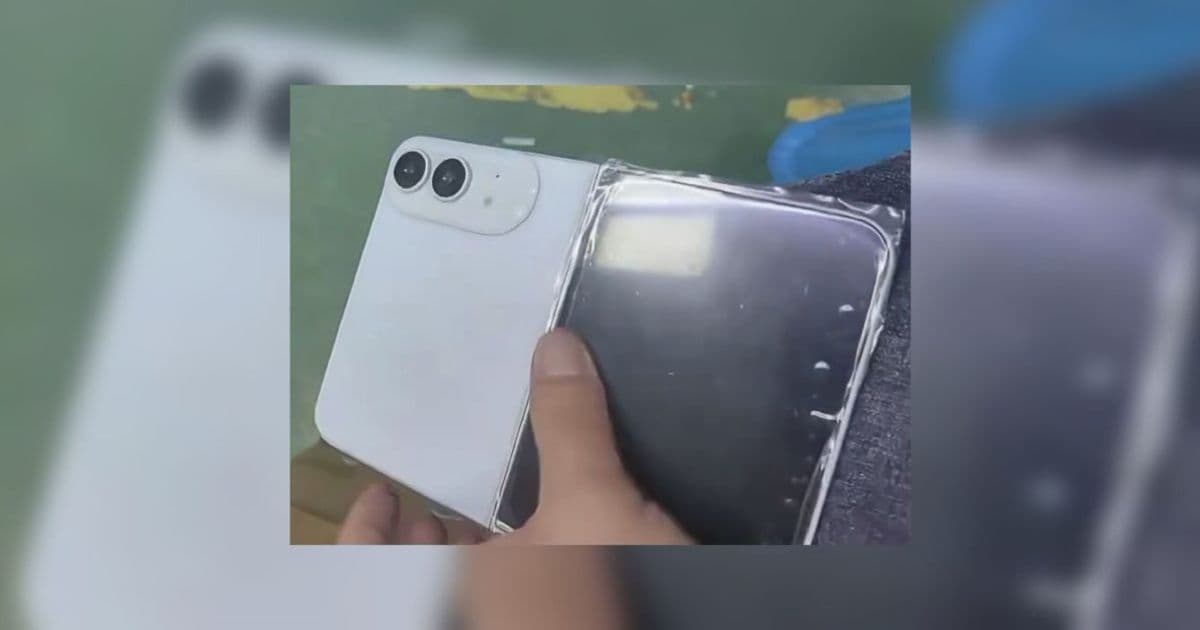
A leaked white dummy of the rumored iPhone Ultra confirms a foldable form factor, larger displays and dual‑camera setups. The article breaks down the hardware clues, the SDK versions developers will need, and practical steps to prepare apps for the upcoming device.
What the iPhone Ultra Dummy Model Means for iOS Developers
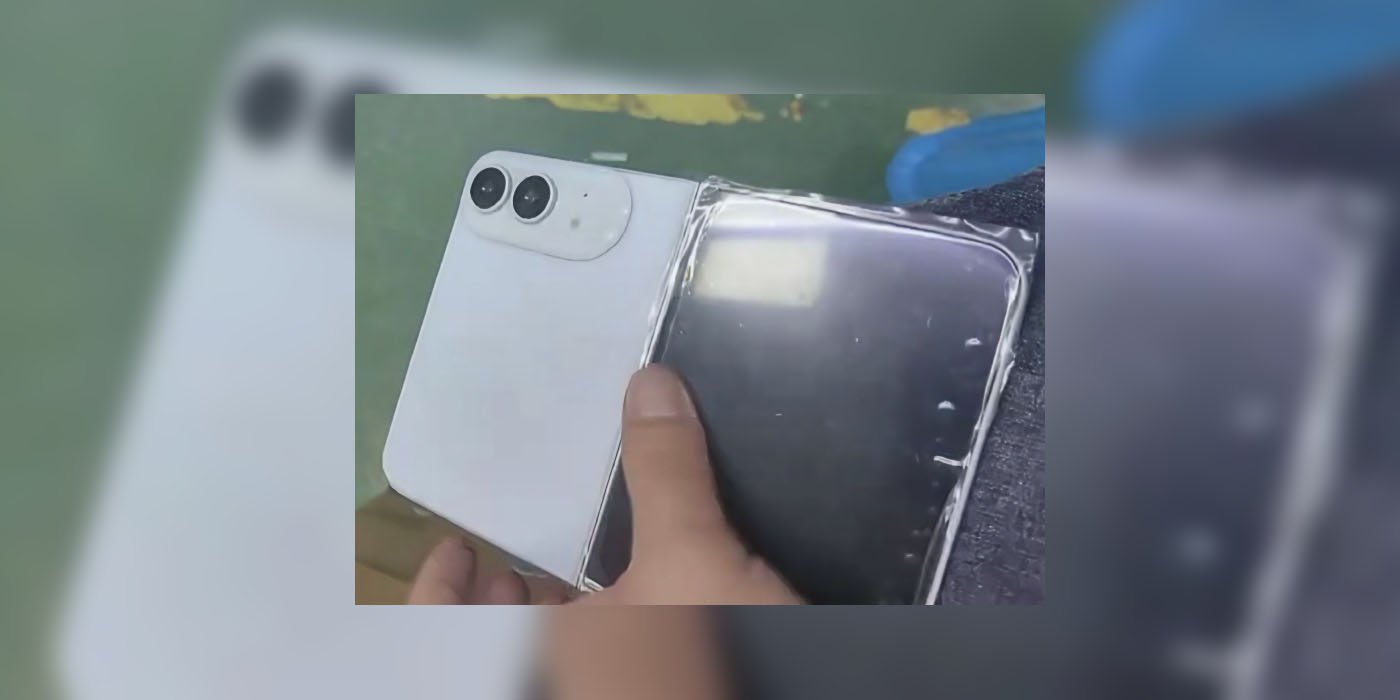
Apple’s next flagship, tentatively called the iPhone Ultra, is shaping up to be a foldable device. A white dummy model posted by leaker Ice Universe gives us the first visual hint of the chassis, screen layout, and camera placement. While the model is clearly a third‑party mock‑up, the proportions line up with the specifications that have been circulating for months.
Hardware clues from the dummy
| Feature | Expected spec | Why it matters to devs |
|---|---|---|
| Outer display | 5.3‑5.5 in, OLED, 120 Hz | UI must adapt to a smaller, high‑refresh screen that may be used for quick interactions. |
| Inner display | 7.6‑7.8 in, OLED, 120 Hz | Near‑iPad‑mini size; apps can take advantage of a larger canvas for multitasking and split‑view. |
| Camera array | Dual 48 MP (wide + ultrawide) on the back, separate front cameras for each display | New sensor resolutions will push the limits of the AVCapturePhotoOutput pipeline; developers should test HDR and ProRAW handling. |
| Form factor | Foldable hinge, plastic‑looking dummy but likely premium glass in production | Apps need to respond to hinge orientation changes via UITraitCollection and UIDeviceOrientation. |
| Connectivity | 5G, Wi‑Fi 6E, UWB, MagSafe | Existing APIs stay the same, but the larger device may encourage new accessory ecosystems. |
The dummy’s plastic finish is a giveaway that it isn’t an actual prototype, but the overall silhouette matches the CAD renders that have been circulating since early 2025. Apple appears committed to offering only black and white colorways, which simplifies asset preparation for designers.
SDK and platform requirements
Apple typically releases a beta of the next iOS version alongside hardware announcements. Based on the timeline, developers should expect:
- iOS 18 SDK – released with Xcode 16 in the summer of 2026. The SDK will introduce a new
FoldableDevicetrait and expandedUIScreenAPIs for handling multiple active displays. - Minimum deployment target – Apple will likely require iOS 16 or later for the Ultra, but supporting iOS 15 remains possible for legacy devices.
- Swift 6 – the upcoming language version adds improved concurrency ergonomics, which will be useful when handling dual‑camera streams.
- Xcode 16 UI testing extensions – new simulators for foldable devices will let you test hinge transitions without physical hardware.
Developers should start updating their Info.plist to include the new UIRequiresFullScreen key set to NO, allowing the app to run in split‑view on the larger inner screen.
Migration checklist for existing iPhone apps
- Add support for multiple windows
- Enable
UIScenesupport if you haven’t already. - Test your UI in both the 5‑inch outer size and the 7‑inch inner size using the Xcode foldable simulator.
- Enable
- Update layout constraints
- Replace fixed widths with size‑class‑aware constraints (
compactvsregular). - Use
UILayoutGuidefor the hinge area; Apple will expose afoldedAreaInsetsproperty in iOS 18.
- Replace fixed widths with size‑class‑aware constraints (
- Camera handling
- Verify that your photo capture pipeline can handle 48 MP buffers without memory spikes.
- Test ProRAW export paths; the larger sensor may increase file size dramatically.
- Performance profiling
- Run Instruments with the new
FoldableDevicetemplate to catch any jank when the device transitions between folded and unfolded states.
- Run Instruments with the new
- Asset preparation
- Provide both black and white launch images; the Ultra will ship only in those colors.
- Update your app icon to include a 1024 px version with a subtle gloss to match the Ultra’s polished look.
- Accessibility
- Ensure VoiceOver reads out the hinge state (
foldedvsunfolded). - Test Dynamic Type on the larger inner screen; users may prefer larger text when the device is unfolded.
- Ensure VoiceOver reads out the hinge state (
Cross‑platform considerations
If you maintain an Android version of the same app, the iPhone Ultra’s specs line up closely with the latest foldable Android flagships (e.g., Samsung Galaxy Z Fold 5). Here are a few points to keep in mind:
- Screen size buckets – Android uses
sw<N>dpqualifiers; iOS now offers a similarsizeClasssystem. Align your design tokens so the same layout works on both platforms. - Camera APIs – Android’s CameraX and iOS’s
AVFoundationboth expose high‑resolution capture. Abstract the capture layer behind a shared interface to reuse business logic. - Hinge handling – Android provides
WindowManager.LayoutParamsflags for hinge-aware layouts. Mirror that logic in your iOS code using the newfoldedAreaInsets. - Testing – Use a CI pipeline that runs both Xcode’s foldable simulator and Android’s emulator with a foldable device profile. Tools like Appium can orchestrate cross‑platform UI tests.
Bottom line
The white dummy model of the iPhone Ultra confirms a foldable design with two high‑resolution displays and a dual‑camera system. For developers, the biggest challenges will be:
- Adapting UI to two distinct screen sizes and a hinge area.
- Ensuring the camera pipeline can handle 48 MP data streams.
- Updating to the iOS 18 SDK and Xcode 16 tooling to test foldable behavior.
By starting early—adding UIScene support, revisiting Auto Layout constraints, and abstracting camera code—you can ship a version of your app that feels native on the Ultra from day one.
Further reading
- Apple’s iOS 18 release notes
- Xcode 16’s foldable device simulator guide
- Android’s Foldable UI guidelines
- Ice Universe’s original leak on Twitter
Comments
Please log in or register to join the discussion