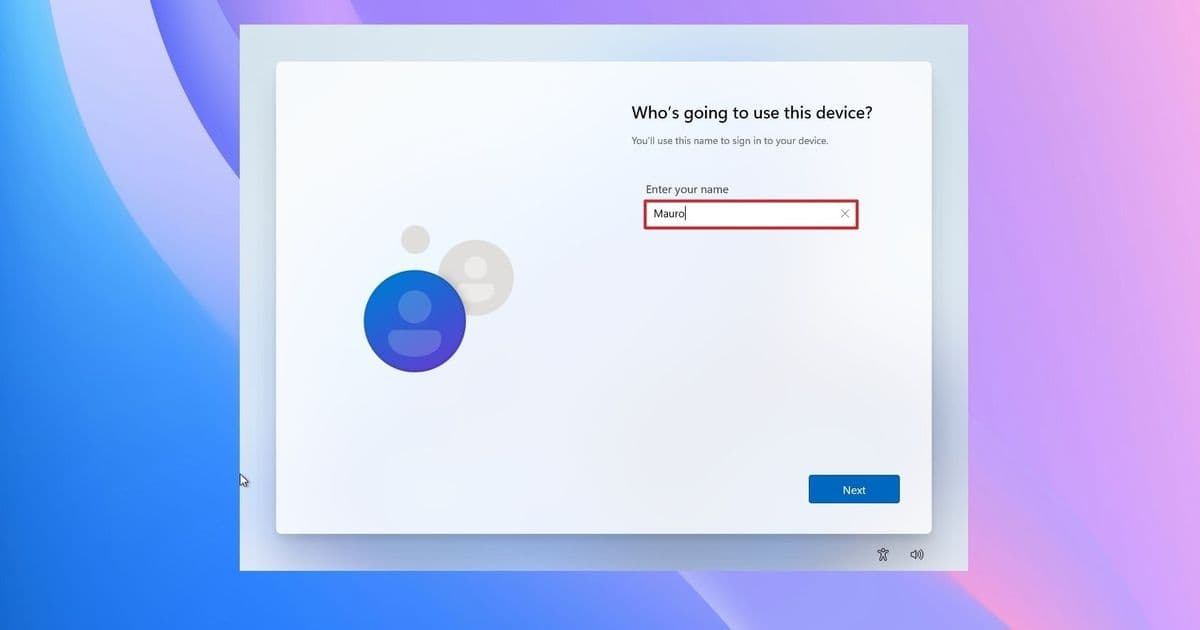
Windows 11 users want Microsoft to bring back a clear local account option during setup as account sign-ins, encryption recovery, and cloud defaults collide.
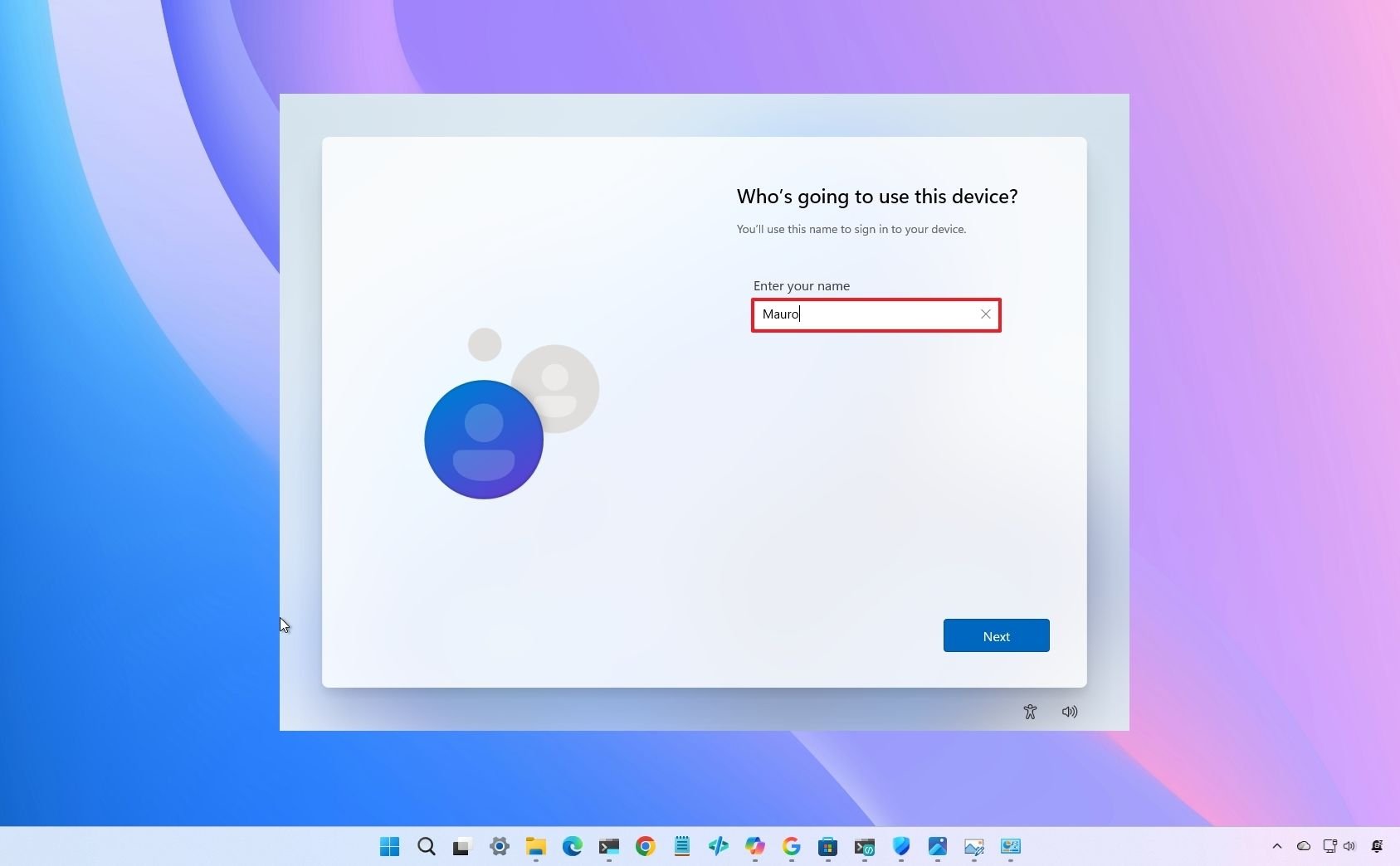
Windows 11 users have renewed pressure on Microsoft to restore a local account option during setup, arguing that the company asks them to accept cloud sign-in before it explains the trade-offs.
A Reddit discussion cited by Windows Central centered on the out-of-box experience, the first setup flow a user sees after installing or starting a new PC. The complaint was narrow: Microsoft should let users create a local account from the setup screen, without workarounds.
The request cuts into a broader Windows 11 fight. Microsoft wants users signed into a Microsoft account because that account connects OneDrive, Microsoft Store purchases, device sync, Find My Device, recovery tools, and encryption key storage. Users who prefer local accounts see the setup demand as a loss of control over a PC they own.
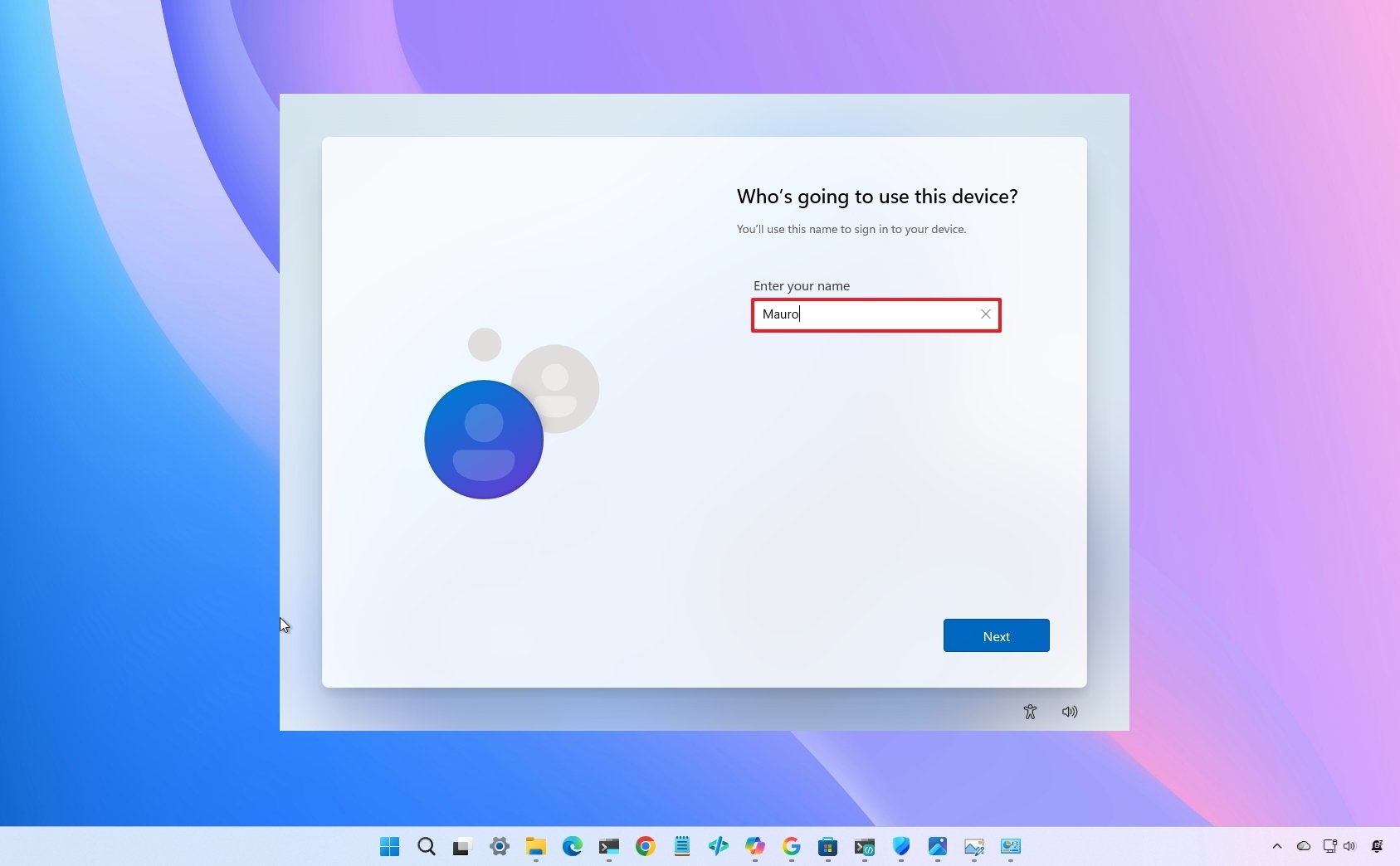
Windows 11 Home pushed Microsoft account sign-in early in the operating system's life, and Microsoft later tightened the experience for more setup paths. Advanced users still bypass the requirement with tools such as Rufus, command-line steps, or business setup routes. The Reddit thread showed a familiar split: technicians offered bypass instructions, while the original complaint asked Microsoft to make the choice visible.
That distinction matters for mainstream users. A workaround helps someone who already knows the setup flow, the command prompt, and the risk of a failed bypass. A visible local account button helps a parent setting up a laptop, a student reusing a desktop, or a small-business owner replacing a broken PC before work.
Microsoft has a security argument. Windows device encryption and BitLocker can protect files if someone loses a laptop or steals one. Microsoft can also store a recovery key in the user's account, which helps when a firmware update, hardware change, or boot problem triggers a recovery screen.
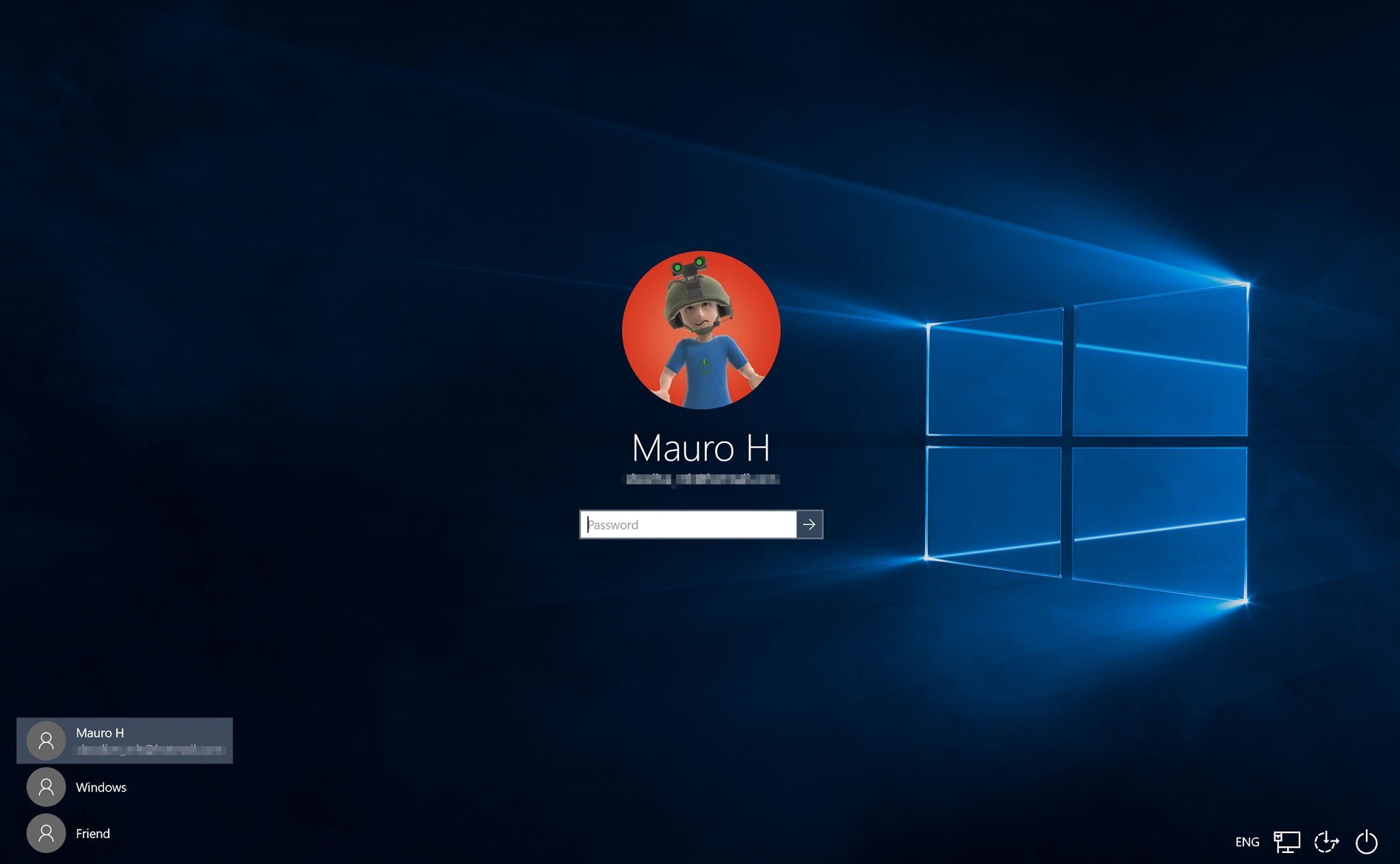
The problem starts when Microsoft hides that chain of decisions inside a sign-in prompt. A user may create an account once, switch to a PIN, and then forget the password or email address. Months later, the same user may face a BitLocker recovery screen and need the Microsoft account that holds the key.
Microsoft could explain that risk during setup. It could say that an online account stores recovery keys and syncs services, while a local account keeps sign-in on the device and may require the user to manage recovery keys. That kind of screen would give users a decision instead of a hunt for a bypass.
The account fight also runs against Microsoft's public effort to improve Windows 11 through feedback. Windows Central cited Microsoft's Windows K2 initiative, which focuses on interface changes, customization, bug fixes, and user requests. A setup screen with a clear local account option would fit that stated goal.
Microsoft has heard criticism from inside its own community. Windows Central noted that Microsoft Vice President Scott Hanselman has said some employees have pushed the company to reconsider the setup requirement. Microsoft has not promised a broad return of local account setup for all Windows 11 users.
For Microsoft, the commercial pull points toward accounts. A signed-in user has an easier path into OneDrive storage, Microsoft 365, Xbox services, the Microsoft Store, Copilot features, and cross-device sync. That account also gives Microsoft a cleaner recovery story when encryption locks a machine.
For users, the trust issue starts at setup. A PC setup flow sets expectations for ownership. If Microsoft requires sign-in before a user reaches the desktop, the company asks for trust at the moment the user has the least context.
Microsoft does not need to abandon cloud accounts to answer the complaint. It could keep Microsoft account sign-in as the default and add a local account option beside it. Windows 10 offered users a clearer route in many setup paths, and Windows 11 users want that choice back.
The Reddit thread shows why the argument keeps returning. Users can find bypasses. Technicians can document them. Microsoft can patch them. None of that answers the basic request: Give users a visible choice during setup and explain what each path changes.
Comments
Please log in or register to join the discussion