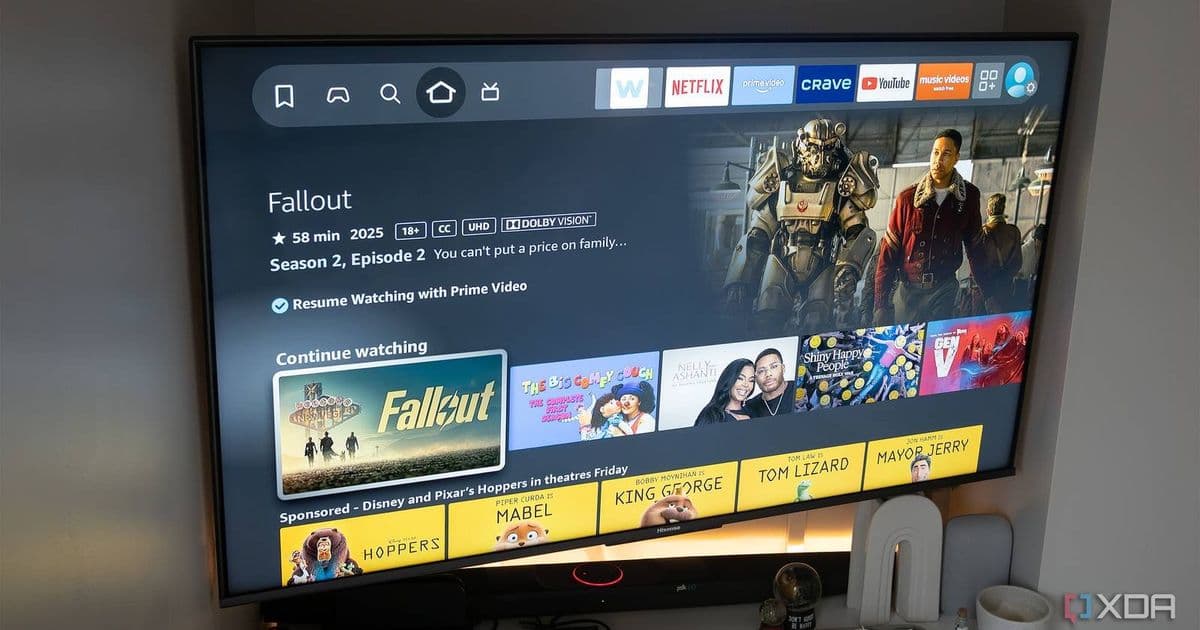
Amazon's Fire TV Stick is packed with hidden features that can transform your streaming experience, from private listening to screen mirroring and advanced Alexa controls.
If you've owned a Fire TV Stick for a while, you probably think you know everything about it. But Amazon has quietly packed some genuinely useful features into its streaming devices that many users never discover. Here are four Fire TV Stick features that can make your streaming experience significantly better.
Private Listening with Your Phone
One of the most underrated features is the ability to use your smartphone as a private listening device. This is perfect for late-night viewing when you don't want to disturb others or when you need to hear dialogue more clearly.
To set this up, you'll need to install the Amazon Fire TV app on your iOS or Android device. Once connected to the same Wi-Fi network as your Fire TV Stick, the app gives you a virtual remote control and, more importantly, a headphone icon that lets you route audio through your phone.
The audio quality is surprisingly good, and there's minimal latency if you're on a solid Wi-Fi connection. This feature essentially turns your phone into a wireless headphone receiver, which is particularly useful if you don't own dedicated wireless headphones or want to avoid the cost of a Roku Voice Remote Pro.
Screen Mirroring Made Simple
Fire TV Sticks support screen mirroring from both Android and iOS devices, but the implementation is particularly smooth with Android phones. If you have a compatible Android device, you can mirror your screen with just a few taps.
For iPhone users, the process is slightly more involved but still straightforward. You'll need to swipe down to access the Control Center and tap the Screen Mirroring option. The key is ensuring both your phone and Fire TV Stick are on the same Wi-Fi network.
This feature is incredibly useful for sharing photos, videos, or presentations on the big screen without needing to transfer files or use a computer. It's also great for streaming content from apps that might not be available on Fire TV or for displaying mobile games on your television.
Alexa Voice Commands Beyond the Basics
While most people know you can use Alexa to search for movies or control playback, the voice assistant on Fire TV can do much more. You can ask Alexa to launch specific apps, switch inputs, or even control smart home devices while you're watching something.
For example, you can say "Alexa, turn on the living room lights" without pausing your show, or "Alexa, what's the weather today" to get a quick forecast. The integration with Amazon's ecosystem means you can also use Alexa to check your shopping list, set reminders, or control other Alexa-compatible devices in your home.
One particularly useful command is asking Alexa to find content across multiple services. Instead of manually searching each app, you can say something like "Alexa, play The Bear" and it will search across all your installed streaming services to find where it's available.
Data Monitoring and Network Tools
For the more technically inclined, Fire TV Sticks include built-in tools for monitoring your network connection and data usage. You can access these through the Settings menu under Network or Equipment Control.
These tools let you check your current internet speed, which is helpful for troubleshooting streaming quality issues. You can also see which devices are connected to your network and manage them directly from your TV.
The data monitoring feature shows you how much bandwidth each app is using, which is useful if you have a data cap on your internet plan. Some users might be surprised to see which apps are the biggest data hogs.
These features might seem minor, but they can significantly enhance your Fire TV experience once you start using them. The best part is that they're all built into the device you already own, requiring no additional hardware or subscriptions.
Whether you're looking for a better way to watch TV without disturbing others, share content from your phone, control your smart home, or monitor your network, these hidden features make the Fire TV Stick an even more versatile streaming device than most people realize.
Comments
Please log in or register to join the discussion