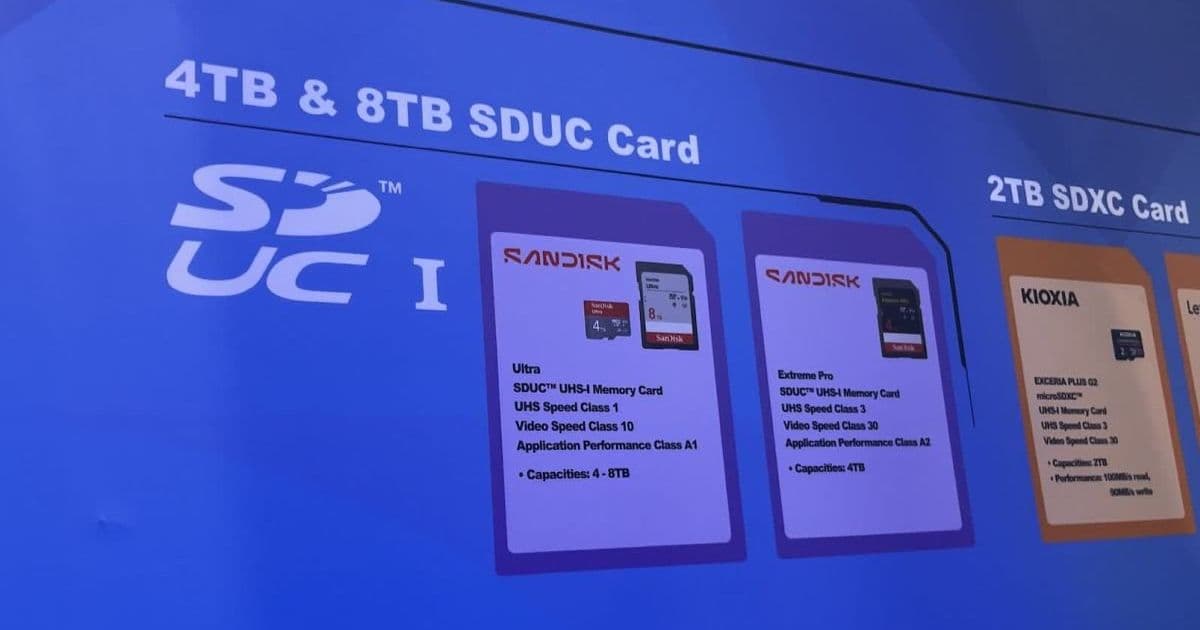
SanDisk says 4TB and 8TB SD cards built on the SDUC standard are finally close to shipping. The cards themselves are only half the story for anyone building apps that touch external storage on Android, where SDUC support depends on hardware, the host controller, and the file system you actually mount.
SanDisk used Computex in Taiwan to confirm that the 4TB SDUC cards it announced more than two years ago are genuinely close to shipping, and that 8TB cards are following behind them. The capacity jump is the headline, but the part worth paying attention to as a developer is the standard underneath it. SDUC (Secure Digital Ultra Capacity) is what makes these capacities possible, and it changes the assumptions your code can safely make about removable storage.
What SDUC actually is
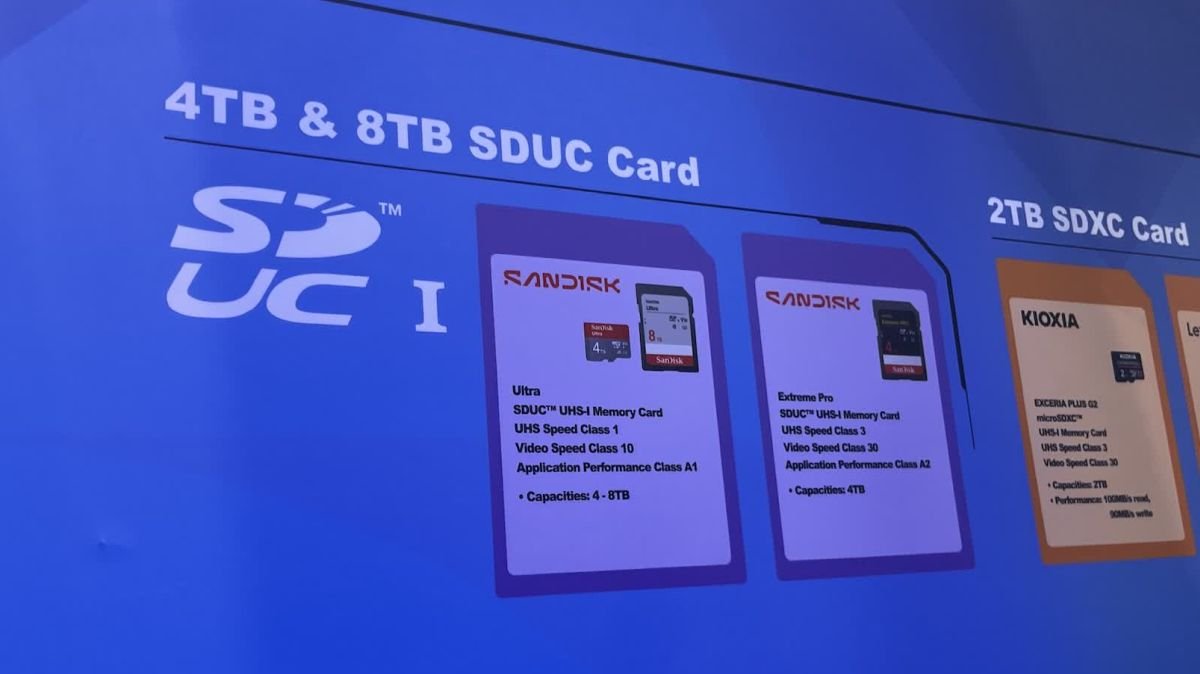
The SD card family is defined by capacity tiers, and each tier raised the addressable ceiling. SDSC topped out at 2GB. SDHC went up to 32GB. SDXC pushed the limit to 2TB. SDUC extends the maximum to 128TB. An 8TB card is well within SDUC territory and could not exist under the older specifications.
The ceiling is not just a number in a spec sheet. It is tied to the addressing scheme and the default file system. SDXC and SDUC cards ship formatted as exFAT rather than FAT32, because FAT32 cannot cleanly address volumes that large. That single detail has consequences for app code, because exFAT support is not guaranteed on every host that physically accepts the card.
Why backward compatibility is asymmetric
SanDisk's note that SDUC readers are backward compatible is accurate, and it is the direction that matters less for developers. A new SDUC reader can read an old SDHC card. The reverse is not true. An older camera, phone, or tablet built for SDXC will not address an SDUC card correctly, because the host controller does not implement the addressing the card requires.
This is the same compatibility wall that appeared at every previous tier. Devices that predate a standard cannot grow into it through a firmware update in most cases, because the SD host controller is silicon. For mobile developers this means the presence of a card slot tells you almost nothing about which capacities a device can mount.
The Android angle
On Android, external SD storage reaches your app through the Storage Access Framework and scoped storage, not through raw file paths. Since Android 11 enforced scoped storage broadly, apps interact with removable volumes through MediaStore and the DocumentsProvider system rather than reading /sdcard directly. That abstraction is helpful here, because it means your app generally inherits whatever the platform and hardware support, rather than implementing card capacity logic yourself.
Where it gets practical is in the assumptions baked into older code. A few patterns break on very large volumes:
- 32-bit size and offset math. Any leftover code that stores file sizes or free space in a 32-bit integer overflows long before you reach multi-terabyte volumes. Use
longfor byte counts, and preferStorageManagerAPIs over manualStatFsarithmetic when you can. - Assuming FAT32 limits. Code that splits files to stay under the 4GB FAT32 per-file ceiling is unnecessary on an exFAT-formatted SDUC card, but it is also not harmful. The real risk is the opposite assumption, that the card is always exFAT. A user can reformat a card as FAT32 or ext4, so do not hard-code the file system.
- Free-space checks before large writes. With cards this large, users will store large media libraries and offline datasets. Query available space with
StorageManager.getAllocatableBytes()and request space throughallocateBytes()rather than failing mid-write.
Use Context.getExternalFilesDirs() and StorageManager.getStorageVolumes() to enumerate what the device actually exposes. These return what the platform mounted, which already accounts for whether the hardware could read the card at all.
The iOS side is simpler, and more closed
iPhones have no SD slot, and iPads dropped theirs long ago, so SDUC reaches iOS only through external readers connected over USB-C. On recent iPads and iPhones with USB-C, the Files app and the UIDocumentPickerViewController flow expose external volumes through the same document-based access model Apple already uses. Your app reads the card through a security-scoped URL, and the system handles the mount.
That means iOS developers do not interact with the SD standard directly at all. What you depend on is whether iOS recognizes the volume's file system. iOS reads exFAT and FAT, which covers the default SDUC formatting, but it does not mount ext4 or other Linux file systems a user might apply. As with Android, the safe approach is to access files through the platform's document picker rather than assuming a path or format.
What changes for your apps, and when
For most apps, the honest answer is that nothing changes immediately. The storage abstractions on both platforms were designed so that capacity growth is transparent. An app that already uses scoped storage on Android and the document picker on iOS will read an 8TB card the same way it reads a 64GB one.
The migration work, where it exists, is auditing old code for the assumptions listed above. If you maintain an app with a long history, search for hard-coded size limits, 32-bit size fields, and file-splitting logic written for FAT32. Those are the lines that will misbehave when a user finally drops a multi-terabyte card into a reader.
There is also a practical reason not to rush. These cards are not shipping in volume yet, the hardware that can read them is still limited, and rising flash prices mean an 8TB card will cost a small fortune when it arrives. Few of your users will own one for a while. That gives you room to do the audit calmly rather than reacting to a support ticket. Treat the SDUC arrival as a prompt to verify your storage code handles arbitrary capacity, because the next capacity ceiling is always closer than it looks. You can follow the ongoing coverage at Liliputing, and the broader SD specifications are published by the SD Association.
Comments
Please log in or register to join the discussion