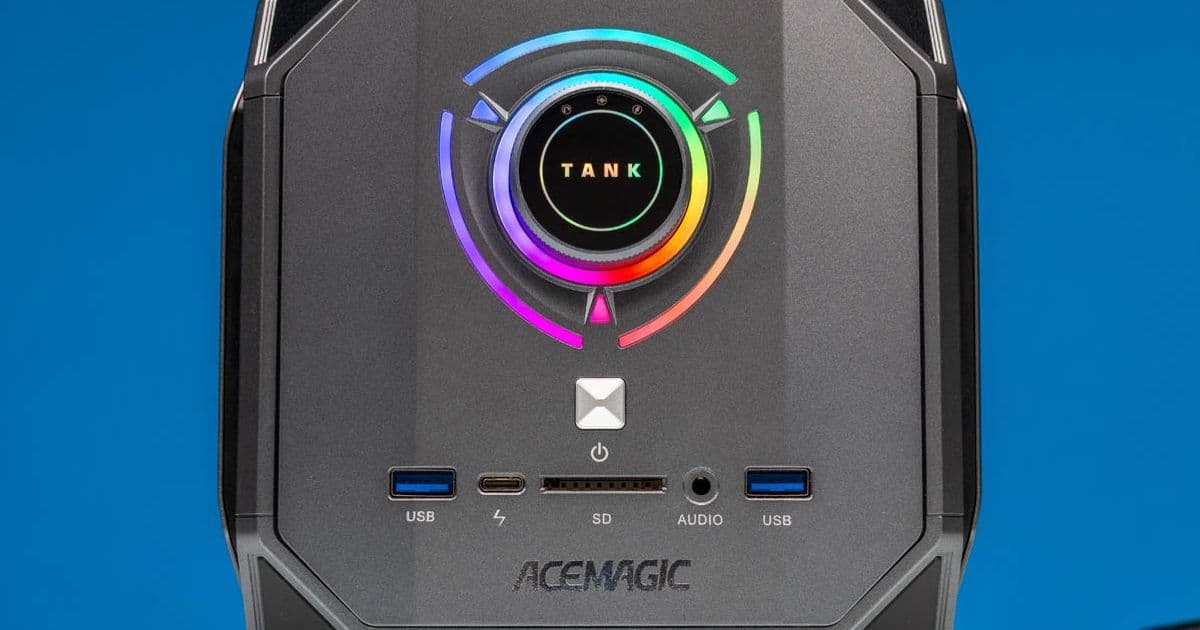
Acemagic's M1A PRO+ brings AMD's Ryzen AI MAX+ 395 to a gaming-inspired mini PC form factor with 128GB LPDDR5X memory and unique RGB lighting.
The mini PC market has seen a significant shift toward AI-capable systems, and Acemagic's latest offering, the M1A PRO+, represents an interesting intersection of high-performance computing and gaming aesthetics. Built around AMD's Ryzen AI MAX+ 395 processor, this compact system packs serious AI development capabilities into a distinctive cubic chassis that stands out from the typical black-box designs dominating the SFF PC space.
Hardware Specifications and Configuration
The M1A PRO+ is configured with AMD's flagship Ryzen AI MAX+ 395, featuring 16 Zen 5 cores running at up to 5.1GHz, paired with Radeon 8060S graphics with 40 compute units. The system ships with a substantial 128GB of soldered LPDDR5X-8000 memory, making it particularly well-suited for AI workloads that benefit from large memory pools.
Storage options are equally impressive, with one pre-installed 2TB Zhitai TiPlus7100 M.2 2280 PCIe Gen4 SSD and two additional empty M.2 slots for expansion. The system includes dual 2.5GbE LAN ports, Wi-Fi 7, and Bluetooth 5.4 connectivity, along with a comprehensive selection of ports including USB-A, USB-C with DisplayPort Alt Mode, HDMI 2.1, and DisplayPort 2.0 outputs.
Design Philosophy: Gaming Meets Professional
Acemagic has taken an unconventional approach with the M1A PRO+'s design, repurposing the case from their 12th Gen Core-era Tank 03 mini-PC. The result is a roughly 6.5-inch cubic box that immediately draws comparisons to gaming hardware, particularly with its RGB lighting system that runs through the front face.
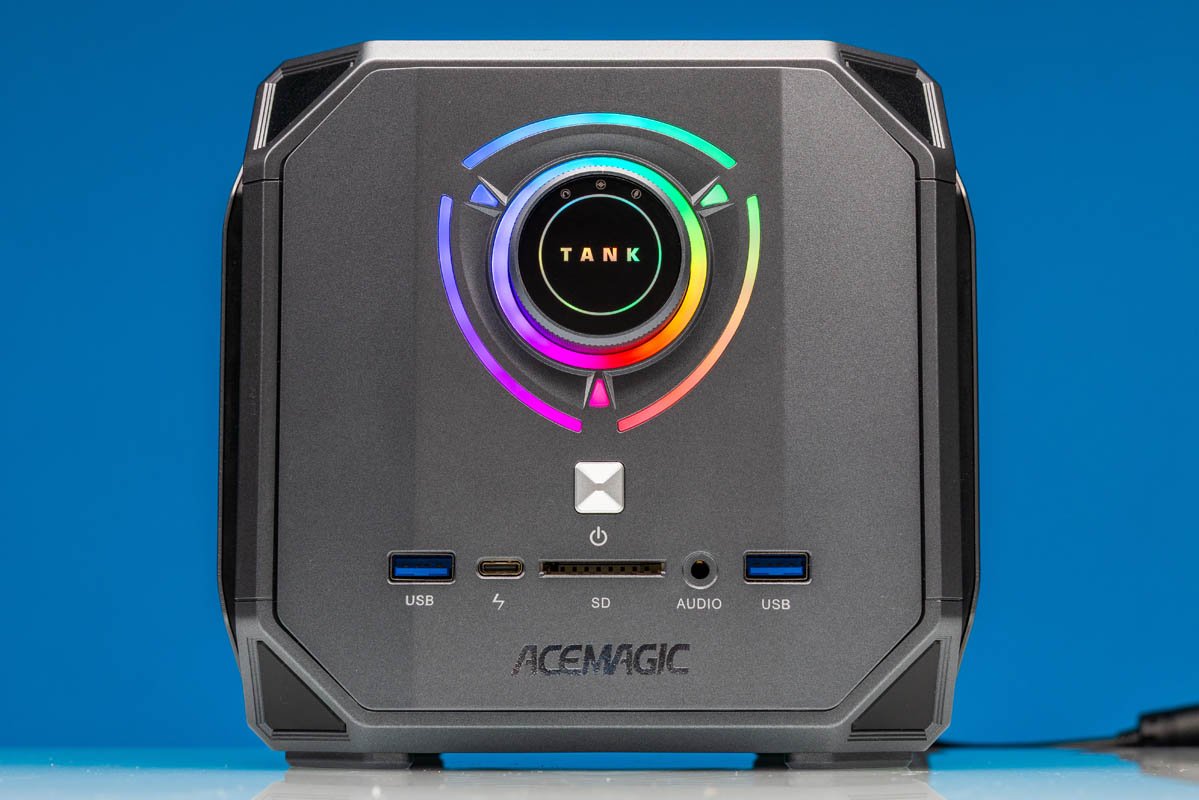
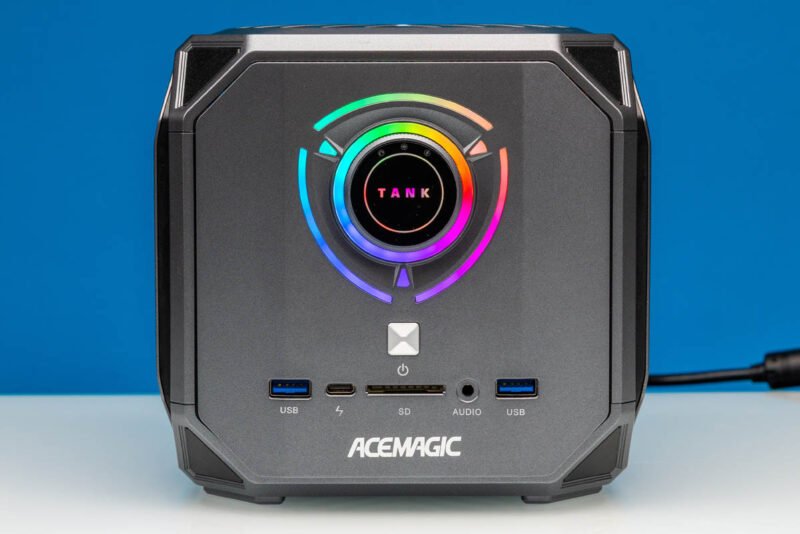
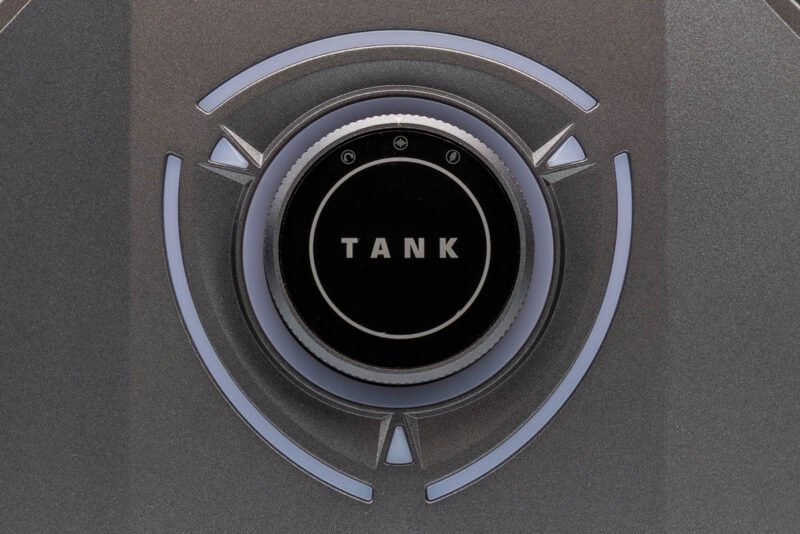
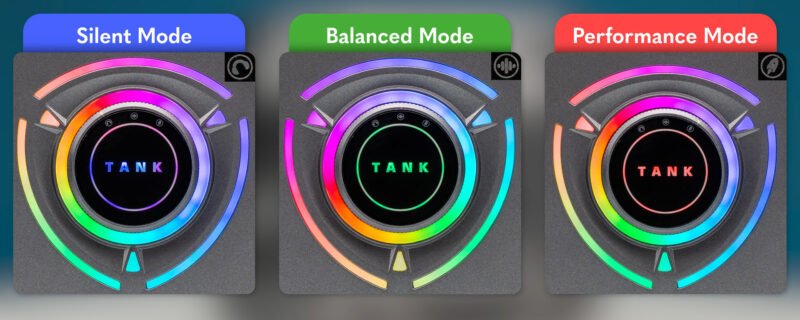
The front panel features a central dial that serves dual purposes: as a visual anchor for the RGB lighting and as a performance mode selector. Users can switch between Silent, Balanced, and Performance modes with a simple twist, with the RGB lighting changing color to indicate the current mode (blue for Silent, green for Balanced, red for Performance).
Port Selection and Connectivity
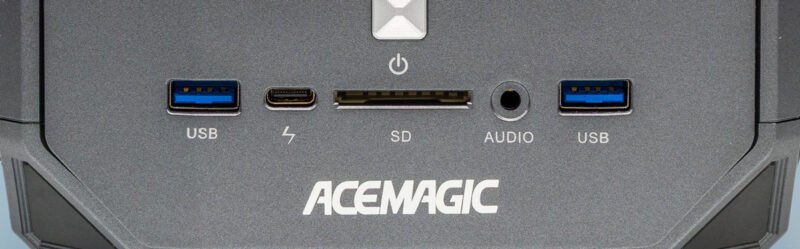
One of the M1A PRO+'s standout features is its comprehensive display output selection. The rear panel includes two HDMI 2.1 ports and one DisplayPort 2.0, allowing connection to multiple high-resolution displays. The front USB-C port also supports DisplayPort Alt Mode, theoretically enabling a fourth 8K display with the appropriate adapter.
The port configuration shows some interesting choices. While the front panel includes two 10Gbps USB-A ports and a 40Gbps USB-C port, the rear offers four 5Gbps USB-A ports. This arrangement suggests Acemagic expects users to connect high-speed devices to the front while using the rear ports for peripherals and input devices.
The dual 2.5GbE LAN ports, while functional, feel somewhat underwhelming for a system positioned at the high end of the mini PC market. Given the AI development focus and the system's premium pricing, 10GbE connectivity would have been a more appropriate choice for users working with large datasets and model transfers.
Thermal Design and Cooling
The M1A PRO+ employs a cooling system originally designed for gaming applications, which makes sense given the thermal demands of the Ryzen AI MAX+ 395. The system's exhaust vent is prominently positioned at the rear, and the bottom features a large ventilation grate to facilitate airflow.
The external 300W power supply, while substantial compared to the system's compact size, provides adequate headroom for the CPU's 140W TDP in Performance mode plus additional peripherals. The barrel connector interface, while necessary given the power requirements, feels somewhat dated compared to modern USB-C charging solutions.
Market Positioning and Target Audience
Acemagic has clearly positioned the M1A PRO+ in the AI development and professional content creation space, where the combination of high core count, powerful integrated graphics, and abundant memory makes it particularly attractive. The system's unique design language and RGB lighting may appeal to users who want their professional hardware to make a statement, though this aesthetic choice might not resonate with all potential buyers in this market segment.
The pricing, while not explicitly mentioned in the source material, appears to target the premium end of the mini PC market, competing with other Ryzen AI MAX-based systems from established vendors. The combination of high-end specifications and distinctive design could help Acemagic carve out a niche in this increasingly competitive space.
Practical Considerations
While the M1A PRO+ offers impressive specifications, potential buyers should consider several practical aspects. The soldered memory configuration, while providing the maximum 128GB capacity, eliminates future upgrade options. The port labeling, though an improvement over unlabeled ports, uses non-standard iconography that might confuse users expecting official USB-IF symbols.
The system's gaming-inspired design, while visually striking, may not suit all professional environments. However, for users who spend significant time in AI development or content creation and want hardware that reflects their personal style, the M1A PRO+ offers a compelling combination of performance and personality.
Conclusion
The Acemagic M1A PRO+ represents an ambitious entry into the high-end mini PC market, successfully combining AMD's powerful Ryzen AI MAX+ 395 platform with a distinctive design that sets it apart from competitors. While some design choices, such as the 2.5GbE ports and non-standard port labeling, might raise eyebrows, the system's core specifications and unique aesthetic make it a noteworthy option for users seeking a powerful, compact AI development platform that doesn't blend into the background.
For those interested in exploring this system further, Acemagic offers the M1A PRO+ through their Amazon storefront, though availability may vary as the product gains traction in the market.
Comments
Please log in or register to join the discussion