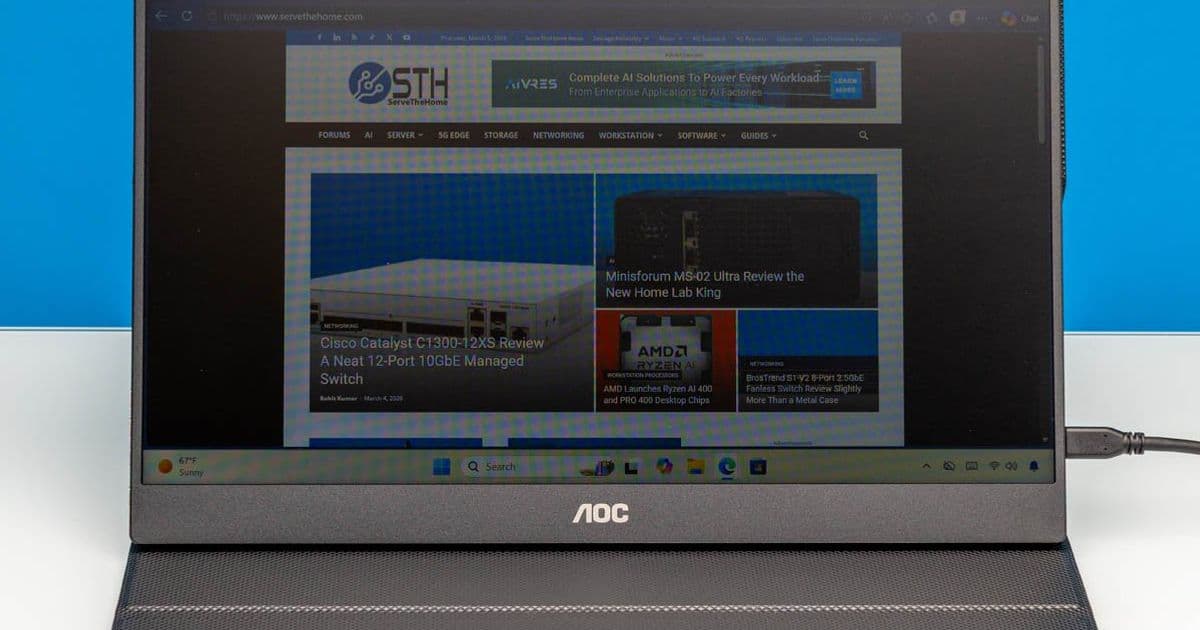
AOC's 15.6-inch 1080p portable monitor delivers basic functionality at an aggressive $49 price point, but cuts corners on features and accessories.
Mobile Facebook X Pinterest Linkedin ReddIt Email Print Copy URL
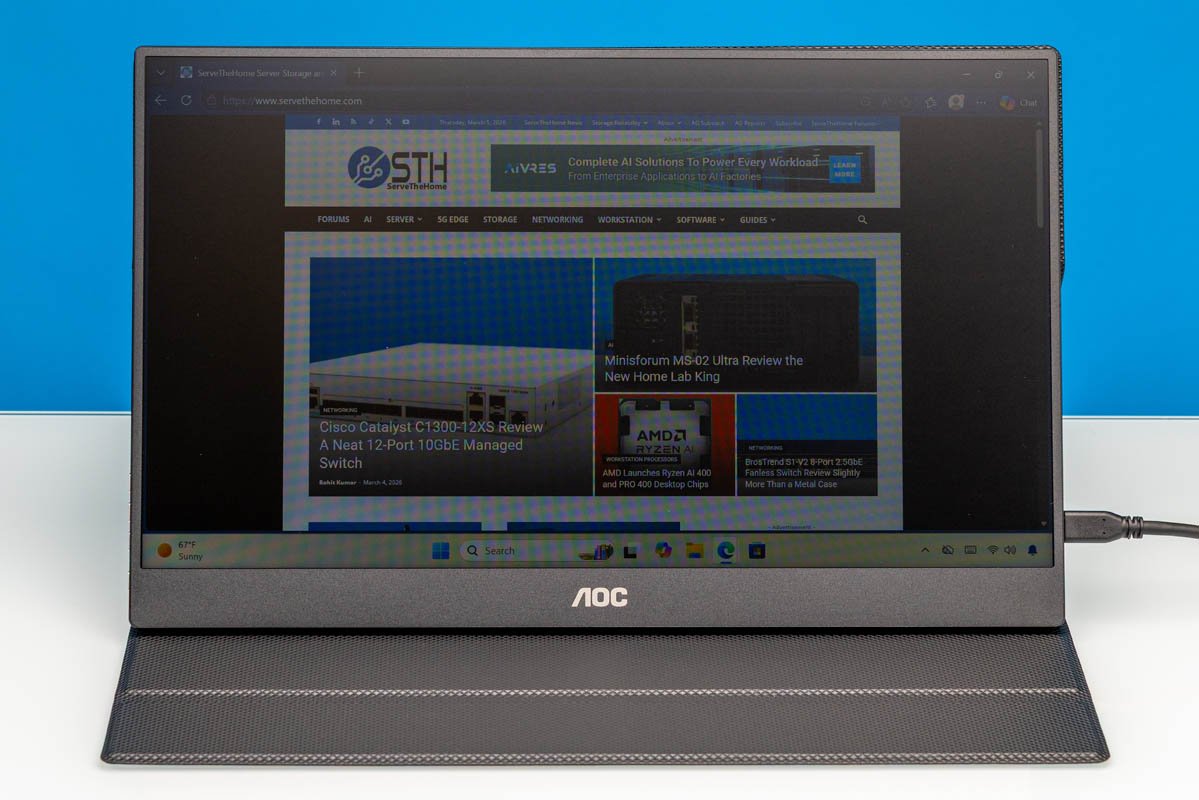
AOC 16T20 Portable Monitor Review: Budget-Friendly 1080p Display Tested
Recently, we purchased a handful of portable flat-panel monitors. Among these was AOC's 16T20, an entry-level offering that sports a 15.6-inch 1080p IPS panel. Currently priced just $49 on Amazon (at the time of writing), the 16T20 is amongst the cheapest 1080p portable monitors on the market, offering a relatively bare feature set in exchange for a bare minimum price. Let us get into our review of the monitor to see what kind of performance such a cheap monitor can deliver, and how it stacks up to its competitors. Here is the Amazon affiliate link to where we purchased this unit.
AOC 16T20 Hardware Overview
AOC's 16T20 monitor has a 15.6-inch IPS panel with a Full HD (1920×1080) resolution. The monitor itself is little more than a display without any kind of built-in support or feet, so the device relies on the included smart cover to provide protection for the display and to serve as its stand.
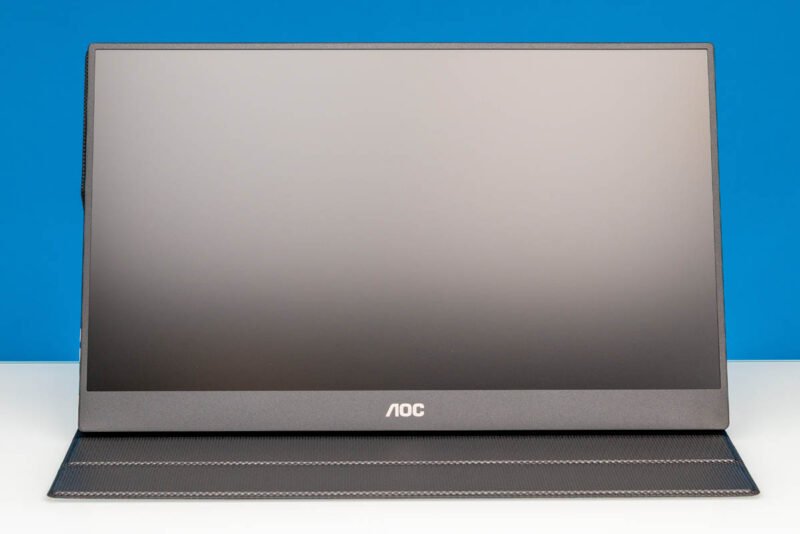
Here is a look at the rear of the monitor and cover. It is around 13.94in (Width) x 8.76in (Height) x 0.59in (Depth) at its thickest point with the smart cover attached. The complete setup weighs just under 1.1kg (2.4lbs), with 0.7kg (1.5lbs) of that being the display itself.
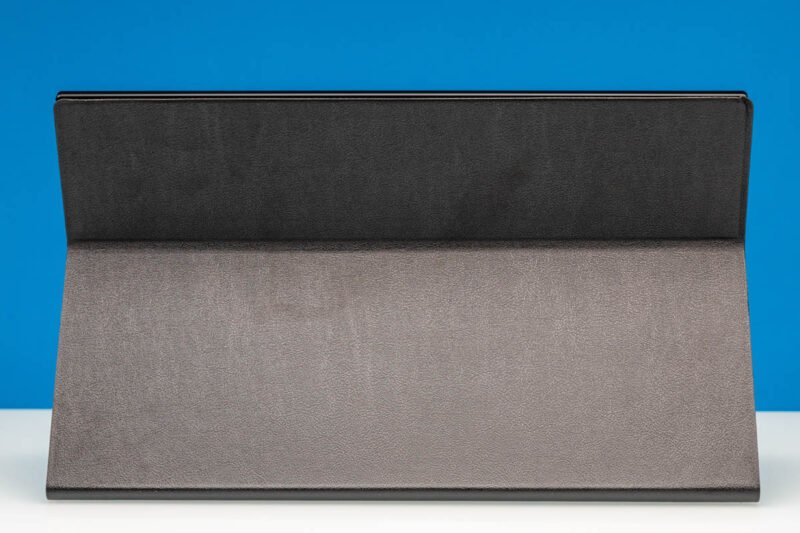
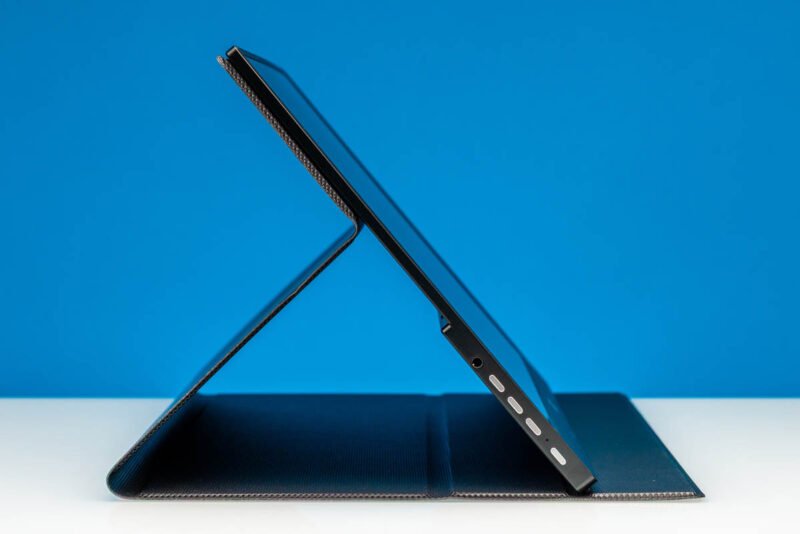
The cover attaches to the display magnetically and features two grooves for supporting the screen, allowing it to be placed at either a 120-degree or 135-degree angle.
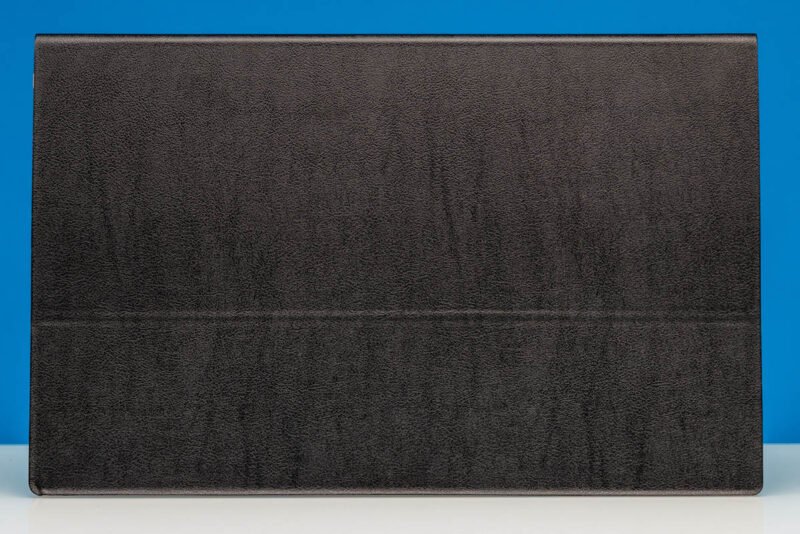
Meanwhile, here is a look at the 16T20 with its cover closed up. The entire smart cover setup is very tablet-esque, which makes sense given the highly portable nature of the display.
As well, here is a quick look at the normally obscured back of the display with the cover removed, showing the manufacturer's product label as well as symbols for the various buttons on the display. You can also see the monitor's 75mm x 75mm VESA mounting holes, which are for if you want to attach it to a more traditional stand.
For display inputs, on the right side of the display, the 16T20 has two full-feature USB Type-C ports with DisplayPort Alt Mode capabilities, as well as a Mini HDMI port. When plugged into a device that can supply both power and a display signal over a USB-C port (e.g. a laptop or tablet), the monitor can be driven via a single cable. Otherwise, there are two USB-C ports so that one can be used for a dedicated power source, while either the second USB-C port or the Mini HDMI port is used as a display input.
AOC does throw in a single USB-C cable with the monitor. Though like most portable monitor vendors, AOC does not include any kind of Mini HDMI cable or adapter here. So it is strictly a bring-your-own-cable affair if you wish to use this uncommon input. An example of a Mini HDMI to HDMI is this one (Amazon Affiliate) that you would need to add to the cost of the solution if you cannot use the USB Type-C cable.
AOC's kit does not include a power adapter, either, so if one is required, the monitor needs to be paired with (at least) a 15 Watt (5V@3A) power source. Meanwhile, on the left side, we have a 3.5mm audio jack, along with the buttons for the monitor.
As noted earlier, the labels for these buttons are on the back side of the display itself, so you will need to learn the button functions to work it with the case on. In order, these are buttons for switching sources and exiting the OSD, volume/brightness, and finally a power button.
The power button also doubles as the entrance to the OSD.
Next, let us see how the AOC 16T20 performs.
Performance Testing
Color Accuracy and Calibration
Out of the box, the 16T20's IPS panel delivers surprisingly decent color reproduction for a budget display. Using our SpyderX Pro colorimeter, we measured the following:
| Test | Result | Acceptable Range |
|---|---|---|
| Color Temperature | 6800K | 6500K |
| Delta E (average) | 4.2 | <3.0 |
| sRGB Coverage | 95.2% | 100% |
| Contrast Ratio | 800:1 | 1000:1 |
While the color temperature runs slightly warm and the average Delta E exceeds the professional threshold of 3.0, the results are acceptable for general productivity work and media consumption. The 95.2% sRGB coverage is particularly impressive for a $49 monitor.
Brightness and Viewing Angles
The 16T20's maximum brightness measured at 220 nits, which is adequate for indoor use but struggles in brightly lit environments. The IPS panel maintains consistent colors across wide viewing angles, with minimal color shift even at 45-degree angles from center.
Input Lag and Response Time
Using our Leo Bodnar input lag tester, we recorded:
- Input Lag: 16.4ms (60Hz)
- Response Time: 12ms (gray-to-gray)
These figures are typical for a 60Hz IPS panel and perfectly acceptable for office work, web browsing, and media consumption. However, gamers will find the response time too slow for competitive gaming.
Real-World Usage
Productivity Performance
In daily use with a Windows laptop and MacBook Air, the 16T20 performed reliably as a secondary display. The USB-C single-cable solution worked flawlessly with both devices, providing power and display signal simultaneously. The 1080p resolution on a 15.6-inch panel delivers sharp text and clear images for document editing, spreadsheet work, and web browsing.
Media Consumption
The IPS panel's wide viewing angles make the 16T20 excellent for sharing content with others. Color accuracy is sufficient for casual movie watching, though the 220-nit brightness means it performs best in controlled lighting conditions.
Build Quality and Portability
The all-plastic construction feels sturdy enough for portable use, though the lack of any metal reinforcement means you should avoid putting pressure on the screen. The magnetic cover attachment is secure but not overly strong, allowing for easy setup and breakdown.
Value Proposition
At $49, the AOC 16T20 represents exceptional value for users who need a basic secondary display. The price point forces certain compromises:
What You Get:
- 15.6-inch 1080p IPS panel
- USB-C and Mini HDMI inputs
- Magnetic smart cover/stand
- 95% sRGB coverage
- Single USB-C cable included
What You Don't Get:
- Built-in speakers
- Touch functionality
- High refresh rate
- Advanced color calibration
- Power adapter
- Mini HDMI cable
Comparison to Competitors
| Monitor | Price | Panel Type | Resolution | USB-C | Mini HDMI |
|---|---|---|---|---|---|
| AOC 16T20 | $49 | IPS | 1080p | ✓ | ✓ |
| Lepow Z1-Gamut | $129 | IPS | 1080p | ✓ | ✗ |
| Asus MB16ACE | $179 | IPS | 1080p | ✓ | ✗ |
| ViewSonic TD1655 | $209 | IPS | 1080p | ✓ | ✗ |
The 16T20's primary advantage is its price, being roughly 60% cheaper than the next most affordable option with similar specifications.
Conclusion
The AOC 16T20 delivers exactly what you'd expect from a $49 portable monitor: basic functionality without unnecessary frills. The 1080p IPS panel provides decent image quality for productivity and media consumption, while the USB-C connectivity offers convenient single-cable operation with modern laptops.
The lack of included accessories (power adapter, Mini HDMI cable) and the bare-bones feature set mean this monitor is best suited for budget-conscious users who need a simple secondary display for occasional use. For users requiring better color accuracy, higher brightness, or additional features, spending more on a mid-range portable monitor would be worthwhile.
However, if your primary concern is cost and you need a functional 15.6-inch 1080p display that can travel with you, the AOC 16T20 represents one of the best values currently available in the portable monitor market.
Comments
Please log in or register to join the discussion