
Attackers steal sessions, abuse MFA prompts and harvest tokens from user devices. Security teams need stronger passwords, phishing-resistant MFA, device checks and session monitoring.

Attackers have made account takeover a core breach method because one trusted login can open cloud apps, software-as-a-service tools and remote access systems without a noisy infrastructure exploit.
Security teams face a harder job than they did a decade ago. Employees use corporate laptops, personal devices and third-party systems to reach the same identity providers. Service accounts and automation tools add more credentials. A single weak password, stolen cookie or approved push prompt can hand an attacker the same access a worker uses each day.
The Verizon Data Breach Investigations Report has tracked credential abuse across breach data for years, and Specops Software cites stolen credentials as a factor in 44.7% of breaches in its account takeover analysis. That number fits the pattern defenders see in incident response: attackers prefer valid access because it blends into normal login traffic.
Attackers target the session
Security teams spent years pushing multifactor authentication, or MFA, as the default answer to stolen passwords. MFA still blocks many credential-stuffing attacks, but criminal groups have adapted.
MFA fatigue gives attackers a cheap path. An attacker signs in with a stolen username and password, then sends repeated approval prompts to the user. The user may accept one prompt to stop the alerts or because the attacker poses as help desk staff.
In 2022, attackers hit Uber with this playbook. Uber said an attacker acquired a contractor's credentials, triggered repeated MFA requests and gained access after the contractor approved one request. The attacker then found other credentials and reached internal systems, according to Uber's security update.
Adversary-in-the-middle phishing creates a different problem. Attackers build a proxy between the user and the real login page. The user enters credentials and completes MFA on the real service. The proxy captures the authenticated session token, and the attacker uses that token to enter without the password or MFA code.
That shift changes the defender's task. A team cannot treat a completed login as proof of trust. The team has to inspect the session, the device and the behavior after login.
Phishing pages look more credible
Attackers build phishing pages on trusted hosting services and use legitimate domains in redirect chains. They copy login portals, brand assets and error messages. AI tools help them write cleaner text, which removes some of the mistakes users once spotted.
Outpost24, Specops' parent company, reported a phishing campaign that used a legitimate Cisco domain in a redirect chain. The technique gave the lure more credibility and helped the campaign avoid simple blocklists.
The lesson for defenders is blunt: user training helps, but users cannot carry the whole defense. A strong program combines phishing-resistant MFA, domain monitoring, mail security and controls that flag strange sessions.
CISA recommends phishing-resistant MFA for high-risk access. FIDO2 security keys and passkeys bind authentication to a real domain, which makes proxy phishing harder than one-time codes or push prompts.
Devices create the next gap
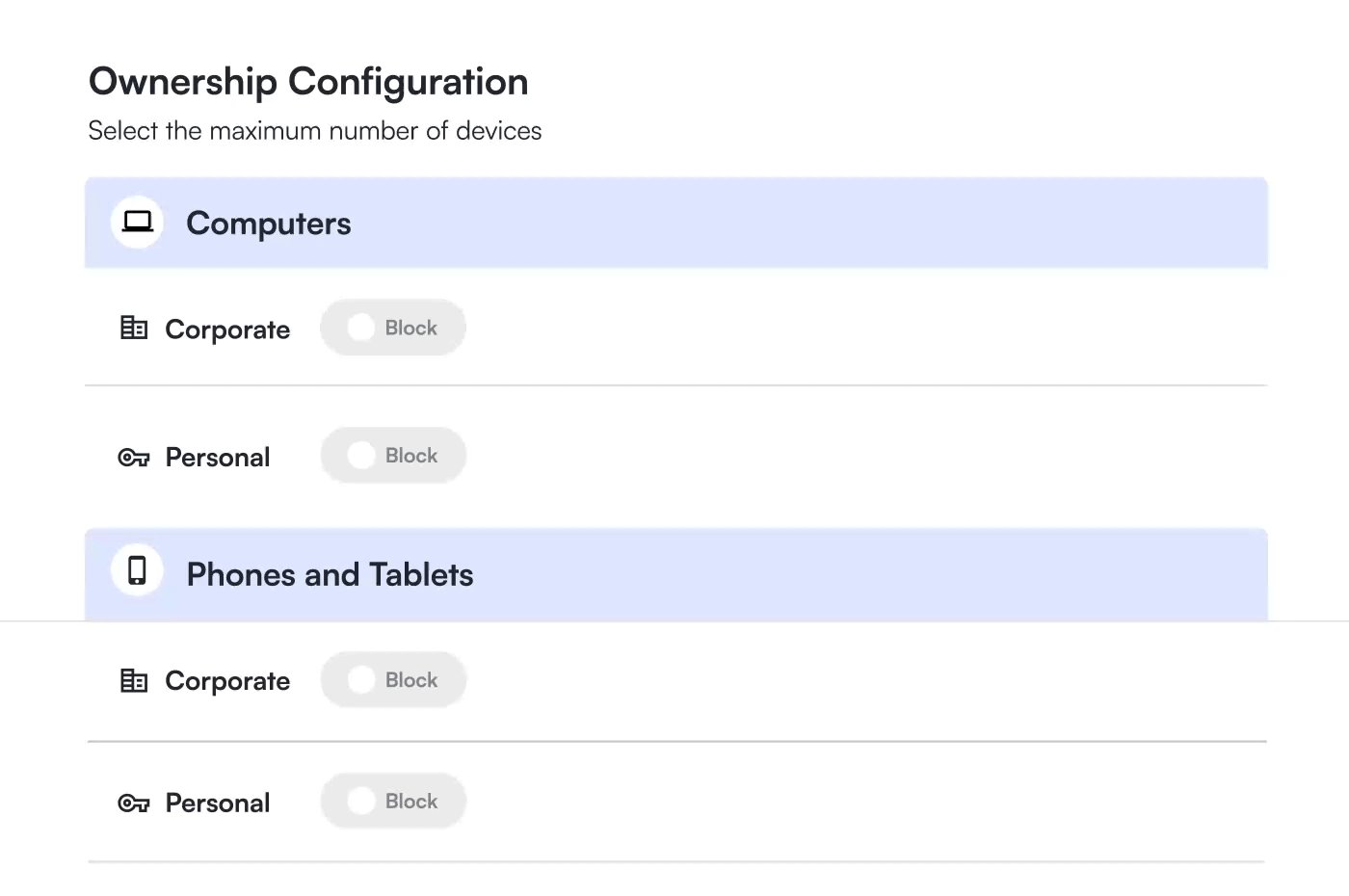
Personal devices and unmanaged endpoints widen the account takeover path. A user may sign in from a laptop with missing patches or an infected browser. IT staff may see the login but miss the endpoint risk behind it.
Infostealer malware makes this gap severe. It grabs browser-stored passwords, cookies and session tokens from user devices. Attackers then sell those records or use them to enter cloud services before a password reset breaks access.
Security teams can reduce this risk with device posture checks. A team should verify operating system patch status, browser version and security controls before it grants access to sensitive systems. The team should repeat those checks during long sessions because a device can fall out of compliance after login.
Device-trust tools, including Specops Software offerings, focus on that layer. The goal is to bind access decisions to both identity and endpoint health, then guide users to fix missing updates or disabled controls before the team grants broad access.
Identity alone gives attackers room
Many identity programs still treat authentication as the finish line. Attackers exploit that assumption. Once they pass login, they enumerate apps, search mailboxes, register new devices and look for administrator paths.
A stronger program treats login as the start of a risk check. Security staff should watch for impossible travel, new device enrollment, suspicious token use and privilege changes. They should shorten session lifetimes for high-risk apps and require fresh authentication before sensitive actions.
Password controls still matter. Teams should block known compromised passwords, enforce length and remove weak reset flows. Active Directory environments need special care because one reused domain credential can lead to file shares, VPN access and legacy apps.
Help desk processes need the same attention. Attackers impersonate employees to reset passwords or transfer MFA factors. Staff should verify identity with strong procedures before they change authentication methods, and managers should audit those requests for patterns.
Steps that reduce account takeover risk
Security teams should start with the accounts that give attackers the most value: administrators, finance staff, help desk users and anyone with access to customer data.
First, require phishing-resistant MFA for privileged users and high-value apps. Use FIDO2 or passkeys where the platform supports them. Remove SMS codes and basic push approvals from admin paths.
Second, check device posture before access. A team should block or restrict devices that lack current patches, endpoint protection or required encryption. For personal devices, the team can offer limited browser access rather than full network access.
Third, monitor sessions after login. Alert on new locations, unfamiliar devices, token reuse and new MFA registrations. Tie those alerts to response playbooks that revoke sessions before attackers move across apps.
Fourth, reduce credential exposure. Block compromised passwords, disable legacy authentication and limit where browsers can store corporate secrets. Staff should remove standing privileges and grant admin access for short windows.
Fifth, test the help desk. Run social engineering exercises against password reset and device enrollment workflows. Then tighten scripts, approvals and logs based on the results.
Account takeover attacks keep working because organizations spread identity across more apps and devices than security teams can see at a glance. Teams cut that advantage when they verify the user, inspect the device and watch the session from login through logout.
Comments
Please log in or register to join the discussion