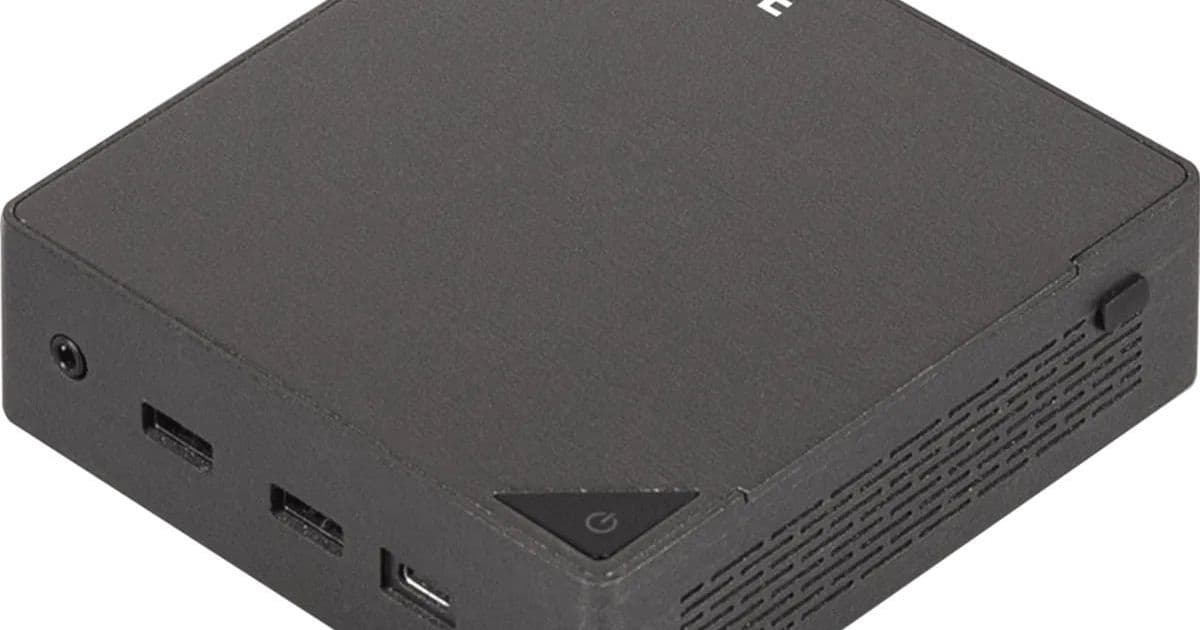
Gigabyte's new BRIX systems give Android developers a compact Panther Lake box with Wi-Fi 7, 2.5 GbE, dual M.2 storage and enough memory headroom for emulators and Gradle builds.
Platform update
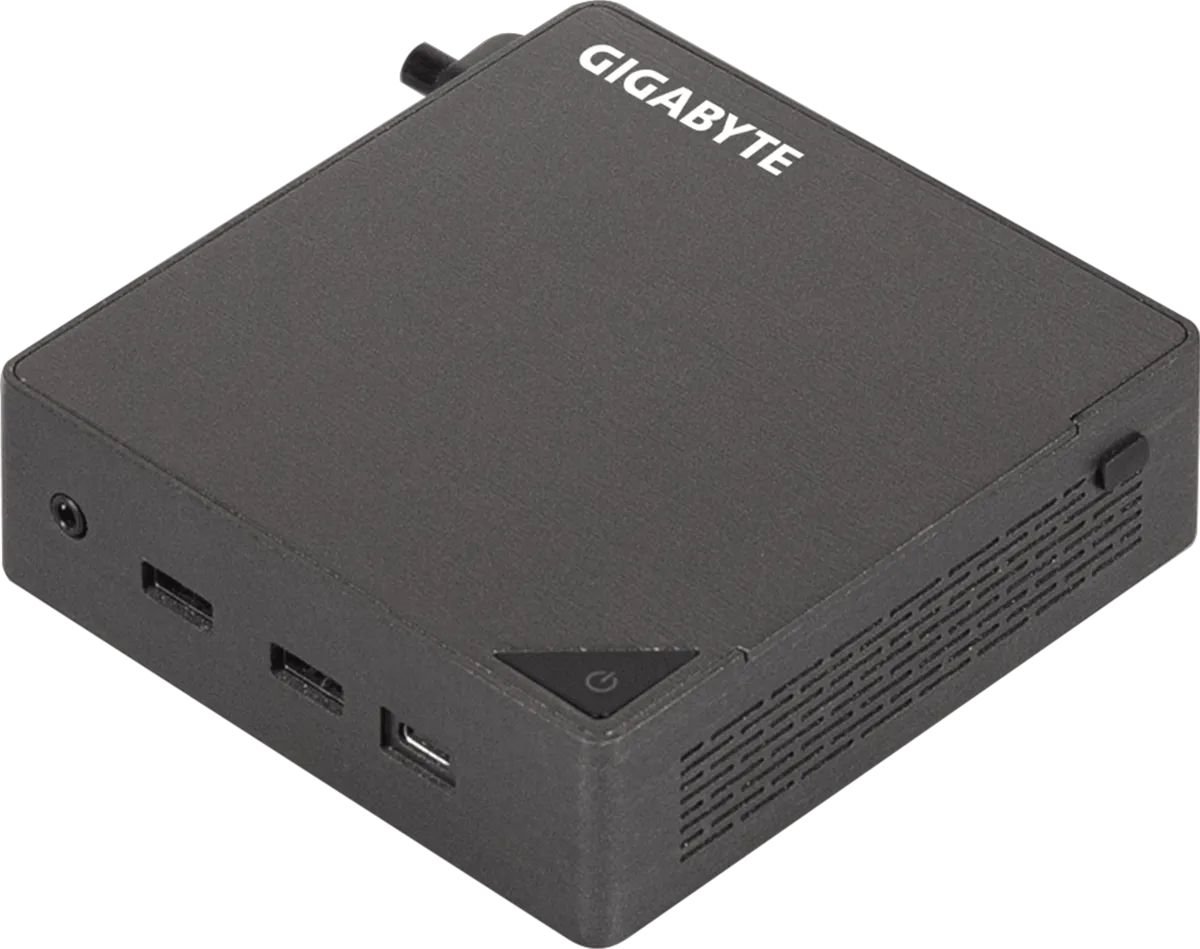
Gigabyte introduced three new BRIX mini PCs built around Intel Core Ultra Series 3 chips, the Panther Lake mobile line Intel uses for 2026 laptops and compact desktops. Gigabyte lists the chassis at 119 x 113 x 34 mm, or 4.7 x 4.4 x 1.4 in.
The launch lineup starts with the GB-BRU5-322, which uses an Intel Core Ultra 5 322 6-core processor. Gigabyte moves up to the Core Ultra 7 355 8-core chip in the GB-BRU7-355. The GB-BRU9-386H takes the top slot with a Core Ultra 9 386H 16-core processor.
Memory support splits by model. The Core Ultra 5 and Core Ultra 7 versions include two SODIMM slots and support up to 96 GB of DDR5-5600, or DDR5-6400 with CSODIMM modules. The Core Ultra 9 model supports up to 128 GB of DDR5-6400.
Gigabyte gives each model two M.2 2280 storage slots. One slot supports PCIe 5.0 x4, and the second slot supports PCIe 4.0 x4. Gigabyte also installs a Realtek RTL8922AE wireless card in an M.2 2230 E-Key slot for Wi-Fi 7 and Bluetooth 5.4.
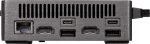
The port mix fits a small workstation role. You get two HDMI 2.1 ports and two USB Type-C ports with DisplayPort 2.1 Alt Mode for multi-monitor setups. Gigabyte adds one USB 3.2 Gen 2 Type-C port, three USB 3.2 Gen 2 Type-A ports and one USB 2.0 Type-A port. Networking runs through an Intel I226LM 2.5 GbE controller.
Gigabyte ships USB Type-C power adapters with the systems. The 6-core and 8-core models get 100-watt adapters. The 16-core GB-BRU9-386H gets a 140-watt adapter because its Core Ultra 9 386H can reach 80 watts of maximum turbo power. The other two chips top out at 55 watts, though the three processors share a 25-watt base power rating.
You should expect Intel Graphics here, not the stronger Arc branding from Core Ultra X Panther Lake chips. That choice makes the BRIX line look better suited to development, lab control, media work and office workloads than GPU-heavy game development.
Developer impact
Android teams can treat these BRIX systems as compact Windows or Linux workstations. Google lists Android Studio Quail 1 as the stable channel release, and Google ships it for Windows and Linux. That matters because the BRIX hardware can host Android Studio, Gradle, Kotlin, the Android Emulator and Docker-based build tools without the desk space of a tower.
The memory ceiling matters for mobile teams. Android Emulator instances consume RAM fast, and large Gradle builds can chew through CPU and storage I/O at the same time. A 96 GB BRIX gives one developer room for Android Studio, two emulators and a container stack. The 128 GB Core Ultra 9 model makes more sense for a shared build box, a local CI runner or a test station that drives several devices through USB.
Developers targeting Android 16 should install Android SDK Platform 36. Teams preparing for Android 17 can add Android SDK Platform 37 and run a separate test lane for behavior changes. Google updated its Android 17 developer page June 16, 2026, and the page points developers to SDK setup, emulator images and API 36-to-37 diffs.
Cross-platform teams still need a Mac for iOS builds. Apple ties iOS, iPadOS and visionOS builds to Xcode, and Apple shows Xcode 27 as its current developer environment. A BRIX can run shared Kotlin Multiplatform or Flutter code, Android tests and backend mocks, but it cannot replace a Mac that signs, builds and submits iOS apps.
That split shapes buying choices. Use a BRIX for Android capacity, Linux tooling and device lab work. Keep Xcode on a Mac mini, Mac Studio, MacBook Pro or Xcode Cloud. If your team shares code through Kotlin Multiplatform, run common tests on the BRIX and reserve the Mac for Apple SDK jobs.
Migration
Start with the workload, then pick the model. Choose the GB-BRU5-322 for Android Studio, one emulator and standard app builds. Choose the GB-BRU7-355 when you want more headroom for two emulators or heavier Compose previews. Choose the GB-BRU9-386H when the box will run CI jobs, several emulators or containerized services beside Android Studio.
Buy RAM with your build pattern in mind. A developer workstation should start at 64 GB if you run emulators each day. A shared Android build node should use 96 GB or 128 GB, depending on the model. Storage deserves the same care: put the operating system, Android SDK and Gradle cache on the PCIe 5.0 drive, then use the PCIe 4.0 slot for source checkouts, VM images or artifact cache.
Plan the operating system around your toolchain. Windows 11 gives you broad vendor driver support and Android Studio access. Linux gives you KVM, server tooling and smoother container workflows. Either route needs firmware virtualization support enabled before Android Emulator will perform well.
Wire the box to the network if you use it for CI or device lab work. The Intel 2.5 GbE port gives faster artifact pulls than Wi-Fi and cuts one source of test flakiness. Wi-Fi 7 still helps on a desk where Ethernet does not reach, and Bluetooth 5.4 gives you room for keyboards, headsets and test accessories.
Keep iOS out of the BRIX migration plan. Move shared code, Android jobs and API mocks to the BRIX. Leave Xcode builds, iOS Simulator runs, signing and TestFlight upload on Mac hardware or a Mac cloud runner. That division gives Android developers more local compute without breaking Apple's platform rules.
Comments
Please log in or register to join the discussion