AWS previewed release readiness reviews and autonomous release tests for AWS DevOps Agent, giving teams a managed way to assess pull requests against production standards before merge.
AWS added release management features to AWS DevOps Agent in preview, expanding the service from incident response into preproduction code review and test planning.
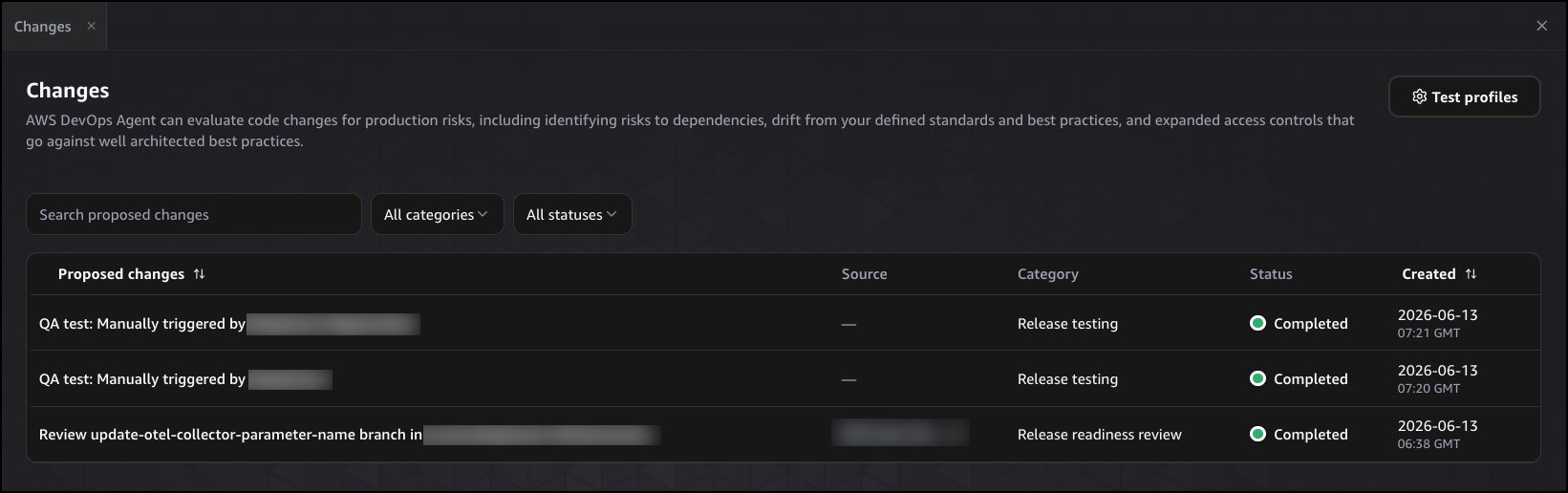
The preview adds two capabilities: release readiness review and autonomous release testing. Development teams can use the agent to assess pull requests against internal standards, AWS Well-Architected guidance, dependency risk and access control changes before code reaches production.
AWS already offers AWS DevOps Agent for post-deployment operations, including incident investigation, root cause analysis, mitigation guidance and recurring issue recommendations. The new preview moves the service earlier in the delivery path, where reviewers and testers face larger pull request queues from AI coding tools.
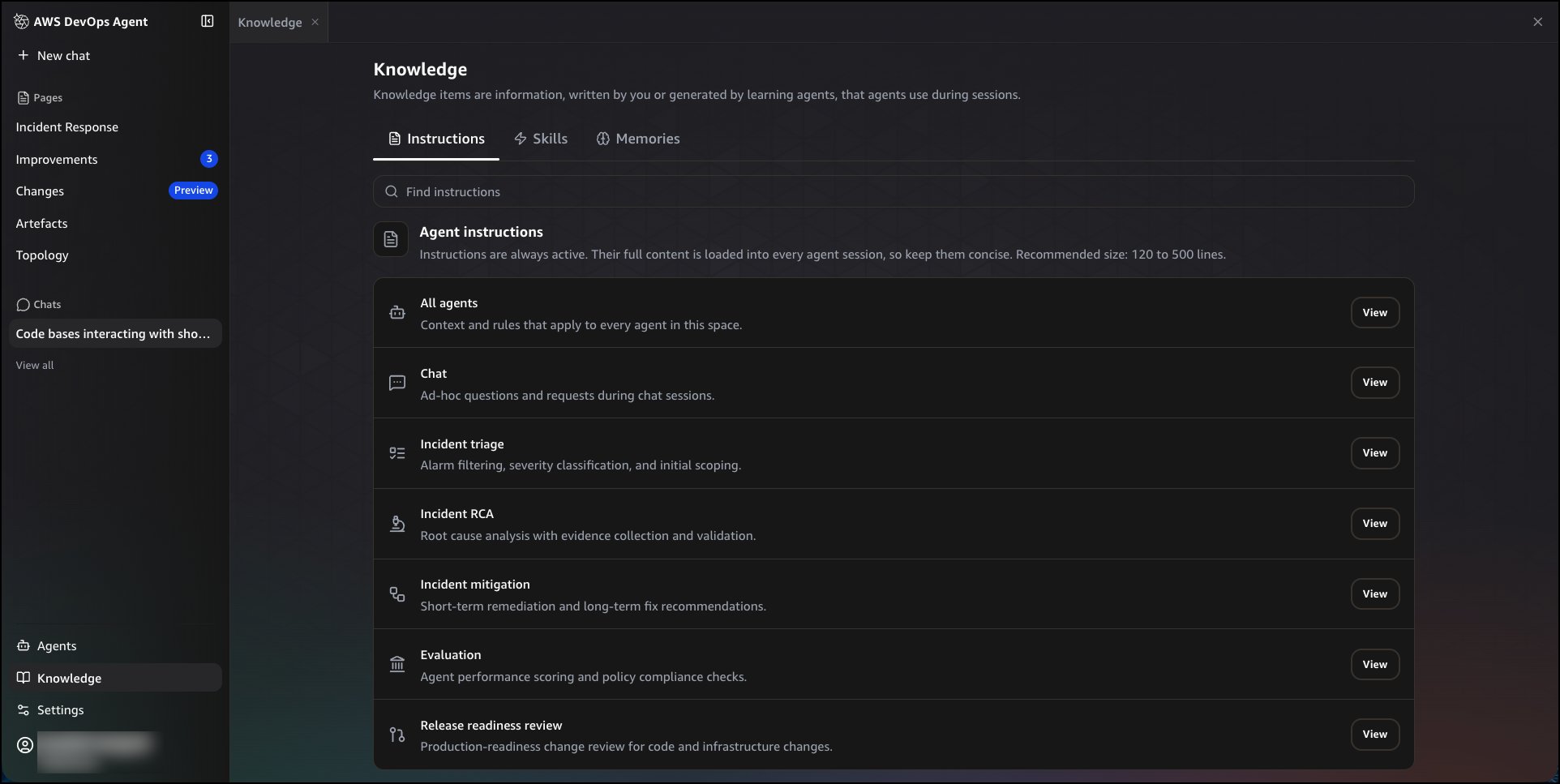
Release readiness review checks code changes against instructions that teams write in plain English. Teams can define encryption rules, network access expectations, logging requirements, observability standards and sensitive data handling rules. If a team provides no standards, the agent applies general best practices.
The agent also builds context from connected GitHub or GitLab repositories. After teams connect repositories to an Agent Space, AWS DevOps Agent indexes code and maps relationships across repositories, services and cloud dependencies. That graph gives the review more context than a single-repository diff can provide.
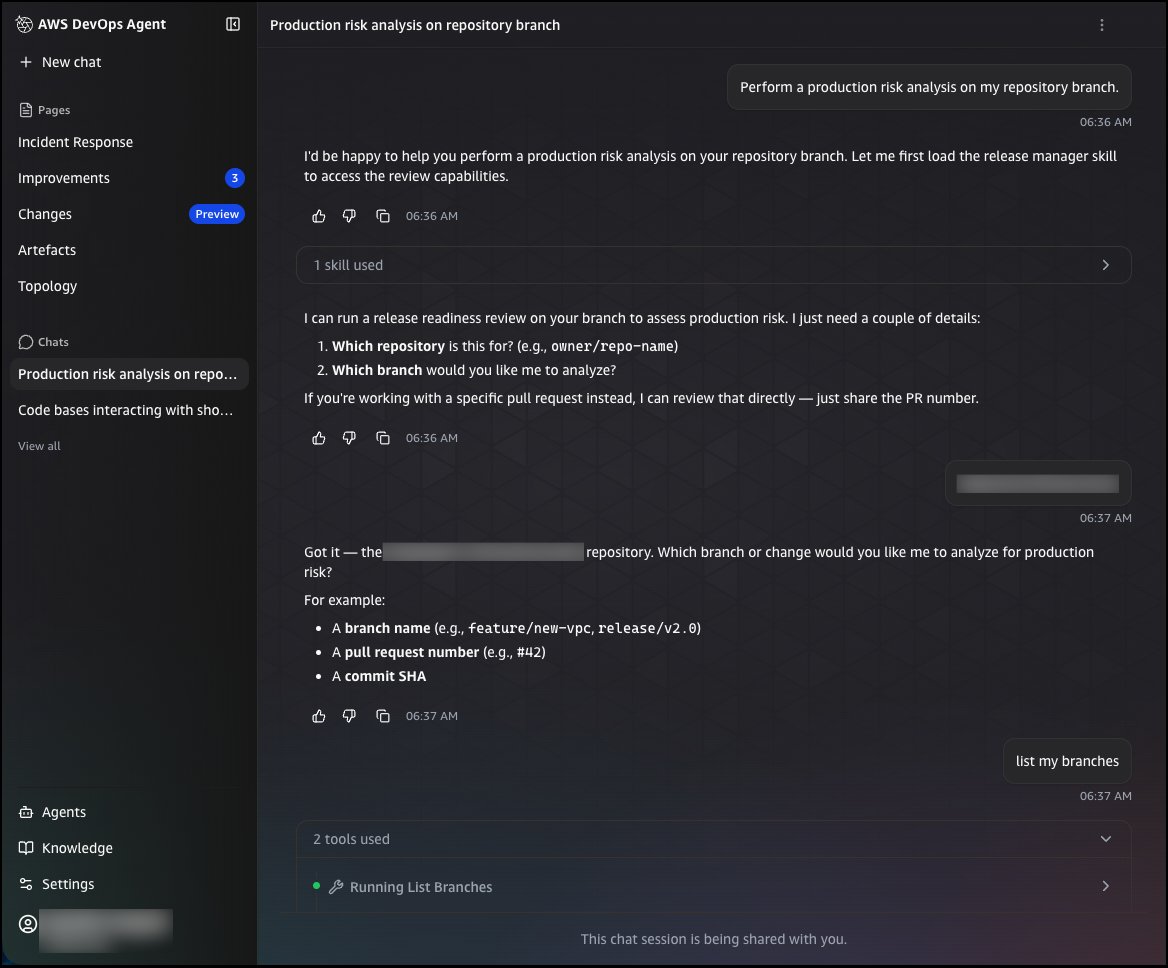
Developers can trigger reviews from the AWS DevOps Agent web app, pull requests in GitHub or GitLab, or IDE workflows through Kiro and the Claude Code plugin. Findings appear in the console and as pull request comments.
The release readiness report gives reviewers a recommendation: BLOCK, Proceed with Caution or Safe to Release. AWS includes the commit revision, file count, issue list, severity levels and recommended remediation steps. The report also explains the evidence behind each finding, including affected files and line numbers.
Autonomous release testing goes further for web and API applications. A team gives the agent an application URL or target environment, and the agent creates a change-specific test plan. It then runs tests in a customer-provisioned environment that should match production behavior.
That pattern matters for teams that rely on static regression suites. A fixed suite can miss changed workflows, new integration paths or altered API contracts. AWS DevOps Agent uses the code change as the test input, then generates checks for functional behavior, regressions and integration paths tied to that change.
The output gives reviewers metrics, logs, traces and an execution summary. Those artifacts help teams compare test coverage across releases and inspect failed scenarios without reconstructing the run from CI logs.
The architecture fits a common release pipeline pattern. Developers open a pull request, the agent reviews the change against repository and cloud context, reviewers inspect the findings, then the agent runs targeted tests in a production-like environment before merge. Teams can keep existing CI gates and use AWS DevOps Agent as an additional release risk layer.
The trade-off sits in setup quality. The agent can apply broad best practices on its own, but teams get stronger reviews when they write clear internal standards and maintain environments that mirror production. Weak standards produce generic findings. Test environments that drift from production can hide the same failures that conventional staging systems miss.
Security teams may find value in access control review and cross-repository dependency analysis. Platform teams may use the feature to enforce baseline rules for infrastructure, observability and network exposure. Application teams may use autonomous tests to cover user journeys that developers forget to encode in a maintained suite.
AWS offers the release readiness review and autonomous release testing preview at no additional cost in the US East (N. Virginia) Region. Teams can review setup steps in the AWS DevOps Agent user guide and service costs on the AWS DevOps Agent pricing page.
Comments
Please log in or register to join the discussion