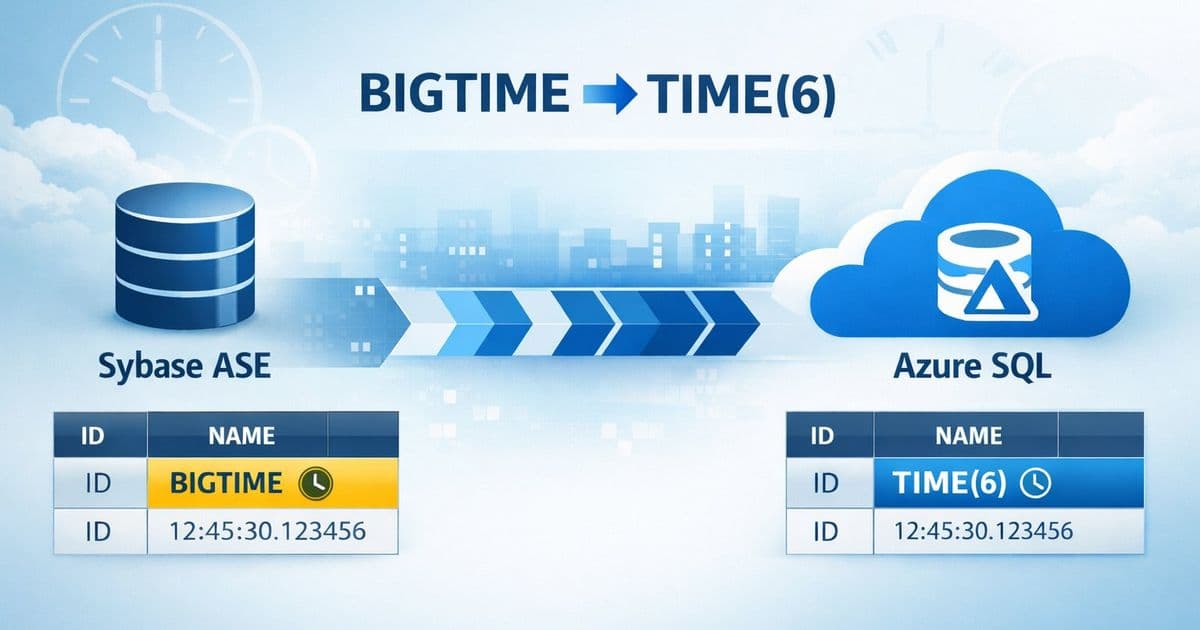
Migrating from Sybase to Azure SQL presents a specific challenge with the BIGTIME data type, which lacks a direct equivalent. This article explores a practical, script-driven solution that automates the discovery and conversion of BIGTIME columns to SQL Server's TIME(6), providing a controlled and auditable migration path for high-precision time data.
The Challenge of High-Precision Time in Cross-Platform Migration
Migrating legacy database systems to modern cloud platforms is a common modernization driver, but it rarely happens without friction. When moving from Sybase Adaptive Server Enterprise (ASE) to Microsoft Azure SQL, one of the more nuanced hurdles is handling proprietary data types that don't have a one-to-one mapping. The Sybase BIGTIME data type is a prime example.
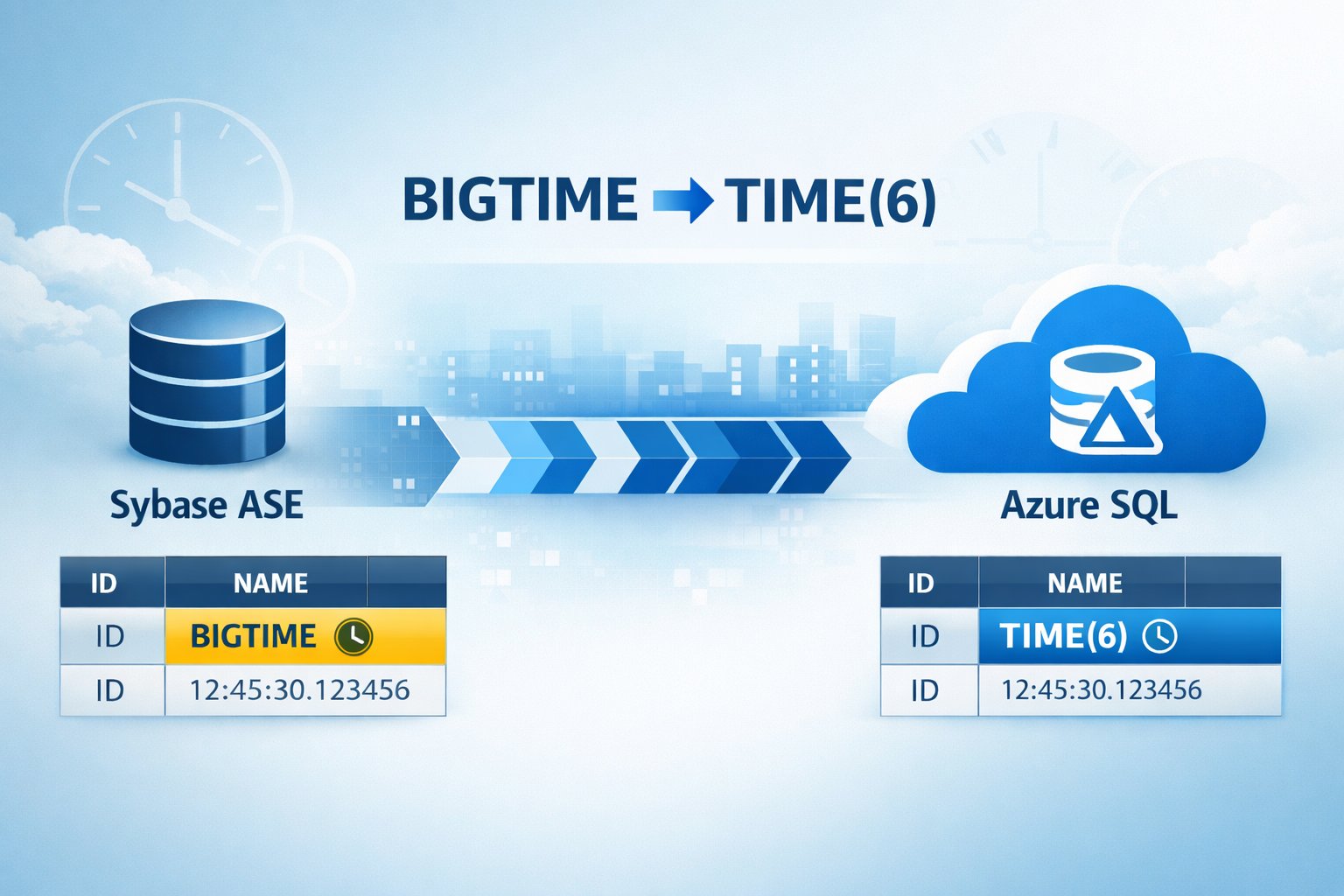
BIGTIME in Sybase is designed for applications that require time-of-day values with microsecond precision, formatted as hh:mm:ss.SSSSSS. This level of granularity is often critical in financial trading systems, industrial control applications, or high-frequency logging scenarios. Azure SQL and SQL Server use the TIME data type, which supports precision up to 7 decimal places (100 nanoseconds), so the data is not lost, but the schema must be explicitly converted.
Attempting to handle this manually across hundreds of tables is tedious and error-prone. To address this, the SQL Customer Success Engineering team has developed a specialized shell script, sybase_bigtime_migration.sh, that automates the entire workflow.
How the Migration Script Works
The script is designed to be a focused utility that performs two primary functions: discovery and conversion. It does not attempt to replace broad migration tools like the SQL Server Migration Assistant (SSMA), but rather complements them by handling this specific data type gap.
1. Discovery and Validation
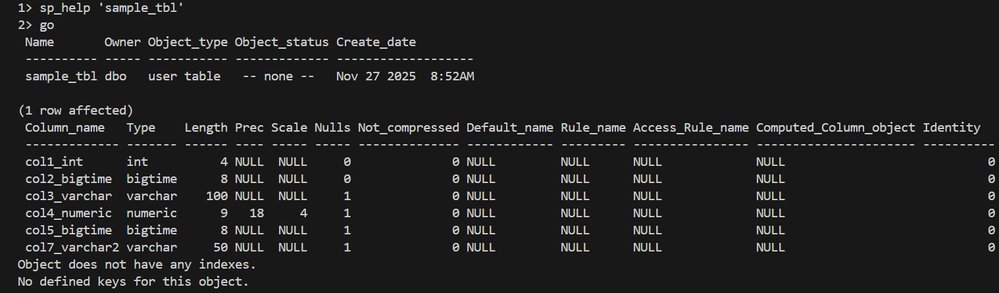
The script first needs to identify exactly which tables in your Sybase database contain BIGTIME columns. It does this by querying the Sybase system catalogs—specifically sysobjects, syscolumns, and systypes—to build a precise inventory.
- Environment Sourcing: It validates that the Sybase ASE environment is correctly set up and locates the
isqlutility needed to execute queries. - Table Listing: It generates a clean, header-free file named
tablist.txt. This file serves as the definitive list of tables that require schema modification. - Optional Targeting: If you only want to process a subset of tables, you can manually create
tablist.txtbefore running the script. The script will honor this file if it exists.
2. Schema Alteration Generation
Once the target tables are identified, the script generates individual ALTER TABLE scripts for each one. This granular approach is intentional.
- Per-Table Scripts: Each script is named
alter_<SYB_DB>_<TABLE>.sql. This allows for a DBA to review the exact changes before they are applied, which is a critical best practice for any production migration. - Data Type Mapping: The core transformation is
BIGTIMEtoTIME(6). This preserves microsecond precision, ensuring no data fidelity is lost during the conversion.
3. Execution and Auditing
The script offers an optional execution mode where it can apply the changes directly to the target Azure SQL or SQL Server database.
- Connectivity Check: It verifies that
sqlcmdis installed and can connect to the target server. - Execution Logging: Every execution attempt is logged. The outputs are saved to
sql_outputs/alter_<SYB_DB>_<TABLE>.out. These logs are invaluable for troubleshooting and for creating an audit trail of what was changed and when.
The Complete Migration Workflow
Using this script requires a structured approach to ensure a smooth migration. It is not a standalone tool but a component of a larger strategy.
Step 1: Prerequisites and Environment Setup
Before running the script, ensure the following conditions are met:
- Host Machine: The script must run on a host where Sybase ASE is installed and running. This is necessary for reliable access to system catalogs and local client utilities like
isql. - SQL Server Tools: The
sqlcmdutility must be installed and available on the system's PATH if you intend to execute the changes directly. - Permissions: You need sufficient permissions to query metadata in Sybase and to run
ALTER TABLEon the target Azure SQL database. - Network Connectivity: The host must have network access to both the source Sybase instance and the target Azure SQL server.
Step 2: Initial Schema Conversion with SSMA
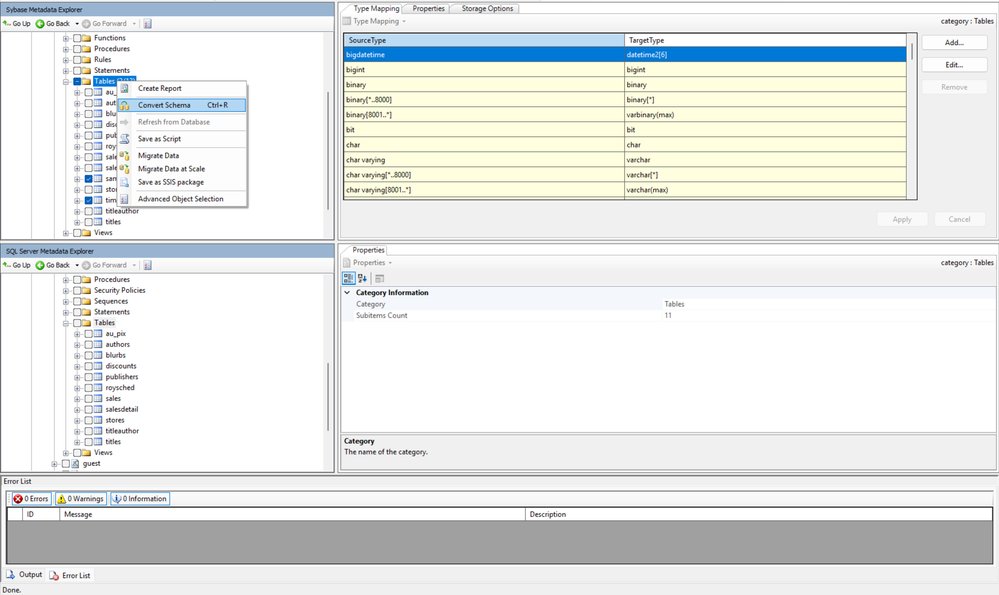
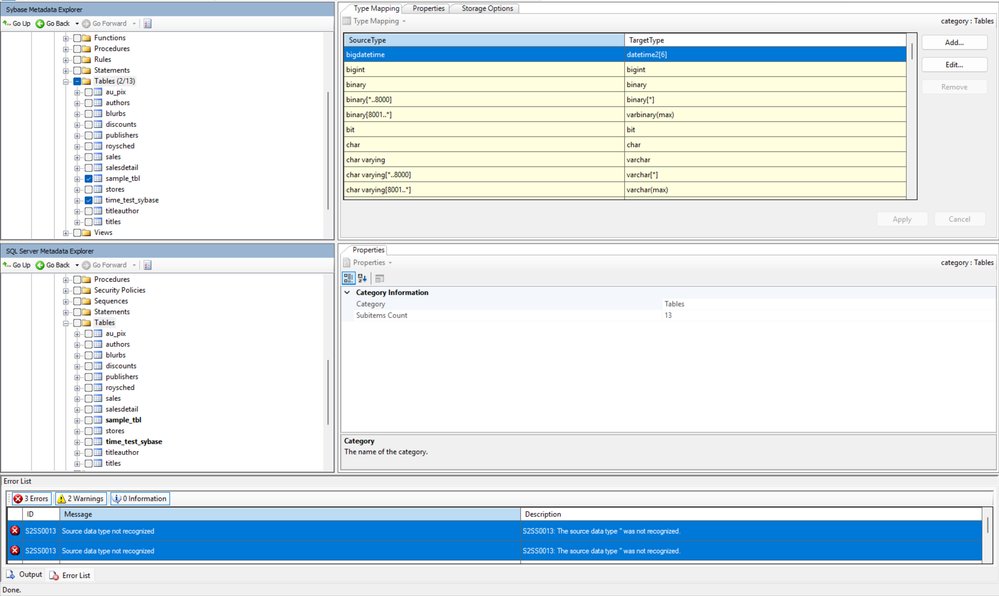
This is a critical prerequisite. The sybase_bigtime_migration.sh script is designed to handle the BIGTIME data type after the bulk of the schema has been migrated using the SQL Server Migration Assistant (SSMA).
Run SSMA first to convert all other Sybase data types to their appropriate SQL Server equivalents. This script fills the gap for the specific BIGTIME columns that SSMA may not handle automatically or as precisely as required.
Step 3: Running the Script
The interaction is designed to be straightforward and interactive:
- Execute
sybase_bigtime_migration.sh. - Provide the required Sybase connection details when prompted (server, username, password, database).
- Indicate whether you want to perform the migration against the SQL Server/Azure SQL target. If yes, you will be prompted for those connection details.
- The script will perform the discovery phase and present you with a list of tables containing
BIGTIMEcolumns. It will ask for confirmation to proceed. - If you confirm, the
ALTER TABLEscripts will be generated and, if you chose the execution option, applied to the target database.
Step 4: Verification and Data Migration
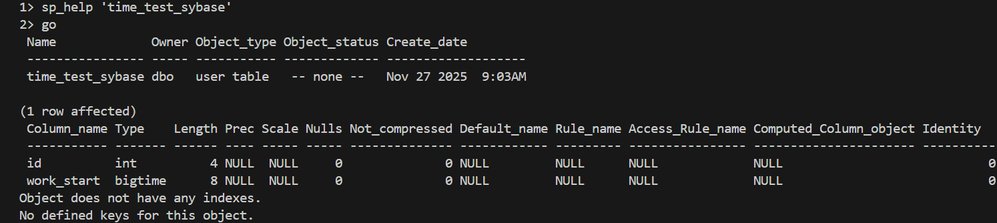
After the schema changes are complete, the script generates several output files for verification:
tablist_Final.txt: The final, confirmed list of processed tables.validation_summary_timestamp.log: A detailed report that categorizes tables (e.g.,valid,missing,no_bigtime) and provides counts. This helps you quickly verify that the script's findings match your expectations.
Separating Schema and Data Migration
A key recommendation from the engineering team is to keep schema conversion and data movement as separate activities. After you have successfully converted your schema—including handling the BIGTIME columns with this script—you should perform the data migration in a distinct phase.
This separation provides several advantages:
- Reduced Risk: You can validate the schema integrity before moving large volumes of data.
- Flexibility: You can choose the best tool for the data migration itself. The article suggests two primary paths:
- Azure Data Factory (ADF): Ideal for large-scale, orchestrated, and potentially recurring data movements. ADF provides visual workflows and robust monitoring.
- BCP (Bulk Copy Program): A classic, high-performance utility for command-line based bulk export and import. It's excellent for one-time migrations or for environments where script-based control is preferred.
By completing the schema preparation first, you ensure the target tables are ready to receive data correctly, avoiding costly and complex data cleanup operations later.
Getting the Script and Providing Feedback
This migration asset is part of a broader set of reusable tools developed by the Databases SQL Customer Success Engineering (Ninja) Team.
- To download the script: Send an email to the team at
[email protected]. They will provide the download link and any updated instructions. - For feedback and suggestions: The team actively seeks input to improve these assets. Any feedback on the script's functionality or suggestions for other migration challenges can be sent to the same alias:
[email protected].
For a broader context on migrating to Azure, the team also recommends consulting the Azure Database Migration Guide, which provides comprehensive guidance for a wide range of source and target database systems.
Conclusion
The BIGTIME data type in Sybase serves a specific and important purpose, but its lack of a direct equivalent in Azure SQL can complicate modernization efforts. The sybase_bigtime_migration.sh script provides a targeted, automated, and auditable solution to this problem. By systematically discovering affected tables, generating reviewable ALTER scripts, and providing robust logging, it removes a significant point of friction from the migration process. When used as part of a structured workflow that includes SSMA for initial schema conversion and a separate data migration phase, it enables a more reliable and controlled path to the cloud.
Comments
Please log in or register to join the discussion